Best Proto.io Alternatives for 2026 (5 Compared)
Proto.io alternatives, compared. 5 tools with published prices, free plans and limits. Every pick includes one clear drawback. Reviewed in November 2026.
- Editor's choice
 Balsamiq
Quick, low-fidelity wireframing
Starts at$16 per editor a monthVisit balsamiq.comFull review - Great alternative
 Axure RP
In-depth UX prototypes and specifications
Starts at$29 per user per monthVisit axure.comFull review - Also consider
 Sketch
Mac designers wanting focused workflow
Starts at$12 per editor a monthVisit sketch.comFull review
Direct answer
Balsamiq is the first pick on this list for fast, low-fidelity wireframing. Listed starting prices: Balsamiq from $16 per editor a month, Axure RP from $29 per user per month and Sketch from $12 per editor a month. If your case is different, Axure RP suits in-depth UX prototypes and specifications and Sketch suits Mac designers wanting focused workflow. Details, prices and limits for the rest of the 5 tools are below.
TL;DR:
- The list opens with Balsamiq, aimed at quick, low-fidelity wireframing.
- For all-in-one design and user testing, Marvel is worth a look.
- Just one of the 5 tools, Marvel, has a free plan.
- A fair warning about Figma: feature depth can overwhelm beginners.
Last checked November 2026. Prices and plan details were read from the vendors' own pages in November 2026; vendors change plans often, so confirm the current price on the vendor site before you buy.
Quick comparison
| Tool | Best for | Starts at | Free plan? | |
|---|---|---|---|---|
| Balsamiq | Quick, low-fidelity wireframing | $16 per editor a month | Free trial | Visit |
| Axure RP | In-depth UX prototypes and specifications | $29 per user per month | Not stated | Visit |
| Sketch | Mac designers wanting focused workflow | $12 per editor a month | Free trial | Visit |
 Figma | Collaborative design and prototyping | $3 per month | Not stated | Visit |
| Marvel | All-in-one design and user testing | See website | Yes | Visit |
The best Proto.io
LinkVetted compared 5 tools for Proto.io. The goal is a practical shortlist: published prices, free plan facts, best-fit use cases and honest limits for every entry.
Choose Balsamiq for quick, low-fidelity wireframing. Balsamiq is not intended for high-fidelity visual design or full design-to-code handoff, so teams frequently pair it with another tool for later stages.
Honest limits: Restricted high-fidelity design.
Where Balsamiq stands out: Focused.
As for the details, the intentionally straightforward approach helps stakeholders contribute early in the process. If you need refined prototypes and collaboration across design and engineering, Figma or Sketch may be a better primary choice. Balsamiq cost at the entry level: $16 per editor per month. Free access: Free trial.
- Fits product and business stakeholders
- Fast wireframe creation
- Not a full design-to-code system
Axure RP is built with in-depth UX prototypes and specifications in mind. The depth of features can make Axure RP slower to learn than lighter wireframing tools, and straightforward projects may not need its documentation capabilities.
It suits UX professionals and teams that require to document complicated interactions and requirements alongside prototypes. Price to start with Axure RP: $29 per user per month. As for free access: Not stated.
The main drawbacks: Steeper ramp-up time.
- Diagrams in one tool
- Handy for documentation-heavy projects
- Interface can feel dense for simple wireframes
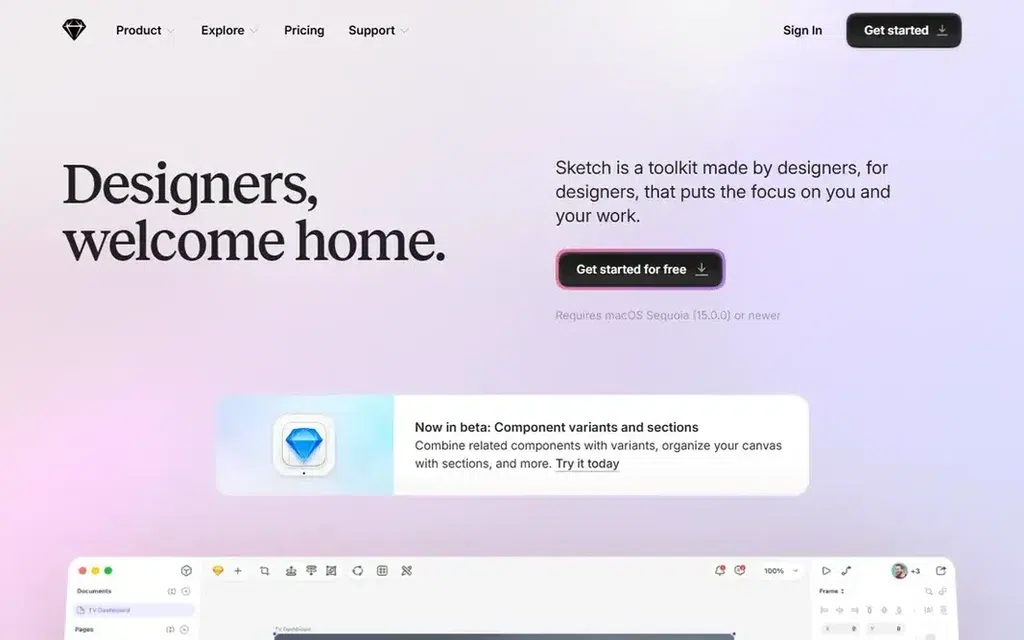
Sketch makes the most sense for Mac designers wanting focused workflow. Sketch is a design, prototype, collaborate, and handoff tool made for Mac, with a homepage that emphasizes putting focus back on the designer and their work. Beyond that, since it is Mac-only, Windows and cross-platform teams face a barrier.
Downsides: Collaboration less real-time than browser tools.
In practice, live collaboration is less central than in browser-based canvases, so distributed teams may prefer Figma. Choose Sketch when a focused Mac workflow matters more than universal access. Sketch pricing: $12 per editor per month. Trial and free access: Free trial.
- Designer-centric interface
- Solid handoff support
- Mac-only product
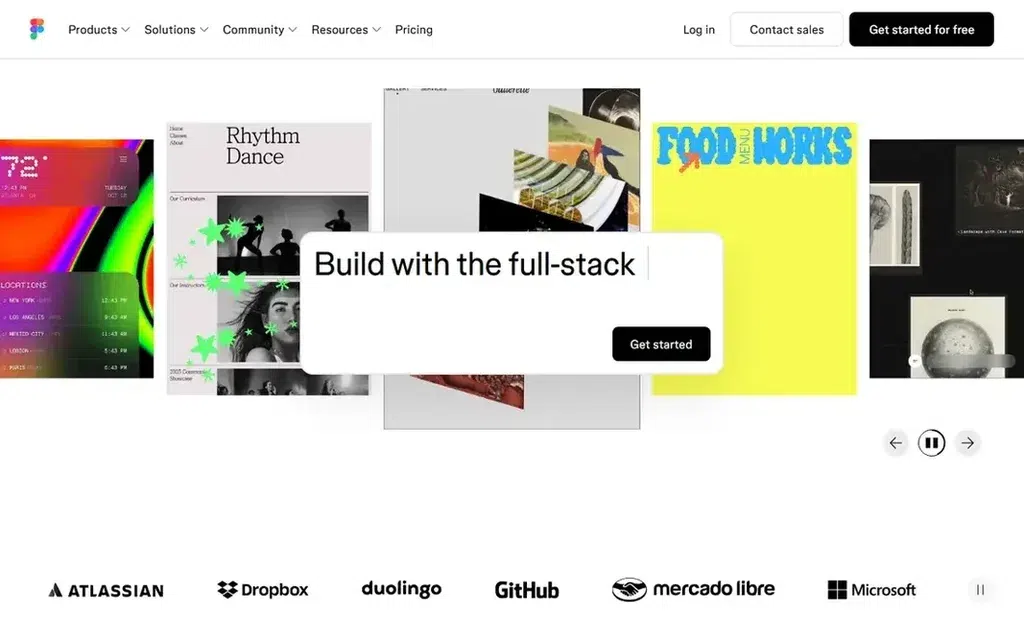
Pick Figma if this describes you: collaborative design and prototyping. It suits organizations that want design and prototyping under one roof instead of stitching together separate tools.
Limits to weigh: Feature depth can overwhelm beginners.
On cost, Figma starts like this: $3 per month. Trial and free access: Not stated.
- Browser-based collaboration
- Design and prototype in one canvas
- Needs dependable internet access
Marvel
Best for: All-in-one design and user testing
Marvel works best for all-in-one design and user testing. Marvel describes itself as a collaborative design product for digital products where teams can wireframe, prototype, user test, design, and inspect designs in one place, with an API for integrations.
It fits teams that want a single environment spanning early sketches through testing and handoff. Pricing for Marvel is not stated here, so ask the vendor for current figures. You can start on Marvel without paying.
What to check first: Less established for complicated design systems.
- API for integrations
- Wireframe, prototype
- Feature depth varies by workflow
Our selection method
We compared the tools on published pricing, free plan or trial availability, feature coverage for Proto.io, and the limits each vendor documents. Prices and plan limits come from vendor pages and can change, so confirm them on the vendor site before you buy. Tools are placed by general fit for Proto.io, with price clarity and free access as tie-breakers. A different team can reasonably rank them differently.
What to confirm before you sign up
- Get a written quote from Marvel; the list shows no starting price for them.
- Test the free plan from Marvel against your real workload before relying on it.
- Use real work to test the free trial from Balsamiq and Sketch, rather than a demo project.
- Read the limits listed for Balsamiq first: restricted high-fidelity design.
- Work out what Figma costs with your real seat count, add-ons and usage, not just the entry price.
- Get the contract term, renewal terms and any onboarding fees from Sketch in writing.
FAQ
What is the cheapest option for Proto.io in this list?
On published monthly entry prices, Figma is the lowest here at $3 per month. Entry price is only part of the cost, because seats, add-ons and billing terms can change the total. All 5 picks in this Proto.io alternatives comparison list a starting price, free plan details and the main limits on their cards above.
Do these tools publish their prices?
Not all of them. Marvel publishes no starting price, so expect a quote request for it. The rest, Balsamiq included, show a starting price, though seats and billing terms still change the final cost.
Is Balsamiq the right pick for everyone comparing Proto.io?
No single tool suits every team. Balsamiq comes first because it fits fast, low-fidelity wireframing, while Axure RP suits detailed UX prototypes and specifications and Sketch suits Mac designers wanting focused workflow. Match the tool to your own size, budget and workflow before deciding.
How are the tools for Proto.io ordered?
Balsamiq sits first and Marvel last because the order follows typical fit for Proto.io, then price clarity and free access. It is a judgement call, so read each profile for fit and limits.
Is Balsamiq a full replacement for Proto.io?
Balsamiq centres on quick, low-fidelity wireframing and prototyping instead of high-fidelity design or full handoff. Teams needing refined prototypes may pair it with a tool like Figma or Sketch.
Sources
- https://balsamiq.com
- https://www.axure.com
- https://www.sketch.com
- https://www.figma.com
- https://marvelapp.com