5 Poppy AI Alternatives Worth Switching To in 2026
Searching for Poppy AI alternatives? Here are 5 options with prices and free plans. Where a tool struggles is spelled out. Last reviewed November 2026.
- Editor's choice
 Microsoft Copilot
AI chat across daily Microsoft work
Starts atSee websiteVisit copilot.microsoft.comFull review - Great alternative
 Notion AI
AI inside a notes workspace
Starts atSee websiteVisit notion.soFull review - Also consider
 Jasper
Marketing workflows and campaigns
Starts at$59 per seat a monthVisit jasper.aiFull review
Direct answer
Microsoft Copilot leads the list, best for AI chat across daily Microsoft work. Listed starting prices: Jasper from $59 per seat a month and Copy.ai from $24 a month. Notion AI is better for AI inside a notes workspace, and Jasper is better for marketing workflows and campaigns. Details, prices and limits for the rest of the 5 tools are below.
TL;DR:
- The list opens with Microsoft Copilot, aimed at AI chat across daily Microsoft work.
- Only ChatGPT offers a free plan among these 5 tools.
- ChatGPT suits all-around chat, writing, and coding.
- The cheapest monthly starting price in the list is $24 per month, offered by Copy.ai.
- Jasper comes with a trade-off: narrower than general chat assistants.
Last checked November 2026. Prices and plan details were read from the vendors' own pages in November 2026; vendors change plans often, so confirm the current price on the vendor site before you buy.
Quick comparison
| Tool | Best for | Starts at | Free plan? | |
|---|---|---|---|---|
| Microsoft Copilot | AI chat across daily Microsoft work | See website | Not stated | Visit |
| Notion AI | AI inside a notes workspace | See website | Not stated | Visit |
| Jasper | Marketing workflows and campaigns | $59 per seat a month | Free trial | Visit |
 Copy.ai | Go-to-market task automation | $24 a month | Not stated | Visit |
 ChatGPT | All-around chat, writing, and coding | See website | Yes | Visit |
The full Poppy AI list
Choosing Poppy AI usually comes down to price, fit and limits. This LinkVetted guide sets 5 tools side by side on those three points, with the facts kept short and checkable.
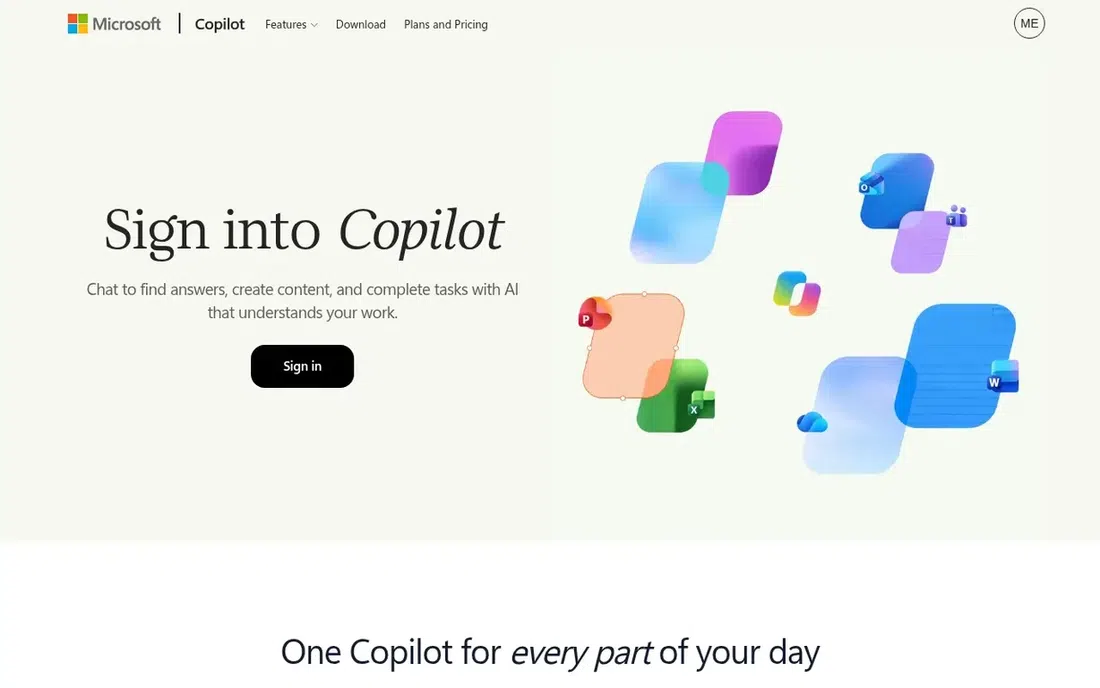
Where Microsoft Copilot fits: AI chat across daily Microsoft work. Microsoft Copilot is described as AI built to help you get things done, handling creation, brainstorming, learning, and problem solving through chat.
Where it falls short: Best value if you already use Microsoft tools.
In practice, some capabilities depend on your Microsoft setup, so check what applies to you before adopting it. Copilot is a general assistant instead of a specialized content or go-to-market system, so teams with structured marketing workflows may want a dedicated tool. This comparison lists no price for Microsoft Copilot; ask the vendor. Free options: Not stated.
- Meant to work across your day
- Designed for creating, brainstorming
- General assistant instead of a marketing system
Notion AI makes the most sense for AI inside a notes workspace. Notion AI brings search, generation, analysis, and chat into the Notion workspace. So you can work with AI alongside your notes, docs, and databases.
From a buyer's view, the value depends heavily on keeping your work in Notion; if you do not, the benefit is smaller. For pipeline automation or campaign orchestration, a dedicated platform is the better fit. Pricing for Notion AI is not stated here, so ask the vendor for current figures. Free plan details: Not stated.
The main drawbacks: Most handy if you already use Notion.
- Works right inside Notion
- Search, create, analyze
- Not a standalone marketing automation system
Jasper targets marketing workflows and campaigns. Jasper is targeted at marketing, so it is less suited to coding, general research, or personal productivity tasks. More specifically, small teams with occasional writing needs may find a general assistant more straightforward.
Jasper positions itself around putting AI agents to work for marketing, orchestrating agents to run end-to-end marketing workflows with speed, control, and measurable impact. Worth adding: choose Jasper when marketing workflow structure is the core requirement. Jasper starts at: $59 per seat per month. Free access: Free trial.
Honest limits: Narrower than general chat assistants.
- Aims at speed and control in workflows
- Centred on marketing use cases
- Overkill for straightforward everyday questions
Copy.ai serves go-to-market task automation. Since it is oriented toward business workflows, Copy.ai is not the natural pick for general questions, coding, or personal drafting.
Trade-offs to know: Needs setup to match your processes.
In daily use, getting value relies on mapping your processes to the system. Beyond that, for straightforward writing help, a general assistant is frequently enough. What you pay to start with Copy.ai: $24 per month. As for free access: Not stated.
- Targets go-to-market workflows
- Aims to automate repetitive tasks
- Concentrated on business workflows, not general chat
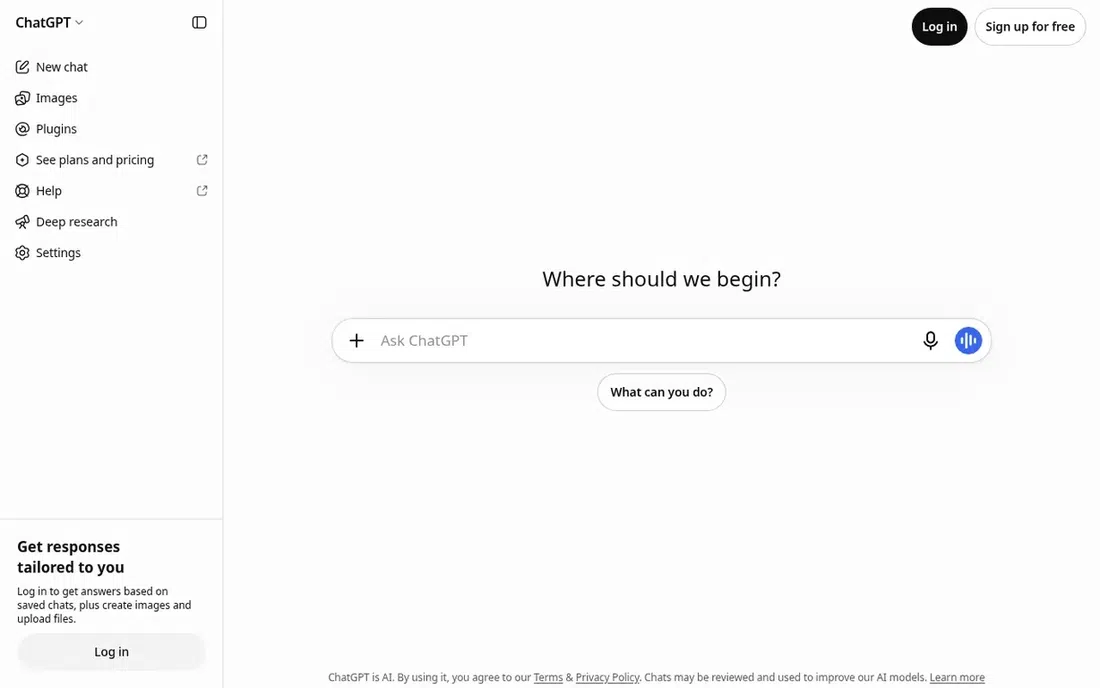
ChatGPT is designed for all-around chat, writing, and coding. Its homepage presents it as a single place for chat, work, and creation.
Downsides: Wide scope can feel unfocused for niche workflows.
Worth adding: outputs still need human checking, notably for factual or brand-sensitive content. From a buyer's view, pick something else if you need AI embedded straight in your documents or a dedicated marketing workflow engine. No starting price is listed for ChatGPT here; confirm pricing on the vendor site. ChatGPT has a free plan.
- Code in one place
- Available on the web and as an app
- Outputs need review for accuracy
Our selection method
Pre-purchase checklist
- Ask Microsoft Copilot, Notion AI and ChatGPT for a written quote, since no starting price is shown.
- Test the free plan from ChatGPT against your real workload before relying on it.
- Take the trial from Jasper and push a live task through it before you pay.
- Before choosing Microsoft Copilot, weigh its main limit: best value if you already use Microsoft tools.
- Confirm you can export your data from Jasper, so leaving later does not mean losing records.
- Let daily users try Notion AI on real work; their feedback beats any feature checklist.
FAQ
Can I try these tools before paying?
Often, yes. ChatGPT has a free plan and Jasper offers a free trial. Use your own data and a real task during the test, and check what the free tier or trial limits before you rely on it.
Is Microsoft Copilot the right pick for everyone comparing Poppy AI?
No single tool suits every team. Microsoft Copilot comes first because it fits AI chat across daily Microsoft work, while Notion AI suits AI inside a notes workspace and Jasper suits marketing workflows and campaigns. Match the tool to your own size, budget and workflow before deciding.
What is the cheapest option for Poppy AI in this list?
On published monthly entry prices, Copy.ai is the lowest here at $24 per month. Entry price is only part of the cost, because seats, add-ons and billing terms can change the total. All 5 picks in this Poppy AI alternatives comparison list a starting price, free plan details and the main limits on their cards above.
Can I use these tools at no cost?
Pricing and plan information is shown on the vendor pages instead of here. Confirm limits before relying on any tool for regular work.
How are the tools for Poppy AI ordered?
The order follows typical fit for Poppy AI, with Microsoft Copilot first and ChatGPT last, then price clarity and free access. It is editorial judgement, not a score, so another team could rank the tools differently.
Sources
- https://copilot.microsoft.com
- https://www.notion.so/product/ai
- https://www.jasper.ai
- https://www.copy.ai
- https://chatgpt.com