Best Penpot Alternatives for 2026 (5 Compared)
5 products for Penpot alternatives, ranked by fit, with starting costs and free tiers. Each tool gets a one-line verdict. A comparison table is included.
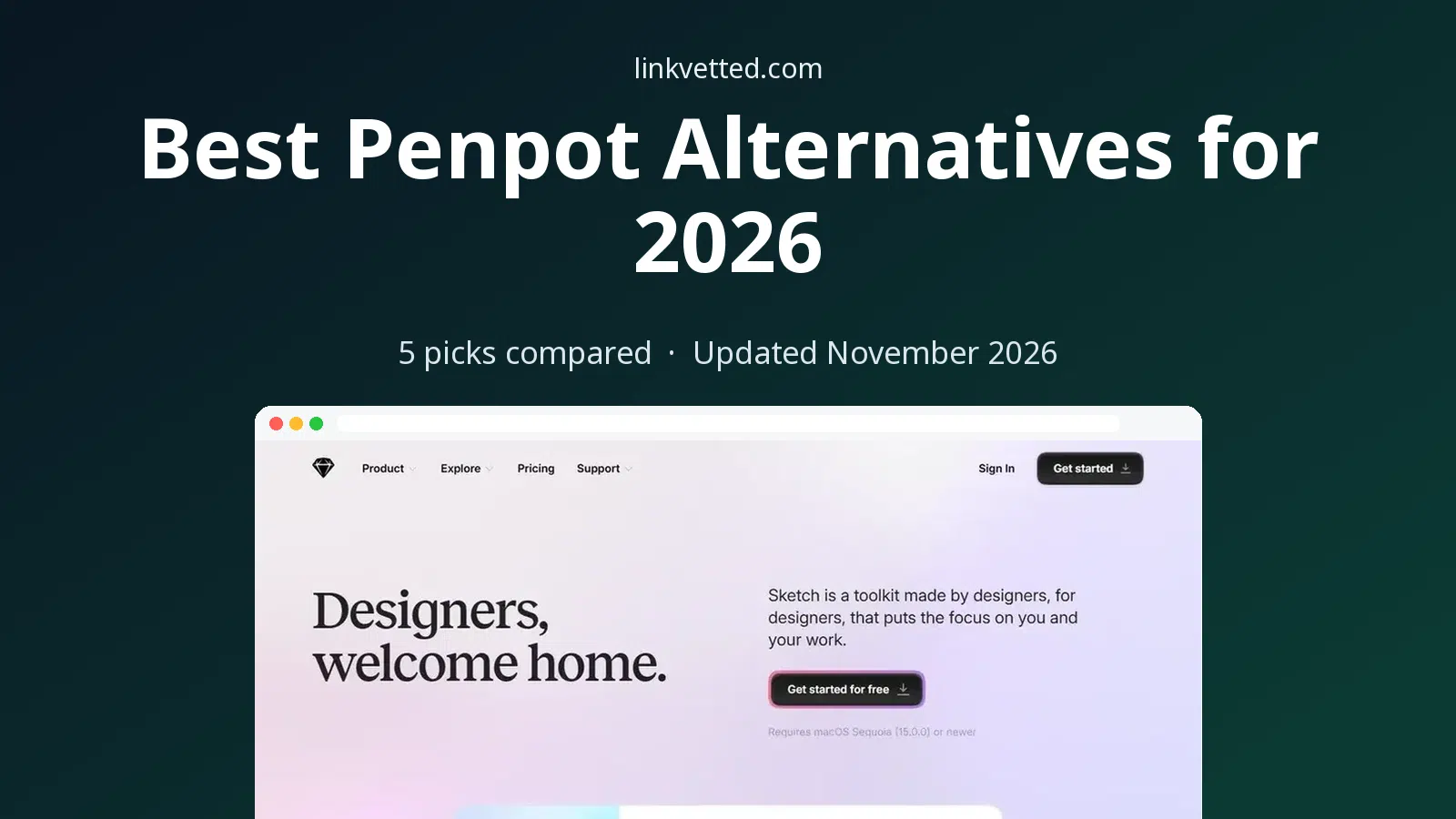
- Editor's choice
 Sketch
Designer-focused design and handoff
Starts at$12 per editor per monthVisit sketch.comFull review - Great alternativeMarvel
Wireframing, prototyping and user testing
Starts atSee websiteVisit marvelapp.comFull review - Also consider
 Balsamiq
Quick, low-fidelity wireframing
Starts at$16 per editor a monthVisit balsamiq.comFull review
Direct answer
This list puts Sketch first for designer-focused design and handoff. Listed starting prices: Sketch from $12 per editor per month, Balsamiq from $16 per editor a month and Figma from $3 a month. For a different need, Marvel covers Wireframing, prototyping and user testing and Balsamiq covers quick, low-fidelity wireframing. Prices, free plans and limits for all 5 tools follow.
TL;DR:
- Number one here is Sketch, a fit for designer-focused design and handoff.
- Before buying Adobe XD, weigh this: less momentum than some rivals.
- Marvel stands alone as the one tool in this list with a free plan.
- Figma is the lowest-priced starter here at $3 per month.
- Figma fits collaborative design with code and AI.
Last checked November 2026. Prices and plan details were read from the vendors' own pages in November 2026; vendors change plans often, so confirm the current price on the vendor site before you buy.
Quick comparison
| Tool | Best for | Starts at | Free plan? | |
|---|---|---|---|---|
| Sketch | Designer-focused design and handoff | $12 per editor per month | Free trial | Visit |
| Marvel | Wireframing, prototyping and user testing | See website | Yes | Visit |
| Balsamiq | Quick, low-fidelity wireframing | $16 per editor a month | Free trial | Visit |
 Adobe XD | Teams already inside Adobe workflows | See website | Not stated | Visit |
 Figma | Collaborative design with code and AI | $3 a month | Not stated | Visit |
Our 5 picks for Penpot
This LinkVetted guide covers 5 options for Penpot. Each profile lists a starting price, free plan details, strengths and drawbacks, so you can drop poor fits quickly.
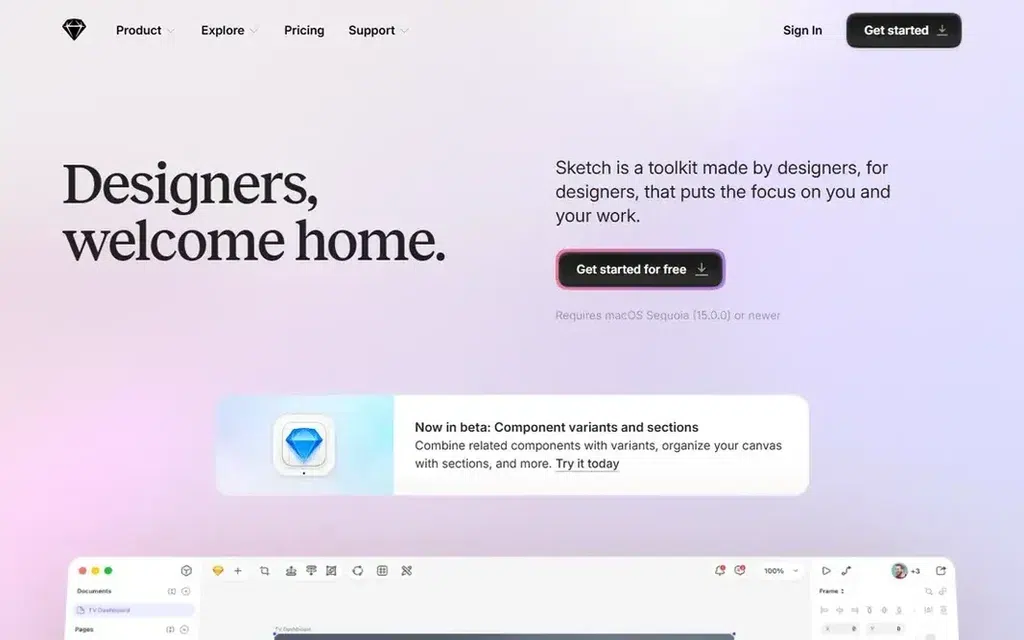
Sketch is a good fit for designer-focused design and handoff. For everyday use, Sketch is closely tied to the Apple ecosystem, so Windows-heavy teams should look elsewhere.
Watch-outs: Primarily a Mac-oriented tool.
It also does not market itself as a combined design, code and AI workspace, which may matter if you want those capabilities unified. In daily use, the emphasis is on the craft of the work instead of on surrounding tooling. Sketch cost at the entry level: $12 per editor per month. Trial and free access: Free trial.
Upsides: Built around designer workflows.
- Prototyping and collaboration included
- Focused editing environment
- Not a full code and AI canvas
Marvel
Best for: Wireframing, prototyping and user testing
Marvel is designed for Wireframing, prototyping and user testing. Marvel presents itself as a collaborative design product for digital products, including wireframing, prototyping, user testing, design and inspection in one place, with API integration for extending workflows.
Best features of Marvel: prototype and test in one place.
Worth adding: Marvel is oriented toward approachable, end-to-end prototyping instead of deep design-system management, so large teams with complicated component needs may outgrow it. As for the details, choose Marvel when testing ideas rapidly with collaborators is the primary goal. Marvel does not show a starting price in this comparison, so check the vendor site for current pricing. Marvel has a free plan.
Where it is weaker: Less depth for complicated design systems.
- Wireframe
- Design and inspect workflows included
- May feel entry-level for advanced design work
In short, Balsamiq is for quick, low-fidelity wireframing. Balsamiq provides quick, focused wireframing and prototyping, pitched at product, tech and business people who want to sketch, test and refine an UI rapidly. Its intentionally straightforward style keeps attention on structure and flow rather than visual detail.
From a buyer's view, pick Balsamiq when speed of thinking matters most. Also, Balsamiq is not the tool for finished visual design or complicated interactive prototypes. So it normally sits alongside a higher-fidelity tool instead of replacing one. What you pay to start with Balsamiq: $16 per editor per month. Free plan details: Free trial.
Where it is weaker: Not designed for refined visual design.
- Fast wireframes without friction
- Deliberately straightforward visual style
- Restricted for high-fidelity prototyping
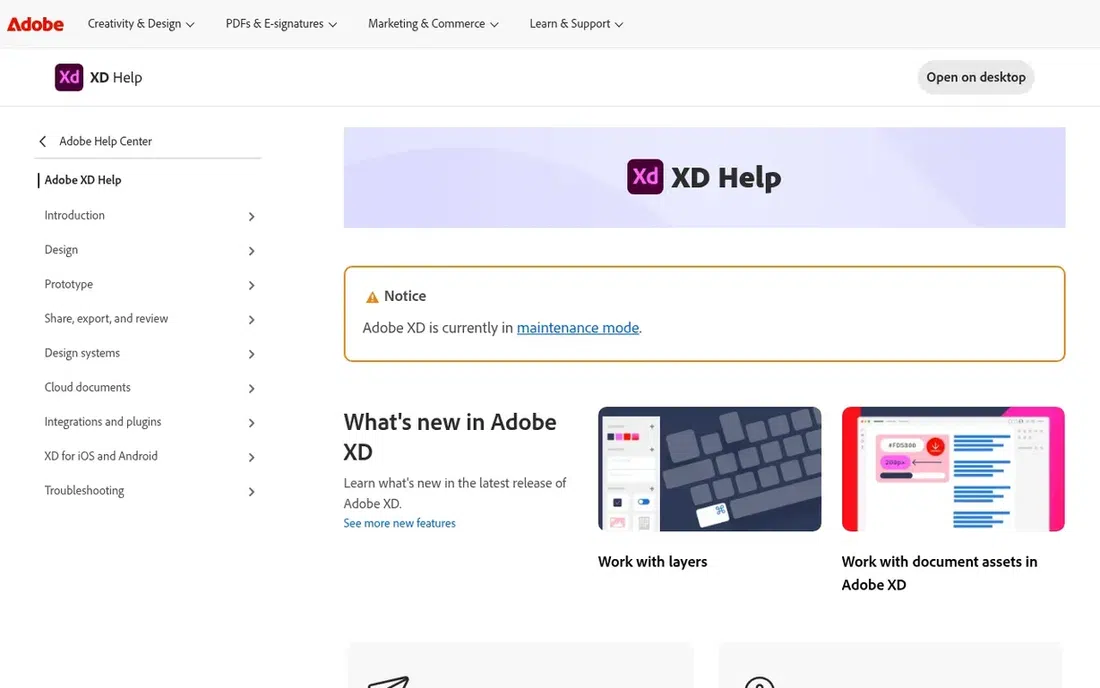
Adobe XD is built with teams already inside Adobe workflows in mind. Adobe XD is Adobe's tool for interface design and prototyping, targeted at designers who already work within Adobe's broader creative ecosystem.
Where it is weaker: Feature set may feel restricted for complicated systems.
More specifically, for straightforward screen design and clickable prototypes, it spans the core ground. This comparison lists no price for Adobe XD; ask the vendor. Free access: Not stated.
- Suits alongside other Adobe tools
- Handles interface design and prototyping
- Less momentum than some rivals
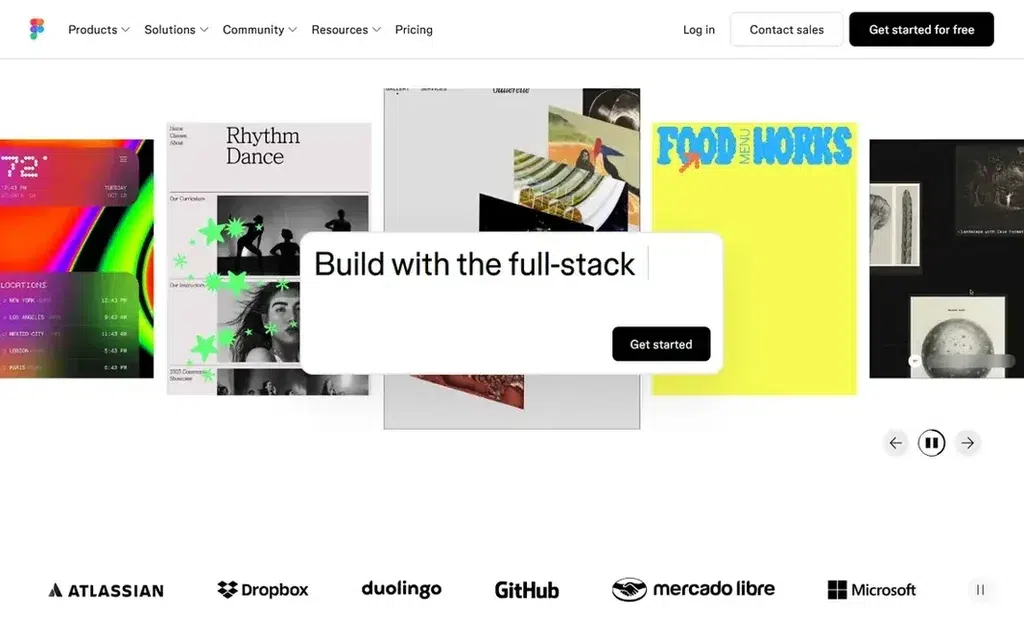
Figma works best for collaborative design with code and AI. If your priority is a lean, focused drawing experience, a more straightforward tool may feel less overwhelming. In daily use, teams replacing Penpot frequently land here since collaboration sits at the center of the product.
In daily use, the breadth of the system can be more than a small team needs. Its browser-centered approach will not suit everyone. The starting price for Figma: $3 per month. Free access: Not stated.
Watch-outs: Wide scope can feel heavy for straightforward work.
- Capable live team collaboration
- Handles concept through production
- Browser-first workflow is not for everyone
How the list was put together
For each of the 5 tools we noted price, free plan or trial, fit for Penpot and the main limit, using vendor pages and documentation. Where a price is missing, the vendor does not list one publicly or ties it to a quote. Always confirm before budgeting. Order on the page follows fit for the typical buyer first, then price transparency and free access. Your own requirements should decide the final pick.
Before you commit
- Confirm the entry price on the vendor page. For Marvel and Adobe XD that means a quote rather than a fixed price.
- Test the free plan from Marvel against your real workload before relying on it.
- Use real work to test the free trial from Sketch and Balsamiq, rather than a demo project.
- Read the limits listed for Sketch first: primarily a Mac-oriented tool.
- Ask whether Balsamiq integrates with your current software, and whether that comes standard or as an add-on.
- Check how data leaves Marvel: formats, limits and whether exports are available on every plan.
FAQ
Can I move existing Penpot files to another design tool?
Some tools accept typical design file formats whereas others depend on their own. Testing a small file transfer first is a practical way to confirm the workflow.
How are the tools for Penpot ordered?
Sketch sits first and Figma last because the order follows typical fit for Penpot, then price clarity and free access. It is a judgement call, so read each profile for fit and limits.
Do these tools publish their prices?
Not all of them. Marvel and Adobe XD publish no starting price, so expect a quote request for those. The rest, Sketch included, show a starting price, though seats and billing terms still change the final cost. Each of the 5 options in this Penpot alternatives guide has its own card above with the price, free plan and limits.
Can I try these tools before paying?
Often, yes. Marvel has a free plan and Sketch and Balsamiq offer a free trial. Use your own data and a real task during the test, and check what the free tier or trial limits before you rely on it. All 5 picks in this Penpot alternatives comparison list a starting price, free plan details and the main limits on their cards above.
Which options for Penpot have a free plan?
Marvel is the only tool in this list with a free plan. Free plans usually cap users, projects or features, so check the limits on the vendor page. Several others offer a trial instead. For the full picture, the cards above cover all 5 entries of this Penpot alternatives list, including price, free plan and limits.
Sources
- https://www.sketch.com
- https://marvelapp.com
- https://balsamiq.com
- https://www.adobe.com/products/xd.html
- https://www.figma.com