NotaryCam Alternatives in 2026: 5 Options Vetted
Searching for NotaryCam alternatives? Here are 5 options with prices and free plans. Every profile names its biggest catch. A comparison table is included.

- Editor's choiceNotarize
Fast online notarization with certified notaries
Starts at$4 per transactionVisit notarize.comFull review - Great alternative
 DocuSign
Electronic signature and agreement management
Starts at$45 per user a monthVisit docusign.comFull review - Also considerBlueNotary
Remote online notarization for all users
Starts atSee websiteVisit bluenotary.usFull review
Direct answer
Notarize is the first pick on this list for fast online notarization with certified notaries. Listed starting prices: Notarize from $4 per transaction, DocuSign from $45 per user a month and Proof from $199 per month. For a different need, DocuSign covers electronic signature and agreement management and BlueNotary covers remote online notarization for all users. Prices, free plans and limits for all 5 tools follow.
TL;DR:
- This list starts with Notarize, which is built for fast online notarization with certified notaries.
- Just one of the 5 tools, Notarize, has a free plan.
- SignNow fits custom eSignature workflows.
- DocuSign comes with a trade-off: notary features may be restricted.
- The lowest published monthly entry price here is $45 per user per month, from DocuSign.
Last checked November 2026. Prices and plan details were read from the vendors' own pages in November 2026; vendors change plans often, so confirm the current price on the vendor site before you buy.
Quick comparison
| Tool | Best for | Starts at | Free plan? | |
|---|---|---|---|---|
| Notarize | Fast online notarization with certified notaries | $4 per transaction | Yes | Visit |
| DocuSign | Electronic signature and agreement management | $45 per user a month | Not stated | Visit |
| BlueNotary | Remote online notarization for all users | See website | Not stated | Visit |
 Proof | Identity-centric verification and security | $199 per month | Free trial | Visit |
 SignNow | Custom eSignature workflows | See website | Not stated | Visit |
NotaryCam profiles
Choosing NotaryCam usually comes down to price, fit and limits. This LinkVetted guide sets 5 tools side by side on those three points, with the facts kept short and checkable.
Notarize
Best for: Fast online notarization with certified notaries
Think of Notarize for fast online notarization with certified notaries. Notarize permits users to notarize online rapidly and securely, connecting with certified notaries for legally valid notarizations anywhere, anytime.
Honest limits: Restricted to notarization services.
In practice, pick it for straightforward notarization needs. Notarize starts at: $4 per transaction. Notarize has a free plan.
- Legally valid notarizations
- Available around the clock
- May not connect with all workflows
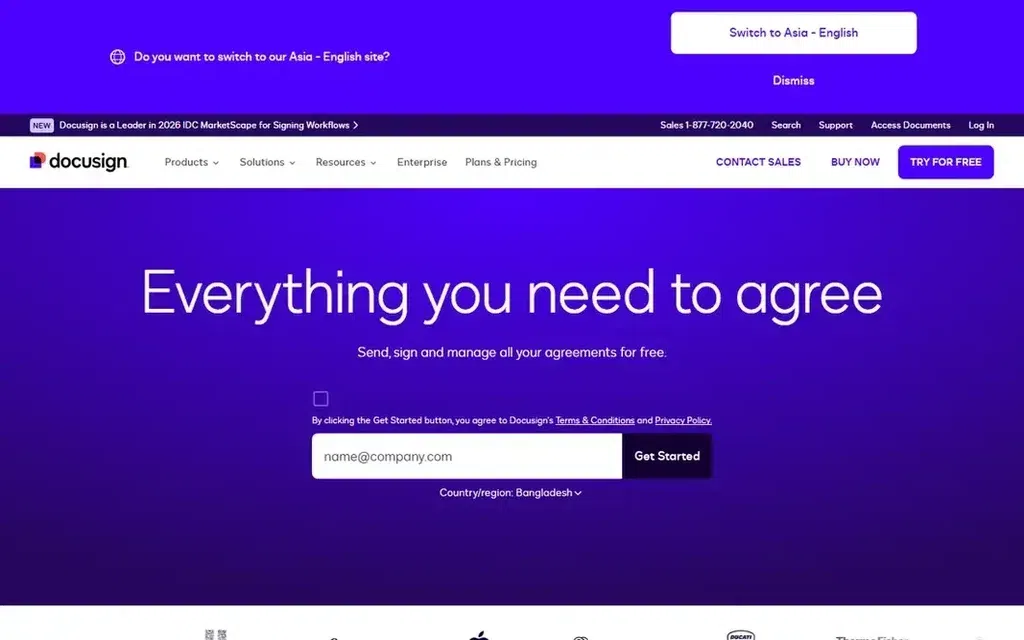
In short, DocuSign is for electronic signature and agreement management. It fits firms that require a full eSignature option with notarization as part of a bigger agreement workflow.
Limits to weigh: Can be complex for straightforward needs.
For straightforward remote notarization, DocuSign may offer more than needed. Entry price for DocuSign: $45 per user per month. Free access: Not stated.
- Established product
- Wide agreement management
- Notary features may be restricted
BlueNotary
Best for: Remote online notarization for all users
Where BlueNotary fits: remote online notarization for all users. If those features are essential, consider Proof or DocuSign instead.
The main drawbacks: May lack advanced identity features.
It is built for those who require to start notarizing rapidly with a focus on compliance and speed. BlueNotary does not show a starting price in this comparison, so check the vendor site for current pricing. Free plan details: Not stated.
- Legally compliant RON
- Quick and secure notarization
- Not a full agreement system
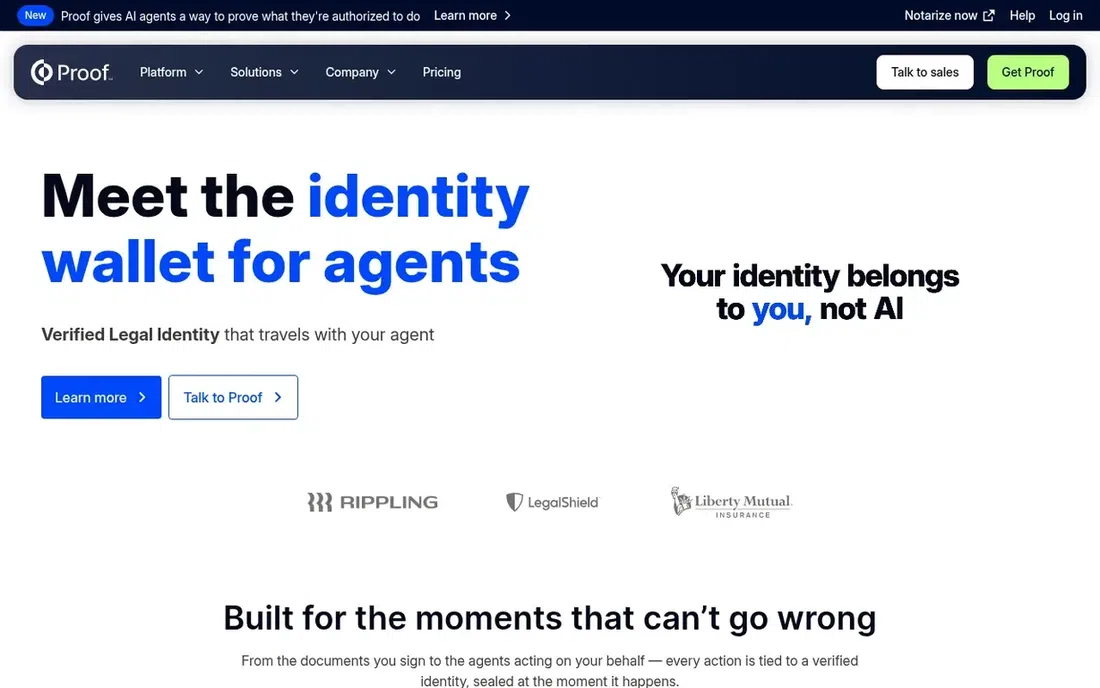
Proof targets identity-centric verification and security. Proof is an identity-centric security product that verifies identities and secures transactions to protect companies and their customers.
Choose Proof when identity verification and transaction security are central to your process. For everyday use, Proof is not a pure remote notary service, so if you only need on-demand notarization, a dedicated tool may be more straightforward. Proof starts at: $199 per month. On free options: Free trial.
Where it is weaker: Not a dedicated notary service.
- Capable identity verification focus
- Business and customer protection
- May need integration
SignNow is a good fit for custom eSignature workflows. SignNow by airSlate gives you electronic signature and custom eSignature workflows, allowing users to sign documents with legally binding signatures on any device.
Where it falls short: Needs setup for complex workflows.
Also, choose SignNow for eSignature workflows that may contain notarization as a step. On top of that, SignNow is not a dedicated remote notary service, so for notarization-specific needs, a specialized tool may be required. Check the vendor site for SignNow pricing; none is listed in this comparison. On free options: Not stated.
- Works on any device
- Legally binding eSignatures
- Notary features may be restricted
How we chose
Selection started from tools commonly considered for NotaryCam, then narrowed to 5 that have clear pricing information or a clear quote process. Seat minimums, billing terms and add-ons can move the real cost, so the starting prices here are a guide and not a quote. We ordered the tools by general fit, then by how clearly pricing is shown, then by free access. A buyer with unusual needs may reorder them.
What to check before you buy
- Get a written quote from BlueNotary and SignNow; the list shows no starting price for them.
- Look at the free plan from Notarize closely: its caps decide whether it is usable for real work.
- Use real work to test the free trial from Proof, rather than a demo project.
- Read the limits listed for Notarize first: restricted to notarization services.
- Involve the people who will use BlueNotary daily; a short pilot beats a long feature checklist.
- Check the integration list for DocuSign against the tools you run today, and note which ones need a higher plan.
FAQ
Is Notarize the right pick for everyone comparing NotaryCam?
No single tool suits every team. Notarize comes first because it fits quick online notarization with certified notaries, while DocuSign suits electronic signature and agreement management and BlueNotary suits remote online notarization for all users. Match the tool to your own size, budget and workflow before deciding.
How are the tools for NotaryCam ordered?
The order follows typical fit for NotaryCam, with Notarize first and SignNow last, then price clarity and free access. It is editorial judgement, not a score, so another team could rank the tools differently.
Do these alternatives offer electronic signatures?
DocuSign and SignNow specialize in electronic signatures, whereas others may bundle eSignature as part of their offerings. Check each tool's features to see if eSignature is supported.
Can I try these tools before paying?
Often, yes. Notarize has a free plan and Proof offers a free trial. Use your own data and a real task during the test, and check what the free tier or trial limits before you rely on it. Each of the 5 options in this NotaryCam alternatives guide has its own card above with the price, free plan and limits.
Which options for NotaryCam have a free plan?
Notarize is the only tool in this list with a free plan. Free plans usually cap users, projects or features, so check the limits on the vendor page. One other tool offers a trial instead. All 5 picks in this NotaryCam alternatives comparison list a starting price, free plan details and the main limits on their cards above.
Sources
- https://www.notarize.com
- https://www.docusign.com
- https://bluenotary.us
- https://www.proof.com
- https://www.signnow.com