N-Able RMM Alternatives in 2026: 5 Options Vetted
Shortlisting N-able RMM alternatives? 5 products compared on cost, free access and ideal buyer. Trade-offs are spelled out for each entry. Prices included.
- Editor's choiceKaseya VSA
Managing numerous endpoints with less manual work
Starts atSee websiteVisit kaseya.comFull review - Great alternativeSuperOps
Autonomous endpoint management with AI agents
Starts atSee websiteVisit superops.comFull review - Also considerPulseway
Straightforward RMM with automation and patching
Starts atSee websiteVisit pulseway.comFull review
Direct answer
Kaseya VSA comes first here, mainly for managing plenty of endpoints with less manual work. Listed starting prices: NinjaOne from $1.50 per device a month. Look at SuperOps for autonomous endpoint management with AI agents, and at Pulseway for straightforward RMM with automation and patching. The remaining 2 options are covered below with prices and limits.
TL;DR:
- Number one here is Kaseya VSA, a fit for managing plenty of endpoints with less manual work.
- NinjaOne suits unified endpoint operations in one system.
- Before buying Pulseway, weigh this: may lack depth for complicated estates.
- SuperOps stands alone as the one tool in this list with a free plan.
- The cheapest monthly starting price in the list is $1.50 per device per month, offered by NinjaOne.
Last checked November 2026. Prices and plan details were read from the vendors' own pages in November 2026; vendors change plans often, so confirm the current price on the vendor site before you buy.
Quick comparison
| Tool | Best for | Starts at | Free plan? | |
|---|---|---|---|---|
| Kaseya VSA | Managing numerous endpoints with less manual work | See website | Not stated | Visit |
| SuperOps | Autonomous endpoint management with AI agents | See website | Yes | Visit |
| Pulseway | Straightforward RMM with automation and patching | See website | Not stated | Visit |
| ConnectWise Automate | Automating routine technical IT work | See website | Not stated | Visit |
 NinjaOne | Unified endpoint operations in one product | $1.50 per device a month | Free trial | Visit |
N-Able RMM profiles
LinkVetted compared 5 tools for N-able RMM. The goal is a practical shortlist: published prices, free plan facts, best-fit use cases and honest limits for every entry.
Kaseya VSA
Best for: Managing numerous endpoints with less manual work
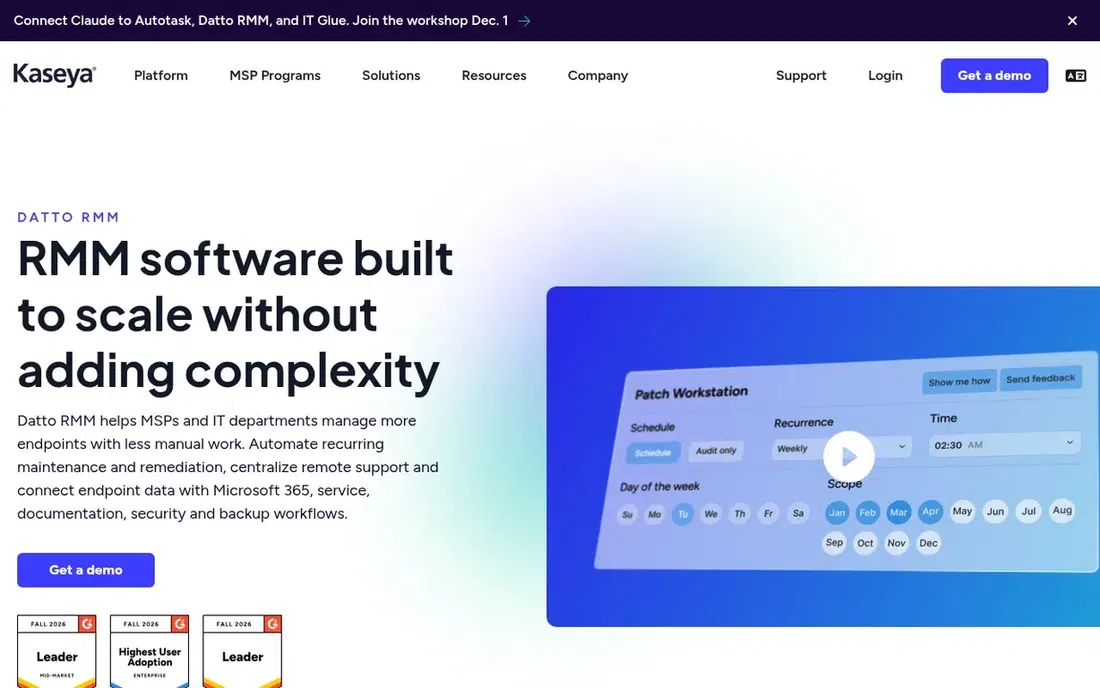
Kaseya VSA is aimed squarely at managing numerous endpoints with less manual work. Kaseya VSA is presented as remote monitoring and management software for managing more endpoints with less manual work.
Where it is weaker: Wide feature set needs planning.
Confirm the current feature set and workflow support on the vendor site before deciding. This comparison lists no price for Kaseya VSA; ask the vendor. As for free access: Not stated.
- Remote support capabilities
- Automatic monitoring and remediation
- Configuration can be involved
SuperOps
Best for: Autonomous endpoint management with AI agents
SuperOps targets autonomous endpoint management with AI agents. The pitch suits teams that want routine endpoint maintenance handled with less manual intervention and are open to agent-driven automation across patching, remediation and security tasks.
Autonomous handling still needs human oversight and a clear review process, and teams should test how the agents behave in their own environment. No starting price is listed for SuperOps here; confirm pricing on the vendor site. A free plan is available with SuperOps.
Honest limits: Autonomy still needs oversight.
- Autonomous endpoint management focus
- AI agents for patching and fixes
- Newer approach may need evaluation
Pulseway
Best for: Straightforward RMM with automation and patching
Pulseway is built with straightforward RMM with automation and patching in mind. Teams with large or complicated estates may find they need deeper automation than a more straightforward product gives you. As for the details, confirm current features on the vendor site.
In practice, the homepage notes you can start with a free tool and upgrade as you grow, which fits smaller IT teams and providers that want to begin just and expand later. It includes the core RMM tasks numerous teams need day to day. Pulseway shows no starting price here, so confirm the cost on the vendor site. Free access: Not stated.
Drawbacks to consider: Growth may need revisiting setup.
- Automation and patching included
- Can start small and expand
- May lack depth for complicated estates
ConnectWise Automate
Best for: Automating routine technical IT work
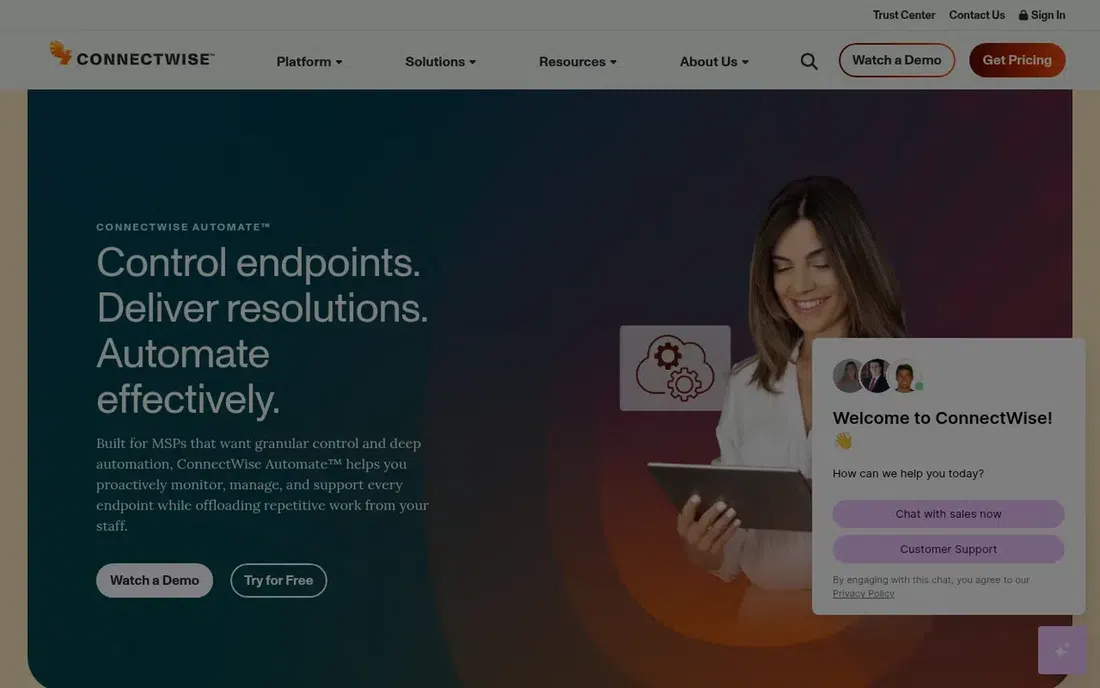
ConnectWise Automate targets automating routine technical IT work. Confirm current capabilities on the vendor site.
Where it is weaker: Setup and tuning can take effort.
Worth adding: if you chiefly want straightforward monitoring and remote control with minimal configuration, a lighter product like Pulseway may suit you better. Check the vendor site for ConnectWise Automate pricing; none is listed in this comparison. On free options: Not stated.
- Aimed at improving team efficiency
- Solid automation of technical tasks
- Feature depth may overwhelm small teams
NinjaOne is a good fit for unified endpoint operations in one platform. It is geared toward IT teams and managed service providers that want to consolidate multiple everyday tasks into one console.
Where it is weaker: Consolidation may not suit every stack.
If your priority is automation of technical work instead of unification, ConnectWise Automate may be the better comparison. Entry price for NinjaOne: $1.50 per device per month. On free options: Free trial.
- Backup and remote access included
- Unified IT operations product
- Full feature use takes onboarding
How we compared the tools
Before you commit
- Get a written quote from Kaseya VSA, SuperOps, Pulseway and ConnectWise Automate; the list shows no starting price for them.
- Look at the free plan from SuperOps closely: its caps decide whether it is usable for real work.
- Run a trial of NinjaOne with real work before paying for a year; your own workflow is the best test.
- Read the limits listed for Kaseya VSA first: wide feature set needs planning.
- Ask Pulseway how an export works before you move any records in; an easy exit lowers the risk.
- Confirm minimum seats and billing terms with Kaseya VSA before you commit to an annual plan.
FAQ
Can I try these tools before paying?
Often, yes. SuperOps has a free plan and NinjaOne offers a free trial. Use your own data and a real task during the test, and check what the free tier or trial limits before you rely on it. All 5 picks in this N-Able RMM alternatives comparison list a starting price, free plan details and the main limits on their cards above.
How do automation-focused systems differ?
Kaseya VSA flags automating monitoring, patching and remediation at scale. The right fit relies on how much oversight your team wants over automatic actions.
Is Kaseya VSA the right pick for everyone comparing N-able RMM?
No single tool suits every team. Kaseya VSA comes first because it fits managing many endpoints with less manual work, while SuperOps suits autonomous endpoint management with AI agents and Pulseway suits straightforward RMM with automation and patching. Match the tool to your own size, budget and workflow before deciding.
How are the tools for N-able RMM ordered?
Kaseya VSA sits first and NinjaOne last because the order follows typical fit for N-able RMM, then price clarity and free access. It is a judgement call, so read each profile for fit and limits.
What is the cheapest option for N-able RMM in this list?
On published monthly entry prices, NinjaOne is the lowest here at $1.50 per device per month. Entry price is only part of the cost, because seats, add-ons and billing terms can change the total. For the full picture, the cards above cover all 5 entries of this N-Able RMM alternatives list, including price, free plan and limits.
Can I combine RMM with other IT tools?
Most products are meant to link with ticketing, security and backup workflows, though the specifics vary by vendor. Confirm current integration support on each vendor site.
Sources
- https://www.kaseya.com/products/vsa
- https://superops.com
- https://www.pulseway.com
- https://www.connectwise.com/platform/automate
- https://www.ninjaone.com