5 Luciq Alternatives Worth Switching To in 2026
Comparing Luciq alternatives? 5 contenders, each with entry cost, free tier and best-fit buyer. Each listing flags where it falls short. Budget notes included.
- Editor's choice
 Datadog
Cloud monitoring in one place
Starts at$8 per committer a monthVisit datadoghq.comFull review - Great alternative
 New Relic
Telemetry correlation and root-cause isolation
Starts at$10 per user a monthVisit newrelic.comFull review - Also consider
 AppDynamics
Unified observability across environments
Starts at$6 a month, per CPU core, billed yearlyVisit appdynamics.comFull review
Direct answer
Datadog is the first pick on this list for cloud monitoring in one place. Listed starting prices: Datadog from $8 per committer a month, New Relic from $10 per user a month and AppDynamics from $6 a month, per CPU core, billed yearly. If your case is different, New Relic suits telemetry correlation and root-cause isolation and AppDynamics suits unified observability across environments. The other 2 tools in the list cover narrower or pricier cases.
TL;DR:
- Top of the list is Datadog, which targets cloud monitoring in one place.
- Only 4 of the 5 tools have a free plan (New Relic, AppDynamics, Firebase Crashlytics, Sentry), so check the caps.
- The lowest published monthly entry price here is $6 per month, per CPU core, billed annually, from AppDynamics.
- Sentry is the one to check for developer-led error and performance tracking.
Last checked November 2026. Prices and plan details were read from the vendors' own pages in November 2026; vendors change plans often, so confirm the current price on the vendor site before you buy.
Quick comparison
| Tool | Best for | Starts at | Free plan? | |
|---|---|---|---|---|
| Datadog | Cloud monitoring in one place | $8 per committer a month | Free trial | Visit |
| New Relic | Telemetry correlation and root-cause isolation | $10 per user a month | Yes | Visit |
| AppDynamics | Unified observability across environments | $6 a month, per CPU core, billed yearly | Yes | Visit |
| Firebase Crashlytics | Realtime crash reporting across app products | $9.37 a month | Yes | Visit |
 Sentry | Developer-led error and performance tracking | $26 a month | Yes | Visit |
5 options for Luciq in detail
Choosing Luciq usually comes down to price, fit and limits. This LinkVetted guide sets 5 tools side by side on those three points, with the facts kept short and checkable.
Datadog is aimed squarely at cloud monitoring in one place. More specifically, teams whose central need is quick crash triage may prefer a focused tool.
Strengths: tools and services.
For everyday use, choose Datadog when a unified cloud monitoring view across numerous services is the priority. More specifically, organizations that require wide monitoring coverage alongside application signals commonly consider it as a central product instead of a single-purpose tool. Datadog cost at the entry level: $8 per committer per month. Free options: Free trial.
The main drawbacks: Configuration effort grows with scope.
- Single view for cloud monitoring
- Collects metrics from apps
- Not a mobile-crash specialist
New Relic is built with telemetry correlation and root-cause isolation in mind. New Relic is an AI-powered observability product that correlates telemetry across the whole stack so teams can isolate root causes and cut mean time to resolution. Pick New Relic when correlating telemetry across a complicated stack is the central goal.
Downsides: May exceed needs of crash-only teams.
The full-stack scope means teams have to plan instrumentation and configuration thoughtfully, and organizations focused purely on mobile crashes may find it more than necessary. More straightforward, narrower tools can be quicker to adopt. On cost, New Relic starts like this: $10 per user per month. A free plan is available with New Relic.
- Aims to isolate root cause rapidly
- Correlates telemetry across the full stack
- Wide scope needs deliberate configuration
In short, AppDynamics is for unified observability across environments. It is positioned around ensuring resilience of digital systems, identifying problems proactively and finding root causes rapidly.
That breadth includes setup and operational complexity that can outweigh the needs of small teams or straightforward apps. AppDynamics pricing: $6 per month, per CPU core, billed annually. AppDynamics has a free plan.
Downsides: Enterprise-oriented setup complexity.
- Unified observability across stacks and environments
- Focus on resilience of digital systems
- Heavier than small teams may need
Firebase Crashlytics
Best for: Realtime crash reporting across app products
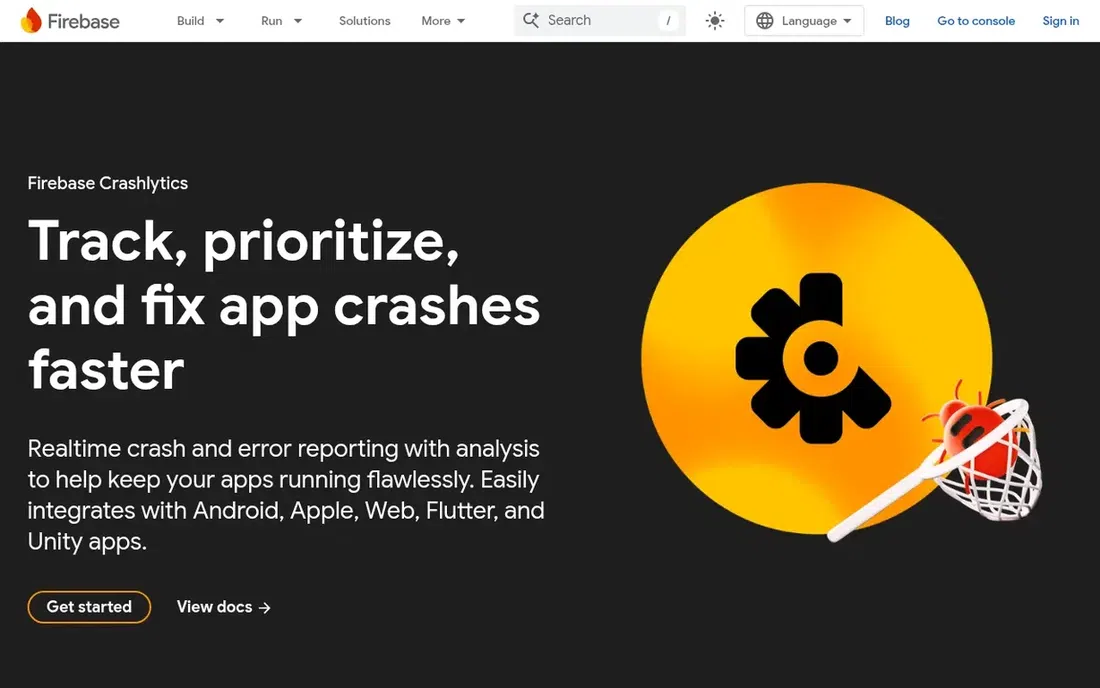
Where Firebase Crashlytics fits: Realtime crash reporting across app systems. Pick Crashlytics when crash reporting is the core need and you want a light, focused tool. Firebase Crashlytics is a crash and stability reporting tool aimed at apps across iOS, Android, Web, Flutter and Unity.
Trade-offs to know: Restricted value outside crash and stability work.
It collects realtime crash data and helps teams prioritize and fix the issues that affect app stability most. As for the details, the scope is deliberately narrow: it centers on crashes and stability instead of performance tracing or infrastructure monitoring. Firebase Crashlytics starts at: $9.37 per month. Free access exists with Firebase Crashlytics.
- Flutter and Unity
- Suits teams already using Firebase
- Narrower than full observability suites
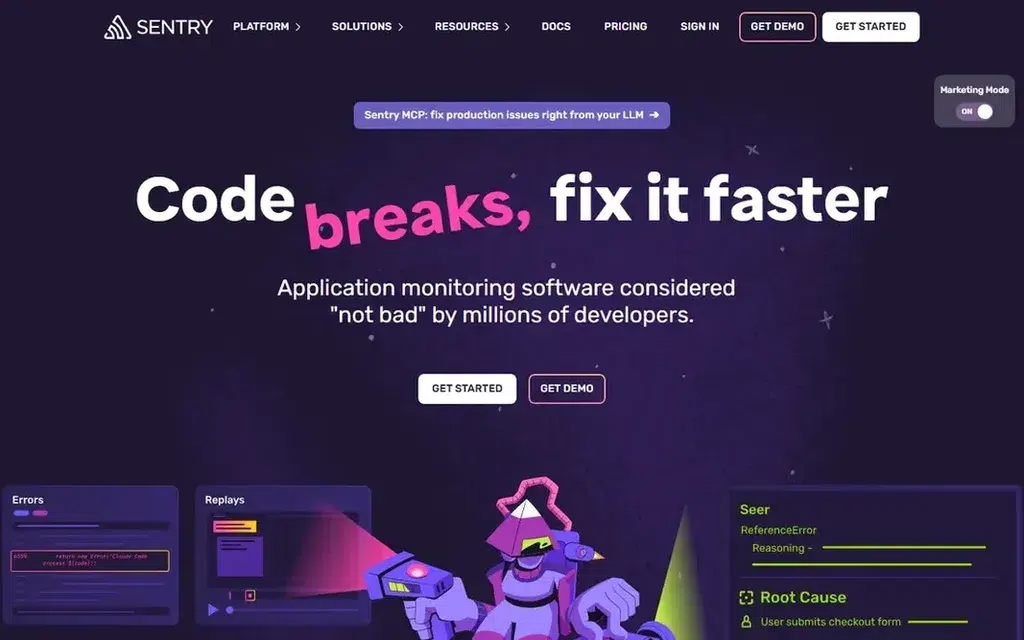
In short, Sentry is for developer-led error and performance tracking. Teams whose priority is only crash reporting on mobile apps may prefer a more focused choice.
Drawbacks to consider: Can need setup effort to tune alerts.
Since it spans both errors and performance, initial configuration and alert tuning can take time, and smaller teams may find the surface area bigger than they need. Sentry pricing: $26 per month. Sentry has a free plan.
- Merges error tracking with performance monitoring
- Helps developers see errors more plainly
- Wide feature set may overwhelm small teams
How we chose
A buyer's checklist
- Confirm the entry price on the vendor page: AppDynamics starts at $6 per month, per CPU core, billed annually, but seat counts and billing terms change the total.
- Check what the free option really includes: New Relic, AppDynamics, Firebase Crashlytics and Sentry offer a free plan, and usage caps differ.
- Use real work to test the free trial from Datadog, rather than a demo project.
- Before choosing Datadog, weigh its main limit: configuration effort grows with scope.
- Check the support hours and onboarding help AppDynamics offers; smaller vendors vary a lot here.
- Confirm minimum seats and billing terms with Firebase Crashlytics before you commit to an annual plan.
FAQ
How are the tools for Luciq ordered?
The order follows typical fit for Luciq, with Datadog first and Sentry last, then price clarity and free access. It is editorial judgement, not a score, so another team could rank the tools differently.
Which options for Luciq have a free plan?
New Relic, AppDynamics, Firebase Crashlytics and Sentry offer a free plan in this list. Free plans usually cap users, projects or features, so check the limits on the vendor page. One other tool offers a trial instead.
Is Datadog the right pick for everyone comparing Luciq?
No single tool suits every team. Datadog comes first because it fits cloud monitoring in one place, while New Relic suits telemetry correlation and root-cause isolation and AppDynamics suits unified observability across environments. Match the tool to your own size, budget and workflow before deciding.
What is the cheapest option for Luciq in this list?
On published monthly entry prices, AppDynamics is the lowest here at $6 per month, per CPU core, billed annually. Entry price is only part of the cost, because seats, add-ons and billing terms can change the total. Prices, free plan details and limits for all 5 tools in this Luciq alternatives roundup sit on the individual cards above.
Sources
- https://www.datadoghq.com
- https://newrelic.com
- https://www.appdynamics.com
- https://firebase.google.com/products/crashlytics
- https://sentry.io