Kaiber Alternatives in 2026: 5 Options Vetted
Comparing Kaiber alternatives? 5 contenders, each with entry cost, free tier and best-fit buyer. Every pick gets a straight assessment. Prices included.
- Editor's choice
 Luma Dream Machine
Iterative, agent-assisted creative workflows
Starts atSee websiteVisit lumalabs.aiFull review - Great alternative
 Adobe Firefly
Image, audio and video in Adobe's ecosystem
Starts atSee websiteVisit adobe.comFull review - Also consider
 Kling AI
Multimodal text, image and reference video
Starts atSee websiteVisit klingai.comFull review
Direct answer
Luma Dream Machine leads the list, best for Iterative, agent-assisted creative workflows. Listed starting prices: Pika from $10 a month and HeyGen from $29 a month. Alternatives: Adobe Firefly for image, audio and video in Adobe's ecosystem, and Kling AI for Multimodal text, image and reference video. The other 2 tools in the list cover narrower or pricier cases.
TL;DR:
- This list starts with Luma Dream Machine, which is built for Iterative, agent-assisted creative workflows.
- For talking-avatar videos with your face and voice, HeyGen is worth a look.
- The cheapest monthly starting price in the list is $10 per month, offered by Pika.
- Pika, HeyGen: these are the 2 tools out of 5 that offer a free plan.
- A fair warning about Luma Dream Machine: less model variety than aggregators.
Last checked November 2026. Prices and plan details were read from the vendors' own pages in November 2026; vendors change plans often, so confirm the current price on the vendor site before you buy.
Quick comparison
| Tool | Best for | Starts at | Free plan? | |
|---|---|---|---|---|
| Luma Dream Machine | Iterative, agent-assisted creative workflows | See website | Not stated | Visit |
| Adobe Firefly | Image, audio and video in Adobe's ecosystem | See website | Not stated | Visit |
| Kling AI | Multimodal text, image and reference video | See website | Not stated | Visit |
 Pika | Multi-model video, image and audio creation | $10 a month | Yes | Visit |
 HeyGen | Talking-avatar videos with your face and voice | $29 a month | Yes | Visit |
Our 5 picks for Kaiber
LinkVetted compared 5 tools for Kaiber. The goal is a practical shortlist: published prices, free plan facts, best-fit use cases and honest limits for every entry.
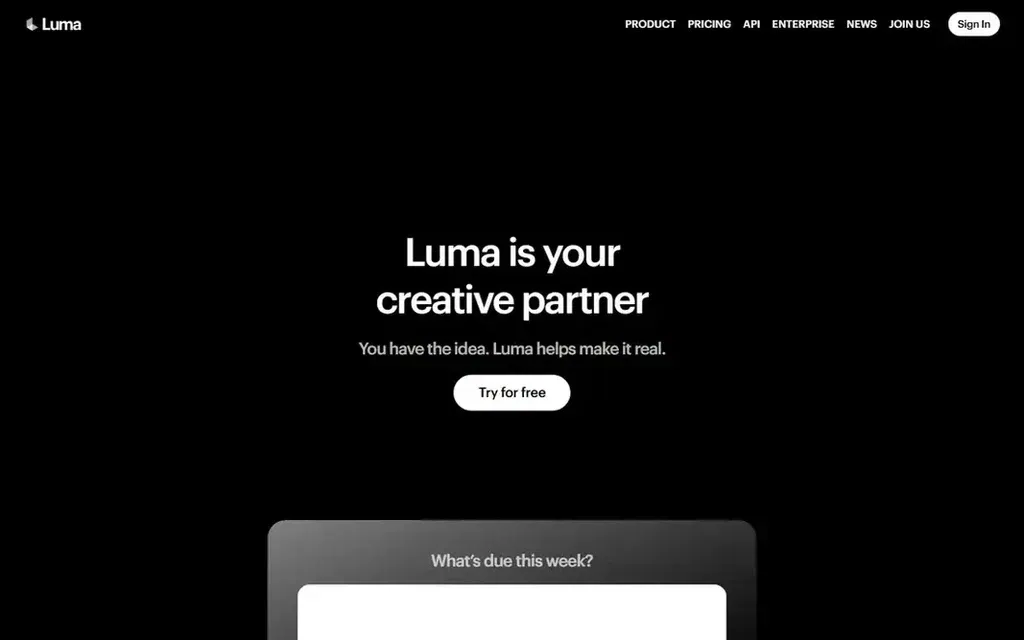
Luma Dream Machine serves Iterative, agent-assisted creative workflows. Luma Dream Machine is positioned as a set of creative agents for creative professionals. Its strengths lie in the workflow instead of in offering a wide catalog of external models, so creators who want to compare numerous named engines in one place may prefer an aggregator-style product.
Downsides: Less model variety than aggregators.
For everyday use, expect to invest time learning the agent approach. For fast avatar videos, a dedicated presenter tool is a better match. Luma Dream Machine shows no starting price here, so confirm the cost on the vendor site. Free options: Not stated.
- Geared toward creative professionals
- Agent-style planning and refinement
- Workflow-first rather than template-first
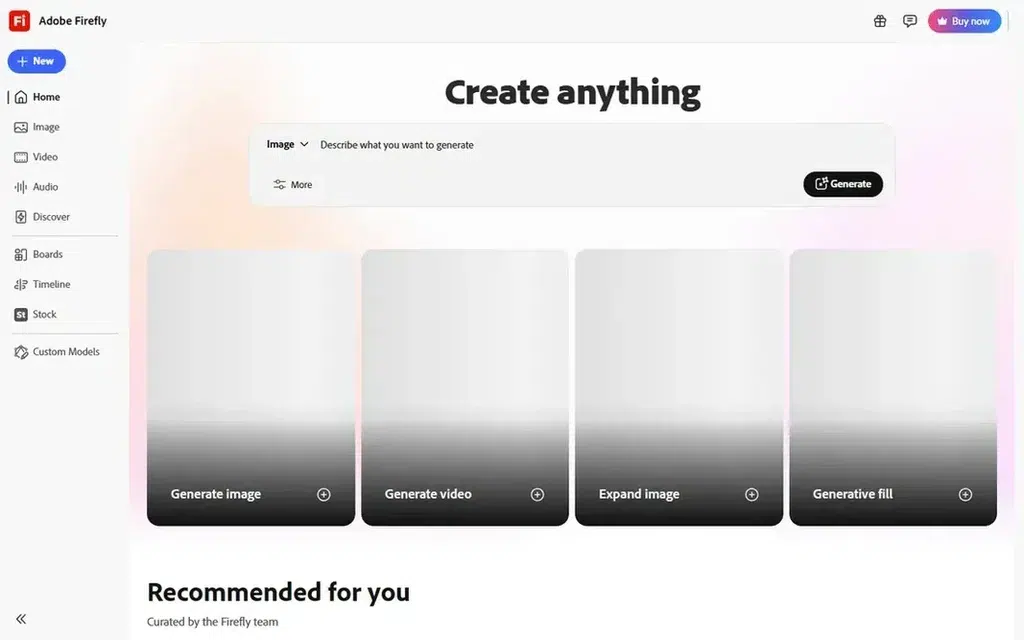
Adobe Firefly targets image, audio and video in Adobe's ecosystem. Adobe Firefly is Adobe's generative AI offering for creating and editing images, audio and video. Its homepage also notes access to top models from Google, OpenAI and others.
Drawbacks to consider: Best value inside Adobe ecosystem.
For designers already working within Adobe applications, Firefly gives you a familiar path into generative media, combining its own tools with outside models and keeping asset creation close to established editing and design workflows. If your central goal is rapid cinematic clips from prompts, compare dedicated video systems first. Check the vendor site for Adobe Firefly pricing; none is listed in this comparison. Trial and free access: Not stated.
- Suits Adobe creative workflows
- Access to models from other providers
- Video features may lag dedicated tools
Kling AI is a good fit for Multimodal text, image and reference video. If you prefer a more straightforward single-purpose tool or need avatar presenters, another choice on this list may be simpler to adopt.
Check the vendor site for Kling AI pricing; none is listed in this comparison. Free access: Not stated.
Where it shines: Video and image in one studio. Where it falls short: Busy interface for beginners.
- Emphasis on quality output
- Text
- Prompt results can vary

Pika was built for multi-model video, image and audio creation. Pika presents itself as a creative system for AI video, images and audio. Its homepage flags access to several named models, including Seedance, Kling, Veo and Wan, inside one environment.
Reasons to shortlist it: image and audio; Includes video.
That breadth makes it a practical fit for creators who want to experiment with different generation styles without switching between separate services, and for teams that prefer a single workspace for mixed media projects. If your priority is a dedicated avatar presenter, a tool built around that use case may suit you better. Since Pika depends on external models, the exact lineup and behavior can change over time, so check current model support before committing. It is less specialized for talking-head or avatar-driven corporate video. The starting price for Pika: $10 per month. A free plan is available with Pika.
Honest limits: Model availability may vary.
- Single creative workspace
- Multiple named video models in one system
- Less centred on avatar video
HeyGen is aimed squarely at talking-avatar videos with your face and voice. HeyGen concentrates on AI videos built around a personal avatar that uses your face and voice. So you can produce clear, confident presenter videos without filming each one.
Downsides: Avatar quality relies on source footage.
Its homepage frames this around being your best self every time. That makes it well suited to training, explainer, marketing and communication videos where a consistent human presenter matters more than cinematic scenes. Also, review output carefully before using it in customer-facing communication. Price to start with HeyGen: $29 per month. Free access exists with HeyGen. Main advantages: Clear.
- Avoids filming every video
- Confident presenter videos
- Narrower than general video generators
How we built this list
For each of the 5 tools we noted price, free plan or trial, fit for Kaiber and the main limit, using vendor pages and documentation. Treat prices as a snapshot: vendors change plans often, so check the vendor site for the figure that applies today. We ordered the tools by general fit, then by how clearly pricing is shown, then by free access. A buyer with unusual needs may reorder them.
Before you commit
- Confirm the entry price on the vendor page. For Luma Dream Machine, Adobe Firefly and Kling AI that means a quote rather than a fixed price.
- Read the fine print on the free plans from Pika and HeyGen; seat, project and feature caps differ.
- Read the limits listed for Luma Dream Machine first: less model variety than aggregators.
- Price Luma Dream Machine for your actual team size; headline prices rarely include add-ons or overage.
- Test how quickly Kling AI answers a pre-sales question; it hints at how support will feel later.
FAQ
How are the tools for Kaiber ordered?
Luma Dream Machine sits first and HeyGen last because the order follows typical fit for Kaiber, then price clarity and free access. It is a judgement call, so read each profile for fit and limits.
What is the cheapest option for Kaiber in this list?
On published monthly entry prices, Pika is the lowest here at $10 per month. Entry price is only part of the cost, because seats, add-ons and billing terms can change the total. Each of the 5 options in this Kaiber alternatives guide has its own card above with the price, free plan and limits.
Which alternative is best for talking-avatar videos?
For most readers this guide would start with Luma Dream Machine, built for Iterative, agent-assisted creative workflows. Adobe Firefly is the alternative for image, audio and video in Adobe's ecosystem, and Kling AI for Multimodal text, image and reference video. The right answer depends on budget and workflow.
What is the best Kaiber alternative for multi-model video creation?
For most readers this guide would start with Luma Dream Machine, built for Iterative, agent-assisted creative workflows. Adobe Firefly is the alternative for image, audio and video in Adobe's ecosystem, and Kling AI for Multimodal text, image and reference video. The right answer depends on budget and workflow.
Do these tools publish their prices?
Not all of them. Luma Dream Machine, Adobe Firefly and Kling AI publish no starting price, so expect a quote request for those. The rest, Pika included, show a starting price, though seats and billing terms still change the final cost.
Should I choose Adobe Firefly over a dedicated video generator?
Firefly makes sense if you already work within Adobe's creative ecosystem and want image, audio and video generation alongside access to models from other providers.
Sources
- https://lumalabs.ai/dream-machine
- https://www.adobe.com/products/firefly.html
- https://klingai.com
- https://pika.art
- https://www.heygen.com