5 Jibble Alternatives Worth Switching To in 2026
Shortlisting Jibble alternatives? 5 products compared on cost, free access and ideal buyer. Fit, price and catches for every tool. Refreshed for 2026.
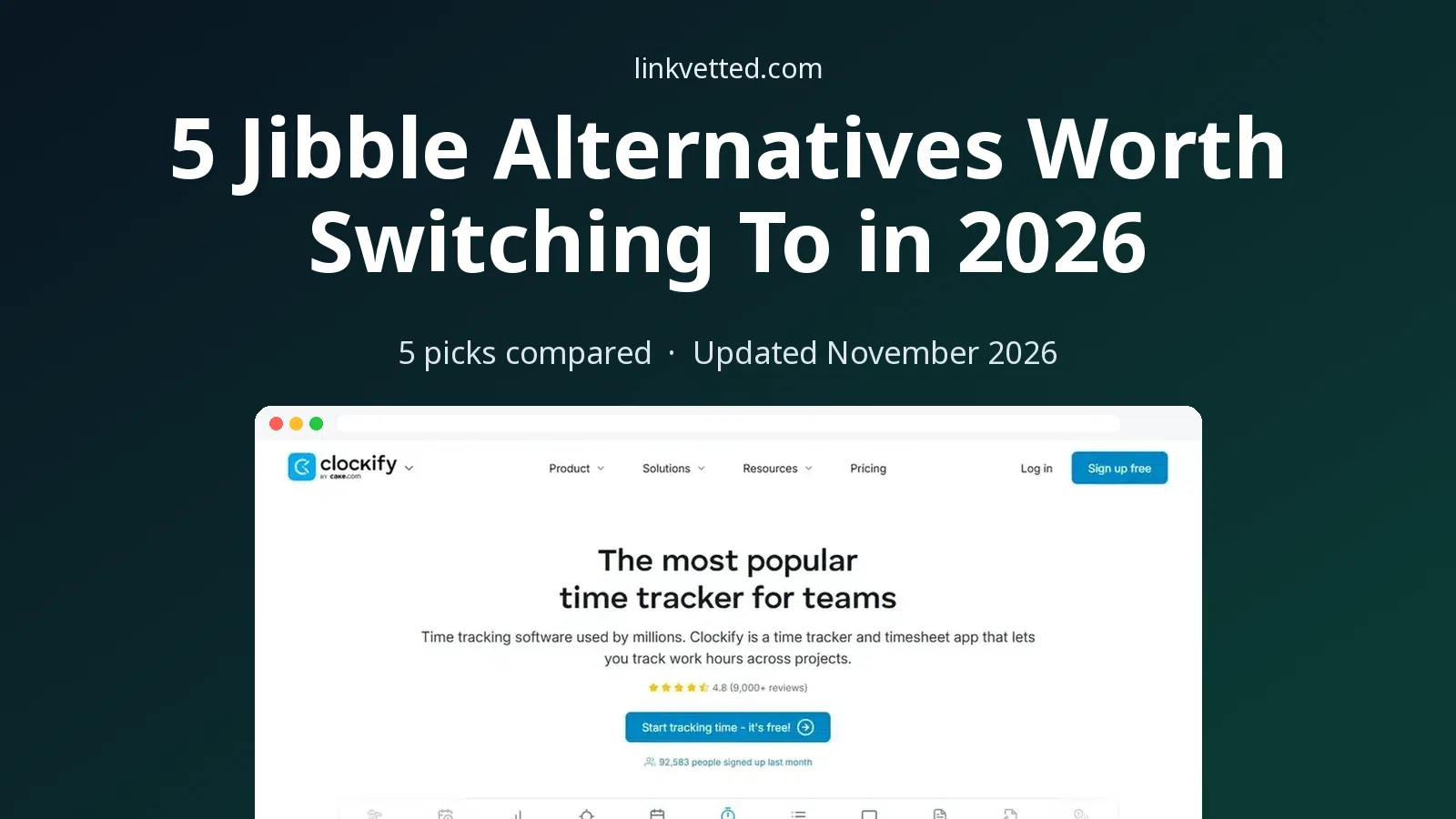
- Editor's choice
 Clockify
Straightforward project-based time tracking
Starts atSee websiteVisit clockify.meFull review - Great alternative
 DeskTime
Automatic time tracking and insights
Starts at$6.42 per user per monthVisit desktime.comFull review - Also consider
 Hubstaff
Productivity monitoring and payments
Starts at$10 per seat a monthVisit hubstaff.comFull review
Direct answer
Start with Clockify if you need straightforward project-based time tracking. Listed starting prices: DeskTime from $6.42 per user per month, Hubstaff from $10 per seat a month and Harvest from $9 per seat a month. DeskTime fits automatic time tracking and insights; Hubstaff fits productivity monitoring and payments. The full list of 5 tools follows, with prices and free plan facts.
TL;DR:
- Top of the list is Clockify, which targets straightforward project-based time tracking.
- Time Doctor is the one to check for workforce visibility for distributed teams.
- Clockify, Harvest: these are the 2 tools out of 5 that offer a free plan.
- The lowest published monthly entry price here is $6.42 per user per month, from DeskTime.
Last checked November 2026. Prices and plan details were read from the vendors' own pages in November 2026; vendors change plans often, so confirm the current price on the vendor site before you buy.
Quick comparison
| Tool | Best for | Starts at | Free plan? | |
|---|---|---|---|---|
| Clockify | Straightforward project-based time tracking | See website | Yes | Visit |
| DeskTime | Automatic time tracking and insights | $6.42 per user per month | Free trial | Visit |
| Hubstaff | Productivity monitoring and payments | $10 per seat a month | Free trial | Visit |
 Harvest | Time tracking with invoicing | $9 per seat a month | Yes | Visit |
 Time Doctor | Workforce visibility for distributed teams | $6.67 per user per month | Free trial | Visit |
5 options for Jibble in detail
This LinkVetted guide covers 5 options for Jibble. Each profile lists a starting price, free plan details, strengths and drawbacks, so you can drop poor fits quickly.
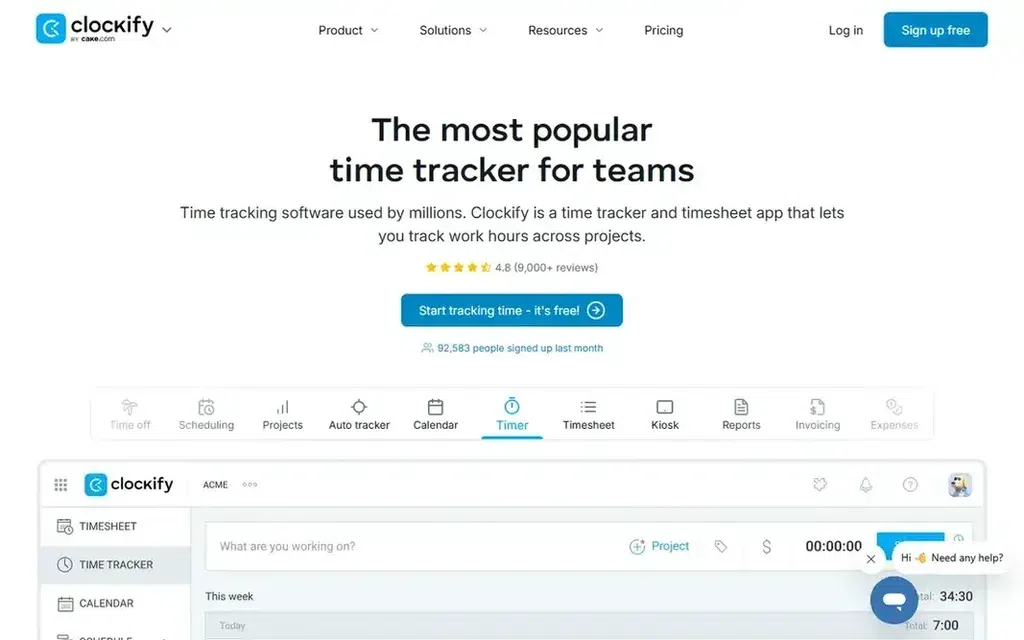
Clockify is built with straightforward project-based time tracking in mind. The focus is on core time tracking, making it a decent starting point for those new to time management software.
Trade-offs to know: May lack integrated payment features.
In practice, Clockify is a time tracking tool that centers on a straightforward timer and timesheet app for tracking work hours across projects. From a buyer's view, if you need those features, Hubstaff or Time Doctor could be a better fit. Clockify does not show a starting price in this comparison, so check the vendor site for current pricing. Clockify has a free plan.
- Tracks work hours across projects
- Straightforward time tracker and timesheet app
- Restricted advanced productivity insights
DeskTime was built for automatic time tracking and insights. It is built to provide visibility similar to an in-office setting.
This makes it a fit for remote teams that want passive time tracking and productivity data. Entry price for DeskTime: $6.42 per user per month. Free plan details: Free trial.
Drawbacks to consider: Automatic tracking may raise privacy concerns.
- Productivity insights
- Presents apps and project time
- Restricted invoicing features
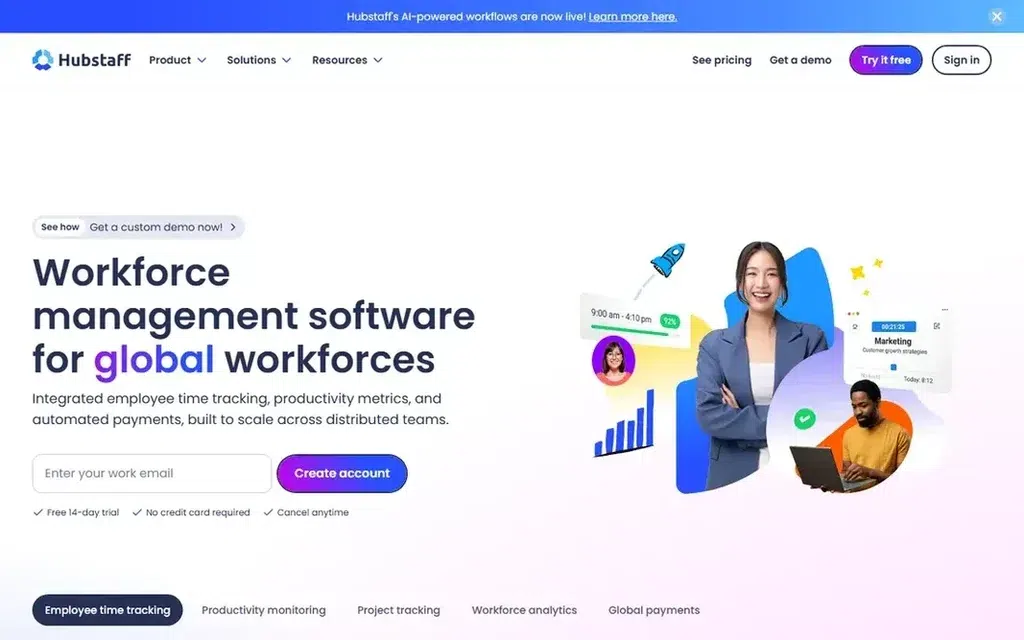
Choose Hubstaff for productivity monitoring and payments. This makes it a fit for teams that require both time tracking and payment processing in one place, notably those managing remote or distributed workers.
Limits to weigh: May be more than needed for straightforward time tracking.
Hubstaff cost at the entry level: $10 per seat per month. On free options: Free trial.
- Turns approved hours into payments
- Supplies insights on work and costs
- Focus on monitoring may not suit all teams
Harvest makes the most sense for Time tracking with invoicing. If your team does not need invoicing or client billing, Harvest may contain features you will not use. The combination of time tracking and invoicing helps simplify billing workflows.
Harvest is time tracking and management software with powerful reporting and simplified online invoicing. It is well suited for freelancers, agencies, and service teams that require to track time and turn it into client invoices. Entry price for Harvest: $9 per seat per month. Harvest includes a free tier.
Honest limits: Invoicing focus may not suit all teams.
Where Harvest stands out: Powerful and simple reporting.
- Simplified online invoicing
- Merges time tracking with management
- May lack advanced productivity monitoring
Time Doctor works best for workforce visibility for distributed teams. Time Doctor supplies workforce visibility for distributed teams, helping leaders see what their teams are working on and validate the process behind every hour.
In practice, if you prefer a lighter touch, consider Harvest or Clockify for time tracking without deep oversight features. Time Doctor starts at: $6.67 per user per month. On free options: Free trial.
Points against: Monitoring focus may not suit all cultures.
- AI answers grounded in real data
- Validates the process behind every hour
- May need clear policies for use
Our selection method
For each of the 5 tools we noted price, free plan or trial, fit for Jibble and the main limit, using vendor pages and documentation. Plan names, prices and limits change often. Treat the figures here as a starting point and verify them with the vendor. We ordered the tools by general fit, then by how clearly pricing is shown, then by free access. A buyer with unusual needs may reorder them.
Questions to settle before buying
- Confirm the entry price on the vendor page. For Clockify that means a quote rather than a fixed price.
- Read the fine print on the free plans from Clockify and Harvest; seat, project and feature caps differ.
- Run a trial of DeskTime, Hubstaff and Time Doctor with real work before paying for a year; your own workflow is the best test.
- Before choosing Clockify, weigh its main limit: restricted advanced productivity insights.
- Ask Harvest whether prices are locked for the first term and what happens at renewal.
- Run a one or two week pilot of Hubstaff with the people who will use it every day.
FAQ
How are the tools for Jibble ordered?
The order follows typical fit for Jibble, with Clockify first and Time Doctor last, then price clarity and free access. It is editorial judgement, not a score, so another team could rank the tools differently.
Which Jibble alternative is a good match for straightforward time tracking?
For most readers this guide would start with Clockify, built for straightforward project-based time tracking. DeskTime is the alternative for automatic time tracking and insights, and Hubstaff for productivity monitoring and payments. The right answer depends on budget and workflow.
Can I use these tools for invoicing clients?
Harvest is specifically made for time tracking with invoicing, making it well suited to client billing. Other tools like Hubstaff also offer payment features, but Harvest supplies simplified online invoicing and reporting tailored to service teams.
Which options for Jibble have a free plan?
On this list, Clockify and Harvest include a free plan. Caps on seats, usage or features are common, so test the free plan against your real workload. Several others offer a trial instead. Each of the 5 options in this Jibble alternatives guide has its own card above with the price, free plan and limits.
Do these tools publish their prices?
Not all of them. Clockify publishes no starting price, so expect a quote request for it. The rest, DeskTime included, show a starting price, though seats and billing terms still change the final cost.
Can I try these tools before paying?
Often, yes. Clockify and Harvest have a free plan and DeskTime, Hubstaff and Time Doctor offer a free trial. Use your own data and a real task during the test, and check what the free tier or trial limits before you rely on it.
Sources
- https://clockify.me
- https://desktime.com
- https://hubstaff.com
- https://www.getharvest.com
- https://www.timedoctor.com