Top Illustrator Alternatives in 2026: 5 Picks Ranked
Illustrator alternatives in 2026: 5 tools with starting prices, free plans and limits. Strengths and weak spots are spelled out. Narrow your shortlist.
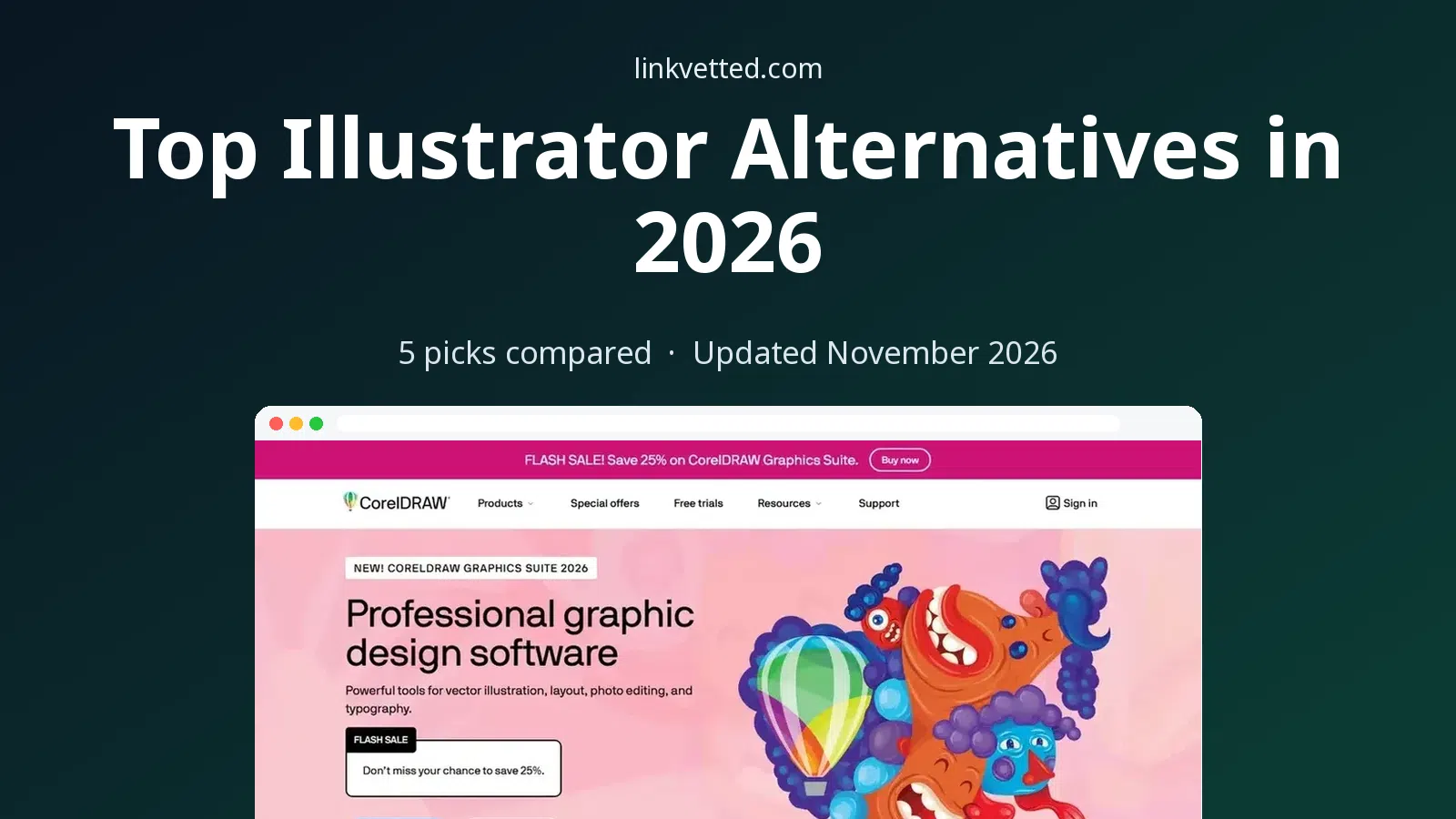
- Editor's choice
 CorelDRAW
Technical illustration and CAD-style drafting
Starts atSee websiteVisit coreldraw.comFull review - Great alternative
 Sketch
UI design and prototyping on Mac
Starts at$12 per editor a monthVisit sketch.comFull review - Also considerVectornator
AI-assisted campaign asset generation
Starts at$8 per monthVisit vectornator.ioFull review
Direct answer
CorelDRAW is the first pick on this list for technical illustration and CAD-style drafting. Listed starting prices: Sketch from $12 per editor a month, Vectornator from $8 per month and Figma from $3 a month. Look at Sketch for UI design and prototyping on Mac, and at Vectornator for AI-assisted campaign asset generation. All 5 tools are compared below on price, free plan and limits.
TL;DR:
- CorelDRAW takes the first slot, best suited to technical illustration and CAD-style drafting.
- Figma has the lowest monthly starting price in this list: $3 per month.
- For collaborative UI and product design, Figma is worth a look.
- Vectornator stands alone as the one tool in this list with a free plan.
- The main caution on CorelDRAW: interface can feel dated to new users.
Last checked November 2026. Prices and plan details were read from the vendors' own pages in November 2026; vendors change plans often, so confirm the current price on the vendor site before you buy.
Quick comparison
| Tool | Best for | Starts at | Free plan? | |
|---|---|---|---|---|
| CorelDRAW | Technical illustration and CAD-style drafting | See website | Not stated | Visit |
| Sketch | UI design and prototyping on Mac | $12 per editor a month | Free trial | Visit |
| Vectornator | AI-assisted campaign asset generation | $8 per month | Yes | Visit |
 Affinity Designer | Professional vector art and graphics | See website | Not stated | Visit |
 Figma | Collaborative UI and product design | $3 a month | Not stated | Visit |
Tool-by-tool breakdown
LinkVetted put together this guide to Illustrator for readers who want a clear shortlist without reading every vendor page. It compares 5 tools on starting price, free plans, who each one suits and where each one falls short.
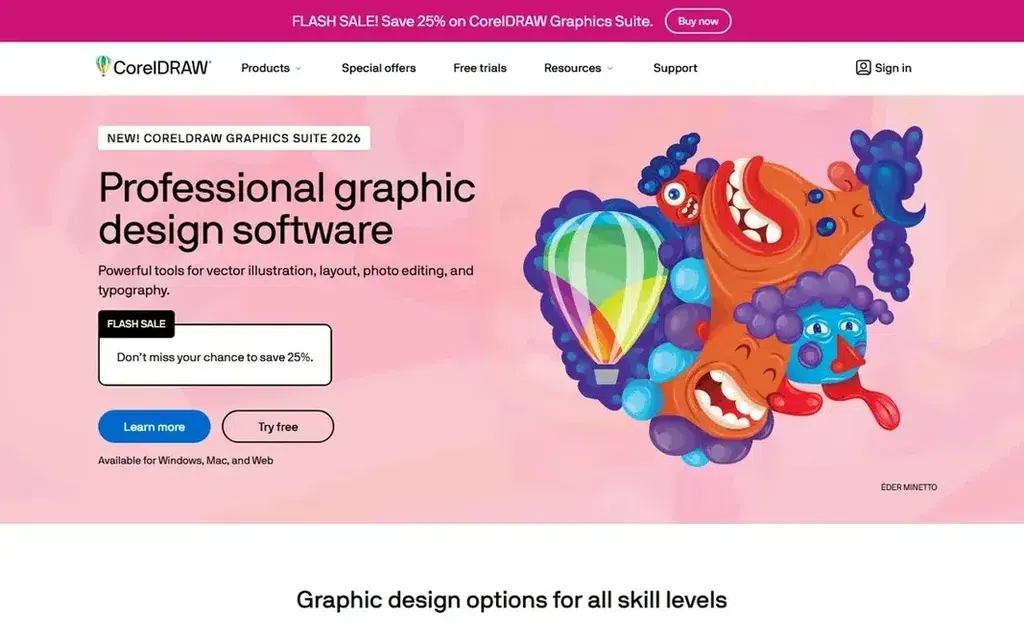
CorelDRAW is built with technical illustration and CAD-style drafting in mind. CorelDRAW remains a solid choice when technical drawing and vector design overlap.
CorelDRAW does not show a starting price in this comparison, so check the vendor site for current pricing. Free access: Not stated.
Where it falls short: Windows-centric workflow.
- Vector
- Long-standing professional feature set
- Interface can feel dated to new users
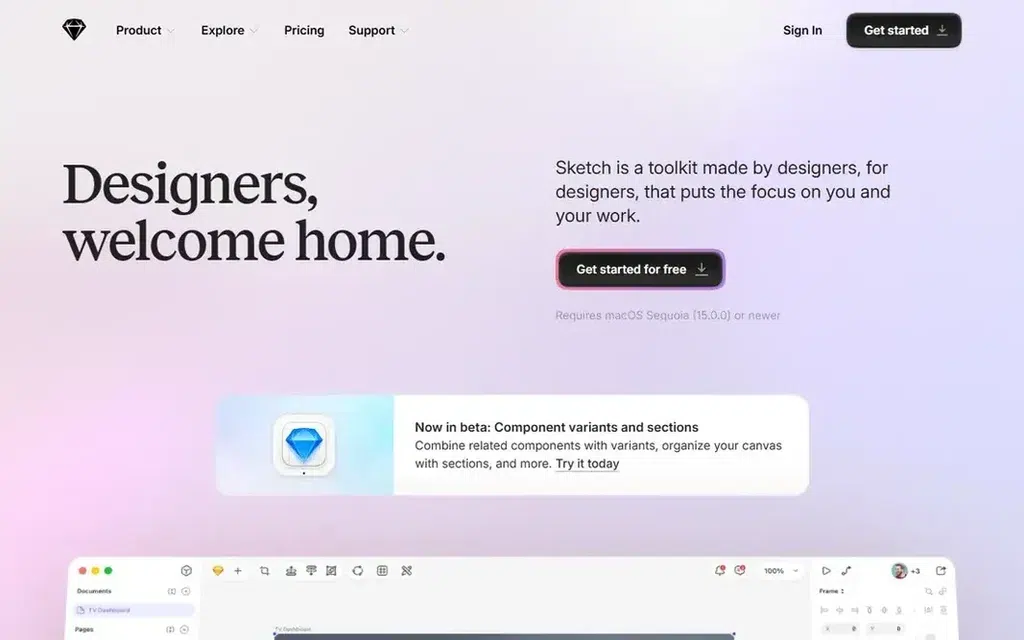
Pick Sketch if this describes you: UI design and prototyping on Mac. It is made by designers for designers, offering a clean environment for UI and product design. As for the details, Sketch is available only on macOS, which limits cross-platform teams.
Watch-outs: Less suited to print or illustration work.
If you need Windows support or heavy vector art features, consider a different tool. Also, for Mac-based UI designers, Sketch remains a focused and efficient choice. Sketch pricing: $12 per editor per month. Free options: Free trial.
- Handoff in one app
- Concentrated on UI and product design
- Mac-only product
Vectornator
Best for: AI-assisted campaign asset generation
Vectornator works best for AI-assisted campaign asset generation. Vectornator, now associated with Linearity, provides an AI design generator that turns a single prompt into a full set of editable, on-brand campaign assets. It is designed for marketers and teams that require to produce consistent visuals across formats and channels rapidly.
Drawbacks to consider: AI output may need manual refinement.
This makes it a different kind of alternative, oriented toward automatic asset creation instead of manual vector drawing. If you need precise control over paths and shapes, a traditional editor is preferable. The tool is less suited to in-depth, hand-crafted vector illustration, and AI-generated results may need manual cleanup. Vectornator is most handy when speed and brand consistency across plenty of assets are the priority. The starting price for Vectornator: $8 per month. You can start on Vectornator without paying.
- Produces on-brand campaign formats
- Simplifies asset creation from prompts
- Less concentrated on traditional vector illustration
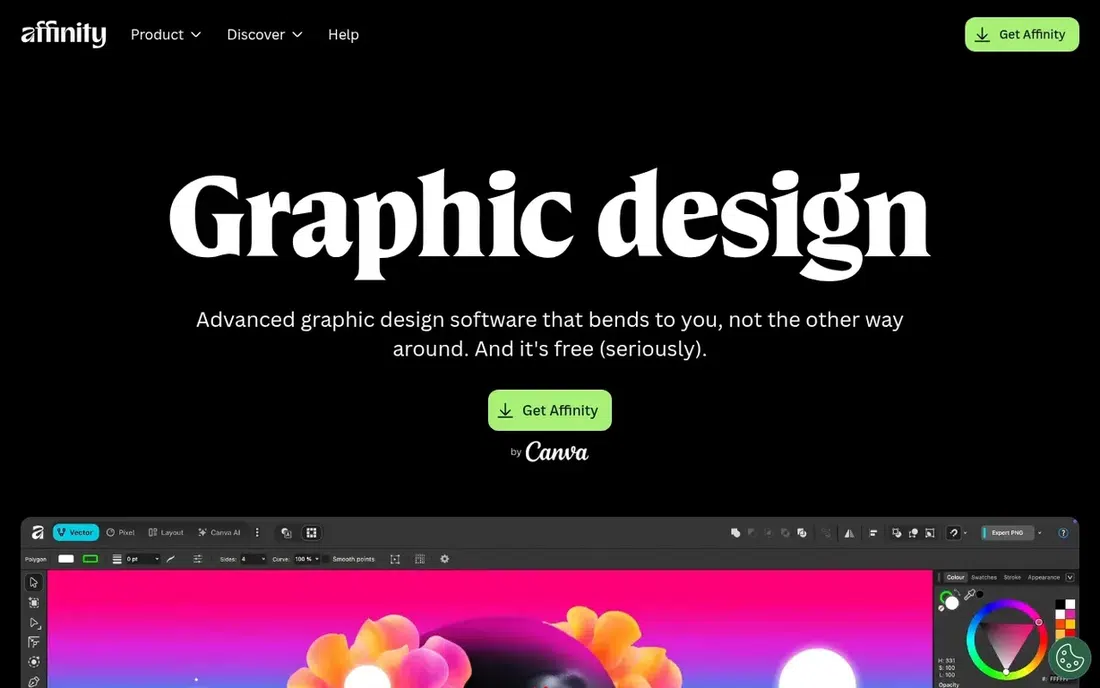
Affinity Designer was built for professional vector art and graphics. It takes care of crisp vector art and bold graphics, making it a solid fit for illustrators, logo designers, and print professionals who want a focused alternative to Illustrator.
Where Affinity Designer stands out: Precision tools for logos and illustrations.
The interface is modern and approachable, with tools that feel familiar to anyone coming from Adobe's ecosystem. Affinity Designer shows no starting price here, so confirm the cost on the vendor site. As for free access: Not stated.
Points against: No built-in collaboration features.
- Responsive performance
- Crisp vector and raster workflows
- Restricted external plugin ecosystem
Where Figma fits: collaborative UI and product design. Figma is a collaborative canvas where design, code, and AI come together. It supports the whole product development process, from first idea to shipped product, with your entire team in one place.
Watch-outs: Needs internet connection for full experience.
Its strength lies in live co-editing and cross-functional collaboration, making it a capable choice for product teams, UI designers, and developers who require to work together smoothly. Since Figma is browser-based, it relies on a stable internet connection for the full experience. Its feature depth can also be overwhelming for straightforward illustration work. If you need offline vector editing or a more straightforward drawing tool, another choice may be more appropriate. Figma pricing: $3 per month. Free access: Not stated.
- Works in the browser across products
- Bridges design, code, AI
- Can feel complicated for straightforward illustration tasks
How we compared the tools
The comparison looks at four things: starting price, free access, how well the feature set matches Illustrator, and the main limit of each tool. Figures are shown as the vendors publish them. Billing terms, seat minimums and add-ons can change the real cost. Tools are placed by general fit for Illustrator, with price clarity and free access as tie-breakers. A different team can reasonably rank them differently.
Pre-purchase checklist
- Get a written quote from CorelDRAW and Affinity Designer; the list shows no starting price for them.
- Look at the free plan from Vectornator closely: its caps decide whether it is usable for real work.
- Take the trial from Sketch and push a live task through it before you pay.
- Read the limits listed for CorelDRAW first: interface can feel dated to new users.
- Ask Affinity Designer whether prices are locked for the first term and what happens at renewal.
- Pick one real project and run it in Sketch first; a small pilot shows fit faster than a checklist.
FAQ
What is the best free alternative to Adobe Illustrator?
The first pick on this list is CorelDRAW, because it suits technical illustration and CAD-style drafting. Sketch is better for UI design and prototyping on Mac, and Vectornator for AI-assisted campaign asset generation. Check price and limits against your own needs before choosing.
Which options for Illustrator have a free plan?
Vectornator is the only tool in this list with a free plan. Free plans usually cap users, projects or features, so check the limits on the vendor page. One other tool offers a trial instead. Each of the 5 options in this Illustrator alternatives guide has its own card above with the price, free plan and limits.
Is CorelDRAW the right pick for everyone comparing Illustrator?
No single tool suits every team. CorelDRAW comes first because it fits technical illustration and CAD-style drafting, while Sketch suits UI design and prototyping on Mac and Vectornator suits AI-assisted campaign asset generation. Match the tool to your own size, budget and workflow before deciding.
What is the cheapest option for Illustrator in this list?
On published monthly entry prices, Figma is the lowest here at $3 per month. Entry price is only part of the cost, because seats, add-ons and billing terms can change the total. All 5 picks in this Illustrator alternatives comparison list a starting price, free plan details and the main limits on their cards above.
Can I open Illustrator files in these alternatives?
Some tools like Affinity Designer and CorelDRAW support importing Illustrator files, but compatibility may vary. Always test with your specific files. Check vendor documentation for supported formats.
Can I try these tools before paying?
Often, yes. Vectornator has a free plan and Sketch offers a free trial. Use your own data and a real task during the test, and check what the free tier or trial limits before you rely on it. For the full picture, the cards above cover all 5 entries of this Illustrator alternatives list, including price, free plan and limits.
Sources
- https://www.coreldraw.com
- https://www.sketch.com
- https://www.vectornator.io
- https://affinity.serif.com/en-us/designer
- https://www.figma.com