Best HWMonitor Alternatives for 2026 (5 Compared)
Shortlisting HWMonitor alternatives? 5 products compared on cost, free access and ideal buyer. Strengths and weak spots are spelled out. Straight answers.
- Editor's choiceSpeccy
Clear hardware spec summaries
Starts atSee websiteVisit ccleaner.comFull review - Great alternative
 AIDA64
Diagnostics and benchmarking in one suite
Starts atSee websiteVisit aida64.comFull review - Also considerMSI Afterburner
Graphics card monitoring and overclocking
Starts atSee websiteVisit msi.comFull review
Direct answer
Speccy leads the list, best for clear hardware spec summaries. Listed starting prices: Libre Hardware Monitor from $4 per user a month. AIDA64 fits diagnostics and benchmarking in one suite; MSI Afterburner fits graphics card monitoring and overclocking. The other 2 tools in the list cover narrower or pricier cases.
TL;DR:
- This list starts with Speccy, which is built for clear hardware spec summaries.
- The cheapest monthly starting price in the list is $4 per user per month, offered by Libre Hardware Monitor.
- For deep sensor monitoring and reporting, HWiNFO is worth a look.
- Libre Hardware Monitor is the only tool of the 5 with a free plan.
- MSI Afterburner comes with a trade-off: concentrated on graphics cards.
Last checked November 2026. Prices and plan details were read from the vendors' own pages in November 2026; vendors change plans often, so confirm the current price on the vendor site before you buy.
Quick comparison
| Tool | Best for | Starts at | Free plan? | |
|---|---|---|---|---|
| Speccy | Clear hardware spec summaries | See website | Not stated | Visit |
| AIDA64 | Diagnostics and benchmarking in one suite | See website | Not stated | Visit |
| MSI Afterburner | Graphics card monitoring and overclocking | See website | Not stated | Visit |
| Libre Hardware Monitor | Open-source sensor monitoring on modern PCs | $4 per user a month | Yes | Visit |
| HWiNFO | Deep sensor monitoring and reporting | See website | Not stated | Visit |
5 options for HWMonitor in detail
LinkVetted put together this guide to HWMonitor for readers who want a clear shortlist without reading every vendor page. It compares 5 tools on starting price, free plans, who each one suits and where each one falls short.
Speccy
Best for: Clear hardware spec summaries
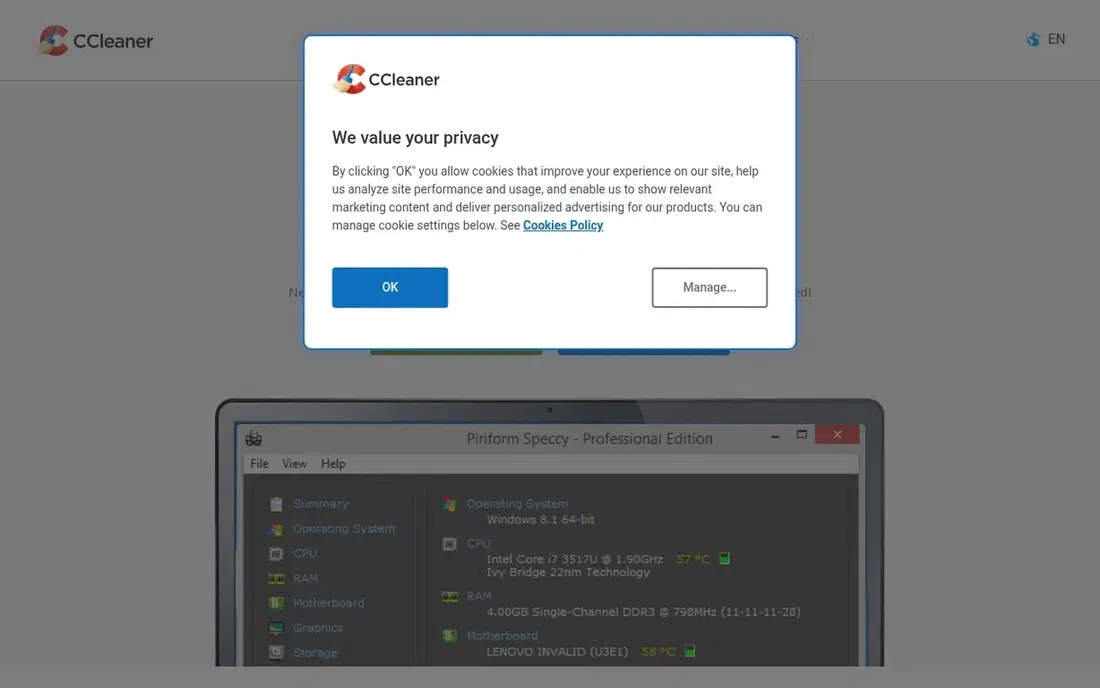
Speccy is designed for clear hardware spec summaries. It is a specification viewer first, so users wanting broad live sensor logging or fan control should look elsewhere.
Beyond that, choose Speccy when you need a fast, understandable inventory of components instead of a deep telemetry dashboard. Pricing for Speccy is not stated here, so ask the vendor for current figures. Free access: Not stated.
Honest limits: Restricted deep sensor work.
- Straightforward interface
- Straightforward spec overview
- Less suited to continuous monitoring
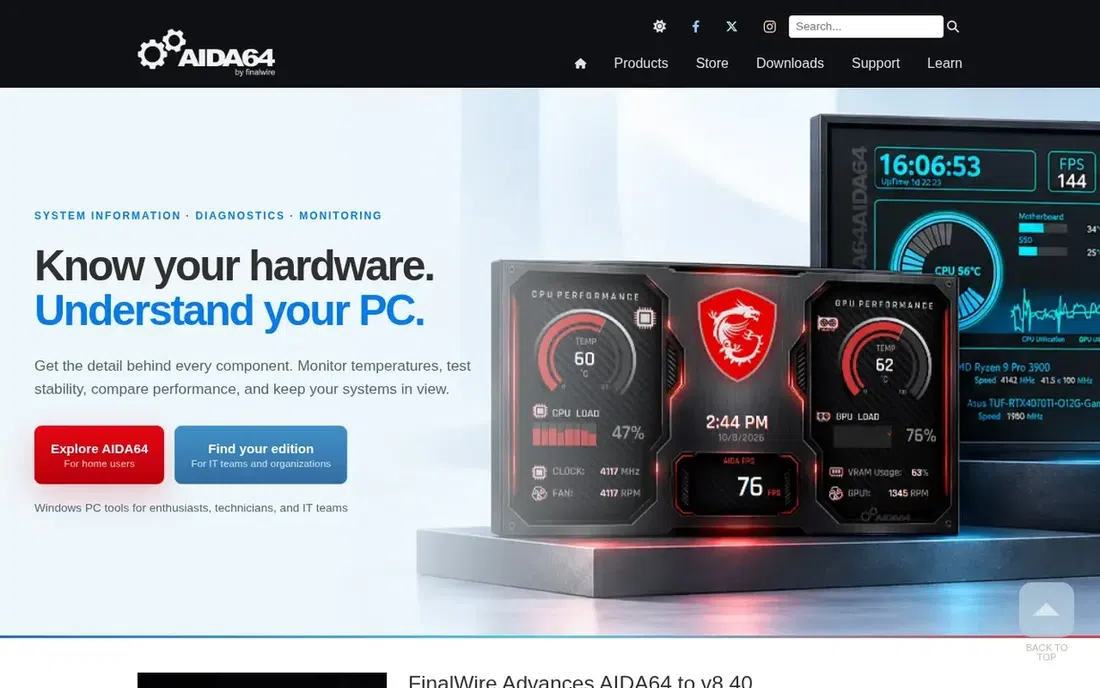
Where AIDA64 fits: diagnostics and benchmarking in one suite. AIDA64 is a system information, diagnostics and benchmarking suite with advanced hardware monitoring and in-depth system reports. Enthusiasts, technicians and small repair shops often value the combination of reporting and benchmark routines in a single package.
Also, the interface also assumes some familiarity with hardware terminology. Beyond that, for someone who only needs live temperatures and fan accelerates, the broader feature set is more than necessary. AIDA64 does not show a starting price in this comparison, so check the vendor site for current pricing. Free access: Not stated.
Honest limits: Feature set can feel excessive.
- Benchmarking tools built in
- Advanced hardware monitoring
- Heavier than simple watches
MSI Afterburner
Best for: Graphics card monitoring and overclocking
Choose MSI Afterburner for graphics card monitoring and overclocking. Choose Afterburner when GPU control and in-game monitoring are the priority. Users who require a full hardware inventory should pair it with another tool.
Where it is weaker: Centred on graphics cards.
Worth adding: MSI Afterburner is a graphics card overclocking utility that gives you an in-depth overview of hardware and brings features for example customizing fan profiles. It is widely used by gamers who want to monitor GPU behavior whereas tuning clocks and cooling. It is not a general-purpose system information tool, so CPU, memory and storage details are restricted compared to dedicated watches. Check the vendor site for MSI Afterburner pricing; none is listed in this comparison. Free plan details: Not stated.
- In-depth GPU hardware overview
- Custom fan profiles
- Not a full system inventory tool
Libre Hardware Monitor
Best for: Open-source sensor monitoring on modern PCs
Think of Libre Hardware Monitor for Open-source sensor monitoring on modern PCs. Libre Hardware Monitor is free software that watches temperature sensors, fan accelerates, voltages, load and clock accelerates.
What to check first: Needs some technical comfort.
Starting cost for Libre Hardware Monitor: $4 per user per month. A free plan is available with Libre Hardware Monitor.
- Load and clock sensors
- Free and open source
- Interface is utilitarian
HWiNFO
Best for: Deep sensor monitoring and reporting
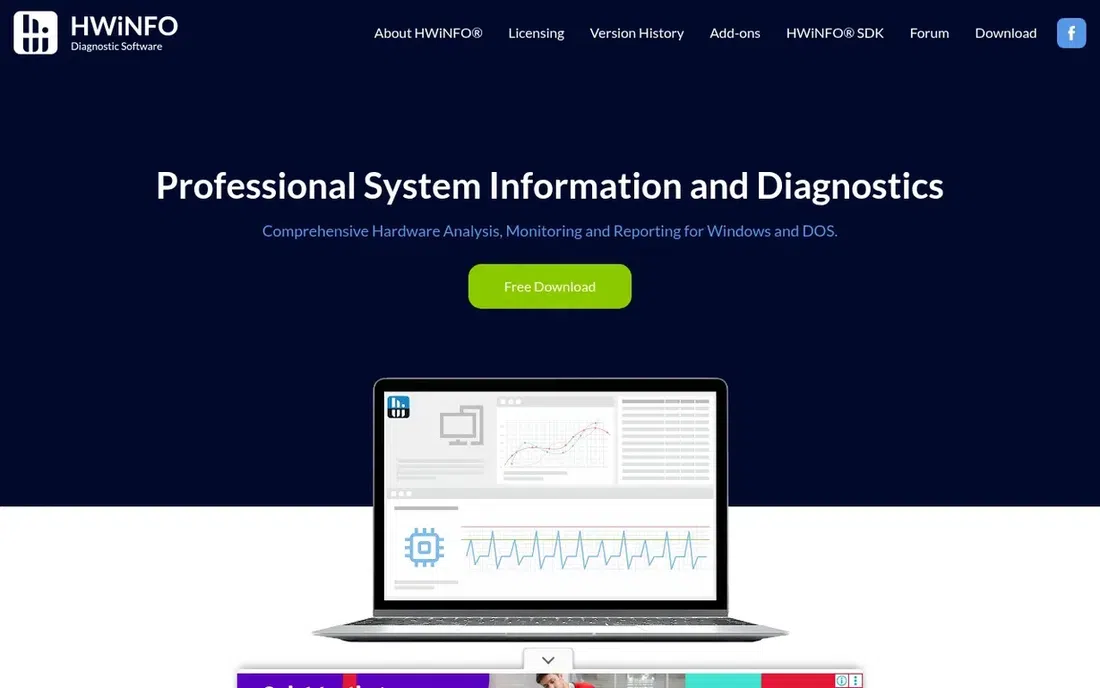
Think of HWiNFO for deep sensor monitoring and reporting. Choose it when thorough monitoring and reporting matter more than a minimal interface. Beyond that, the tradeoff is complexity: the sensor window lists numerous entries, which can confuse newcomers.
Honest limits: Sensor list can feel overwhelming.
It is also oriented toward inspection instead of tuning. So users who primarily want fan curves or GPU controls may prefer a dedicated utility. Worth adding: HWiNFO is a free system information, monitoring and diagnostics tool that presents in-depth hardware analysis alongside live sensor readings. Its reporting features make it handy for documenting a machine's configuration or tracking changes over time. HWiNFO shows no starting price here, so confirm the cost on the vendor site. Free options: Not stated.
Where it shines: Live system monitoring.
- In-depth hardware information
- Reporting features included
- Dense interface for beginners
How we compared the tools
What to check before you buy
- Confirm the entry price on the vendor page. For Speccy, AIDA64, MSI Afterburner and HWiNFO that means a quote rather than a fixed price.
- Look at the free plan from Libre Hardware Monitor closely: its caps decide whether it is usable for real work.
- Read the limits listed for Speccy first: restricted deep sensor work.
- Map your must-have features to a specific Libre Hardware Monitor plan before you compare prices.
- Add up seats, add-ons and usage charges for Speccy before comparing it with cheaper entries.
FAQ
Which options for HWMonitor have a free plan?
Libre Hardware Monitor is the only tool in this list with a free plan. Free plans usually cap users, projects or features, so check the limits on the vendor page. For the full picture, the cards above cover all 5 entries of this HWMonitor alternatives list, including price, free plan and limits.
Can I try these tools before paying?
Often, yes. Libre Hardware Monitor has a free plan. Use your own data and a real task during the test, and check what the free tier or trial limits before you rely on it. Prices, free plan details and limits for all 5 tools in this HWMonitor alternatives roundup sit on the individual cards above.
Do these tools publish their prices?
Not all of them. Speccy, AIDA64, MSI Afterburner and HWiNFO publish no starting price, so expect a quote request for those. The rest, Libre Hardware Monitor included, show a starting price, though seats and billing terms still change the final cost.
What is the cheapest option for HWMonitor in this list?
On published monthly entry prices, Libre Hardware Monitor is the lowest here at $4 per user per month. Entry price is only part of the cost, because seats, add-ons and billing terms can change the total.
Sources
- https://www.ccleaner.com/speccy
- https://www.aida64.com
- https://www.msi.com/Landing/afterburner/graphics-cards
- https://github.com/LibreHardwareMonitor/LibreHardwareMonitor
- https://www.hwinfo.com