Top GMass Alternatives in 2026: 6 Picks Ranked
A practical look at GMass alternatives for cold email and mail merge, compared from vendor documentation and public sources, with limits and fit.
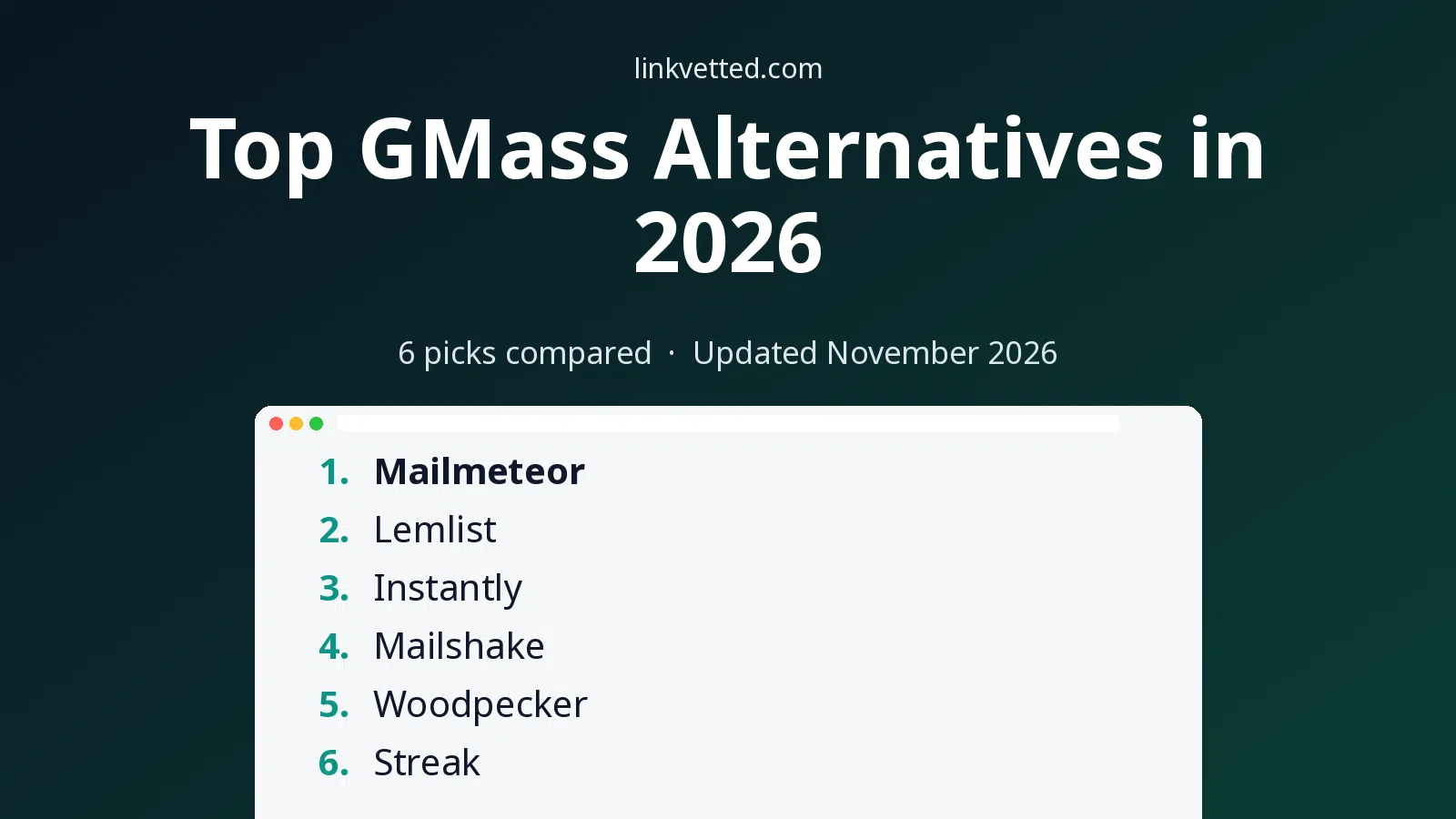
- Editor's choiceMailmeteor
Simple Gmail mail merge
Starts atSee websiteVisit mailmeteor.comFull review - Great alternative
 Lemlist
Multi-step sequences with a team
Starts atSee websiteVisit lemlist.comFull review - Also consider
 Instantly
High-volume cold email
Starts atSee websiteVisit instantly.aiFull review
Direct answer
My first pick is Mailmeteor for people who want to stay inside Gmail and keep the workflow simple. For teams that need multi-step sequences and a shared inbox, I would look at Lemlist. If you send high volumes and care about deliverability controls, Instantly is the one I would read up on next. People search for GMass alternatives because they want different sending limits, sequence features, or a tool that fits a team rather than one inbox.
TL;DR:
- GMass is a Gmail add-on, so anyone who wants to move away from Gmail or Google Workspace will look at other tools first.
- The main reasons to switch are sequence automation, shared team inboxes, and deliverability controls that a simple mail merge does not cover.
- Some alternatives are built for cold outreach at volume, while others are closer to a mail merge tool with a few extras.
- Pricing pages change often, so I only point you to the official site and let you check the current plans yourself.
- Free plans and trials differ a lot between these tools, and the free tier is usually where the sending limits are tightest.
Last checked November 2026. Plan prices are not quoted in this guide because they change often; see each vendor's own pricing page for current figures before you buy.
Quick comparison
| Tool | Best for | Starts at | Free plan? | |
|---|---|---|---|---|
| Mailmeteor | Simple Gmail mail merge | See website | Free plan | Visit |
| Lemlist | Multi-step sequences with a team | See website | Free trial | Visit |
| Instantly | High-volume cold email | See website | Free trial | Visit |
 Mailshake | Sales outreach with follow-ups | See website | Free trial | Visit |
 Woodpecker | Personalized outreach from your inbox | See website | Free trial | Visit |
 Streak | Gmail users who want a light CRM | See website | Free plan | Visit |
The best GMass alternatives compared
I put this list together from vendor documentation and public sources, not from hands-on tests. I read each product's own pages, help docs and public descriptions, then compared what they say they do. Where a vendor does not state something clearly, I say so instead of guessing. The goal is to help you shortlist tools to check yourself, not to hand out scores.
Mailmeteor
Best for: Simple Gmail mail merge
Mailmeteor is a Gmail add-on for mail merge and email tracking. It fits freelancers, small agencies and anyone who already runs their work out of Gmail and wants to send personalized batches without leaving the inbox. The vendor documents personalization fields, tracking and scheduling, so it is close in spirit to what GMass does.
If you are searching for GMass alternatives because you want the same Gmail-based approach with a different feature set, Mailmeteor is the closest match on this list. You keep your existing inbox, build a sheet of contacts, and send from there. That keeps the learning curve low and avoids moving your sending to a separate platform.
The limit is that it is built around Google's ecosystem. If your team sends from Outlook, or you need long multi-channel sequences, this is not the tool for that job. Check the vendor's current sending limits before you plan a large campaign.
- Works inside Gmail
- straightforward mail merge and tracking
- clear documentation
- Best fit is Google Workspace
- fewer outreach automation features
Lemlist is an outreach platform built around multi-step sequences. It fits sales and business development teams that want follow-ups, templates and a shared view of who is being contacted. It is a bigger step up from a Gmail add-on, and the vendor documentation reflects that.
For people leaving GMass because they need automation beyond a single send, Lemlist is worth reading about. You build a sequence, add contacts, and the tool handles the steps and tracking. That is a different workflow from a mail merge, so plan time to set it up and to write the sequence content.
Skip it if you only send occasional personalized batches from Gmail. The setup effort is not worth it for small, one-off sends, and a simpler mail merge tool will do the job.
- Sequence automation
- team-oriented workflow
- personalization features
- More setup than a mail merge tool
- overkill for one-off sends
Instantly is a cold email platform with campaign management and inbox tools. It fits agencies and sales teams that send cold outreach at volume and want sending controls in one place. The vendor documents warm-up, inbox rotation and campaign features, which are the areas people usually ask about when they leave a Gmail add-on.
If your reason for looking at GMass alternatives is volume, Instantly is the kind of tool to compare. It is designed around sending campaigns rather than merging a sheet into Gmail. That means a different setup: you connect inboxes, build campaigns and manage replies inside the platform.
The limit is fit. This is not a newsletter tool and not a good choice for small, occasional sends. It also puts more responsibility on you for list quality and consent, so read the vendor's guidance on sending practices before you start.
- Built for cold outreach volume
- inbox and deliverability features
- campaign management
- Aimed at cold email, not newsletters
- needs careful list hygiene
Mailshake is a sales engagement tool for outreach campaigns and follow-ups. It fits sales teams that want to run structured sequences and track replies in one place. The vendor documents campaign building, templates and lead management, so it is a fuller workflow than a Gmail add-on.
For someone comparing GMass alternatives with an eye on sales follow-ups, Mailshake is a reasonable shortlist entry. You set up a campaign, add leads and let the sequence run, with replies collected for follow-up. That structure helps when several people send from the same team.
It is more than a small sender needs. If you send a few hundred personalized emails a month from one inbox, a simpler tool will be easier to manage. Check the vendor's current plan details before deciding.
- Follow-up sequences
- reply and lead management
- documented setup
- Can feel heavy for small senders
- not a pure mail merge tool
Woodpecker is an outreach tool that sends from your own email inbox and handles follow-ups. It fits small teams and agencies that want personalized sequences without moving to a separate sending domain. The vendor documents inbox connection, sequences and personalization, which is the workflow most people want when they leave a mail merge add-on.
If you are looking at GMass alternatives because you want follow-ups and tracking in one place, Woodpecker is worth a look. It keeps sending tied to your inbox, so replies land where you already work. That is a practical advantage for small teams that do not want another inbox to check.
The limit is that it is built around Gmail and Outlook connections. If you send from another provider, check the vendor's documentation first. It is also more setup than a one-off mail merge, so skip it for occasional sends.
- Sends from your own inbox
- sequence and follow-up features
- personalization options
- Less useful outside Gmail and Outlook
- setup takes time
Streak is a Gmail-based CRM with mail merge and tracking features. It fits people who want to track contacts and deals inside Gmail and also send personalized batches. The vendor documents pipelines, snippets and merge features, so it covers some of the same ground as a Gmail add-on.
For GMass alternatives, Streak is the pick if you want more than sending. You can merge a sheet into Gmail and also keep a record of who replied and where they are in your pipeline. That combination is useful for freelancers and small teams that do not want a separate CRM.
The limit is focus. If you only need mail merge, the CRM side is extra work you may not use. It is also tied to Gmail, so Outlook users should look elsewhere.
- Lives inside Gmail
- adds CRM and tracking
- mail merge features
- CRM focus can distract from sending
- Gmail-only fit
How I chose
I chose these tools by reading vendor documentation and public sources, then comparing what each one says it does. I did not run hands-on tests, so I am not claiming performance results. Instead, I looked at fit: does the tool send from Gmail, does it handle sequences, does it support a team, and what does the vendor say about limits. I also noted where a product is clearly aimed at cold outreach versus simple mail merge, because that changes who should consider it.
The second part of the method was honesty about limits. Every tool here has a drawback, and I listed the one that matters most for someone leaving a Gmail add-on. I did not include GMass itself, since this is an alternatives list. I also avoided stating prices, ratings or user numbers, because those change and I cannot verify them from public pages alone. Use the official sites to check current plans and terms before you commit.
What to check before you buy
- Confirm which email provider the tool supports, since several of these are built for Gmail or Google Workspace only.
- Read the vendor's current sending limits and daily caps, because they decide how large a campaign you can run.
- Check whether you need sequences and follow-ups or just a one-off mail merge, and pick the simpler tool if it is the latter.
- Look at how replies and bounces are handled, so you know where they land and who on your team sees them.
- Read the vendor's guidance on consent and list quality, because cold outreach rules differ by region and provider.
- Check the free plan or trial terms on the official site, since the free tier is usually where limits are tightest.
FAQ
Why do people look for GMass alternatives?
Most people want a different workflow rather than a better version of the same thing. Some need multi-step sequences, some want a shared team inbox, and some are moving away from Gmail. Others want more deliverability controls for cold outreach. The right alternative depends on which of those gaps matters most to you.
Is there a free alternative to GMass?
Mailmeteor and Streak both list a free plan on their official sites, and the others on this list list free trials. Free tiers usually come with tighter sending limits, so check the vendor's current terms before you plan a campaign. I cannot confirm the exact limits here because they change.
Can I use these tools for newsletters?
Some can, but most are built for outreach or mail merge rather than newsletter publishing. If newsletters are your main job, look at dedicated email marketing platforms instead. The tools here are better suited to personalized batches, follow-ups and sales outreach.
Do these tools work with Outlook?
It depends on the tool. Woodpecker documents Gmail and Outlook connections, while Mailmeteor and Streak are built around Gmail. Lemlist, Instantly and Mailshake are outreach platforms with their own connection options. Check each vendor's documentation for your provider before you commit.
How do I pick between a mail merge tool and an outreach platform?
Start with volume and follow-ups. If you send occasional personalized batches from one inbox, a mail merge tool is enough. If you run multi-step campaigns with a team and need tracking and replies in one place, an outreach platform fits better. Match the tool to the job rather than the other way around.
Sources
- https://mailmeteor.com
- https://www.lemlist.com
- https://instantly.ai
- https://mailshake.com
- https://woodpecker.co
- https://www.streak.com