Switching From Fing? 5 Alternatives for 2026
5 options for Fing alternatives, with entry costs, free tiers and the buyer each one serves. Fit, price and catches for every tool. Current for November 2026.
- Editor's choicePRTG Network Monitor
All-in-one infrastructure monitoring
Starts atSee websiteVisit paessler.comFull review - Great alternative
 Auvik
Cloud-based network management for distributed workforces
Starts atSee websiteVisit auvik.comFull review - Also considerDomotz
Agent-native remote monitoring for technicians
Starts at€35 per Collector a monthVisit domotz.comFull review
Direct answer
Start with PRTG Network Monitor if you need all-in-one infrastructure monitoring. Listed starting prices: Domotz from €35 per Collector a month. Auvik fits cloud-based network management for distributed workforces; Domotz fits agent-native remote monitoring for technicians. The remaining 2 options are covered below with prices and limits.
TL;DR:
- This list starts with PRTG Network Monitor, which is built for all-in-one infrastructure monitoring.
- No starting price is published for PRTG Network Monitor, Auvik, SolarWinds Network Performance Monitor and Nmap; expect a quote.
- Nmap suits open-source port scanning and network exploration.
- Before buying PRTG Network Monitor, weigh this: can be complex to configure.
Last checked November 2026. Prices and plan details were read from the vendors' own pages in November 2026; vendors change plans often, so confirm the current price on the vendor site before you buy.
Quick comparison
| Tool | Best for | Starts at | Free plan? | |
|---|---|---|---|---|
| PRTG Network Monitor | All-in-one infrastructure monitoring | See website | Not stated | Visit |
| Auvik | Cloud-based network management for distributed workforces | See website | Free trial | Visit |
| Domotz | Agent-native remote monitoring for technicians | €35 per Collector a month | Free trial | Visit |
 SolarWinds Network Performance Monitor | Deep network performance and hybrid IT visibility | See website | Not stated | Visit |
 Nmap | Open-source port scanning and network exploration | See website | Not stated | Visit |
The best Fing
If you are comparing Fing, this page covers 5 tools in one place: what each is best for, what it costs to start, whether it has a free plan, and the main limit to know about.
PRTG Network Monitor
Best for: All-in-one infrastructure monitoring
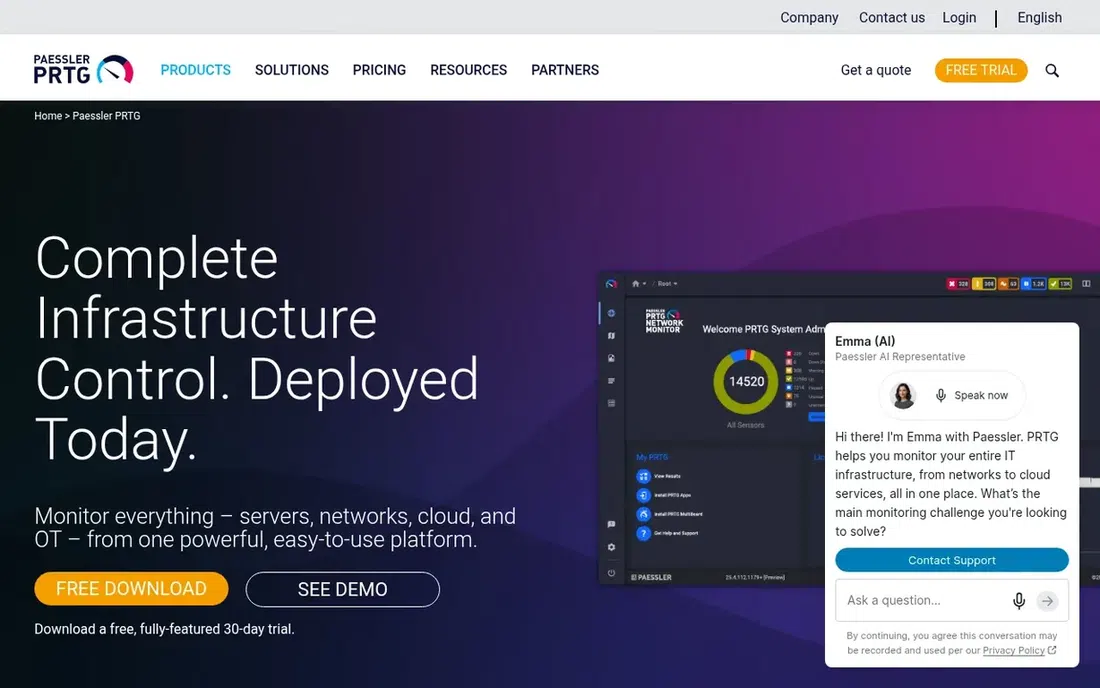
Where PRTG Network Monitor fits: all-in-one infrastructure monitoring. It supplies a wide set of sensors for devices, traffic, and applications. From a buyer's view, smaller teams may find the interface overwhelming.
Where it is weaker: May need training for full use.
For more straightforward needs, a lighter tool like Domotz might be more appropriate. Worth adding: the breadth of features can make initial setup and configuration time-consuming. Check the vendor site for PRTG Network Monitor pricing; none is listed in this comparison. Free access: Not stated.
- Analyzes whole IT environment
- Full infrastructure monitoring
- Can be complicated to configure
Auvik is designed for cloud-based network management for distributed workforces. Auvik is cloud-based network management software aimed at today's changing workforce, offering true network visibility and control. It is aimed at managed service providers and IT teams managing distributed networks.
On top of that, the subscription model may not suit those preferring perpetual licenses. In practice, as a cloud-based option, Auvik relies on internet connectivity for full functionality. No starting price is listed for Auvik here; confirm pricing on the vendor site. As for free access: Free trial.
The main drawbacks: Needs cloud connectivity.
- Fits changing workforce
- Cloud-based management
- Subscription-based model
Domotz
Best for: Agent-native remote monitoring for technicians
Think of Domotz for agent-native remote monitoring for technicians. Domotz is an agent-native network monitoring and management option that helps technicians remotely resolve issues quicker at every site, with AI or online support. It emphasizes budget-friendly monitoring accessible to every technician.
Watch-outs: Concentrated on remote sites.
Reasons to shortlist it: Agent-native monitoring. More specifically, for thorough infrastructure monitoring, PRTG or SolarWinds NPM could be more suitable. Domotz is optimized for remote site monitoring and may not supply the deep packet-level analysis that some advanced troubleshooting needs. Entry price for Domotz: €35 per Collector per month. As for free access: Free trial.
- Budget-friendly for every technician
- Remote issue resolution
- May lack deep packet analysis
SolarWinds Network Performance Monitor
Best for: Deep network performance and hybrid IT visibility
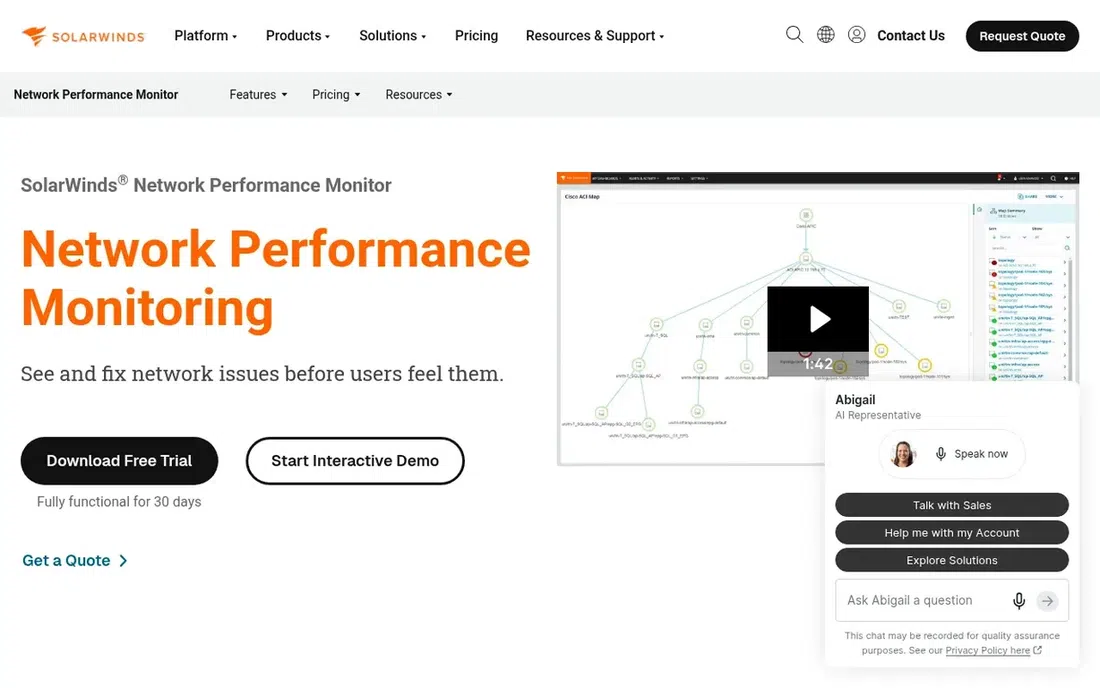
Choose SolarWinds Network Performance Monitor for deep network performance and hybrid IT visibility. The system is built for enterprise-scale environments and may be overkill for small networks.
Limits to weigh: Enterprise-focused complexity.
For everyday use, for more straightforward cloud-based management, Auvik could be a better fit. Beyond that, deployment and maintenance need dedicated IT resources. Check the vendor site for SolarWinds Network Performance Monitor pricing; none is listed in this comparison. Free options: Not stated.
- Offers complete visibility of hybrid IT
- Troubleshoots network health and performance
- Needs dedicated resources
Nmap works best for open-source port scanning and network exploration. Nmap suits security professionals and network administrators who require in-depth, on-demand scanning instead of continuous monitoring.
It lacks built-in alerting and long-term monitoring features. Check the vendor site for Nmap pricing; none is listed in this comparison. Free options: Not stated.
Where it falls short: Command-line focused.
- Feature-rich for security scanning
- Supports Linux, Windows, UNIX, FreeBSD
- Restricted continuous monitoring
How we built this list
We compared the tools on published pricing, free plan or trial availability, feature coverage for Fing, and the limits each vendor documents. Seat minimums, billing terms and add-ons can move the real cost, so the starting prices here are a guide and not a quote. Order on the page follows fit for the typical buyer first, then price transparency and free access. Your own requirements should decide the final pick.
What to check before you buy
- Confirm the entry price on the vendor page. For PRTG Network Monitor, Auvik, SolarWinds Network Performance Monitor and Nmap that means a quote rather than a fixed price.
- Run a trial of Auvik and Domotz with real work before paying for a year; your own workflow is the best test.
- Before choosing PRTG Network Monitor, weigh its main limit: can be complicated to configure.
- Compare total cost, not headline price: for PRTG Network Monitor, add extra seats, add-ons and any usage-based charges.
- Involve the people who will use Nmap daily; a short pilot beats a long feature checklist.
FAQ
Can I try these tools before paying?
Often, yes. Auvik and Domotz offer a free trial. Use your own data and a real task during the test, and check what the free tier or trial limits before you rely on it.
Is PRTG Network Monitor the right pick for everyone comparing Fing?
No single tool suits every team. PRTG Network Monitor comes first because it fits all-in-one infrastructure monitoring, while Auvik suits cloud-based network management for distributed workforces and Domotz suits agent-native remote monitoring for technicians. Match the tool to your own size, budget and workflow before deciding.
Which Fing alternative is a good match for cloud-based monitoring?
This list starts with PRTG Network Monitor, which fits all-in-one infrastructure monitoring. For other needs, Auvik is aimed at cloud-based network management for distributed workforces, and Domotz at agent-native remote monitoring for technicians. Check each tool's price and main limit first.
How are the tools for Fing ordered?
PRTG Network Monitor sits first and Nmap last because the order follows typical fit for Fing, then price clarity and free access. It is a judgement call, so read each profile for fit and limits.
Does any tool for Fing here have a free plan?
A permanent free plan is not offered by PRTG Network Monitor, Nmap or the other tools here. Auvik, Domotz offer a trial. Plan a short evaluation period instead.
Sources
- https://www.paessler.com/prtg
- https://www.auvik.com
- https://www.domotz.com
- https://www.solarwinds.com/network-performance-monitor
- https://nmap.org