Switching From BitSight? 5 Alternatives for 2026
Weighing BitSight alternatives? We lined up 5 products by cost, free access and fit. Where a tool struggles is spelled out. Last reviewed November 2026.
- Editor's choicePanorays
Business-context external assessments
Starts atSee websiteVisit panorays.comFull review - Great alternative
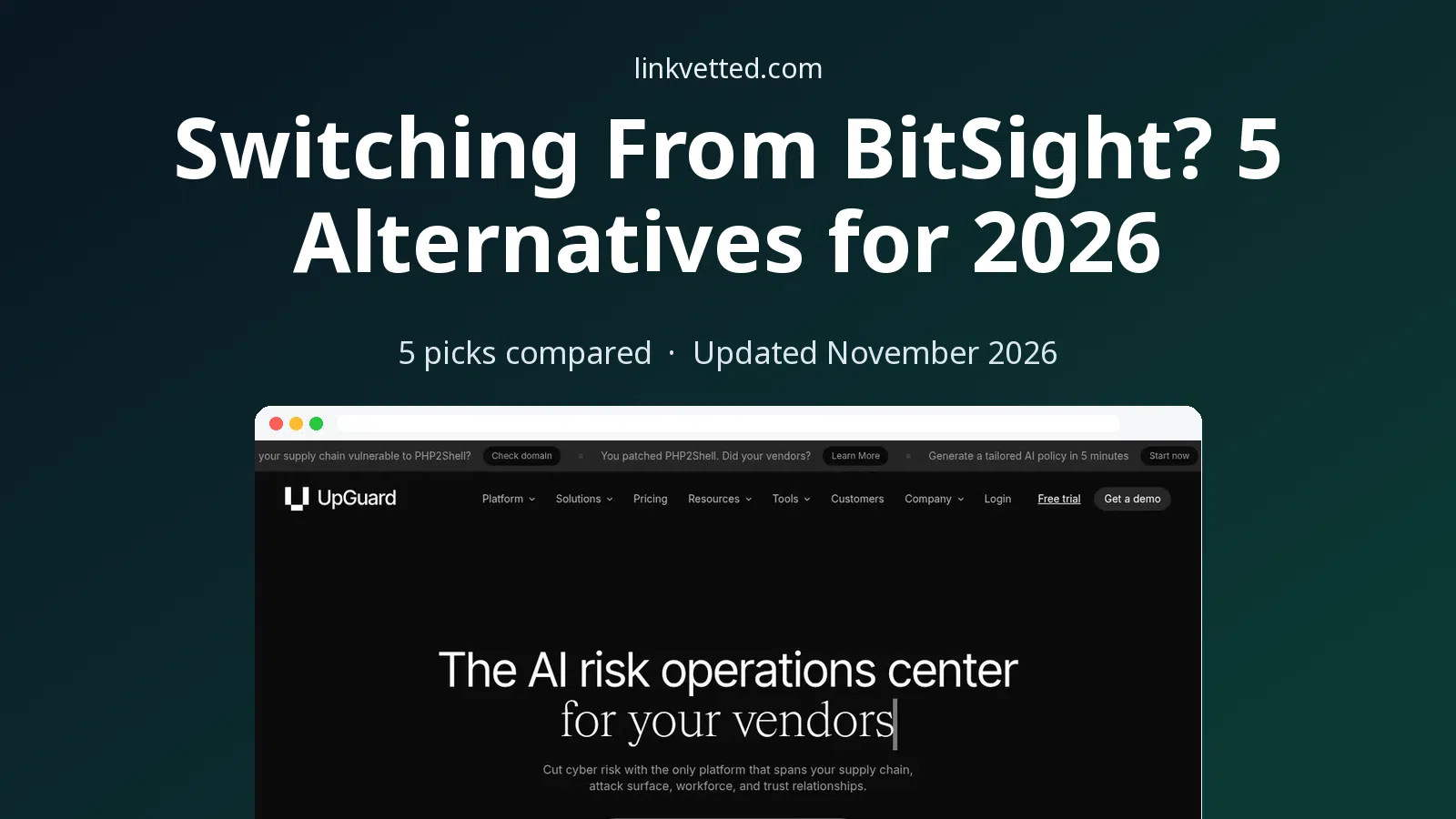
 UpGuard
Unified vendor and attack surface risk
Starts at$1,750 a month, billed yearlyVisit upguard.comFull review - Also considerSecurityScorecard
Continuous supply chain monitoring
Starts atSee websiteVisit securityscorecard.comFull review
Direct answer
This list puts Panorays first for business-context external assessments. Listed starting prices: UpGuard from $1,750 a month, billed yearly. For a different need, UpGuard covers unified vendor and attack surface risk and SecurityScorecard covers continuous supply chain monitoring. All 5 tools are compared below on price, free plan and limits.
TL;DR:
- Panorays is the opening pick, best for business-context external assessments.
- RiskRecon is the one to check for threat intelligence driven risk scoring.
- One limit worth knowing about Panorays: concentrated on external risk only.
- For the cheapest start, look at UpGuard: $1,750 per month, billed annually.
Last checked November 2026. Prices and plan details were read from the vendors' own pages in November 2026; vendors change plans often, so confirm the current price on the vendor site before you buy.
Quick comparison
| Tool | Best for | Starts at | Free plan? | |
|---|---|---|---|---|
| Panorays | Business-context external assessments | See website | Free trial | Visit |
| UpGuard | Unified vendor and attack surface risk | $1,750 a month, billed yearly | Free trial | Visit |
| SecurityScorecard | Continuous supply chain monitoring | See website | Free trial | Visit |
| Prevalent | Automatic TPRM workflows and compliance | See website | Not stated | Visit |
 RiskRecon | Threat intelligence driven risk scoring | See website | Not stated | Visit |
BitSight, one by one
Choosing BitSight usually comes down to price, fit and limits. This LinkVetted guide sets 5 tools side by side on those three points, with the facts kept short and checkable.
Panorays
Best for: Business-context external assessments
Panorays is aimed squarely at business-context external assessments. Panorays is an external cyber risk management system that helps firms assess, monitor and fix external cyber risk based on business context.
Its scope is external risk, so it may not handle internal attack surface or workforce risk as broadly as some alternatives. This comparison lists no price for Panorays; ask the vendor. As for free access: Free trial.
Watch-outs: May need integration with other tools.
- Remediation support
- Business context driven
- Centred on external risk only
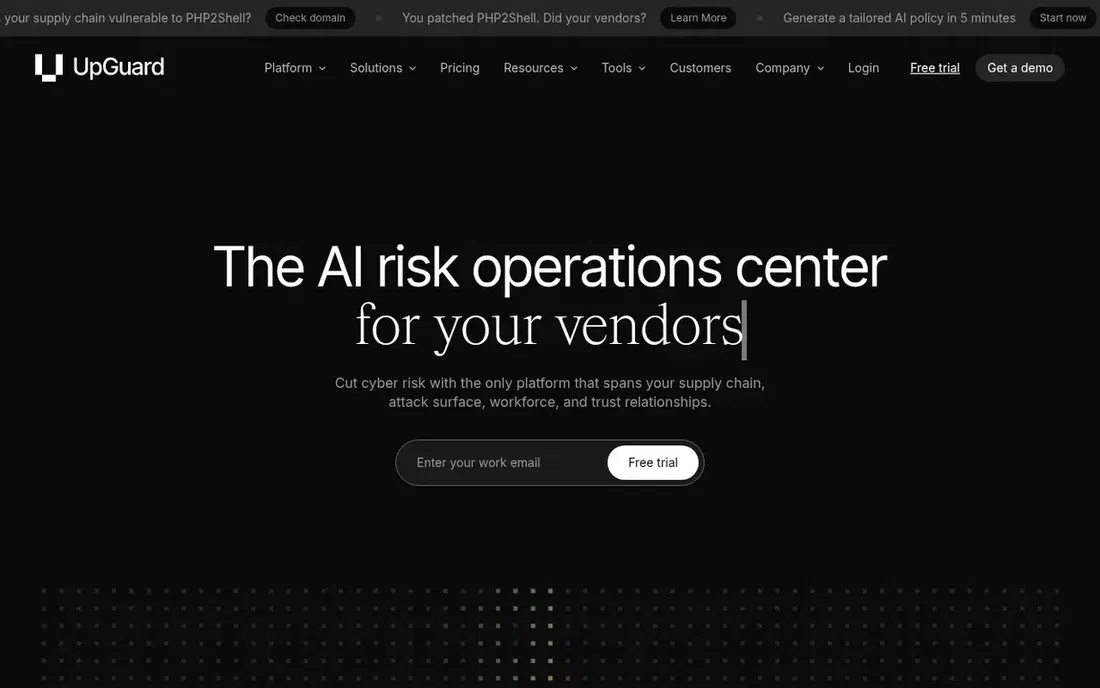
UpGuard is built with unified vendor and attack surface risk in mind. It fits organizations wanting a single view of external risk exposure that spans third parties and their own digital footprint.
If you need specialized threat intelligence or business-context-driven assessments, other choices may be a better fit. The starting price for UpGuard: $1,750 per month, billed annually. On free options: Free trial.
What to check first: Needs configuration for full value.
- Brings together vendor and attack surface
- Contains workforce risk
- Wide scope may overwhelm new users
SecurityScorecard
Best for: Continuous supply chain monitoring
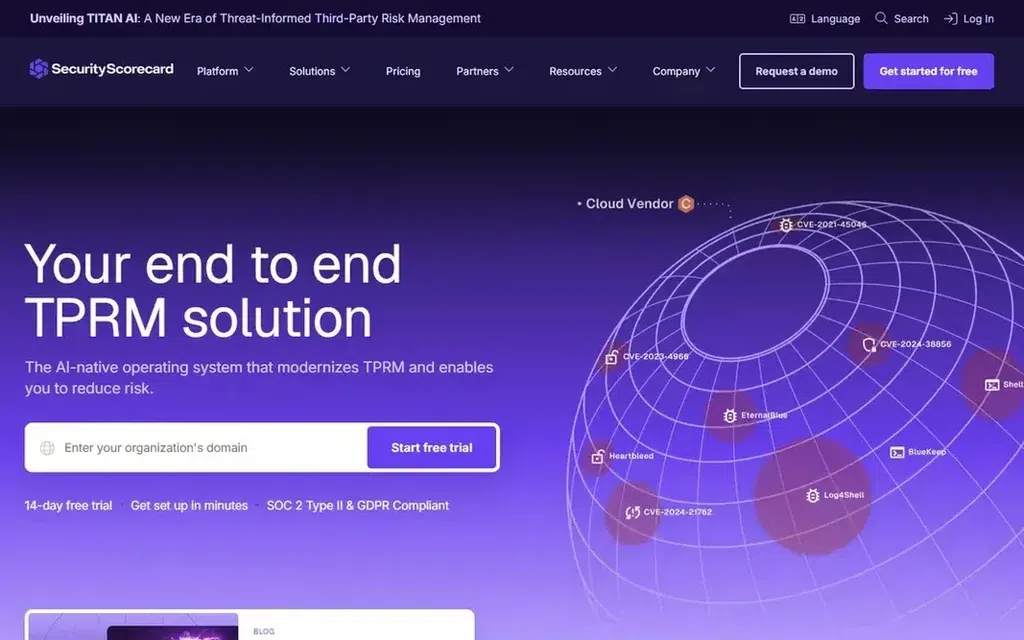
SecurityScorecard is designed for continuous supply chain monitoring. It fits organizations that require continuing visibility into vendor security posture and want to handle supply chain cyber risk in one place.
Its scope centers on cyber risk, so teams needing broader operational or financial risk management may need extra tools. Pricing for SecurityScorecard is not stated here, so ask the vendor for current figures. As for free access: Free trial.
Watch-outs: Concentrated on cyber risk only.
- External risk management focus
- Continuous vendor monitoring
- May need integration effort
Prevalent
Best for: Automatic TPRM workflows and compliance
Prevalent is designed for automated TPRM workflows and compliance. Prevalent, now part of Mitratech, is AI-powered external risk management software that automates workflows and eases compliance.
Points against: Part of Mitratech portfolio.
As part of a bigger portfolio, its focus is on workflow and compliance instead of external threat intelligence. Check the vendor site for Prevalent pricing; none is listed in this comparison. As for free access: Not stated.
- AI-powered TPRM software
- Eases compliance
- May be complicated for small teams
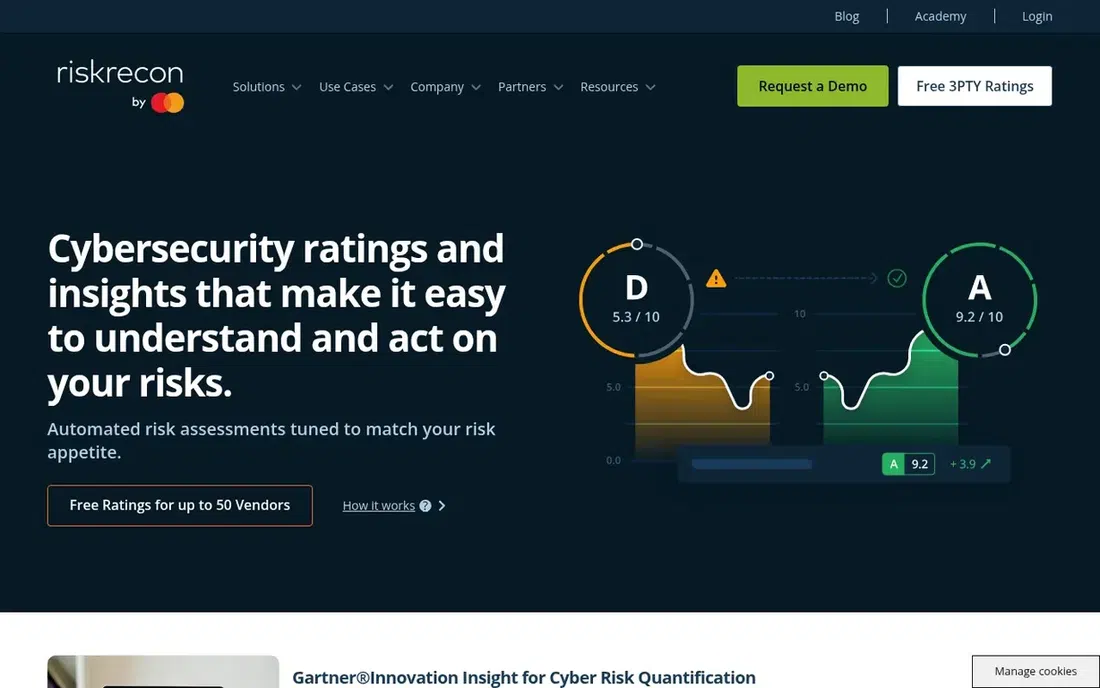
RiskRecon is a good fit for threat intelligence driven risk scoring. RiskRecon by Mastercard is a risk management option that merges threat intelligence with external risk management software to deliver actionable insights for managing cyber risks and threats.
The main drawbacks: May emphasize scoring over remediation.
Teams seeking standalone TPRM with heavy workflow automation might prefer a dedicated platform like Prevalent. RiskRecon does not show a starting price in this comparison, so check the vendor site for current pricing. Trial and free access: Not stated.
- Merges threat intelligence with TPRM
- Actionable risk insights
- Part of Mastercard ecosystem
How the list was put together
Selection started from tools commonly considered for BitSight, then narrowed to 5 that have clear pricing information or a clear quote process. Treat prices as a snapshot: vendors change plans often, so check the vendor site for the figure that applies today. The order reflects how well each tool fits the most common buying scenario for BitSight, then price clarity, then free plan access. It is a starting point, not a verdict.
A buyer's checklist
- Ask Panorays, SecurityScorecard, Prevalent and RiskRecon for a written quote, since no starting price is shown.
- Take the trial from Panorays, UpGuard and SecurityScorecard and push a live task through it before you pay.
- Read the limits listed for Panorays first: concentrated on external risk only.
- See whether RiskRecon offers onboarding or training, and whether it is included in the price.
- Find out whether the entry plan of Panorays covers your must-haves or only a trimmed-down version.
FAQ
What is the cheapest option for BitSight in this list?
On published monthly entry prices, UpGuard is the lowest here at $1,750 per month, billed annually. Entry price is only part of the cost, because seats, add-ons and billing terms can change the total. All 5 picks in this BitSight alternatives comparison list a starting price, free plan details and the main limits on their cards above.
Do these tools publish their prices?
Not all of them. Panorays, SecurityScorecard, Prevalent and RiskRecon publish no starting price, so expect a quote request for those. The rest, UpGuard included, show a starting price, though seats and billing terms still change the final cost.
How does SecurityScorecard differ from UpGuard?
SecurityScorecard emphasizes continuous vendor monitoring and external risk management for supply chains. The right choice relies on whether you need broader internal and external visibility.
Is Panorays the right pick for everyone comparing BitSight?
No single tool suits every team. Panorays comes first because it fits business-context third-party assessments, while UpGuard suits unified vendor and attack surface risk and SecurityScorecard suits continuous supply chain monitoring. Match the tool to your own size, budget and workflow before deciding.
How are the tools for BitSight ordered?
The order follows typical fit for BitSight, with Panorays first and RiskRecon last, then price clarity and free access. It is editorial judgement, not a score, so another team could rank the tools differently.
Sources
- https://panorays.com
- https://www.upguard.com
- https://securityscorecard.com
- https://www.prevalent.net
- https://www.riskrecon.com