EXScan Pro Alternatives in 2026: 5 Options Vetted
EXScan Pro alternatives, compared. 5 tools with published prices, free plans and limits. Trade-offs are spelled out for each entry. Budget notes included.
- Editor's choice
 ABBYY FineReader PDF
OCR and PDF conversion work
Starts at$16 a monthVisit abbyy.comFull review - Great alternative
 NAPS2
Straightforward document scanning to PDF
Starts atSee websiteVisit naps2.comFull review - Also consider
 VueScan
Wide scanner compatibility across systems
Starts atSee websiteVisit hamrick.comFull review
Direct answer
Our first pick is ABBYY FineReader PDF, best for OCR and PDF conversion work. Listed starting prices: ABBYY FineReader PDF from $16 a month. NAPS2 fits straightforward document scanning to PDF; VueScan fits wide scanner compatibility across systems. Details, prices and limits for the rest of the 5 tools are below.
TL;DR:
- The list opens with ABBYY FineReader PDF, aimed at OCR and PDF conversion work.
- Acrobat Pro fits editing and sharing scanned PDFs.
- What to know about SilverFast first: focused on images instead of office documents.
- None of the 5 tools, from ABBYY FineReader PDF to Acrobat Pro, has a free plan, so budget for a subscription or use a trial.
Last checked November 2026. Prices and plan details were read from the vendors' own pages in November 2026; vendors change plans often, so confirm the current price on the vendor site before you buy.
Quick comparison
| Tool | Best for | Starts at | Free plan? | |
|---|---|---|---|---|
| ABBYY FineReader PDF | OCR and PDF conversion work | $16 a month | Free trial | Visit |
| NAPS2 | Straightforward document scanning to PDF | See website | Not stated | Visit |
| VueScan | Wide scanner compatibility across systems | See website | Not stated | Visit |
| SilverFast | Photos, slides, negatives and film | See website | Not stated | Visit |
| Acrobat Pro | Editing and sharing scanned PDFs | See website | Not stated | Visit |
Tool-by-tool breakdown
Choosing EXScan Pro usually comes down to price, fit and limits. This LinkVetted guide sets 5 tools side by side on those three points, with the facts kept short and checkable.
ABBYY FineReader PDF is built with OCR and PDF conversion work in mind. ABBYY FineReader PDF is PDF software built around OCR technology, letting users convert scanned files into editable formats for example Word or Excel, and then edit, share and collaborate on them. Worth adding: choose FineReader PDF when converting scanned text into editable documents is the primary task.
In daily use, casual users who only need a clean PDF may find the feature set bigger than necessary. Like Acrobat Pro, it complements instead of replaces capture software for unsupported scanners. Entry price for ABBYY FineReader PDF: $16 per month. Trial and free access: Free trial.
The main drawbacks: Feature set may overwhelm casual users.
- Sharing and collaboration features
- Editing
- OCR focus instead of scanner drivers
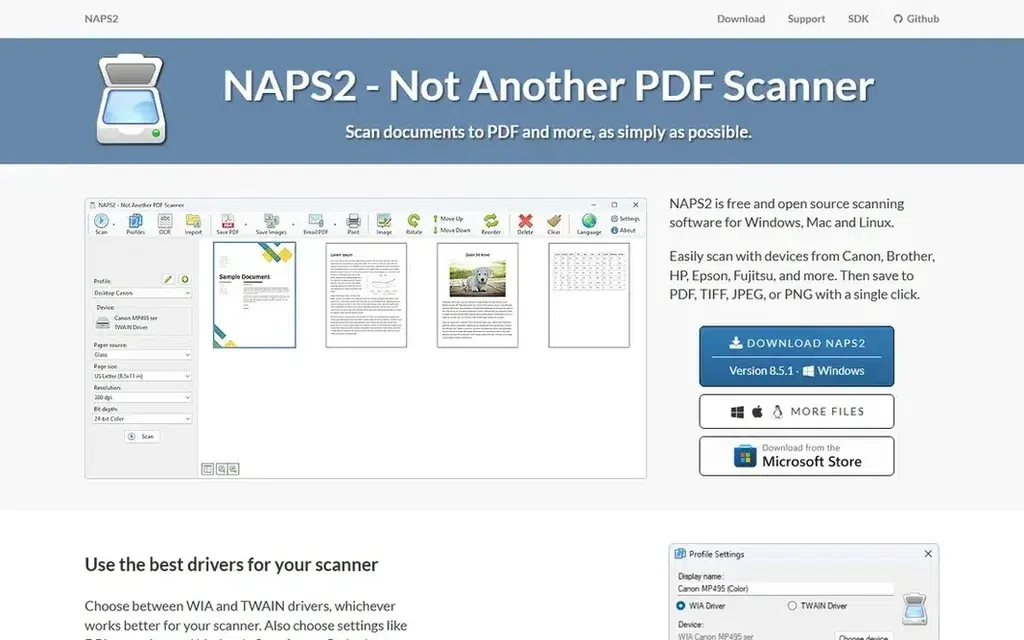
NAPS2 works best for straightforward document scanning to PDF. It is not built for fine art or film scanning, and it does not aim to be a complete document management system.
Where it is weaker: Fewer image refinement tools than photo software.
No starting price is listed for NAPS2 here; confirm pricing on the vendor site. Free plan details: Not stated.
- Scans straight to PDF
- Comes with OCR and document editing features
- Not a full document management system
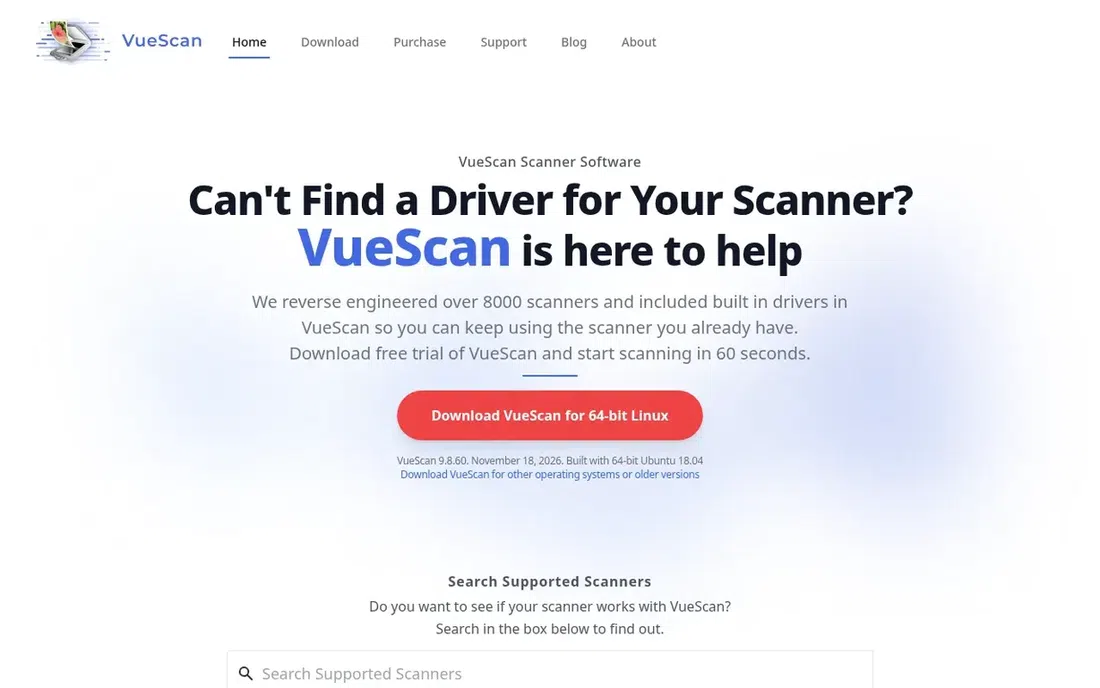
Where VueScan fits: wide scanner compatibility across systems. VueScan is scanner software built to get hardware working on macOS, Windows and Linux, including scanners whose original drivers are no longer maintained. It bundles a driver for the scanner, so it can serve as a replacement when manufacturer software stops working.
Also, pick VueScan when hardware compatibility is the priority and you are comfortable adjusting scan choices yourself. If your central goal is managing scanned paperwork, a document management tool may suit you better. Pricing for VueScan is not stated here, so ask the vendor for current figures. On free options: Not stated.
Where it falls short: Interface is functional instead of modern.
- Comes with drivers for many scanners
- Works with scanners whose own software is gone
- Film and document work may need other tools
SilverFast
Best for: Photos, slides, negatives and film
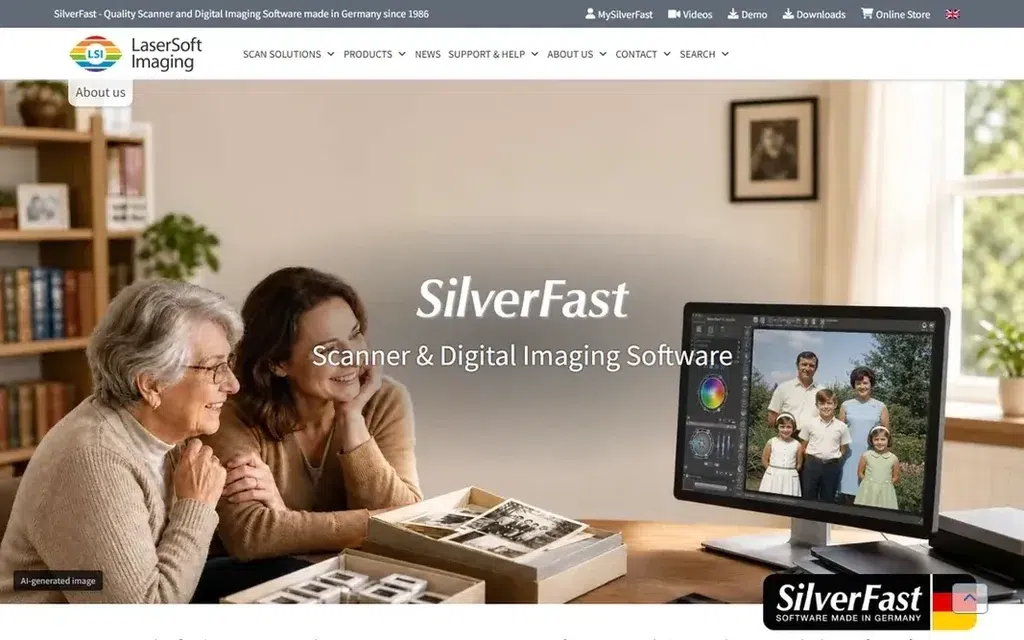
Think of SilverFast for photos, slides, negatives and film. SilverFast is scanner software pitched at digitizing photos, slides, negatives and film strips, with editing tools for the resulting images. It is available for macOS and Windows and presents itself as a tool for producing refined scans instead of routine office paperwork.
Trade-offs to know: Ramp-up time for advanced settings.
Upsides: Bundles editing tools for scanned images.
The emphasis on image quality means more settings to learn, and the workflow is less oriented toward multi-page office documents. As for the details, choose SilverFast when film and photo output quality drives the decision. On top of that, if you largely scan contracts, receipts or forms, a document-focused tool is a more natural fit. Pricing for SilverFast is not stated here, so ask the vendor for current figures. Trial and free access: Not stated.
- Aimed at photo and film digitizing
- Available for macOS and Windows
- Concentrated on images instead of office documents
Acrobat Pro
Best for: Editing and sharing scanned PDFs
Acrobat Pro is designed for editing and sharing scanned PDFs. Teams already working in PDF-heavy environments will find it familiar.
As for the details, pick Acrobat Pro when post-scan PDF work is the real bottleneck. This comparison lists no price for Acrobat Pro; ask the vendor. On free options: Not stated.
Points against: Wide suite may be more than needed.
- Capable PDF editing and conversion
- Sharing and collaboration features
- Not a scanner driver replacement
What went into this list
LinkVetted looked at what each vendor publishes: pricing, plan limits, feature coverage for EXScan Pro and stated drawbacks. No hands-on testing is claimed. Where a vendor does not publish a price, the entry says quote. Where a price depends on seats or billing term, the entry says so. The sequence is a judgement call: typical use case first, then pricing transparency, then free access. Use the profiles to check fit.
Questions to settle before buying
- Get a written quote from NAPS2, VueScan, SilverFast and Acrobat Pro; the list shows no starting price for them.
- Run a trial of ABBYY FineReader PDF with real work before paying for a year; your own workflow is the best test.
- Read the limits listed for ABBYY FineReader PDF first: OCR focus instead of scanner drivers.
- Verify that exporting from VueScan is possible on your plan and covers all your records.
- List the apps you already depend on and check that NAPS2 supports each one on the plan you would buy.
FAQ
Can I use PDF software rather than scanner software?
PDF tools like Acrobat Pro and ABBYY FineReader PDF work on files after they are captured, so they complement instead of replace scanner software.
Can I try these tools before paying?
Often, yes. ABBYY FineReader PDF offers a free trial. Use your own data and a real task during the test, and check what the free tier or trial limits before you rely on it. For the full picture, the cards above cover all 5 entries of this EXScan Pro alternatives list, including price, free plan and limits.
What should I look for in an EXScan Pro alternative?
Start with scanner compatibility, since the central reason to switch is frequently hardware support. Then check operating system coverage and whether you need document scanning, film digitizing or PDF editing after the scan.
What is the cheapest option for EXScan Pro in this list?
On published monthly entry prices, ABBYY FineReader PDF is the lowest here at $16 per month. Entry price is only part of the cost, because seats, add-ons and billing terms can change the total. Prices, free plan details and limits for all 5 tools in this EXScan Pro alternatives roundup sit on the individual cards above.
Does any tool for EXScan Pro here have a free plan?
A permanent free plan is not offered by ABBYY FineReader PDF, Acrobat Pro or the other tools here. ABBYY FineReader PDF offer a trial. Plan a short evaluation period instead.
Do these tools publish their prices?
Not all of them. NAPS2, VueScan, SilverFast and Acrobat Pro publish no starting price, so expect a quote request for those. The rest, ABBYY FineReader PDF included, show a starting price, though seats and billing terms still change the final cost.
Sources
- https://www.abbyy.com/finereader
- https://www.naps2.com
- https://www.hamrick.com
- https://www.silverfast.com
- https://www.adobe.com/acrobat/acrobat-pro.html