Best EWorkOrders Alternatives for 2026 (5 Compared)
EWorkOrders alternatives in 2026: 5 tools with starting prices, free plans and limits. Every profile names its biggest catch. Quick comparison inside.
- Editor's choiceAsset Essentials
Maintenance and capital planning workflows
Starts atSee websiteVisit dudesolutions.comFull review - Great alternative
 Limble CMMS
Technician-friendly modern asset management
Starts atSee websiteVisit limblecmms.comFull review - Also consider
 Fiix
Cloud CMMS with AI-assisted work orders
Starts at$45 per user a monthVisit fiixsoftware.comFull review
Direct answer
Asset Essentials comes first here, mainly for Maintenance and capital planning workflows. Listed starting prices: Fiix from $45 per user a month, Maintenance Connection from $58 per user per month and UpKeep from $24 per user per month. Look at Limble CMMS for technician-friendly modern asset management, and at Fiix for cloud CMMS with AI-assisted work orders. Prices, free plans and limits for all 5 tools follow.
TL;DR:
- The list opens with Asset Essentials, aimed at Maintenance and capital planning workflows.
- Only Fiix offers a free plan among these 5 tools.
- UpKeep fits mobile-first work order and asset tracking.
- Before buying Asset Essentials, weigh this: broader platform may feel enterprise-oriented.
- UpKeep has the lowest monthly starting price in this list: $24 per user per month.
Last checked November 2026. Prices and plan details were read from the vendors' own pages in November 2026; vendors change plans often, so confirm the current price on the vendor site before you buy.
Quick comparison
| Tool | Best for | Starts at | Free plan? | |
|---|---|---|---|---|
| Asset Essentials | Maintenance and capital planning workflows | See website | Not stated | Visit |
| Limble CMMS | Technician-friendly modern asset management | See website | Not stated | Visit |
| Fiix | Cloud CMMS with AI-assisted work orders | $45 per user a month | Yes | Visit |
| Maintenance Connection | Complete CMMS with inventory tracking | $58 per user per month | Free trial | Visit |
 UpKeep | Mobile-first work order and asset tracking | $24 per user per month | Free trial | Visit |
Our 5 eWorkOrders
LinkVetted put together this guide to eWorkOrders for readers who want a clear shortlist without reading every vendor page. It compares 5 tools on starting price, free plans, who each one suits and where each one falls short.
Asset Essentials
Best for: Maintenance and capital planning workflows
Asset Essentials serves Maintenance and capital planning workflows. Asset Essentials is part of Siemens asset management software, handling maintenance and work order tracking along with analytics and capital planning.
Organizations wanting only straightforward work order tracking may prefer a narrower tool. Check the vendor site for Asset Essentials pricing; none is listed in this comparison. Free options: Not stated.
Downsides: Broader product may feel enterprise-oriented.
- Work order tracking
- Part of Siemens asset management
- Small teams may not need all modules
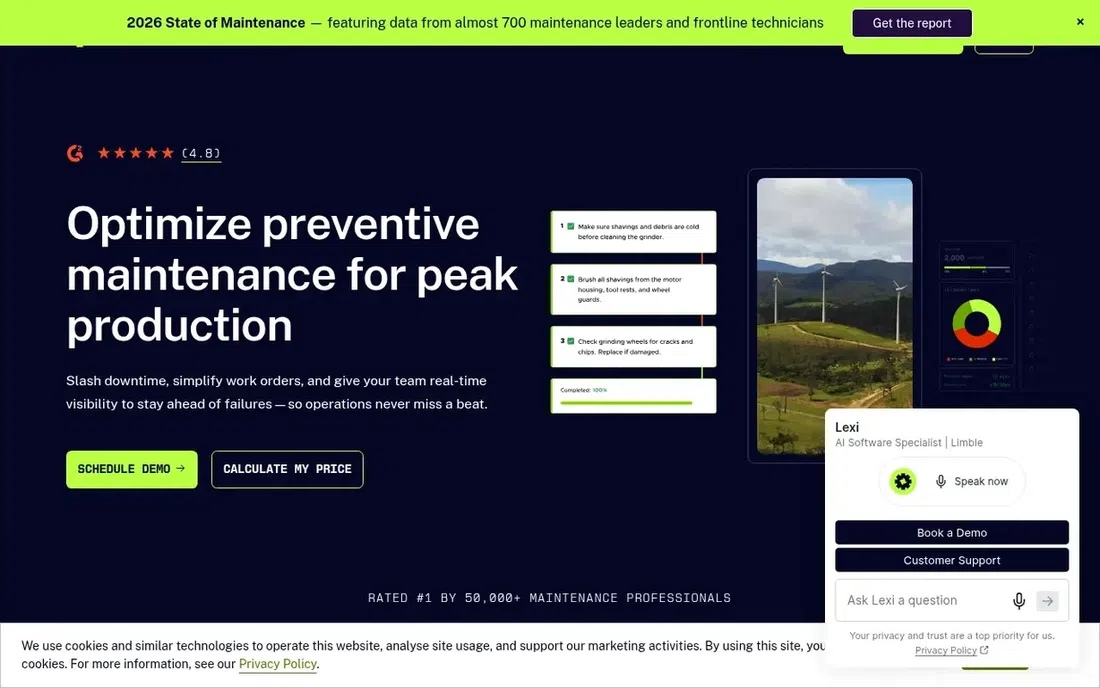
Limble CMMS works best for technician-friendly modern asset management. Teams that require broad external integrations or highly specialized reporting may find other platforms a better fit.
On top of that, Limble CMMS presents itself as a modern asset management system centered on the experience of maintenance technicians. Its work order and asset tracking features are aimed at daily use by the people doing the work. Check the vendor site for Limble CMMS pricing; none is listed in this comparison. Trial and free access: Not stated.
Drawbacks to consider: Less emphasis on deep integration ecosystems.
- Interface geared toward technicians
- Work order and maintenance tracking
- May suit mid-sized teams better than very small ones
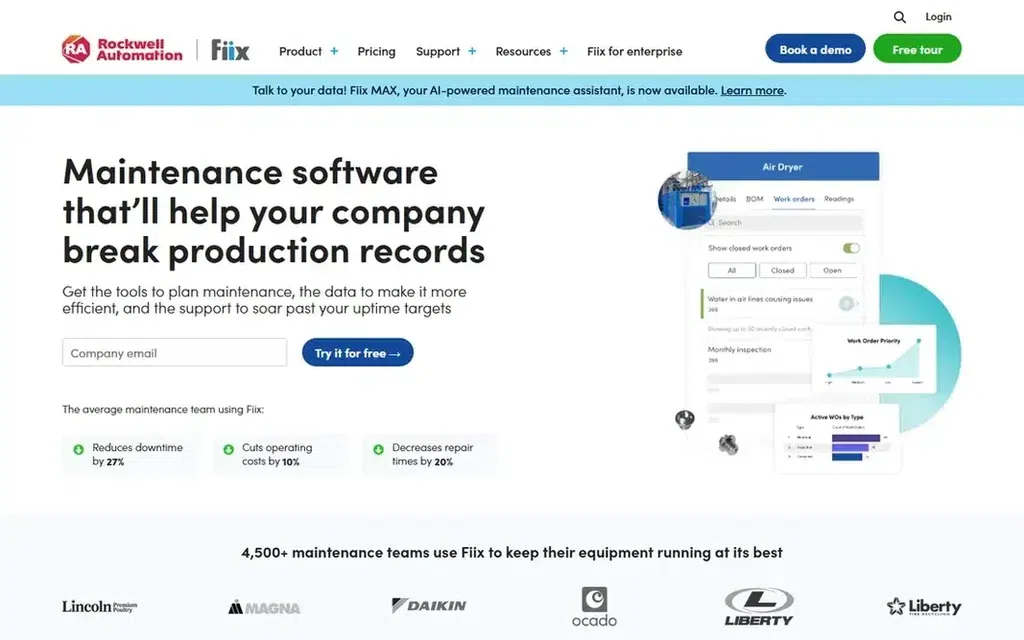
Fiix is built with cloud CMMS with AI-assisted work orders in mind. Because the product includes a broad set of maintenance functions, smaller teams may find the scope bigger than they need at the start.
On cost, Fiix starts like this: $45 per user per month. Free access exists with Fiix.
Drawbacks to consider: Wide feature set may feel heavy for small teams.
- Embedded AI tools
- Cloud-based maintenance planning
- Setup needs planning
Maintenance Connection
Best for: Complete CMMS with inventory tracking
Choose Maintenance Connection for complete CMMS with inventory tracking. Maintenance Connection describes itself as a complete CMMS and maintenance management software including work orders, inventory tracking and more. In daily use, pick Maintenance Connection when inventory control and full maintenance management are requirements instead of extras.
Where it is weaker: Less suited to very straightforward setups.
On top of that, the breadth of a complete CMMS can mean more configuration than a small team wants to take on. Worth adding: teams seeking a very light tool may prefer something more straightforward. Starting cost for Maintenance Connection: $58 per user per month. As for free access: Free trial.
- Work order management
- Wide maintenance management scope
- Full suite may need onboarding effort
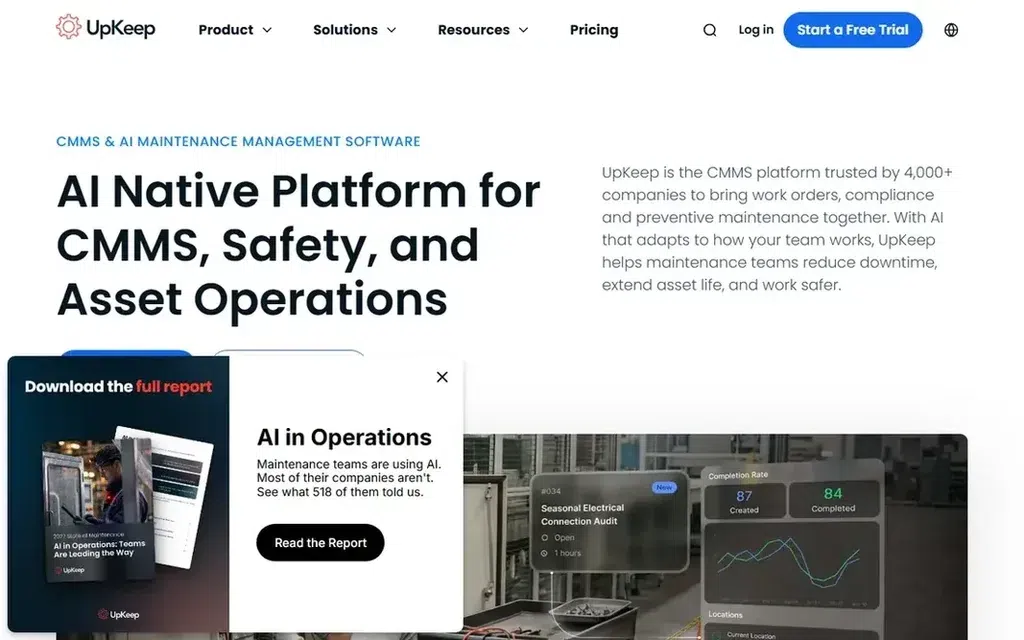
For mobile-first work order and asset tracking, UpKeep is a natural candidate. UpKeep is a CMMS product that helps maintenance teams handle work orders, assets and preventive tasks efficiently from any device.
The main drawbacks: Mobile-first design may feel restricted on desktop-heavy workflows.
On top of that, choose UpKeep when device adaptability and preventive task management are central. In daily use, very small teams may also find the scope wide. What you pay to start with UpKeep: $24 per user per month. As for free access: Free trial.
- Preventive task scheduling
- Work order and asset management
- Feature depth varies by module
How we built this list
The comparison looks at four things: starting price, free access, how well the feature set matches eWorkOrders, and the main limit of each tool. Treat prices as a snapshot: vendors change plans often, so check the vendor site for the figure that applies today. Position on the page reflects fit for a typical buyer first, with price clarity and free access breaking ties. Treat it as a guide, not a ruling.
Pre-purchase checklist
- Ask Asset Essentials and Limble CMMS for a written quote, since no starting price is shown.
- Test the free plan from Fiix against your real workload before relying on it.
- Run a trial of Maintenance Connection and UpKeep with real work before paying for a year; your own workflow is the best test.
- Read the limits listed for Asset Essentials first: broader system may feel enterprise-oriented.
- Test the integrations you rely on with UpKeep before committing; some connectors sit on upper tiers.
- The entry price of Maintenance Connection is only the starting point; model the full cost with seats and extras.
FAQ
How do I choose between a straightforward CMMS and a broader asset system?
Choose a more straightforward CMMS when work orders, scheduling and inventory are your central needs. Consider a broader system for example Asset Essentials when analytics and capital planning matter.
Can I try these tools before paying?
Often, yes. Fiix has a free plan and Maintenance Connection and UpKeep offer a free trial. Use your own data and a real task during the test, and check what the free tier or trial limits before you rely on it. All 5 picks in this eWorkOrders alternatives comparison list a starting price, free plan details and the main limits on their cards above.
Is Asset Essentials the right pick for everyone comparing eWorkOrders?
No single tool suits every team. Asset Essentials comes first because it fits Maintenance and capital planning workflows, while Limble CMMS suits technician-friendly modern asset management and Fiix suits cloud CMMS with AI-assisted work orders. Match the tool to your own size, budget and workflow before deciding.
What should I look for in an eWorkOrders alternative?
Start with the core functions your team uses daily: work orders, asset records and preventive maintenance. Match the tool's scope to your team size so you do not take on more configuration than needed.
What is the cheapest option for eWorkOrders in this list?
On published monthly entry prices, UpKeep is the lowest here at $24 per user per month. Entry price is only part of the cost, because seats, add-ons and billing terms can change the total. For the full picture, the cards above cover all 5 entries of this eWorkOrders alternatives list, including price, free plan and limits.
Do these tools publish their prices?
Not all of them. Asset Essentials and Limble CMMS publish no starting price, so expect a quote request for those. The rest, Fiix included, show a starting price, though seats and billing terms still change the final cost.
Sources
- https://www.dudesolutions.com
- https://limblecmms.com
- https://www.fiixsoftware.com
- https://www.maintenanceconnection.com
- https://www.upkeep.com