Best FAQ Software in 2026: 8 Tools Compared
Compare the best FAQ software in 2026 for help centers, knowledge bases, and support sites, with pricing, free plans, and the right fit for each team size.
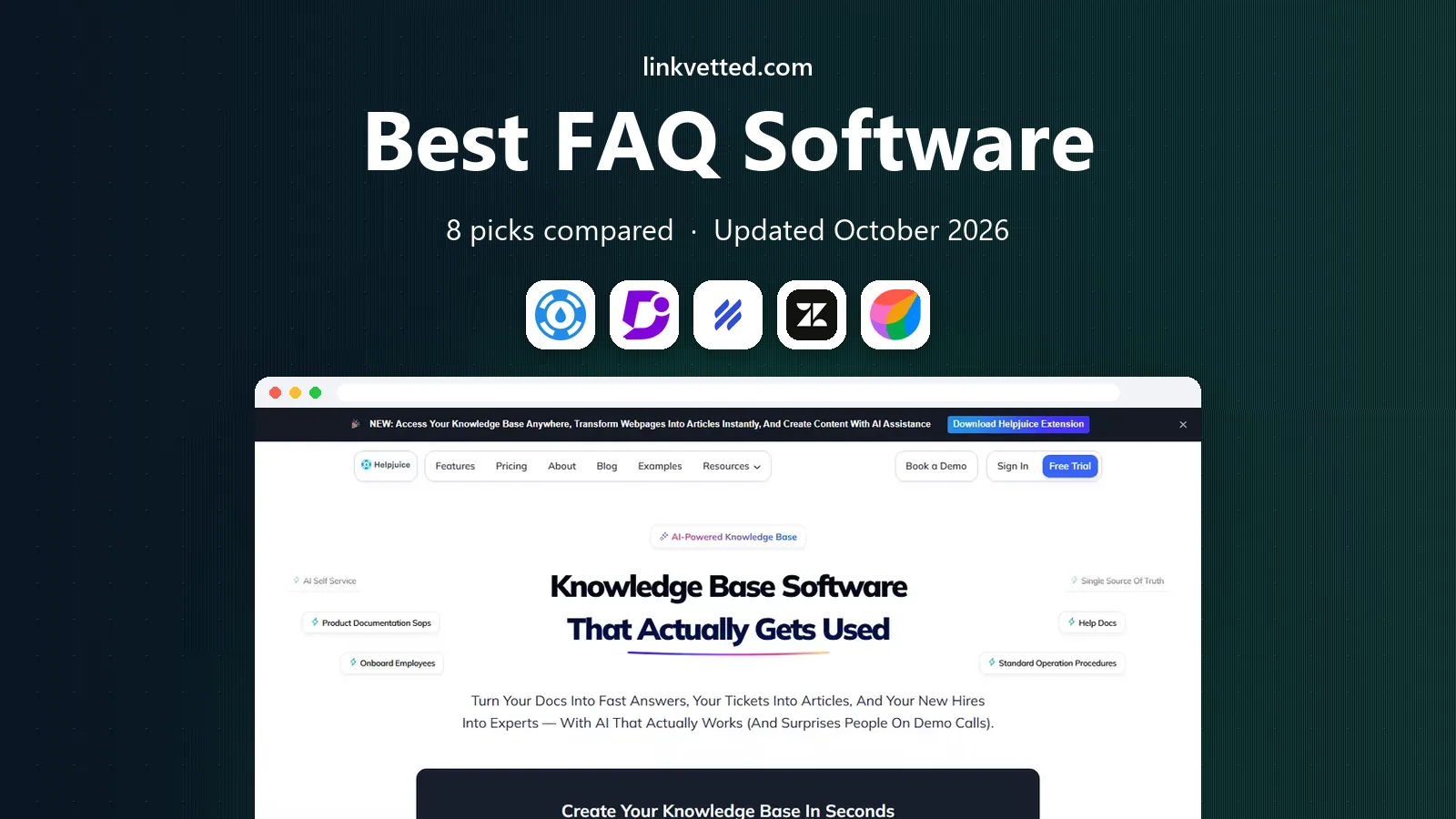
- Editor's choice
 Helpjuice
Branded FAQ and help centers
Starts atSee websiteVisit helpjuice.comFull review - Great alternative
 Document360
Structured knowledge bases
Starts atSee websiteVisit document360.comFull review - Also consider
 Help Scout
FAQs plus ticketing for small teams
Starts at$25 per user per monthVisit helpscout.comFull review
TL;DR:
- Helpjuice is our pick for teams that want a polished, branded help center focused on FAQs and guides.
- Help Scout is the best choice for small support teams that want FAQs and ticketing in one simple system.
- ProProfs Knowledge Base and HelpCenter.io offer lower-cost routes to a working FAQ site without enterprise pricing.
- Decide first whether you need a simple FAQ page, a full help center, or a support platform, because prices jump sharply between those jobs.
Quick comparison
| Tool | Best for | Starts at | Free plan? | |
|---|---|---|---|---|
| Helpjuice | Branded FAQ and help centers | See website | Free trial | Visit |
| Document360 | Structured knowledge bases | See website | Free trial | Visit |
| Help Scout | FAQs plus ticketing for small teams | $25 per user per month | Yes | Visit |
 Zendesk Guide | FAQs inside a large support platform | $55 per agent per month | Free trial | Visit |
 Freshdesk | FAQs plus support ticketing | $19 per agent per month | Free trial | Visit |
 Intercom Articles | FAQs inside Intercom support | See website | Free trial | Visit |
 ProProfs Knowledge Base | Low-cost FAQ and help sites | $49 per author per month | Yes | Visit |
 HelpCenter.io | Simple flat-priced help centers | $19 per month | Free trial | Visit |
The best FAQ software
FAQ software helps a business publish answers that customers can find without contacting support. Some tools only build a FAQ page, while others build a full help center with search, analytics, and ticket deflection. The right choice depends on how many answers you have, who writes them, and whether support tickets are part of the same workflow.

Helpjuice is built for teams that treat the help center as a customer-facing product, not an afterthought. It offers custom layouts, branding, localization, search analytics, and workflows for keeping articles up to date. That polish matters when customers judge a company by how easy it is to find an answer.
The tradeoff is price. Helpjuice is more expensive than a simple FAQ builder, and its entry plan is aimed at mid-market and larger teams. Small teams with a dozen questions should start with a cheaper tool. Teams with a growing help center that needs design control and analytics will find Helpjuice worth the cost.
- Fully customizable help center design
- Strong search and analytics
- White-glove onboarding and migration help
- Higher price floor than simple FAQ tools
- Full AI features sit on higher plans

Document360 suits teams that manage a large set of FAQs, guides, and product documentation in one place. It supports categories, versioning, collaboration, and analytics, and it handles API documentation better than most FAQ-first tools. That structure helps as content grows from 20 answers to 200.
The catch is that Document360 is a knowledge base platform, not a lightweight FAQ widget. Teams that only need a small FAQ section on a marketing site may find it more than they need. For product and support teams that publish documentation regularly, its structure and search are strong advantages.
- Strong structured authoring and versioning
- Good search and API documentation support
- Analytics on article use
- Pricing is quote based on current pages
- More platform than a simple FAQ page needs
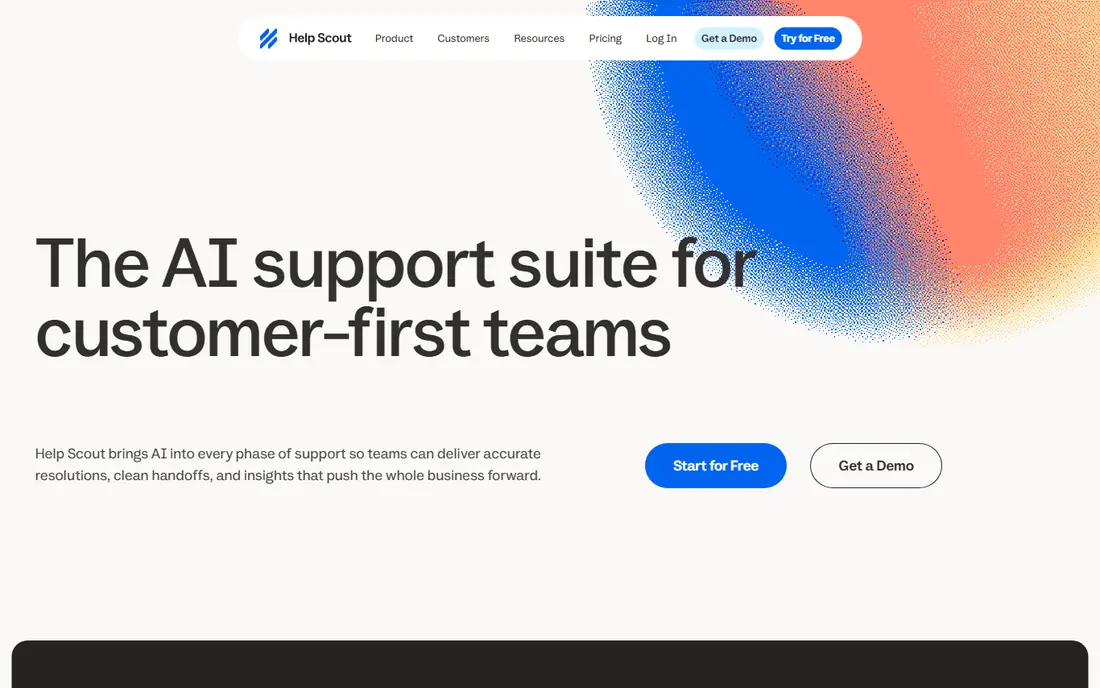
Help Scout is a good fit for small support teams that want FAQs and email support together. Its Docs product publishes a searchable help center, and its shared inbox handles the tickets that FAQs do not deflect. The free plan, which includes a limited number of users and one Docs site, is useful for very small teams.
The limit is customization. Help Scout Docs looks clean but offers less design freedom than Helpjuice or Document360. Teams that need heavy branding or complex documentation workflows may outgrow it. For a small team that wants one simple system for answers and tickets, Help Scout is hard to beat.
- Docs and shared inbox in one system
- Free plan with one Docs site
- Simple setup for small teams
- Less design control than Helpjuice
- Advanced knowledge features require higher plans
Zendesk Guide is the help center part of the wider Zendesk support platform. It publishes FAQs and guides, connects them to tickets and chat, and uses search and AI tools to suggest answers before a customer contacts support. For teams already using Zendesk for support, Guide is a natural extension.
The downside is cost and complexity. Guide is sold as part of Zendesk Suite plans, priced per agent, so a team that only needs FAQs will pay for a full support platform. It makes sense for larger support operations, not for a business that only needs a simple FAQ page.
- Help center tied to ticketing, chat, and AI tools
- Strong search and community options
- Enterprise scale
- Per-agent pricing adds up
- Setup is heavier than a standalone FAQ tool
Freshdesk offers a practical middle ground for teams that need FAQs and ticketing without Zendesk pricing. Its knowledge base publishes articles and FAQs, and agents can link answers to tickets, track article feedback, and automate routine replies. The entry price is lower than Zendesk Suite Team, which helps small and mid-size teams.
The tradeoff is polish. Freshdesk knowledge base design is functional rather than highly customizable, and advanced AI features require higher tiers. For a support team that values a working help center and ticket system at a reasonable price, Freshdesk is a solid choice.
- Knowledge base plus ticketing at a lower entry price than Zendesk
- Simple agent workflow
- Useful automation
- Design options are simpler than Helpjuice
- Some AI features sit on higher plans
Intercom Articles suits teams already using Intercom for chat and support. Articles can be surfaced in chat, suggested by the AI agent, and tracked for deflection, so customers often find answers without starting a conversation. That connection between help content and live support is a real advantage for product-led SaaS teams.
The limit is the Intercom requirement. A team that does not use Intercom will pay for a full support platform to get a FAQ tool. Pricing is also per seat plus AI usage, so costs need modeling. For Intercom users, Articles is the obvious FAQ choice. For others, a standalone tool is cheaper.
- Help center connected to Intercom chat and AI agent
- Good for product-led teams
- Article performance reporting
- Requires an Intercom subscription
- Per-seat pricing plus AI usage costs
ProProfs Knowledge Base is a budget-friendly route to a working FAQ site. It offers templates, search, and article management, and its free plan covers a small site with one author and a limited number of pages. That makes it a good test bed for a business that is not sure how much help content it will need.
The catch is per-author pricing, which can rise as more staff write content. Design options are also simpler than premium help center tools. For a small business that needs a clear, searchable FAQ site without enterprise cost, ProProfs is a practical pick.
- Free plan for one author and limited pages
- Templates for FAQs and help centers
- Simple authoring
- Per-author pricing
- Interface and design feel less modern than Helpjuice
HelpCenter.io appeals to teams that want predictable pricing. Instead of per-user or per-agent billing, it charges a flat monthly rate per help center, which makes budgeting simple for small teams with many support readers but few authors. Setup is quick, and the layouts are clean for FAQ and guide content.
The tradeoff is ecosystem size. HelpCenter.io does not offer the ticketing depth of Freshdesk or Zendesk, or the integrations of larger platforms. It fits best as a standalone help center for a website or product, especially when the team wants a simple price and a fast launch.
- Flat monthly pricing per help center
- Quick setup
- Clean FAQ and help center layouts
- Smaller ecosystem than Zendesk or Freshdesk
- No permanent free plan
How we picked these
We compared official pricing pages, feature lists, and product documentation for FAQ and help center tools in October 2026. We favored tools that publish searchable FAQs, support article feedback or analytics, and have a current official homepage. We excluded pure website builders without a dedicated FAQ or knowledge base product, and tools with no verifiable pricing or product page.
How to write FAQs that actually deflect tickets
Start with real customer questions, not marketing questions. Pull the top 20 questions from support tickets, chat logs, and search logs, and write answers in plain language that solve the problem in as few steps as possible. Put the answer first, then the detail, because customers scan for a fix before they read background.
Next, organize answers by task, such as billing, setup, and troubleshooting, rather than by internal team names. Add search, keep titles close to the words customers use, and review articles monthly for outdated screenshots, prices, or steps. A FAQ site that is not maintained will send customers back to support, which defeats its purpose.
FAQ
What is FAQ software?
FAQ software helps a business create, publish, and manage frequently asked questions on a website or help center. It usually includes an editor, categories, search, and analytics on which answers customers read. Some tools only build FAQ pages, while others build full help centers with guides and documentation.
How much does FAQ software cost?
Costs range from free for small tools and limited free plans to $19 to $55 per user or agent per month for support platforms, and higher flat rates for premium help centers. The cheapest option depends on whether you need only a FAQ page or a full support system. Always check whether pricing is per author, per agent, per seat, or flat per help center.
Can FAQ software reduce support tickets?
Yes, when answers are easy to find and kept up to date. A searchable help center can deflect common questions about billing, setup, and troubleshooting, freeing support staff for complex cases. Deflection only works if articles match real customer wording and are linked from product pages, checkout flows, and support contact pages.
Should I use a FAQ tool or a full knowledge base?
Use a FAQ tool for a small set of common questions on a marketing site or simple product. Use a knowledge base such as Document360 or Helpjuice when you have many guides, versioned documentation, or multiple audiences. A support platform such as Zendesk or Freshdesk makes sense when FAQs and ticketing should live in one system.
How do I know which FAQ articles to write first?
Start with the questions that generate the most support tickets and the questions that block sales or onboarding. Check ticket tags, chat transcripts, and site search logs for repeated wording. Write those answers first, publish them where customers already look for help, and measure whether ticket volume for those topics falls.