Best Face Swap Apps in 2026: 8 Tools Compared
Find the best face swap apps in 2026 with clear privacy practices, free options and honest limits, plus how to use them only with consent for photos and video.
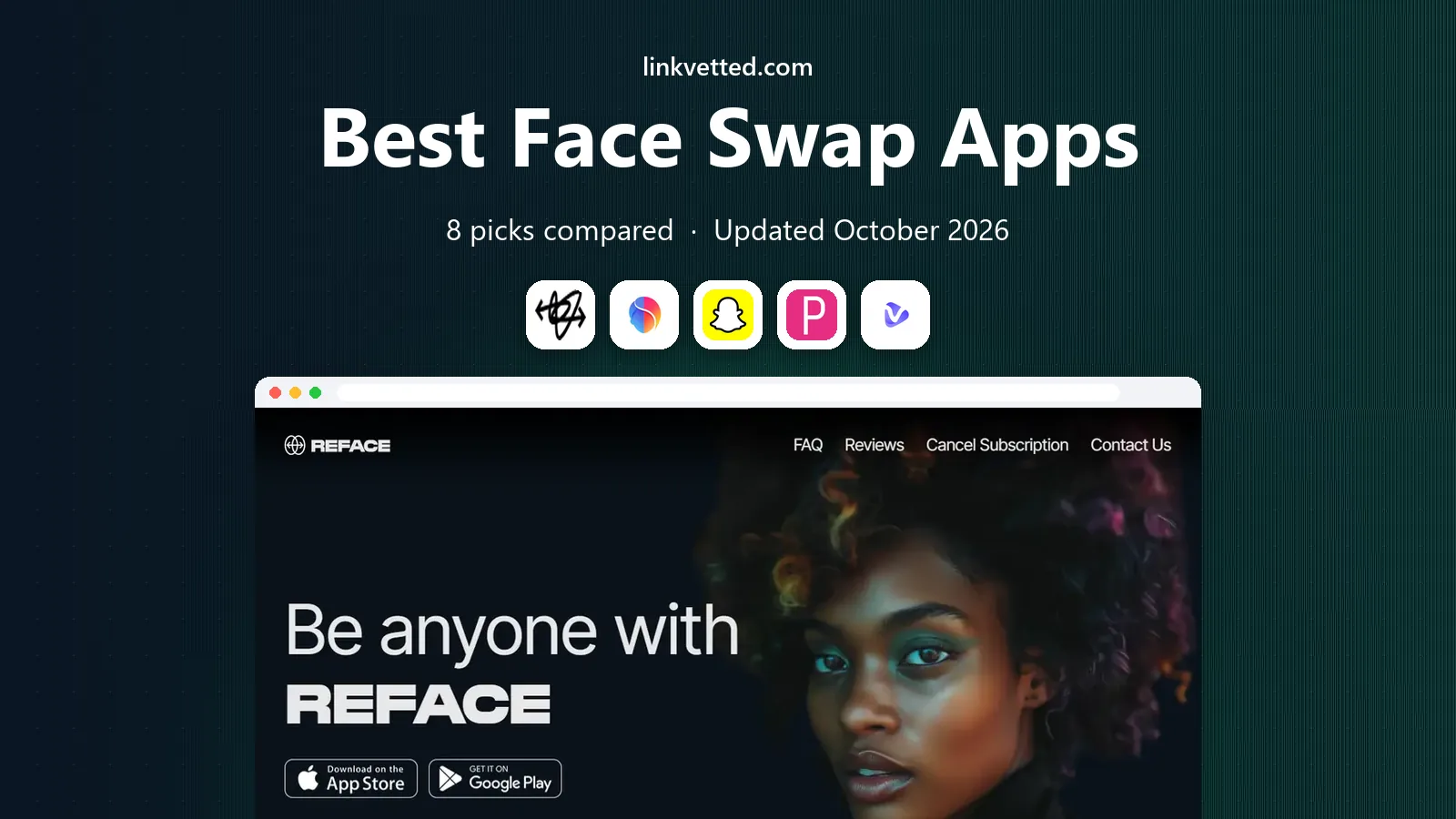
- Editor's choice
 Reface
Quick template clips on mobile
Starts atSee websiteVisit reface.appFull review - Great alternative
 FaceApp
Photo face changes and age or style looks
Starts atSee websiteVisit faceapp.comFull review - Also consider
 Snapchat
Free real-time swaps with friends who agree
Starts atFreeVisit snapchat.comFull review
TL;DR:
- Face swap tools should only be used with the consent of the people pictured, and we only list tools that publish clear privacy policies and terms.
- Reface is the easiest mobile pick for template clips, while Snapchat is best for free, real-time swaps with friends who agree to take part.
- Vidnoz and Akool suit web and business use, where consent, disclosure, and data handling need to be documented.
- Free plans usually add watermarks, ads, or limited credits, so check the export and storage terms before you upload personal photos.
Quick comparison
| Tool | Best for | Starts at | Free plan? | |
|---|---|---|---|---|
| Reface | Quick template clips on mobile | See website | Yes | Visit |
| FaceApp | Photo face changes and age or style looks | See website | Yes | Visit |
| Snapchat | Free real-time swaps with friends who agree | Free | Yes | Visit |
 YouCam Video | Video face swaps plus wider video editing | See website | Yes | Visit |
 Vidnoz AI | Web face swaps without installing an app | See website | Yes | Visit |
 Akool | Business face swaps with team controls | See website | Free trial | Visit |
 DeepSwap | Web photo and video swaps for creators | See website | Free trial | Visit |
 DeepFaceLab | Local, open-source video face swaps for technical users | Free | Yes | Visit |
The best face swap apps
A face swap tool places one face onto another photo or video. The technology can be fun for your own photos, useful for creative projects, and risky when it is used on other people without permission. Use these tools only with the consent of everyone pictured, and only for lawful, non-deceptive purposes. We favored tools with published privacy policies, clear data terms, and moderation rules, and we left out obscure free tools that do not explain how they store faces.
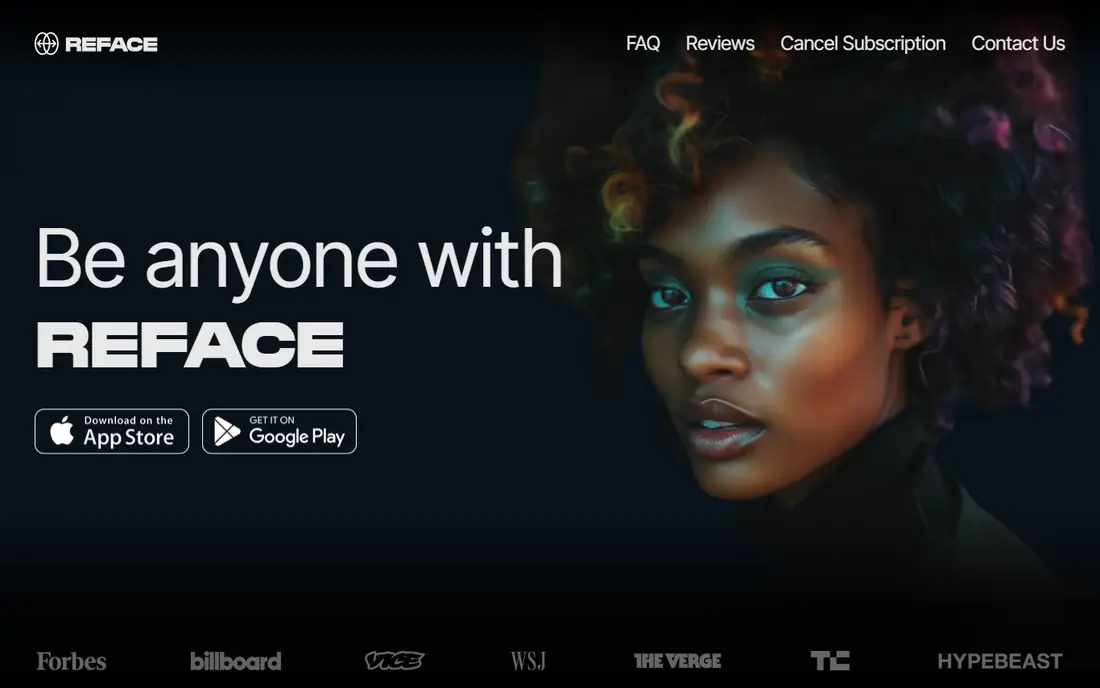
Reface is the best-known mobile face swap app, and its strength is speed. You upload a selfie, pick a template clip or GIF, and get a result in seconds, with motion and expression tracking that works well on those pre-built scenes. For a fun clip with your own face, or with a friend who has agreed to take part, it is hard to beat for ease.
The limits matter. Free results are watermarked, many templates sit behind a subscription, and Reface collects facial data, so read its privacy policy and deletion options before you upload. Never use it to place another person into a clip without their clear permission, and never use it to impersonate someone. For consented, template-based fun, Reface is a solid first pick.
- Large library of templates, GIFs, and short clips
- Very simple one-tap workflow
- Publishes privacy documentation and deletion options
- Free outputs carry watermarks and ads
- Quality drops outside templates
- Subscription pricing varies by store and region, so check the app store page
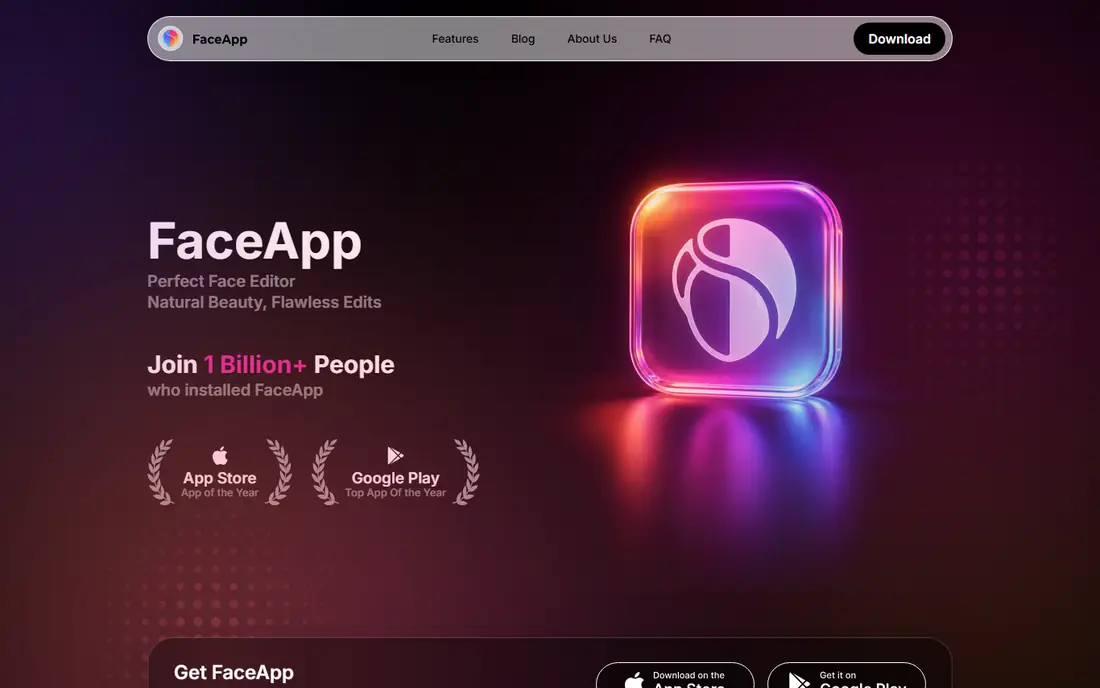
FaceApp is best known for photo transformations, including age, hairstyle, and style changes, rather than full video face swaps. That focus makes it a good pick if you mainly want to change your own photo or try a new look before a haircut or a shoot. The editing tools around the face change are stronger than in a single-purpose swap app.
The catch is scope and cost. FaceApp is not the tool for swapping two people across a long video, and the free version limits filters and exports. As with any photo app, check how photos are processed and stored, and use it on your own photos or on photos where you have clear consent from the person pictured.
- Strong photo editing alongside face changes
- Simple mobile workflow
- Publishes privacy and data terms for review
- Many features sit behind a subscription
- Results are photo-only, not a full video swap tool
- Free version is limited
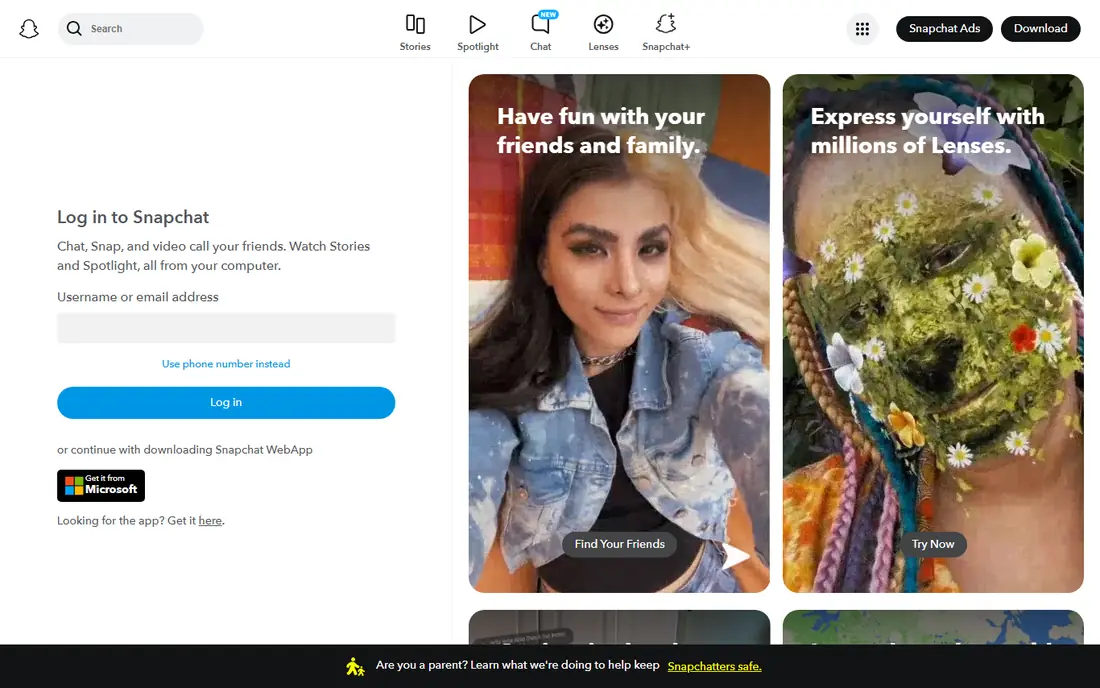
Snapchat is the simplest free way to try a face swap, because its lenses can swap faces live on camera. That live, in-the-moment use is also the safest social context: you and a friend are both present, both can see the result, and both can agree to share it or delete it. Sharing controls and reporting tools inside the app add a layer of safety that a random web tool often lacks.
Snapchat is not a production tool. You cannot easily build a polished, high-resolution video swap for a client project inside it, and lens quality depends on light and framing. For casual, consented fun with friends, though, it is free, familiar, and easy to control, which is why it earns a place here.
- Free to use with a Snapchat account
- Real-time face swap lenses for live fun
- Built-in sharing controls and reporting tools
- Swaps are tied to the Snapchat app and its lens library
- Quality varies with lighting and camera angle
- Not a tool for polished video production
YouCam Video suits creators who want a face swap as part of a video project, not as a one-off joke. It combines AI face swap tools with video editing features, so you can swap a face, trim a clip, and export a finished video in one app. Perfect Corp, the maker of YouCam apps, publishes privacy information and positions its tools around user control over photos and videos.
The trade-off is cost and learning time. The free version will show you the workflow, but regular use and higher-quality exports usually need a paid plan. Use it for your own footage or for talent who have signed a release, and keep a record of that consent for any commercial project.
- Face swap inside a fuller video editor
- Privacy-focused messaging in its product pages
- Useful for creators who also edit video
- Full features sit behind a subscription
- Best results need good source photos and video
- Check current pricing in the app
Vidnoz AI is a good web option if you do not want to install a mobile app. You upload a photo or video in the browser, choose a face swap option, and download the result. That browser workflow suits quick creative tests, such as seeing how a character design looks on a model photo you own the rights to use.
Free credits are enough for a test, but video swaps use credits faster than photo swaps, so budget for a paid plan if you use it often. Read the terms on uploads, storage, and permitted use before you start, and do not upload photos of other people without their consent. For consented web work, Vidnoz is a practical, low-friction pick.
- Works in the browser for photos and video
- Free credits let you test quality
- Publishes terms and privacy information for review
- Free credits run out quickly on video work
- Output quality depends on source image quality
- Paid plans needed for regular use
Akool is the most business-oriented tool in this list. It is used for marketing work such as localizing a spokesperson video for different markets, where one filmed performance is adapted with a different face for each region. Workspace controls, API access, and audit features help teams manage that work at scale.
That business focus is also its limit for casual users. Akool is not a cheap app for weekend fun, and it expects you to handle consent and disclosure properly for commercial work. If you run a brand and need a documented, consented face swap workflow, Akool fits. If you just want a funny clip, Reface or Snapchat will be faster and cheaper.
- Built for marketing and production teams
- API and workspace features for larger projects
- Publishes enterprise terms and privacy information
- Priced for business use, not casual fun
- Setup takes longer than a consumer app
- Commercial use needs documented consent from talent
DeepSwap is a web tool for creators who want photo and video swaps without a mobile app or a technical setup. The workflow is simple: upload a source face and a target photo or video, wait for processing, and download the result. That simplicity suits short creative projects where you own the source material or have consent from everyone pictured.
The free trial lets you judge quality on your own footage, but it will not cover a large project. Check the current terms on storage, retention, and permitted use before uploading sensitive photos, and keep consent records for any work that will be published. For consented creator work in the browser, DeepSwap is a workable middle ground between a mobile app and a technical tool.
- Handles both photos and video in the browser
- Straightforward upload and download workflow
- Publishes terms and privacy information
- Free trial is limited
- Video quality depends on source footage
- Paid plan needed for regular or high-resolution work
DeepFaceLab is the technical pick, and it is very different from the apps above. It is open-source software that you run locally, extracting faces from footage, training a model on a specific identity, and merging that face into target video. Because processing happens on your own machine, you avoid sending footage to a web service, which is a privacy advantage for sensitive projects.
The cost is time and skill. Setup needs Python and a capable GPU, and training one identity can take hours. There is no simple app store install and no customer support line. DeepFaceLab also places the consent duty squarely on you: only use it with material you own or with clear, written consent from the people pictured, and never to deceive or impersonate. For a technical creator with consented footage, it offers control that no consumer app can match.
- Free and open source
- Runs on your own computer, so footage does not need to go to a third-party server
- Full control over training and output
- Needs Python, a strong GPU, and hours of setup and training
- No one-click workflow
- User must handle consent and legal compliance themselves
How we picked these
We compared official product pages, privacy policies, and terms for tools that offer a clear face swap feature and explain how user photos are handled. We favored tools with published policies, deletion or control options, and moderation rules against misuse. We left out tools that did not publish clear privacy terms, tools that encouraged swapping celebrities or other people without consent, and tools that could not show a current, working product in October 2026. This list is not an endorsement of any non-consensual use.
How to use face swap tools safely and with consent
Only swap faces with clear permission. For friends, that means asking before you upload and before you share. For commercial work, that means a written release that covers the exact use, the platforms, and the time period. If you cannot get consent, do not make the swap. That rule alone prevents most of the harm these tools can cause.
Privacy, storage, and sharing checks
Before you upload, read the privacy policy for three items: where photos are stored, how long they are kept, and how you can delete them. Prefer tools that process on your device or delete uploads quickly, and avoid tools that claim broad rights to use your photos for training. After you create a result, label AI-generated video where the platform or the law requires it, and do not share a result that could mislead viewers about who is in it.
Quality and cost checks
Face swap quality depends heavily on source photos. Use a clear, front-facing photo with good light, and expect weaker results from group photos, side profiles, or low-resolution video. Free plans often watermark results or limit credits, so test with one photo before paying. If a tool hides its pricing behind a signup wall, check the app store page or the pricing page first and set a reminder before any trial renews.
FAQ
What are the best free face swap tools online?
Snapchat is free for real-time swaps, Reface and FaceApp offer free tiers with limits, and Vidnoz offers free credits for web swaps. Free options usually add watermarks, show ads, or limit credits, so expect a trade-off. For a polished result without a watermark, a paid plan or a free local tool such as DeepFaceLab is usually needed.
What are the best free face swap apps online for photos?
For photos, FaceApp and Reface are the most familiar free mobile options, while Vidnoz and DeepSwap cover web photo swaps. Snapchat suits live, in-the-moment swaps rather than polished photo edits. Test each free tier on your own photo, since quality varies with lighting and face angle.
Are face swap apps safe to use?
Face swap apps can be safe for consented, personal use when you choose a tool with a clear privacy policy and you control sharing. Risk rises when a tool stores facial data for a long time, claims broad reuse rights, or is used on other people without consent. Read the policy, delete uploads when you are done, and avoid any tool that does not explain its data handling.
Is it legal to face swap someone without their consent?
Using another person's face without consent can be unlawful, especially for commercial use, impersonation, or deceptive content, and several US states and other countries have laws covering non-consensual AI-generated images. Laws vary by place and by use, so do not rely on a general rule. Only use a face swap with clear consent, and get legal advice for any commercial or public use.
What is the best free online face swap tool for video?
For free video swaps, Snapchat offers real-time lens swaps at no cost, while Vidnoz and DeepSwap offer limited free web trials for longer video work. DeepFaceLab is free if you have the technical skill and hardware to run it locally. For regular video work, a paid plan usually gives better resolution and fewer limits.