Esko Studio Alternatives in 2026: 5 Options Vetted
5 tools for Esko Studio alternatives, compared on pricing, free plans and best-fit use. Hidden costs and gaps are flagged. Last reviewed November 2026.
- Editor's choice
 Affinity Designer
Precise vector design with a lighter footprint
Starts atSee websiteVisit affinity.serif.comFull review - Great alternative
 CorelDRAW
Technical illustration and drafting work
Starts atSee websiteVisit coreldraw.comFull review - Also consider
 Figma
Collaborative design and product workflows
Starts at$3 a monthVisit figma.comFull review
Direct answer
Affinity Designer is the first pick on this list for precise vector design with a lighter footprint. Listed starting prices: Figma from $3 a month and Sketch from $12 per editor a month. Alternatives: CorelDRAW for technical illustration and drafting work, and Figma for collaborative design and product workflows. The other 2 tools in the list cover narrower or pricier cases.
TL;DR:
- Top of the list is Affinity Designer, which targets precise vector design with a lighter footprint.
- One limit worth knowing about Figma: needs dependable internet access.
- For Editable vector artwork and production design, Adobe Illustrator is worth a look.
- Neither Affinity Designer nor Adobe Illustrator, nor any of the other 3 tools, has a permanent free plan; trials and quotes are the norm.
Last checked November 2026. Prices and plan details were read from the vendors' own pages in November 2026; vendors change plans often, so confirm the current price on the vendor site before you buy.
Quick comparison
| Tool | Best for | Starts at | Free plan? | |
|---|---|---|---|---|
| Affinity Designer | Precise vector design with a lighter footprint | See website | Not stated | Visit |
| CorelDRAW | Technical illustration and drafting work | See website | Not stated | Visit |
| Figma | Collaborative design and product workflows | $3 a month | Not stated | Visit |
 Sketch | Interface design and developer handoff | $12 per editor a month | Free trial | Visit |
 Adobe Illustrator | Editable vector artwork and production design | See website | Not stated | Visit |
5 options for Esko Studio in detail
This LinkVetted guide covers 5 options for Esko Studio. Each profile lists a starting price, free plan details, strengths and drawbacks, so you can drop poor fits quickly.
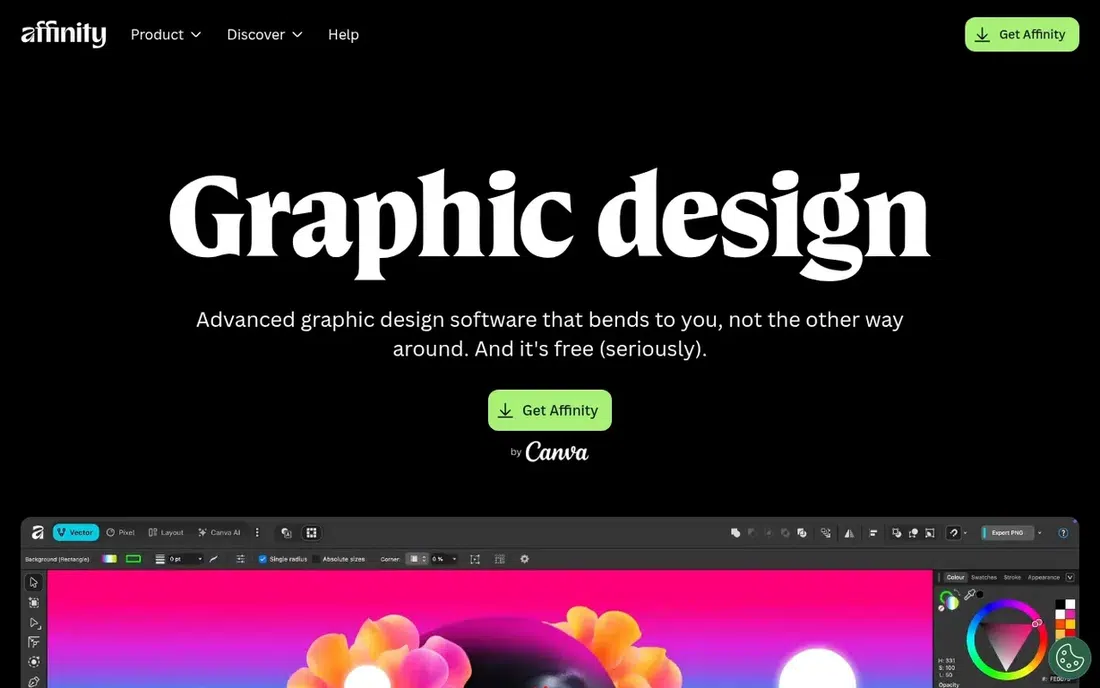
Affinity Designer makes the most sense for precise vector design with a lighter footprint. Affinity Designer is professional design software concentrated on crisp vector art and bold graphics. Its homepage emphasizes precision, speed, and creative freedom, positioning it for illustrators and designers who want capable vector tools without a sprawling suite.
Limits to weigh: Fewer integrations than bigger suites.
Its plugin and integration ecosystem is smaller than those of bigger products, which matters if your workflow relies on specific extensions. As for the details, pick Affinity Designer when precision vector work and a focused feature set are the primary requirements. Teams that require broad real-time collaboration may prefer a browser-based tool. Affinity Designer shows no starting price here, so confirm the cost on the vendor site. On free options: Not stated.
- Aimed at precision
- Takes care of both vector and raster work
- Smaller external plugin ecosystem
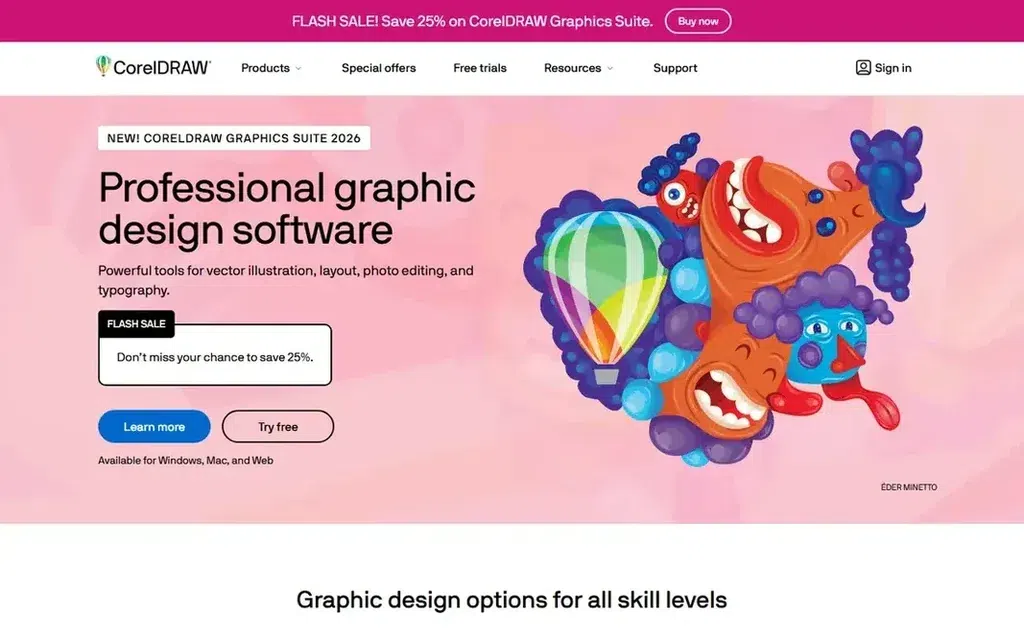
CorelDRAW is a good fit for technical illustration and drafting work. Consider it when technical drawing and vector design have to live together, and look elsewhere for pure UI or prototyping work. CorelDRAW is professional graphic design software that merges vector illustration with technical illustration and CAD-style choices.
Where CorelDRAW stands out: Wide design and layout toolset.
What to check first: Some features need separate modules.
Its homepage names logos, posters, drafting, and prototypes among its uses. It is a reasonable fit for sign makers, technical illustrators, and studios wanting an alternative to Adobe-centric pipelines. In practice, some capabilities rely on companion modules instead of the core app. No starting price is listed for CorelDRAW here; confirm pricing on the vendor site. As for free access: Not stated.
- Posters and drafting
- Suited to logos
- Interface differs from Adobe workflows
Figma is a good fit for collaborative design and product workflows. Teams can move from first idea to shipped product in one shared space, which fits product designers, engineers, and stakeholders who require to work in parallel. More specifically, studios with heavy illustration or prepress needs may prefer a dedicated vector editor.
Honest limits: Less centred on print production.
From a buyer's view, since it runs primarily in the browser, work relies on a stable connection. Its strengths lie in product design instead of print or packaging prepress. Figma starts at: $3 per month. Free plan details: Not stated.
Main advantages: Supports concept-to-production work.
- Code and AI
- Browser-based collaborative canvas
- Needs steady internet access
Sketch targets interface design and developer handoff. Teams needing wide vector illustration tools may prefer Illustrator or CorelDRAW. Worth adding: Sketch is a design application for creating interfaces, prototypes, and handoff assets.
Reasons to shortlist it: Built by designers for design work.
Its homepage frames it as a tool made by designers for designers, with collaboration and handoff built into the workflow. Sketch is closely tied to macOS, so mixed-platform teams may face friction, and it is not pitched at print or packaging production. On cost, Sketch starts like this: $12 per editor per month. Free access: Free trial. Limits to weigh: macOS-centric system.
- Prototype and handoff in one app
- Capable focus on the design workflow
- Less suited to print production
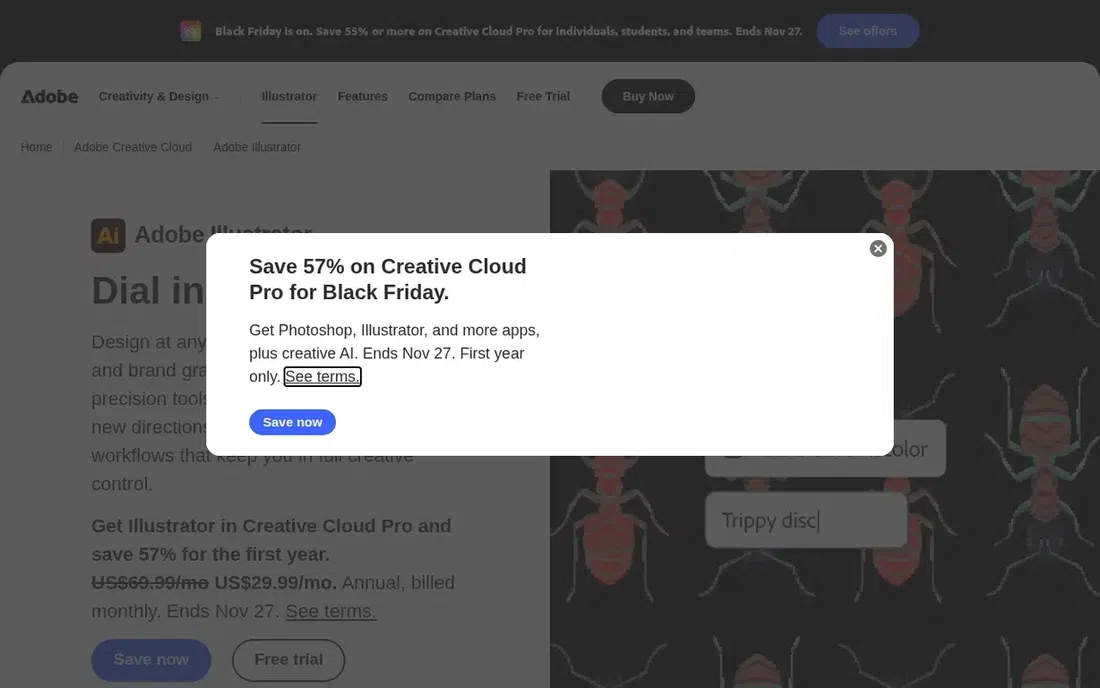
Adobe Illustrator serves Editable vector artwork and production design. Its homepage flags generative AI that converts a text prompt into a completely editable vector graphic, which helps teams move from concept to clean production files.
Downsides: Learning curve for advanced tools.
As for the details, choose Illustrator when the priority is editable vector output and production-grade artwork. In practice, the tool is subscription-based and its advanced panels can take time to learn, so casual users may find it heavy. Adobe Illustrator does not show a starting price in this comparison, so check the vendor site for current pricing. Free options: Not stated.
- Generative AI turns prompts into editable vectors
- Broad file format and plugin ecosystem
- Subscription-based access
What went into this list
The comparison looks at four things: starting price, free access, how well the feature set matches Esko Studio, and the main limit of each tool. Where a vendor does not publish a price, the entry says quote. Where a price depends on seats or billing term, the entry says so. The ranking is editorial: typical fit first, then clear pricing, then free access. If your needs are unusual, read the profiles rather than relying on position.
What to confirm before you sign up
- Confirm the entry price on the vendor page. For Affinity Designer, CorelDRAW and Adobe Illustrator that means a quote rather than a fixed price.
- Take the trial from Sketch and push a live task through it before you pay.
- Before choosing Affinity Designer, weigh its main limit: smaller external plugin ecosystem.
- Look at the renewal terms for CorelDRAW: auto-renewal, notice periods and price changes can matter more than the first-year price.
- Total up the real monthly cost of Sketch, including add-ons, extra users and usage-based fees.
FAQ
What is the cheapest option for Esko Studio in this list?
On published monthly entry prices, Figma is the lowest here at $3 per month. Entry price is only part of the cost, because seats, add-ons and billing terms can change the total. Prices, free plan details and limits for all 5 tools in this Esko Studio alternatives roundup sit on the individual cards above.
Do these tools publish their prices?
Not all of them. Affinity Designer, CorelDRAW and Adobe Illustrator publish no starting price, so expect a quote request for those. The rest, Figma included, show a starting price, though seats and billing terms still change the final cost.
Is Affinity Designer the right pick for everyone comparing Esko Studio?
No single tool suits every team. Affinity Designer comes first because it fits precise vector design with a lighter footprint, while CorelDRAW suits technical illustration and drafting work and Figma suits collaborative design and product workflows. Match the tool to your own size, budget and workflow before deciding.
Can I try these tools before paying?
Often, yes. Sketch offers a free trial. Use your own data and a real task during the test, and check what the free tier or trial limits before you rely on it. Each of the 5 options in this Esko Studio alternatives guide has its own card above with the price, free plan and limits.
Which Esko Studio alternative is a good match for packaging artwork?
Affinity Designer is the pick this page puts first, mainly for precise vector design with a lighter footprint. If your situation differs, CorelDRAW suits technical illustration and drafting work, and Figma suits collaborative design and product workflows. Compare price and limits before you decide.
Sources
- https://affinity.serif.com/designer
- https://www.coreldraw.com
- https://www.figma.com
- https://www.sketch.com
- https://www.adobe.com/products/illustrator.html