Coursedog Alternatives in 2026: 5 Options Vetted
Coursedog alternatives, compared. 5 tools with published prices, free plans and limits. The weak spots sit next to the strengths. Skim the table first.

- Editor's choice
 Infosilem
Academic and room scheduling in higher education
Starts atSee websiteVisit infosilem.comFull review - Great alternativeEMS Software
Rooms, desks and events in one system
Starts at$58 per user a monthVisit emssoftware.comFull review - Also consider
 Ad Astra
AI-assisted academic scheduling in higher ed
Starts atSee websiteVisit aais.comFull review
Direct answer
Start with Infosilem if you need academic and room scheduling in higher education. Listed starting prices: EMS Software from $58 per user a month. Alternatives: EMS Software for rooms, desks and events in one product, and Ad Astra for AI-assisted academic scheduling in higher ed. Prices, free plans and limits for all 5 tools follow.
TL;DR:
- The list opens with Infosilem, aimed at academic and room scheduling in higher education.
- EMS Software has the lowest monthly starting price in this list: $58 per user per month.
- Infosilem, CollegeNET and the 3 others all need a premium plan or a trial, since no free plan is listed.
- What to know about EMS Software first: wide workplace focus may exceed pure academic needs.
Last checked November 2026. Prices and plan details were read from the vendors' own pages in November 2026; vendors change plans often, so confirm the current price on the vendor site before you buy.
Quick comparison
| Tool | Best for | Starts at | Free plan? | |
|---|---|---|---|---|
| Infosilem | Academic and room scheduling in higher education | See website | Not stated | Visit |
| EMS Software | Rooms, desks and events in one system | $58 per user a month | Free trial | Visit |
| Ad Astra | AI-assisted academic scheduling in higher ed | See website | Not stated | Visit |
| Ellucian Banner | Wide campus technology with scheduling context | See website | Not stated | Visit |
| CollegeNET | Universities wanting scheduling from a broader vendor | See website | Not stated | Visit |
Coursedog compared in detail
If you are comparing Coursedog, this page covers 5 tools in one place: what each is best for, what it costs to start, whether it has a free plan, and the main limit to know about.

Infosilem serves academic and room scheduling in higher education. It tends to fit colleges and universities that require structured scheduling support across numerous departments and buildings, especially where space is tight and course demand varies by term.
Pricing for Infosilem is not stated here, so ask the vendor for current figures. Free plan details: Not stated.
Drawbacks to consider: Restricted public detail on the homepage excerpt.
- Suited to course and room planning
- Established focus on academic scheduling
- May need extras for event management
EMS Software
Best for: Rooms, desks and events in one system
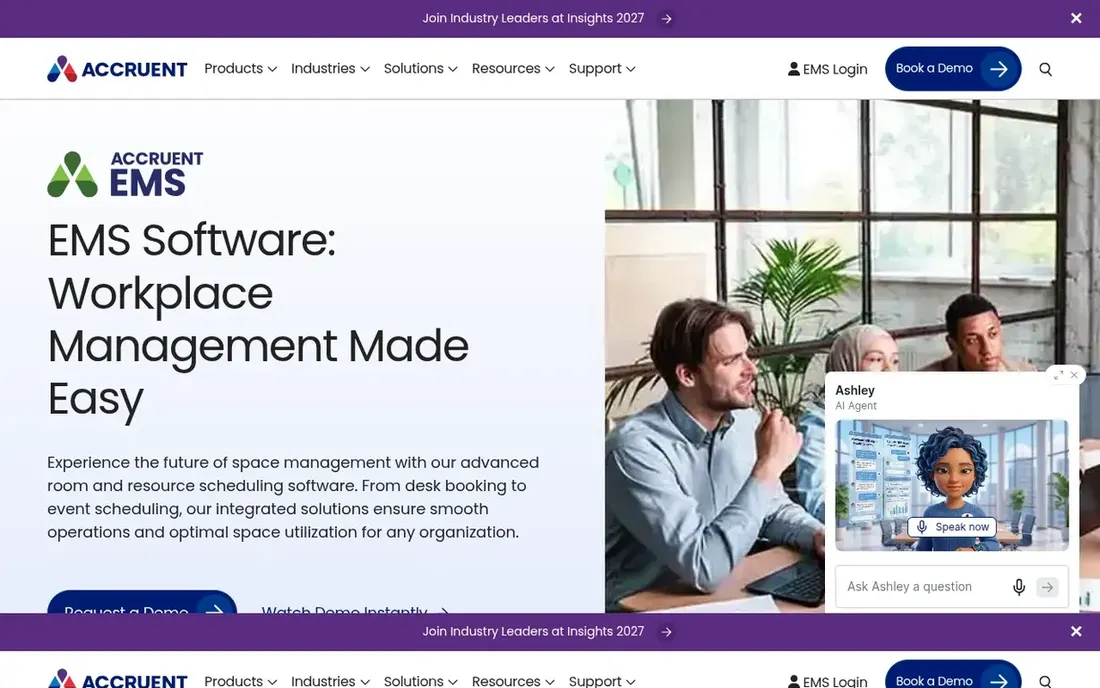
For rooms, desks and events in one product, EMS Software is a natural candidate. Campus teams handling room bookings, event requests and workspace planning may find the combined approach handy.
Its workplace management roots mean academic course scheduling may not be as deep as dedicated higher-ed tools. Institutions whose priority is term-by-term course and curriculum planning should confirm academic scheduling capabilities, and those wanting a pure academic scheduler may prefer Ad Astra or Infosilem. Starting cost for EMS Software: $58 per user per month. Free plan details: Free trial.
The main drawbacks: Wide workplace focus may exceed pure academic needs.
- Runs desks, rooms
- Part of Accruent
- Academic scheduling depth should be verified
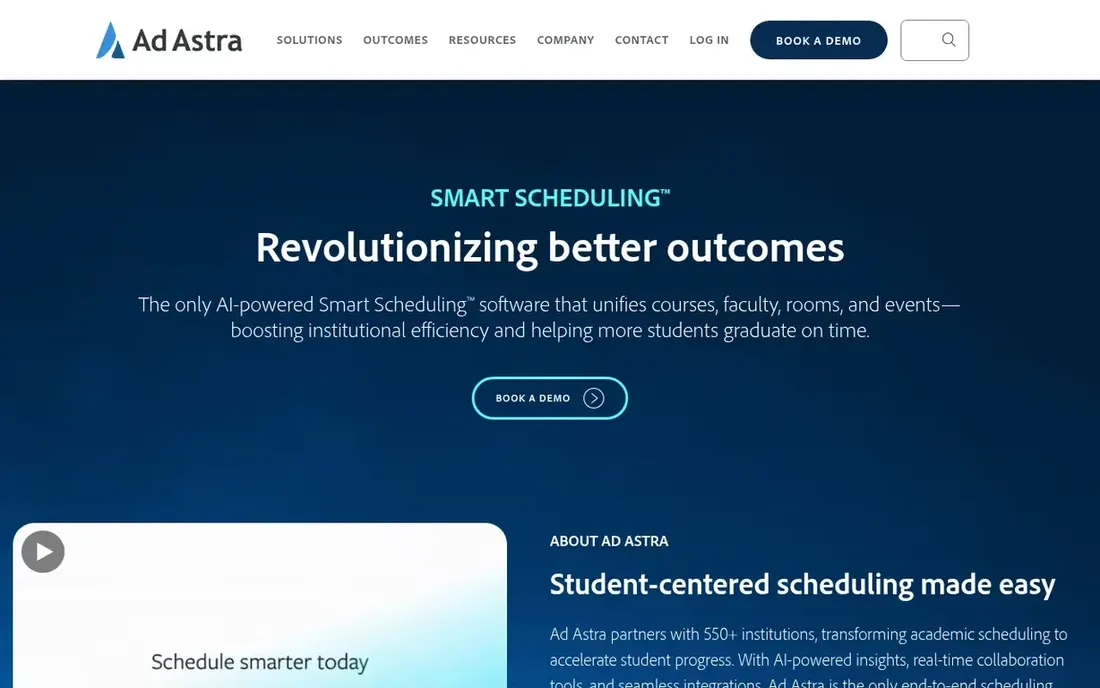
Ad Astra makes the most sense for AI-assisted academic scheduling in higher ed. Ad Astra presents itself as Smart Scheduling software made for higher education, using AI to align courses, rooms and events.
Where it shines: Smart Scheduling for courses.
For everyday use, the stated goal is improved efficiency and higher student completion. No starting price is listed for Ad Astra here; confirm pricing on the vendor site. Free plan details: Not stated.
Where it falls short: Concentrated on scheduling instead of a full campus suite.
- Rooms and events
- Aims to boost efficiency and student completion
- May need integration with existing systems
Ellucian Banner
Best for: Wide campus technology with scheduling context
Pick Ellucian Banner if this describes you: wide campus technology with scheduling context. As part of a bigger suite, Banner may be more than a scheduling-focused team needs, and implementation scope can be significant.
Institutions seeking a dedicated academic scheduler should compare Ad Astra or Infosilem, and confirm how scheduling functions work within Banner before deciding. Pricing for Ellucian Banner is not stated here, so ask the vendor for current figures. Free access: Not stated.
Trade-offs to know: Scheduling is one part of a bigger suite.
- Supports engagement and insights goals
- Broad higher-ed technology portfolio
- Implementation scope may be substantial
CollegeNET
Best for: Universities wanting scheduling from a broader vendor
CollegeNET is designed for universities wanting scheduling from a broader vendor. The vendor fits universities that want scheduling from an established higher-ed technology provider and value conflict reduction and administrative efficiency across campus spaces.
Check the vendor site for CollegeNET pricing; none is listed in this comparison. Trial and free access: Not stated.
Points against: Product boundaries should be clarified.
- Campus resource management focus
- Academic and event scheduling portfolio
- Overlap with 25Live may complicate selection
How we chose
LinkVetted looked at what each vendor publishes: pricing, plan limits, feature coverage for Coursedog and stated drawbacks. No hands-on testing is claimed. Seat minimums, billing terms and add-ons can move the real cost, so the starting prices here are a guide and not a quote. Order on the page follows fit for the typical buyer first, then price transparency and free access. Your own requirements should decide the final pick.
What to check before you buy
- Get a written quote from Infosilem, Ad Astra, Ellucian Banner and CollegeNET; the list shows no starting price for them.
- Run a trial of EMS Software with real work before paying for a year; your own workflow is the best test.
- Before choosing Infosilem, weigh its main limit: restricted public detail on the homepage excerpt.
- Check the integration list for Ellucian Banner against the tools you run today, and note which ones need a higher plan.
- Check how data leaves Ad Astra: formats, limits and whether exports are available on every plan.
FAQ
How do I evaluate scheduling tools before buying?
List your must-have workflows, ask vendors to demonstrate them with your own scenarios, and confirm integration and data migration details in writing. Also check support terms and training so staff can adopt the tool without disruption.
Is Infosilem the right pick for everyone comparing Coursedog?
No single tool suits every team. Infosilem comes first because it fits academic and room scheduling in higher education, while EMS Software suits rooms, desks and events in one platform and Ad Astra suits AI-assisted academic scheduling in higher ed. Match the tool to your own size, budget and workflow before deciding.
Do these tools publish their prices?
Not all of them. Infosilem, Ad Astra, Ellucian Banner and CollegeNET publish no starting price, so expect a quote request for those. The rest, EMS Software included, show a starting price, though seats and billing terms still change the final cost.
How are the tools for Coursedog ordered?
Infosilem sits first and CollegeNET last because the order follows typical fit for Coursedog, then price clarity and free access. It is a judgement call, so read each profile for fit and limits.
Can I try these tools before paying?
Often, yes. EMS Software offers a free trial. Use your own data and a real task during the test, and check what the free tier or trial limits before you rely on it.
Sources
- https://www.infosilem.com
- https://www.emssoftware.com
- https://www.aais.com
- https://www.ellucian.com
- https://www.collegenet.com