Copper Alternatives in 2026: 5 Options Vetted
5 tools for Copper alternatives, compared on pricing, free plans and best-fit use. For wide sales operations product, begin with Zoho CRM. See which fits.
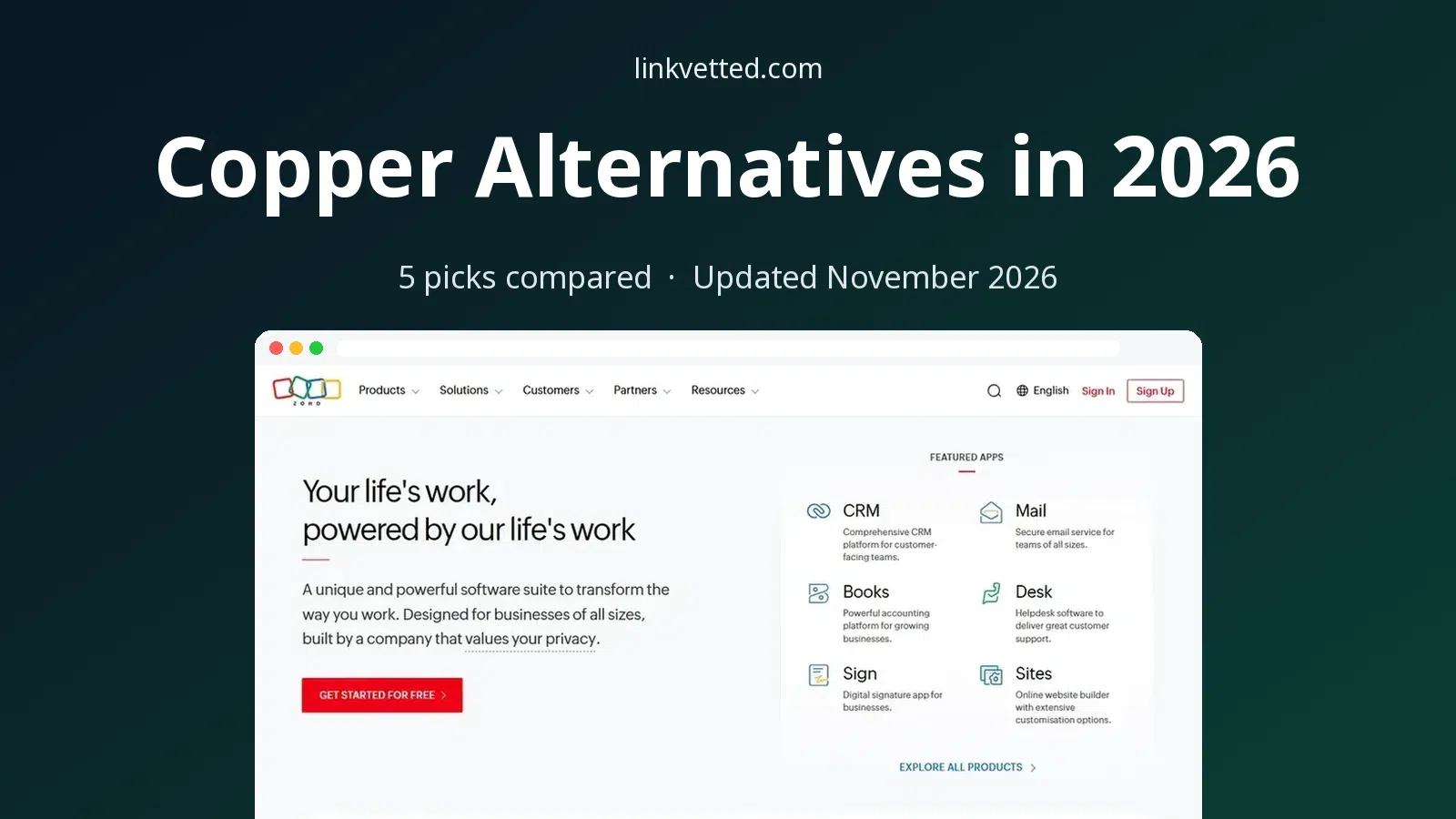
- Editor's choice
 Zoho CRM
Wide sales operations system
Starts atPricing on requestVisit zoho.comFull review - Great alternative
 Microsoft Dynamics 365 Sales
Insights, automation and collaboration
Starts atPricing on requestVisit microsoft.comFull review - Also consider
 Pipedrive
Visual pipeline and deal management
Starts atPricing on requestVisit pipedrive.comFull review
Direct answer
This list puts Zoho CRM first for wide sales operations system. Look at Microsoft Dynamics 365 Sales for insights, automation and collaboration, and at Pipedrive for visual pipeline and deal management. The remaining 2 options are covered below with pricing notes and limits. None of these vendors publish plan prices, so pricing is on request for every option.
TL;DR:
- The list opens with Zoho CRM, aimed at wide sales operations platform.
- Pricing across the list, from Zoho CRM to HubSpot CRM, is by quote only.
- HubSpot CRM fits contact-centered CRM with built-in AI.
- Neither Zoho CRM nor HubSpot CRM, nor any of the other 3 tools, has a permanent free plan; trials and quotes are the norm.
Last checked November 2026. Pricing on request: vendors did not publish plan prices when this guide was last checked (November 2026), so ask each vendor for a written quote.
Quick comparison
| Tool | Best for | Starts at | Free plan? | |
|---|---|---|---|---|
| Zoho CRM | Wide sales operations system | Pricing on request | Not stated | Visit |
| Microsoft Dynamics 365 Sales | Insights, automation and collaboration | Pricing on request | Not stated | Visit |
| Pipedrive | Visual pipeline and deal management | Pricing on request | Not stated | Visit |
 Salesforce Sales Cloud | Sales force automation at scale | Pricing on request | Not stated | Visit |
 HubSpot CRM | Contact-centered CRM with built-in AI | Pricing on request | Not stated | Visit |
Tool-by-tool breakdown
If you are comparing Copper, this page covers 5 tools in one place: what each is best for, what it costs to start, whether it has a free plan, and the main limit to know about.
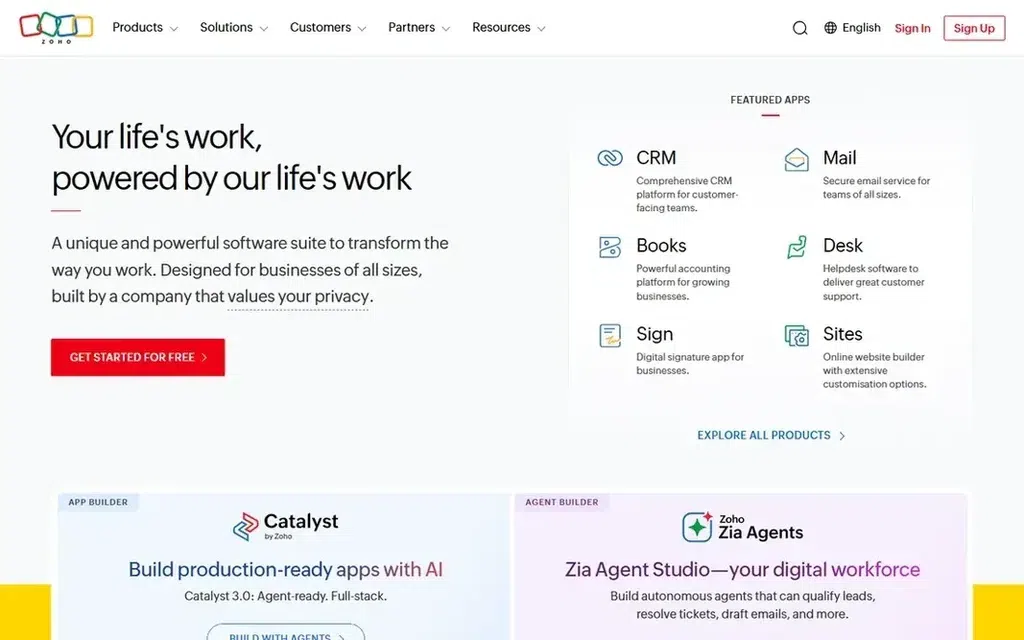
Zoho CRM is aimed squarely at wide sales operations system. Consider a lighter tool if you want minimal setup, or a different product if your needs extend well beyond sales.
Honest limits: Feature depth varies by edition.
The breadth of configuration can slow down small teams that just need a straightforward pipeline, and available capabilities rely on the edition chosen. Zoho CRM does not show a starting price in this comparison, so check the vendor site for current pricing. On free options: Not stated.
- Agentic CRM positioning
- Sales operations focus
- Setup can take effort
For insights, automation and collaboration, Microsoft Dynamics 365 Sales is a natural candidate. Sales teams needing connected insights and shared workflows commonly bundle it on a shortlist of bigger product choices.
Trade-offs to know: Complicated for small teams.
This comparison lists no price for Microsoft Dynamics 365 Sales; ask the vendor. On free options: Not stated.
- Collaboration features
- Sales automation tools
- Tied to Microsoft ecosystem context
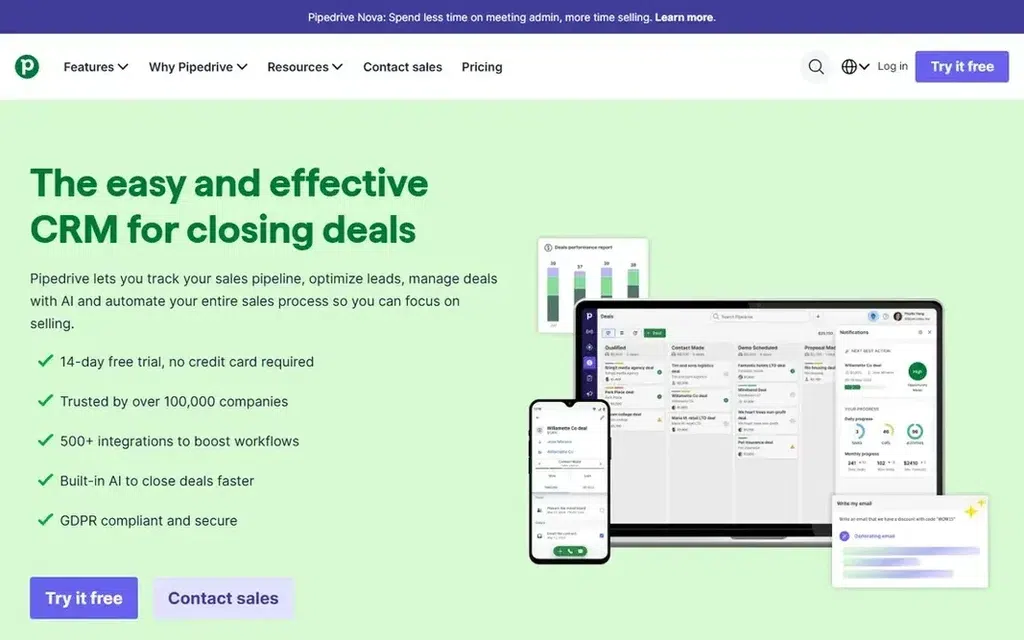
Choose Pipedrive for visual pipeline and deal management. Its vendor positions it as an easy-to-use tool for expanding qualified leads and running sales activity in one place.
What to check first: Fewer adjacent modules.
In practice, since the emphasis sits on pipeline and deal work, teams needing deep marketing automation, service desks or finance modules may find it restricted and should look at broader products. Pick something else if your requirements span plenty of departments or heavy customization beyond sales workflows. Check the vendor site for Pipedrive pricing; none is listed in this comparison. Trial and free access: Not stated.
- Pipeline-focused layout
- Easy-to-use positioning
- Narrower than full products
Salesforce Sales Cloud is designed for Sales force automation at scale. The product can demand administrative effort and setup time that small teams may not have, and simple pipeline needs can be met more lightly elsewhere.
Drawbacks to consider: Configuration heavy for small teams.
Pick a more straightforward CRM if you want quick adoption without dedicated administration. Pricing for Salesforce Sales Cloud is not stated here, so ask the vendor for current figures. On free options: Not stated.
- Account growth tooling
- Wide platform context
- Can need admin expertise
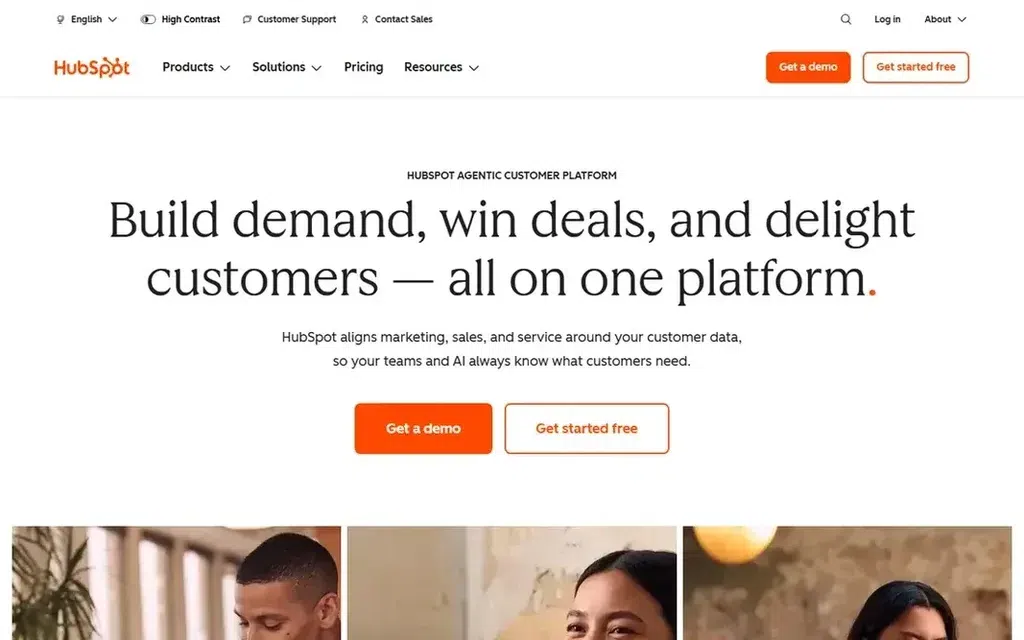
HubSpot CRM is built with contact-centered CRM with built-in AI in mind. Pick something else if you want a narrowly scoped sales CRM or deep customization.
HubSpot CRM is presented as CRM software for small companies to organize contacts, track deals and close more sales with built-in AI. This comparison lists no price for HubSpot CRM; ask the vendor. Trial and free access: Not stated.
The main drawbacks: Advanced needs may need extras.
- Small business focus
- Built-in AI features
- Interface assumes some learning
Our selection method
We compared the tools on published pricing, free plan or trial availability, feature coverage for Copper, and the limits each vendor documents. Where a vendor does not publish a price, the entry says quote. Where a price depends on seats or billing term, the entry says so. The order reflects how well each tool fits the most common buying scenario for Copper, then price clarity, then free plan access. It is a starting point, not a verdict.
Pre-purchase checklist
- Confirm the entry price with every vendor: no tool from Zoho CRM to HubSpot CRM shows a fixed starting price.
- Read the limits listed for Zoho CRM first: setup can take effort.
- Check the integration list for Salesforce Sales Cloud against the tools you run today, and note which ones need a higher plan.
- Ask Pipedrive whether prices are locked for the first term and what happens at renewal.
- Look at which plan of Microsoft Dynamics 365 Sales unlocks the features you need; entry tiers are often cut down.
FAQ
Do these tools publish their prices?
No. None of the tools, from Zoho CRM to HubSpot CRM, shows a fixed starting price here, so budget time for quotes. Prices, free plan details and limits for all 5 tools in this Copper alternatives roundup sit on the individual cards above.
When does a bigger product make sense?
If your sales process spans several teams, needs broad automation or links to plenty of business systems, products like Salesforce Sales Cloud or Dynamics 365 Sales may fit better. Expect more setup and administration effort in return.
What should I look for in a Copper alternative?
Focus on how well the CRM takes care of your pipeline stages, lead capture and reporting needs. Also check integration choices and how much configuration your team can realistically run during rollout.
Can I try these tools before paying?
Not by default. None of the tools, from Zoho CRM to HubSpot CRM, lists a free plan or a free trial here, so ask each vendor for a demo before committing. Each of the 5 options in this Copper alternatives guide has its own card above with the price, free plan and limits.
Does any tool for Copper here have a free plan?
A permanent free plan is not offered by Zoho CRM, HubSpot CRM or the other tools here. Plan a short evaluation period instead.
How are the tools for Copper ordered?
The order follows typical fit for Copper, with Zoho CRM first and HubSpot CRM last, then price clarity and free access. It is editorial judgement, not a score, so another team could rank the tools differently.
Sources
- https://www.zoho.com/crm
- https://www.microsoft.com/en-us/dynamics-365/products/sales
- https://www.pipedrive.com
- https://www.salesforce.com/sales/cloud
- https://www.hubspot.com/products/crm