5 Contractor Gorilla Alternatives Worth Switching To in 2026
Contractor Gorilla alternatives in 2026: 5 tools with starting prices, free plans and limits. Cost notes and weak points included. Refreshed for 2026.

- Editor's choice
 Jobber
Small teams wanting straightforward quoting and scheduling
Starts atSee websiteVisit getjobber.comFull review - Great alternative
 Housecall Pro
Home service companies seeking wide adoption
Starts at$59 a monthVisit housecallpro.comFull review - Also consider
 ServiceTitan
Bigger home and commercial contractors
Starts atSee websiteVisit servicetitan.comFull review
Direct answer
This list puts Jobber first for small teams wanting straightforward quoting and scheduling. Listed starting prices: Housecall Pro from $59 a month, Kickserv from $60 a month and Service Fusion from $220 per month. Housecall Pro is better for home service firms seeking wide adoption, and ServiceTitan is better for bigger home and commercial contractors. The other 2 tools in the list cover narrower or pricier cases.
TL;DR:
- Jobber takes the first slot, best suited to small teams wanting straightforward quoting and scheduling.
- Jobber, Service Fusion and the 3 others all need a premium plan or a trial, since no free plan is listed.
- Jobber comes with a trade-off: less suited to complex multi-project construction work.
- The cheapest monthly starting price in the list is $59 per month, offered by Housecall Pro.
- Service Fusion fits contractors wanting all-in-one field service management.
Last checked November 2026. Prices and plan details were read from the vendors' own pages in November 2026; vendors change plans often, so confirm the current price on the vendor site before you buy.
Quick comparison
| Tool | Best for | Starts at | Free plan? | |
|---|---|---|---|---|
| Jobber | Small teams wanting straightforward quoting and scheduling | See website | Not stated | Visit |
| Housecall Pro | Home service companies seeking wide adoption | $59 a month | Free trial | Visit |
| ServiceTitan | Bigger home and commercial contractors | See website | Free trial | Visit |
 Kickserv | Straightforward job and payment management | $60 a month | Free trial | Visit |
 Service Fusion | Contractors wanting all-in-one field service management | $220 per month | No | Visit |
Contractor Gorilla profiles
LinkVetted compared 5 tools for Contractor Gorilla. The goal is a practical shortlist: published prices, free plan facts, best-fit use cases and honest limits for every entry.
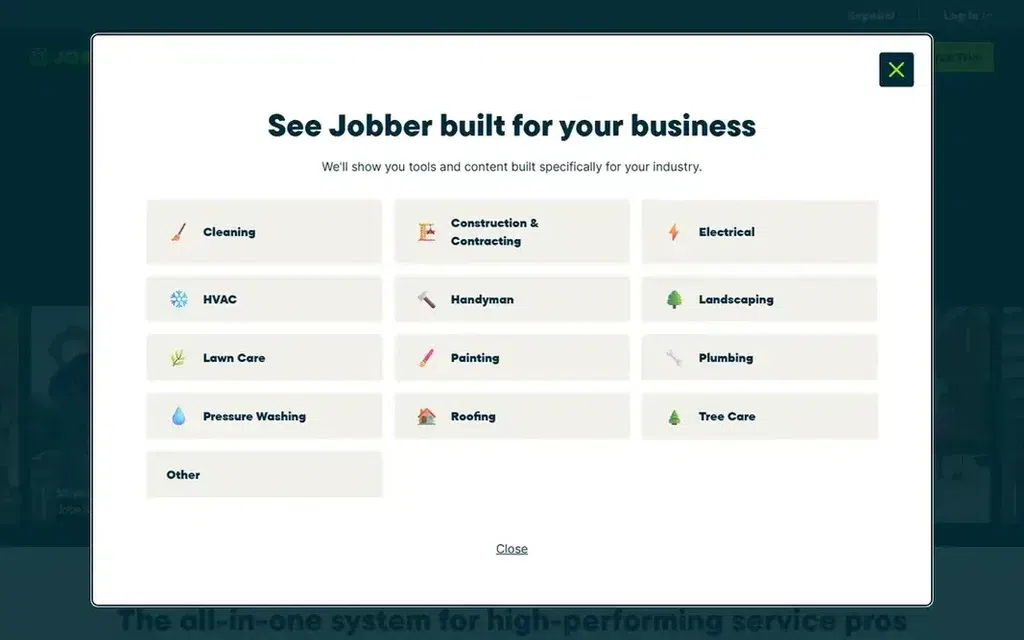
Where Jobber fits: small teams wanting straightforward quoting and scheduling. The app is positioned as simple to use and powers sales, operations and customer service for home and commercial service businesses. On top of that, if you need heavy project accounting alongside field service, a broader system could fit better.
What Jobber does well: Easy-to-use app for sales and operations.
Limits to weigh: Less suited to complicated multi-project construction work.
In daily use, since the focus is straightforward service work, companies running large construction projects or deeply layered operations may outgrow it. As for the details, pick Jobber when fast quoting, scheduling and payments matter more than broad project management. Jobber does not show a starting price in this comparison, so check the vendor site for current pricing. Free plan details: Not stated.
- Quote, schedule
- Pitched at home and commercial service companies
- Might feel restricted for very large crews
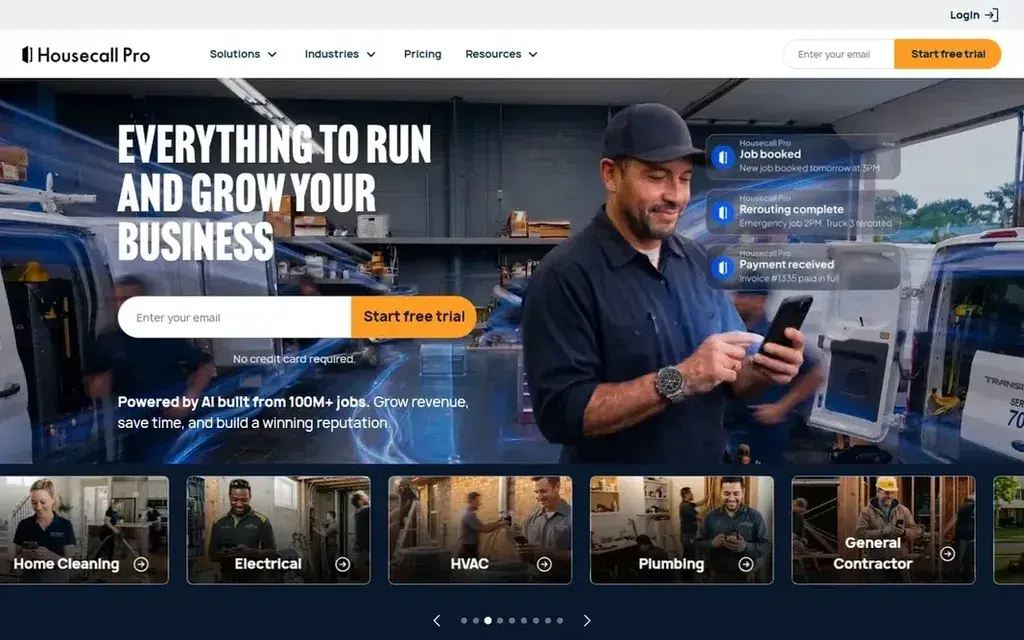
For home service businesses seeking wide adoption, Housecall Pro is a natural candidate. Housecall Pro is presented as a software option for home service companies, with a homepage that flags its use by a large field service community.
Limits to weigh: Feature depth varies by how you configure it.
What users get: Well known across field service trades.
Firms that mostly bid large projects should weigh a system designed for that. In practice, the home service emphasis means commercial construction and project-heavy work may not be its most solid ground. What you pay to start with Housecall Pro: $59 per month. Trial and free access: Free trial.
- Merges sales
- Designed for home service companies
- Home service focus may not include commercial construction

Choose ServiceTitan for larger home and commercial contractors. ServiceTitan presents itself as all-in-one software for home and commercial contractors, with the stated aim of keeping service visits and construction projects running smoothly.
Limits to weigh: Wide setup may overwhelm very small shops.
Choose ServiceTitan when you need a single system across service and project work, and look elsewhere if simplicity is the priority. ServiceTitan shows no starting price here, so confirm the cost on the vendor site. Free access: Free trial.
- Spans service visits and construction projects
- All-in-one operational product
- Heavier than straightforward quoting tools
Where Kickserv fits: straightforward job and payment management. Kickserv gives you field service management software for jobs, customers, communication and payments, pitched at home service companies. On top of that, with a focused feature set, Kickserv may not keep pace with bigger operations that require deep reporting or multi-team coordination.
In daily use, pick Kickserv when straightforward job, customer and payment management is what your business actually needs. More specifically, the focus is on the essentials: keeping track of work, staying in touch with customers and collecting payment. From a buyer's view, contractors with complicated commercial work should compare broader systems. Kickserv cost at the entry level: $60 per month. Free access: Free trial.
Drawbacks to consider: May not scale to complicated multi-team operations.
Strengths: customers and communication; focused feature set.
- Runs jobs
- Deals with payments for home service companies
- Fewer advanced features than bigger systems
Service Fusion
Best for: Contractors wanting all-in-one field service management
Service Fusion is designed for contractors wanting all-in-one field service management. Service Fusion gives you all-in-one field service management software designed for service firms and contractors, with the stated goal of saving time and increasing productivity. In daily use, the vendor's productivity claims are worth confirming against your own workflows during evaluation.
The main drawbacks: May not suit complicated construction projects.
The product is targeted at contractors who want scheduling, job management and customer records in a single system without assembling separate tools. For everyday use, firms with heavy construction project needs may find the service focus limiting. Service Fusion starts at: $220 per month. Service Fusion does not include a free plan.
- Aims to save time and boost productivity
- All-in-one field service management
- Vendor productivity claims should be verified
How the list was put together
Each tool was reviewed on what its vendor publishes: price, plan limits, core features and stated drawbacks. We did not run hands-on tests. Treat prices as a snapshot: vendors change plans often, so check the vendor site for the figure that applies today. The order reflects how well each tool fits the most common buying scenario for Contractor Gorilla, then price clarity, then free plan access. It is a starting point, not a verdict.
What to confirm before you sign up
- Confirm the entry price on the vendor page. For Jobber and ServiceTitan that means a quote rather than a fixed price.
- Run a trial of Housecall Pro, ServiceTitan and Kickserv with real work before paying for a year; your own workflow is the best test.
- Before choosing Jobber, weigh its main limit: less suited to complicated multi-project construction work.
- See whether Housecall Pro offers onboarding or training, and whether it is included in the price.
- Pick one real project and run it in Service Fusion first; a small pilot shows fit faster than a checklist.
FAQ
What is the cheapest option for Contractor Gorilla in this list?
On published monthly entry prices, Housecall Pro is the lowest here at $59 per month. Entry price is only part of the cost, because seats, add-ons and billing terms can change the total. For the full picture, the cards above cover all 5 entries of this Contractor Gorilla alternatives list, including price, free plan and limits.
Is Jobber the right pick for everyone comparing Contractor Gorilla?
No single tool suits every team. Jobber comes first because it fits small teams wanting simple quoting and scheduling, while Housecall Pro suits home service businesses seeking broad adoption and ServiceTitan suits larger home and commercial contractors. Match the tool to your own size, budget and workflow before deciding.
How are the tools for Contractor Gorilla ordered?
Jobber sits first and Service Fusion last because the order follows typical fit for Contractor Gorilla, then price clarity and free access. It is a judgement call, so read each profile for fit and limits.
Do these tools publish their prices?
Not all of them. Jobber and ServiceTitan publish no starting price, so expect a quote request for those. The rest, Housecall Pro included, show a starting price, though seats and billing terms still change the final cost. Prices, free plan details and limits for all 5 tools in this Contractor Gorilla alternatives roundup sit on the individual cards above.
Sources
- https://www.getjobber.com
- https://www.housecallpro.com
- https://www.servicetitan.com
- https://www.kickserv.com
- https://www.servicefusion.com