Switching From CoCounsel? 5 Alternatives for 2026
CoCounsel alternatives: 5 tools compared on price, free plans and fit. For research and drafting with authoritative sources, begin with Lexis+ AI. No hype.
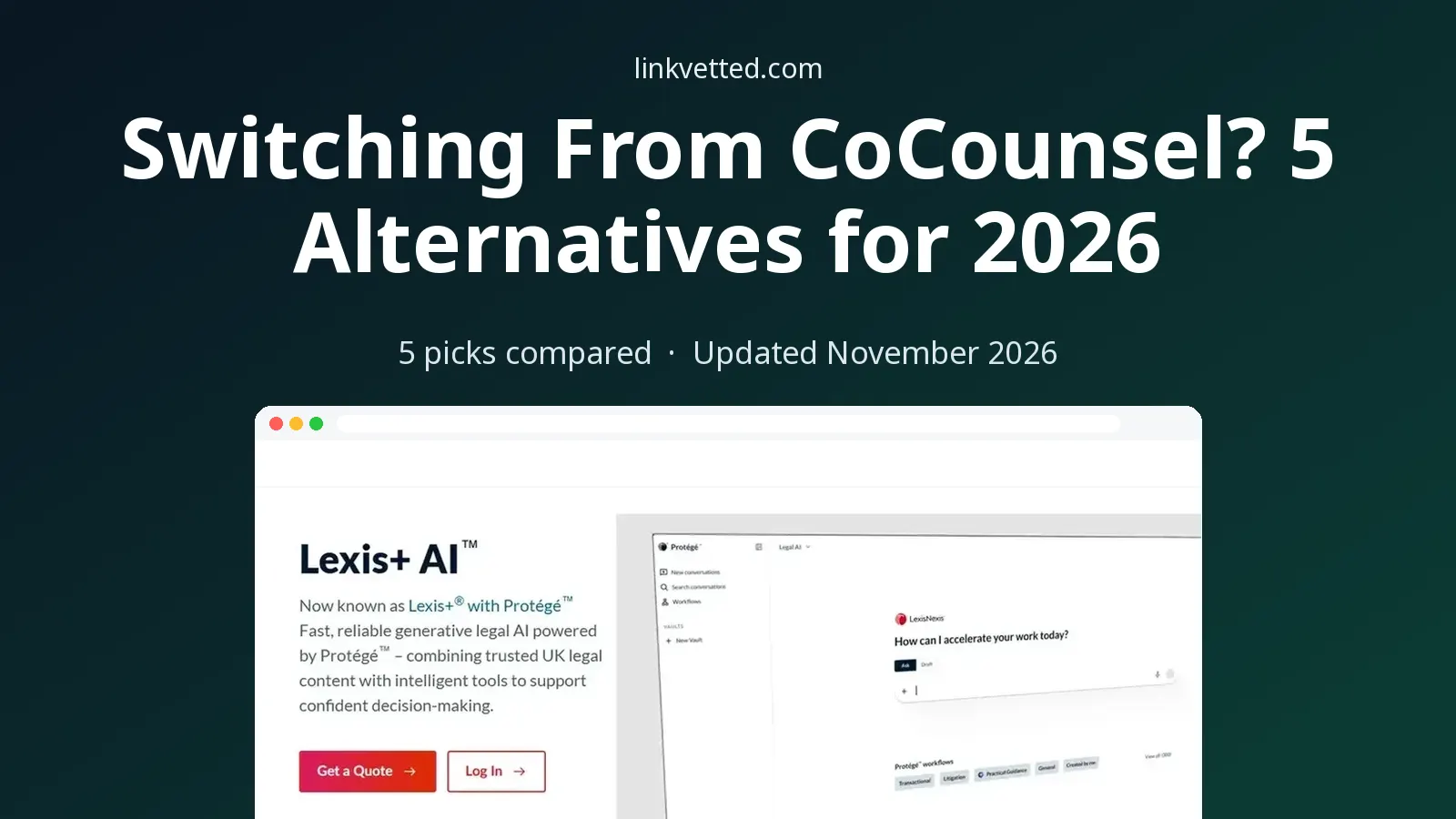
- Editor's choice
 Lexis+ AI
Research and drafting with authoritative sources
Starts atPricing on requestVisit lexisnexis.comFull review - Great alternative
 Spellbook
Transactional lawyers drafting in Word
Starts atPricing on requestVisit spellbook.legalFull review - Also consider
 Robin AI
Quick contract review and clause search
Starts atPricing on requestVisit robinai.comFull review
Direct answer
This list puts Lexis+ AI first for research and drafting with authoritative sources. Spellbook is the stronger choice for transactional lawyers drafting in Word, while Robin AI suits quick contract review and clause search. The full list of 5 tools follows, with prices and free plan facts. None of these vendors publish plan prices, so pricing is on request for every option.
TL;DR:
- Lexis+ AI sits first on this list: research and drafting with authoritative sources.
- Harvey fits law businesses and corporate legal teams.
- Neither Lexis+ AI nor Harvey, nor any of the other 3 tools, has a permanent free plan; trials and quotes are the norm.
- No starting price is shown for any of the 5 tools, Lexis+ AI and Harvey included, so plan time for sales calls.
- One limit worth knowing about Luminance: enterprise focus may be heavy for small teams.
Last checked November 2026. Pricing on request: vendors did not publish plan prices when this guide was last checked (November 2026), so ask each vendor for a written quote.
Quick comparison
| Tool | Best for | Starts at | Free plan? | |
|---|---|---|---|---|
| Lexis+ AI | Research and drafting with authoritative sources | Pricing on request | Not stated | Visit |
| Spellbook | Transactional lawyers drafting in Word | Pricing on request | Free trial | Visit |
| Robin AI | Quick contract review and clause search | Pricing on request | Not stated | Visit |
 Luminance | Enterprise-wide contract intelligence | Pricing on request | Not stated | Visit |
 Harvey | Law businesses and corporate legal teams | Pricing on request | Not stated | Visit |
The 5 tools in detail
LinkVetted compared 5 tools for CoCounsel. The goal is a practical shortlist: published prices, free plan facts, best-fit use cases and honest limits for every entry.
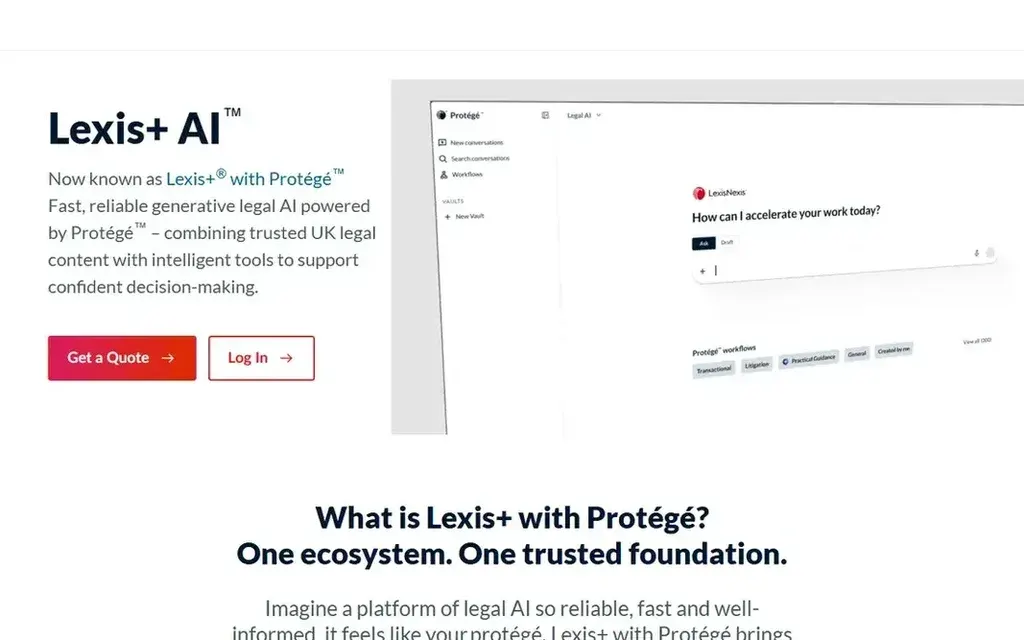
Lexis+ AI is built with research and drafting with authoritative sources in mind. Lexis+ AI is a legal AI option for drafting, research, and analysis that provides trusted results from authoritative LexisNexis resources. For everyday use, the system merges drafting assistance with research support, making it a candidate for teams already working within LexisNexis tools and wanting AI layered onto familiar sources.
The main drawbacks: Tied to the LexisNexis content ecosystem.
Its strength in authoritative content also means the experience is closely tied to the LexisNexis ecosystem. Teams outside that environment should weigh whether the content alignment matters for their work. Lexis+ AI does not show a starting price in this comparison, so check the vendor site for current pricing. On free options: Not stated.
- Gives results from LexisNexis resources
- Supports drafting, research, analysis
- Best fit for existing LexisNexis users
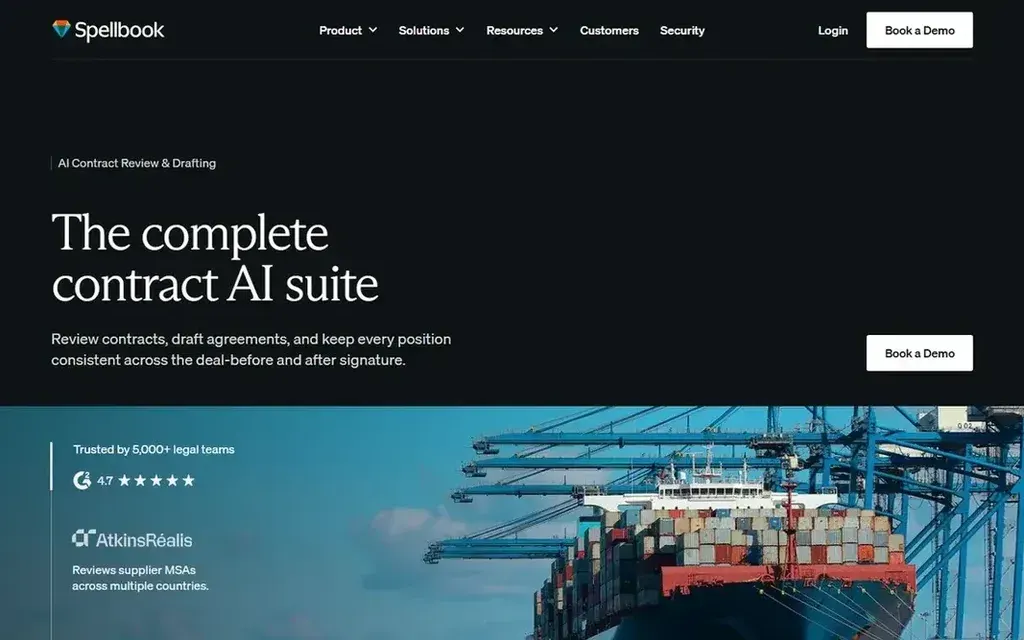
Spellbook makes the most sense for transactional lawyers drafting in Word. It uses GPT-5, Claude, and other large language models to help legal teams draft and review contracts with greater precision, right in Microsoft Word. Its contract focus makes it a practical alternative for deal and commercial work.
Check vendor documentation for supported models and integration specifics before deciding. Spellbook concentrates on contracts, so teams needing broader litigation or compliance support may need extra tools. Spellbook shows no starting price here, so confirm the cost on the vendor site. Trial and free access: Free trial.
Drawbacks to consider: Centred on contract review and drafting.
- Works right inside Microsoft Word
- Uses several large language models
- Word-centric workflow may not suit all teams
Robin AI is built with quick contract review and clause search in mind. Robin AI makes contracts more straightforward for legal teams with AI-powered contract software that reviews contracts quicker and lets users search for a clause in seconds. It is aimed at legal teams that manage a steady flow of agreements and want quicker review and retrieval.
Where it falls short: Vendor performance claims need validation.
In practice, the system fits organizations looking to cut manual effort in contract workflows whereas keeping legal teams in control. Worth adding: as a contract-focused tool, Robin AI may not handle broader legal research or litigation needs. Worth adding: vendor-stated speed improvements should be validated against your own document types and review standards. No starting price is listed for Robin AI here; confirm pricing on the vendor site. Trial and free access: Not stated.
- AI-powered contract software for legal teams
- Built to accelerate review and clause lookup
- Contract-focused scope
Luminance targets enterprise-wide contract intelligence. Luminance supplies a Contract Intelligence Platform that turns business language into actionable insights, helping mitigate risk and unlock value for every team across the enterprise.
As for the details, the enterprise-wide scope can be more than a small legal team needs, and successful use relies on clear ownership and process design. Check the vendor site for Luminance pricing; none is listed in this comparison. As for free access: Not stated.
The main drawbacks: Enterprise focus may be heavy for small teams.
- Aims to mitigate risk across the enterprise
- Turns business language into actionable insights
- Needs clear internal ownership to deploy
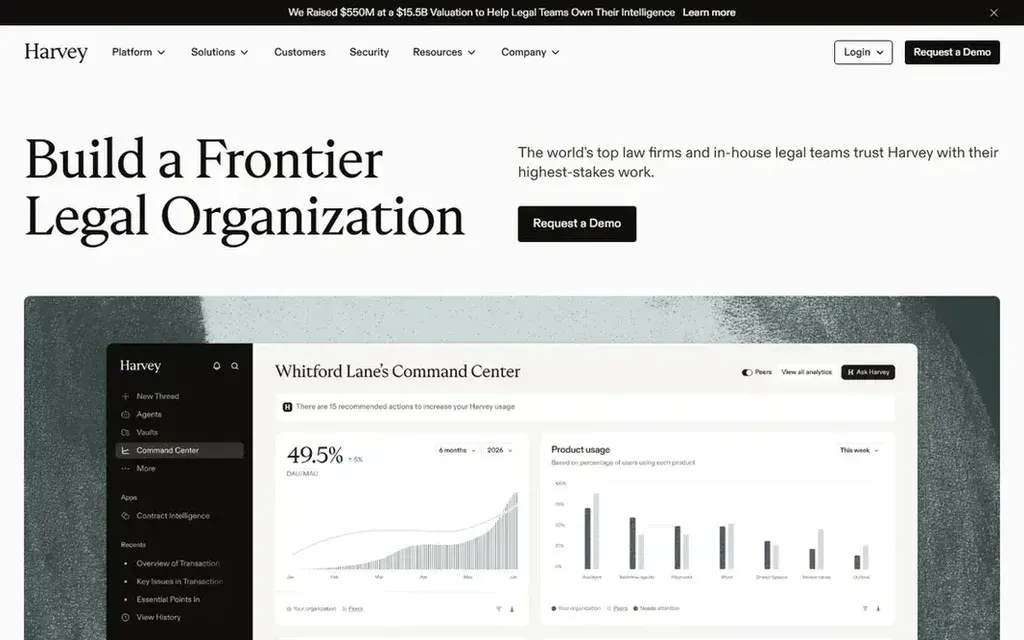
Choose Harvey for law businesses and corporate legal teams. Harvey is legal AI software tailored for leading law businesses and corporate legal teams. More specifically, teams handling varied matter types may find the breadth handy for consolidating tools.
More specifically, since Harvey targets professional services broadly, smaller teams or those needing only a single function may find it more than required. Worth adding: the tool suits organizations that want a single AI environment spanning several legal workflows instead of a narrow point option. Harvey does not show a starting price in this comparison, so check the vendor site for current pricing. Trial and free access: Not stated.
Where it is weaker: Centred on bigger legal organizations.
- Due diligence, compliance, litigation
- Handles contract analysis
- Wide scope may need setup for specific tasks
Selection criteria
We compared the tools on published pricing, free plan or trial availability, feature coverage for CoCounsel, and the limits each vendor documents. Seat minimums, billing terms and add-ons can move the real cost, so the starting prices here are a guide and not a quote. We ordered the tools by general fit, then by how clearly pricing is shown, then by free access. A buyer with unusual needs may reorder them.
What to confirm before you sign up
- Confirm the entry price with every vendor: no tool from Lexis+ AI to Harvey shows a fixed starting price.
- Run a trial of Spellbook with real work before paying for a year; your own workflow is the best test.
- Before choosing Lexis+ AI, weigh its main limit: tied to the LexisNexis content ecosystem.
- Involve the people who will use Harvey daily; a short pilot beats a long feature checklist.
- Look at the help docs and support options for Luminance before you commit.
FAQ
Which alternative is a good match for contract drafting in Word?
This list starts with Lexis+ AI, which fits research and drafting with authoritative sources. For other needs, Spellbook is aimed at transactional lawyers drafting in Word, and Robin AI at quick contract review and clause search. Check each tool's price and main limit first.
Do these tools publish their prices?
No. None of the tools, from Lexis+ AI to Harvey, shows a fixed starting price here, so budget time for quotes. All 5 picks in this CoCounsel alternatives comparison list a starting price, free plan details and the main limits on their cards above.
Does any tool for CoCounsel here have a free plan?
No tool in this list, Lexis+ AI and Harvey included, has a permanent free plan. Spellbook offer a trial. Trials and quotes are the usual route, so plan a short evaluation period.
What should I look for in a CoCounsel alternative?
Then check whether the tool plugs into your document systems and suits your team size. Confirm security and data handling details straight with each vendor.
Is Lexis+ AI the right pick for everyone comparing CoCounsel?
No single tool suits every team. Lexis+ AI comes first because it fits research and drafting with authoritative sources, while Spellbook suits transactional lawyers drafting in Word and Robin AI suits fast contract review and clause search. Match the tool to your own size, budget and workflow before deciding.
How are the tools for CoCounsel ordered?
Lexis+ AI sits first and Harvey last because the order follows typical fit for CoCounsel, then price clarity and free access. It is a judgement call, so read each profile for fit and limits.
Sources
- https://www.lexisnexis.com/en-us/products/lexis-plus-ai.page
- https://www.spellbook.legal
- https://www.robinai.com
- https://www.luminance.com
- https://www.harvey.ai