5 Ceros Alternatives Worth Switching To in 2026
5 products for Ceros alternatives, ranked by fit, with starting costs and free tiers. Every pick includes one clear drawback. Reviewed in November 2026.
- Editor's choice
 Canva
Quick visual content for non-designers
Starts atSee websiteVisit canva.comFull review - Great alternativeReadymag
Designer-led expressive websites
Starts atSee websiteVisit readymag.comFull review - Also consider
 Figma
Collaborative design and prototyping
Starts at$3 a monthVisit figma.comFull review
Direct answer
Canva comes first here, mainly for quick visual content for non-designers. Listed starting prices: Figma from $3 a month, Webflow from $15 a month and Instapage from $79 a month. For a different need, Readymag covers designer-led expressive websites and Figma covers collaborative design and prototyping. Details, prices and limits for the rest of the 5 tools are below.
TL;DR:
- This list starts with Canva, which is built for quick visual content for non-designers.
- Instapage fits conversion-focused landing pages.
- Just one of the 5 tools, Webflow, has a free plan.
- A fair warning about Canva: less precise control for complicated layouts.
Last checked November 2026. Prices and plan details were read from the vendors' own pages in November 2026; vendors change plans often, so confirm the current price on the vendor site before you buy.
Quick comparison
| Tool | Best for | Starts at | Free plan? | |
|---|---|---|---|---|
| Canva | Quick visual content for non-designers | See website | Not stated | Visit |
| Readymag | Designer-led expressive websites | See website | Not stated | Visit |
| Figma | Collaborative design and prototyping | $3 a month | Not stated | Visit |
 Webflow | Building and hosting full websites | $15 a month | Yes | Visit |
 Instapage | Conversion-focused landing pages | $79 a month | Free trial | Visit |
Ceros profiles
LinkVetted compared 5 Ceros. The goal is a practical shortlist: published prices, free plan facts, best-fit use cases and honest limits for every entry.
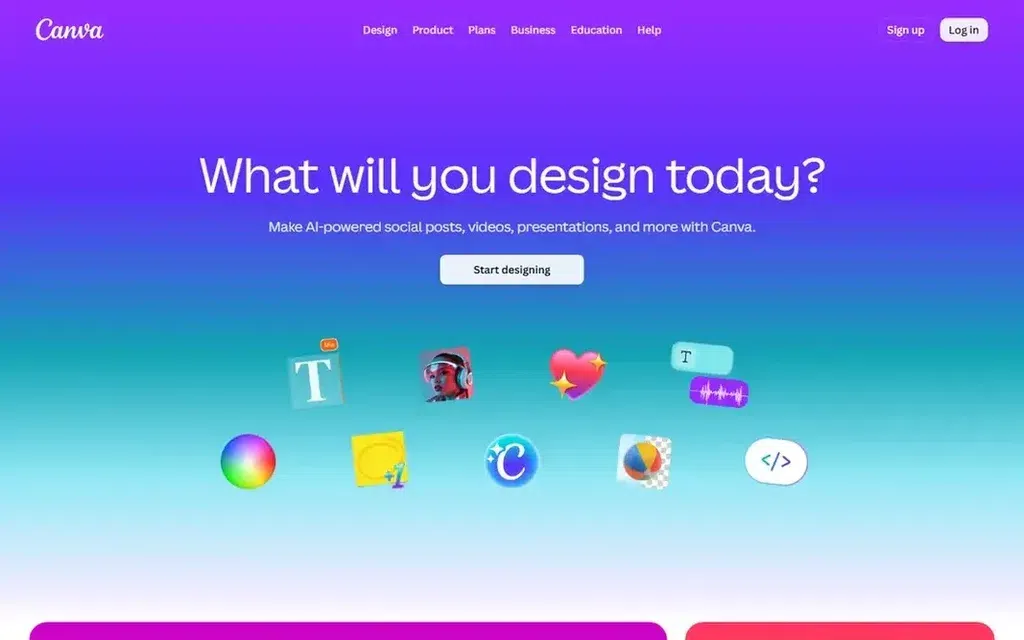
Think of Canva for quick visual content for non-designers. Canva describes itself as a visual suite for everyone, including social media posts, presentations, posters, videos, logos and more in one online design tool.
Downsides: Less precise control for complicated layouts.
It fits marketers, small teams and non-designers who require to produce refined visuals quickly without learning a complicated design application, and it takes care of everyday content requests well. This comparison lists no price for Canva; ask the vendor. Free access: Not stated.
- Straightforward drag-and-drop editing
- Broad range of content types
- Restricted fit for advanced interactive builds
Readymag
Best for: Designer-led expressive websites
Readymag makes the most sense for designer-led expressive websites. A landing page product or full web product suits better when conversion and content operations are the priority.
Where it falls short: May need design confidence.
Readymag leans toward creative freedom instead of marketing tooling, so teams needing broad testing or structured content workflows may want another choice. Readymag does not show a starting price in this comparison, so check the vendor site for current pricing. Trial and free access: Not stated.
- Capable for distinctive visual layouts
- Suited to portfolios and creative projects
- Less emphasis on marketing automation
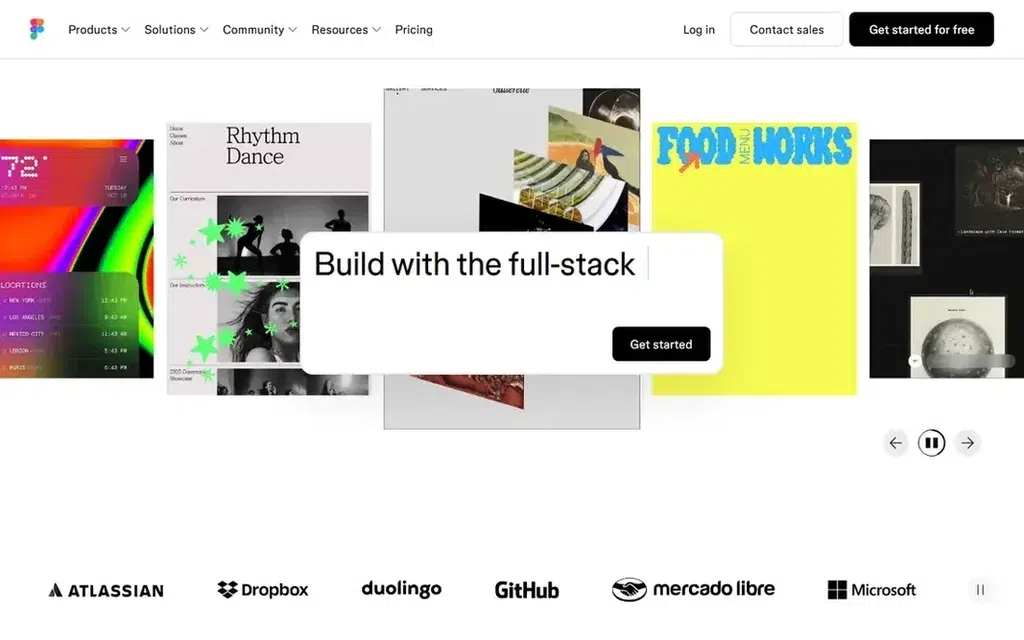
For collaborative design and prototyping, Figma is a natural candidate. Figma is built around design and prototyping instead of publishing refined editorial stories, so teams that primarily need scrolling feature articles may find it indirect.
Figma cost at the entry level: $3 per month. Trial and free access: Not stated.
Points against: Interactive web publishing needs additional steps.
- Shared canvas for design and code
- AI features built into the workflow
- Not a dedicated long-form storytelling tool
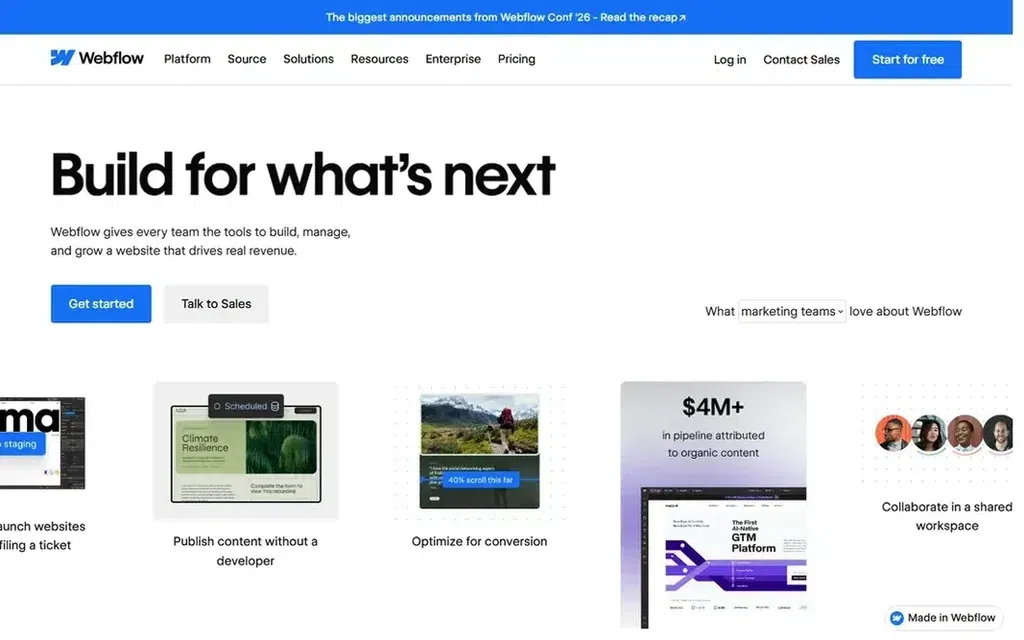
For building and hosting full websites, Webflow is a natural candidate. Choose a lighter storytelling or landing page tool when speed matters more than a full site build. Webflow carries a ramp-up time and can feel heavy if you only need a single interactive article or campaign page.
From a buyer's view, Webflow presents itself as an agentic web system for modern firms, letting teams design, build, optimize and rank in AI search in one place, with CMS, hosting and security built in. It appeals to teams with some design or development skill who want control over the final build. Webflow cost at the entry level: $15 per month. Free access exists with Webflow.
Limits to weigh: More product than a straightforward story builder.
- Enterprise-grade security features
- Search and AI-search optimization built in
- Steeper ramp-up time for beginners
Instapage serves conversion-focused landing pages. Instapage is a landing page builder targeted at creating high-converting pages, with a drag-and-drop editor, a large template library, AI content help, A/B testing and personalization tools. It performs well when conversion measurement is the priority.
The main drawbacks: Centred on landing pages, not full sites.
From a buyer's view, pick a storytelling system or a full web design tool when the goal is a feature article or a complete site. From a buyer's view, Instapage is centered on campaign landing pages instead of long-form editorial or full website builds. So it can feel narrow for content teams. Entry price for Instapage: $79 per month. Free access: Free trial.
- Personalization features included
- Drag-and-drop page builder
- Less suited to editorial storytelling
How these tools were picked
Pre-purchase checklist
- Confirm the entry price on the vendor page. For Canva and Readymag that means a quote rather than a fixed price.
- Look at the free plan from Webflow closely: its caps decide whether it is usable for real work.
- Take the trial from Instapage and push a live task through it before you pay.
- Read the limits listed for Canva first: less precise control for complicated layouts.
- Before rolling out Webflow, verify the integrations your workflow depends on.
- A short pilot of Canva with your real workflow tells you more than a feature table.
FAQ
Do these tools publish their prices?
Not all of them. Canva and Readymag publish no starting price, so expect a quote request for those. The rest, Figma included, show a starting price, though seats and billing terms still change the final cost.
Is Canva the right pick for everyone comparing Ceros?
No single tool suits every team. Canva comes first because it fits fast visual content for non-designers, while Readymag suits designer-led expressive websites and Figma suits collaborative design and prototyping. Match the tool to your own size, budget and workflow before deciding.
Which Ceros have a free plan?
Webflow is the only tool in this list with a free plan. Free plans usually cap users, projects or features, so check the limits on the vendor page. One other tool offers a trial instead. For the full picture, the cards above cover all 5 entries of this Ceros alternatives list, including price, free plan and limits.
What is the best Ceros alternative for interactive design work?
Canva is the pick this page puts first, mainly for quick visual content for non-designers. If your situation differs, Readymag suits designer-led expressive websites, and Figma suits collaborative design and prototyping. Compare price and limits before you decide.
What is the cheapest option for Ceros in this list?
On published monthly entry prices, Figma is the lowest here at $3 per month. Entry price is only part of the cost, because seats, add-ons and billing terms can change the total. Prices, free plan details and limits for all 5 tools in this Ceros alternatives roundup sit on the individual cards above.
Sources
- https://www.canva.com
- https://readymag.com
- https://www.figma.com
- https://webflow.com
- https://instapage.com