Best Website Migration Service for Changing Hosts in 2026: Prices, Free Plans and 6 Picks
6 best website migration service for changing hosts, compared on pricing, free plans and best-fit use. Every pick gets a straight assessment. Read the profiles.
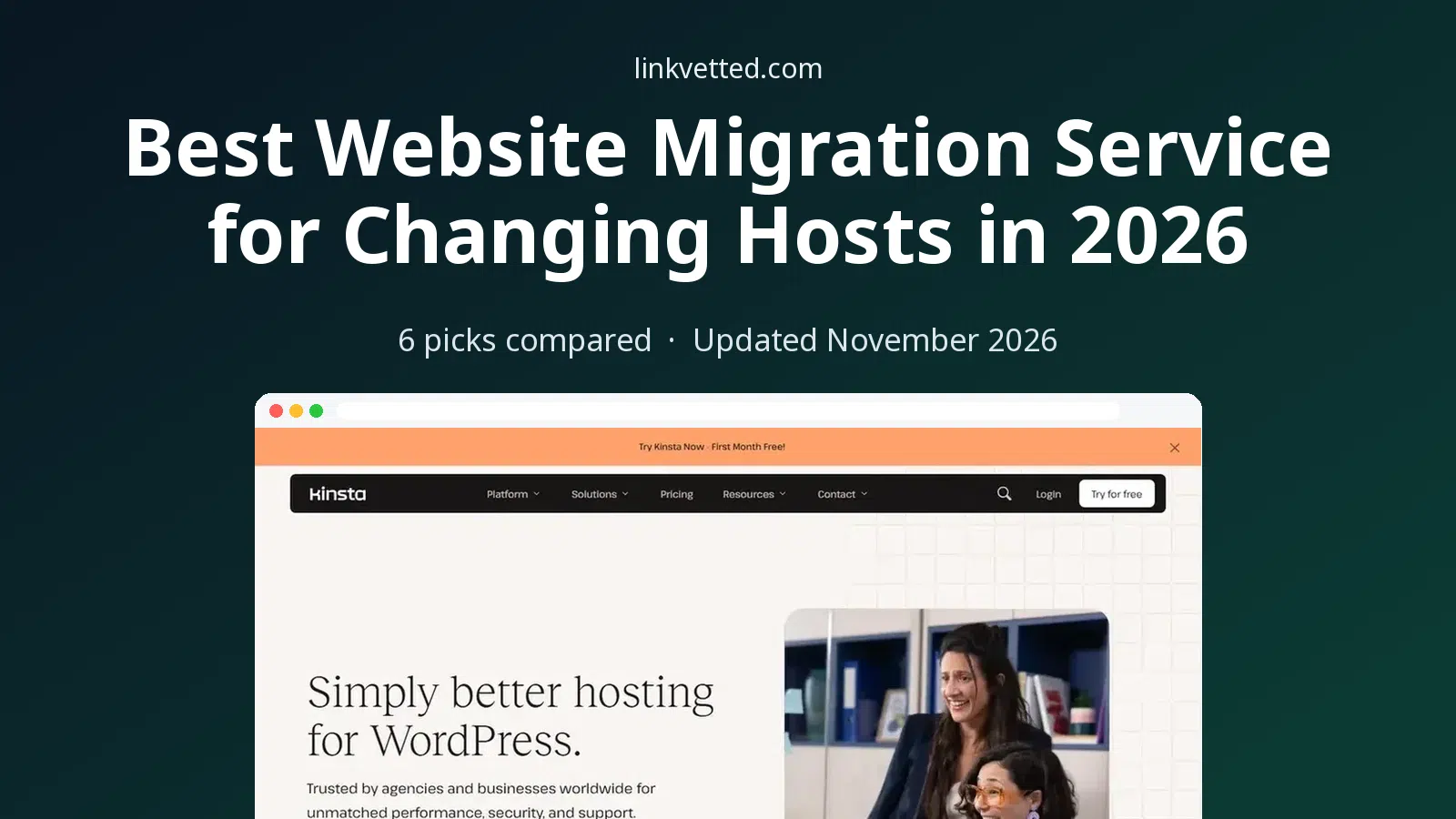
- Editor's choice
 Kinsta
Performance-focused WordPress migrations
Starts at$17.50 a monthVisit kinsta.comFull review - Great alternative
 Liquid Web
Managed and dedicated infrastructure moves
Starts atSee websiteVisit liquidweb.comFull review - Also consider
 SiteGround
General website hosting moves
Starts atSee websiteVisit siteground.comFull review
Direct answer
Kinsta comes first here, mainly for performance-focused WordPress migrations. Listed starting prices: Kinsta from $17.50 a month, Cloudflare from $7 a month and WP Engine from $28.00 a month. Liquid Web is better for managed and dedicated infrastructure moves, and SiteGround is better for general website hosting moves. The other 3 tools in the list cover narrower or pricier cases.
TL;DR:
- The list opens with Kinsta, aimed at performance-focused WordPress migrations.
- DreamHost is the one to check for Hosting with domains and email.
- The main caution on SiteGround: migration help varies by setup.
- The lowest published monthly entry price here is $1.49 per mailbox per month, from DreamHost.
Last checked November 2026. Prices and plan details were read from the vendors' own pages in November 2026; vendors change plans often, so confirm the current price on the vendor site before you buy.
Quick comparison
| Tool | Best for | Starts at | Free plan? | |
|---|---|---|---|---|
| Kinsta | Performance-focused WordPress migrations | $17.50 a month | Free trial | Visit |
| Liquid Web | Managed and dedicated infrastructure moves | See website | Not stated | Visit |
| SiteGround | General website hosting moves | See website | Not stated | Visit |
 Cloudflare | DNS cutover and traffic control | $7 a month | Yes | Visit |
 WP Engine | Managed WordPress site transfers | $28.00 a month | Not stated | Visit |
 DreamHost | Hosting with domains and email | $1.49 per mailbox a month | Not stated | Visit |
The 6 tools in detail
If you are comparing website migration service for changing hosts, this page covers 6 tools in one place: what each is best for, what it costs to start, whether it has a free plan, and the main limit to know about.

Kinsta is built with performance-focused WordPress migrations in mind. Kinsta supplies managed WordPress hosting with a focus on speed, security and support. For everyday use, agencies managing several WordPress sites frequently look at it for a consistent managed environment.
Trade-offs to know: Not pitched at custom application stacks.
From a buyer's view, Kinsta is built around WordPress. So it is a poor match for sites running other products or custom back ends. Kinsta cost at the entry level: $17.50 per month. As for free access: Free trial.
- Managed WordPress hosting
- Support included with hosting
- WordPress-specific scope
Choose Liquid Web for managed and dedicated infrastructure moves. If you want a hands-off move for an entry-level website, a more straightforward managed host is simpler to work with.
Limits to weigh: More complicated than shared hosting.
In practice, migration to this kind of environment typically involves planning around server configuration and application needs. Liquid Web shows no starting price here, so confirm the cost on the vendor site. As for free access: Not stated.
- Made for uptime and scalability
- Dedicated servers and managed hosting
- Overkill for small brochure sites
SiteGround makes the most sense for general website hosting moves. SiteGround is a web hosting company serving a wide range of sites with an emphasis on speed, security and support. It is a typical destination when changing hosts since it spans usual website needs without requiring deep server administration.
What to check first: Not a dedicated migration product.
SiteGround is a hosting provider first, so migration assistance relies on your site type and setup. For complex custom applications, confirm the transfer scope before committing. No starting price is listed for SiteGround here; confirm pricing on the vendor site. Free access: Not stated.
- Security and support emphasized
- Hosting for plenty of site types
- Migration help varies by setup

In short, Cloudflare is for DNS cutover and traffic control. Cloudflare is a network and security system that numerous site owners use to run DNS and route traffic.
Watch-outs: Setup needs DNS knowledge.
It suits teams that want tighter control over the cutover step and are comfortable editing DNS settings. On cost, Cloudflare starts like this: $7 per month. A free plan is available with Cloudflare.
- Works alongside most hosts
- Can proxy traffic during cutover
- Not a full hosting migration tool
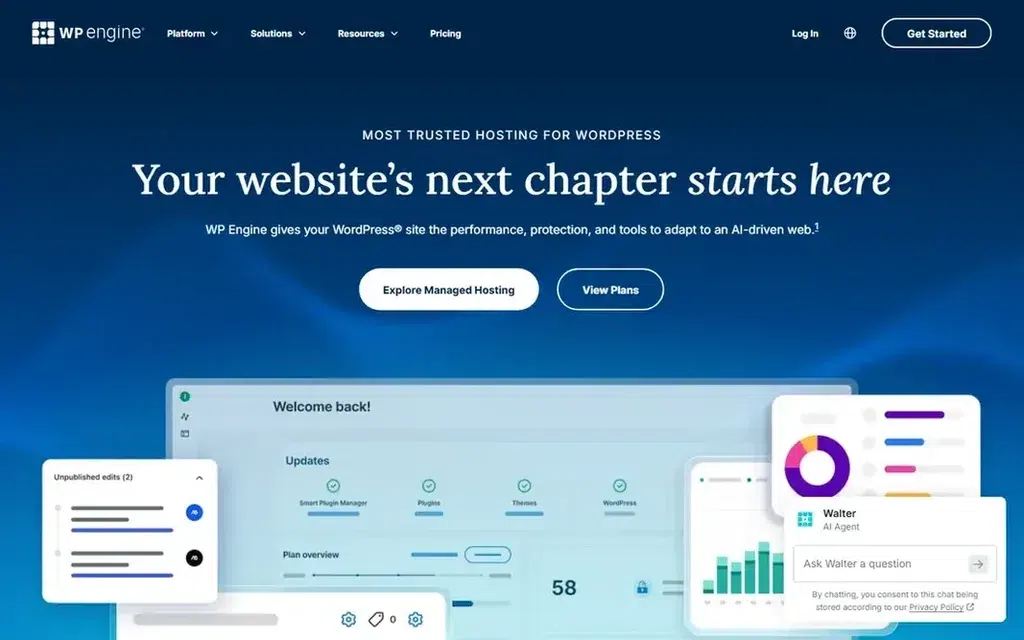
WP Engine was built for managed WordPress site transfers. WP Engine is a managed WordPress hosting product with security and support built in. Worth adding: if your site runs on another product, look at a general host instead and keep WP Engine in mind only for WordPress projects.
Trade-offs to know: Less handy for non-WordPress stacks.
On top of that, since it centers on WordPress, WP Engine is not the right fit for custom or non-WordPress applications. As for the details, for a host change, it is a natural destination for WordPress sites that require a managed environment and help getting content across. Price to start with WP Engine: $28.00 per month. Free access: Not stated.
- Managed WordPress hosting system
- Support and security included
- Centred on WordPress only
DreamHost is aimed squarely at Hosting with domains and email. DreamHost supplies domain names, web hosting, managed WordPress hosting and business email in one place.
In daily use, if you need a completely managed move of a complicated site, confirm what is included first. Starting cost for DreamHost: $1.49 per mailbox per month. Trial and free access: Not stated.
Limits to weigh: Migration scope varies by site.
- Hosting
- Domains and business email
- Not a standalone migration service
Selection criteria
LinkVetted looked at what each vendor publishes: pricing, plan limits, feature coverage for website migration service for changing hosts and stated drawbacks. No hands-on testing is claimed. Figures are shown as the vendors publish them. Billing terms, seat minimums and add-ons can change the real cost. Position on the page reflects fit for a typical buyer first, with price clarity and free access breaking ties. Treat it as a guide, not a ruling.
A buyer's checklist
- Confirm the entry price on the vendor page. For Liquid Web and SiteGround that means a quote rather than a fixed price.
- Look at the free plan from Cloudflare closely: its caps decide whether it is usable for real work.
- Take the trial from Kinsta and push a live task through it before you pay.
- Before choosing Kinsta, weigh its main limit: WordPress-specific scope.
- Ask Kinsta about contract length, onboarding fees and user minimums before you sign.
- Check the support hours and onboarding help SiteGround offers; smaller vendors vary a lot here.
FAQ
Is Kinsta the right pick for everyone comparing website migration service for changing hosts?
No single tool suits every team. Kinsta comes first because it fits performance-focused WordPress migrations, while Liquid Web suits managed and dedicated infrastructure moves and SiteGround suits general website hosting moves. Match the tool to your own size, budget and workflow before deciding.
What does a website migration service actually do?
It moves your site files, databases and frequently DNS records from one host to another. Some hosts bundle migration help, whereas network services like Cloudflare focus on the DNS and traffic cutover step.
Do these tools publish their prices?
Not all of them. Liquid Web and SiteGround publish no starting price, so expect a quote request for those. The rest, Kinsta included, show a starting price, though seats and billing terms still change the final cost.
How do I avoid downtime when changing hosts?
Confirm with your provider how they deal with rollback if the move goes wrong.
Which choice fits a WordPress site moving hosts?
Managed WordPress systems for example WP Engine and Kinsta are aimed at WordPress transfers and continuing management. In daily use, general hosts like SiteGround and DreamHost also work for standard WordPress sites.
Which website migration service for changing hosts have a free plan?
Cloudflare is the only tool in this list with a free plan. Free plans usually cap users, projects or features, so check the limits on the vendor page. One other tool offers a trial instead. For the full picture, the cards above cover all 6 entries of this website migration service for Changing hosts list, including price, free plan and limits.
Sources
- https://kinsta.com
- https://www.liquidweb.com
- https://www.siteground.com
- https://www.cloudflare.com
- https://wpengine.com
- https://www.dreamhost.com