Veterinary Practice Software in 2026: The 5 Best Options Side by Side
Best veterinary practice software, compared. 5 tools with published prices, free plans and limits. Trade-offs are spelled out for each entry. See the full list.

- Editor's choiceNaVetor
AI SOAP notes and integrated payments
Starts at$200 a monthVisit navetor.comFull review - Great alternative
 Shepherd
Easy-to-learn SOAP records and inventory tracking
Starts at$299 a monthVisit shepherd.vetFull review - Also consider
 ezyVet
Cloud-based all-in-one practice management
Starts at$260.50 a monthVisit ezyvet.comFull review
Direct answer
Our first pick is NaVetor, best for AI SOAP notes and integrated payments. Listed starting prices: NaVetor from $200 a month, Shepherd from $299 a month and ezyVet from $260.50 a month. Alternatives: Shepherd for easy-to-learn SOAP records and inventory tracking, and ezyVet for cloud-based all-in-one practice management. Details, prices and limits for the rest of the 5 tools are below.
TL;DR:
- NaVetor sits first on this list: AI SOAP notes and integrated payments.
- NaVetor stands alone as the one tool in this list with a free plan.
- NaVetor has the lowest monthly starting price in this list: $200 per month.
- AVImark comes with a trade-off: may lack advanced cloud features.
Last checked November 2026. Prices and plan details were read from the vendors' own pages in November 2026; vendors change plans often, so confirm the current price on the vendor site before you buy.
Quick comparison
| Tool | Best for | Starts at | Free plan? | |
|---|---|---|---|---|
| NaVetor | AI SOAP notes and integrated payments | $200 a month | Yes | Visit |
| Shepherd | Easy-to-learn SOAP records and inventory tracking | $299 a month | No | Visit |
| ezyVet | Cloud-based all-in-one practice management | $260.50 a month | Not stated | Visit |
| AVImark | Appointment scheduling and workflow automation | See website | Not stated | Visit |
| Vetspire | AI-powered medical records | See website | Not stated | Visit |
Every option for veterinary practice software explained
This LinkVetted guide covers 5 options for veterinary practice software. Each profile lists a starting price, free plan details, strengths and drawbacks, so you can drop poor fits quickly.
Shepherd is aimed squarely at easy-to-learn SOAP records and inventory tracking. Shepherd is cloud-based veterinary practice management software meant to work the way you do. It features an easy-to-learn SOAP medical record workflow, easy inventory tracking, and invoice automation.
Watch-outs: Could have restricted customization.
In practice, practices needing deep on-premise control might consider other software. Worth adding: as a cloud-based option, Shepherd depends on internet connectivity, which may be a drawback for some locations. It may also have fewer customization choices for highly specialized workflows. On cost, Shepherd starts like this: $299 per month. Shepherd has no free plan.
- Easy-to-learn SOAP medical record workflow
- Easy inventory tracking
- May need internet access
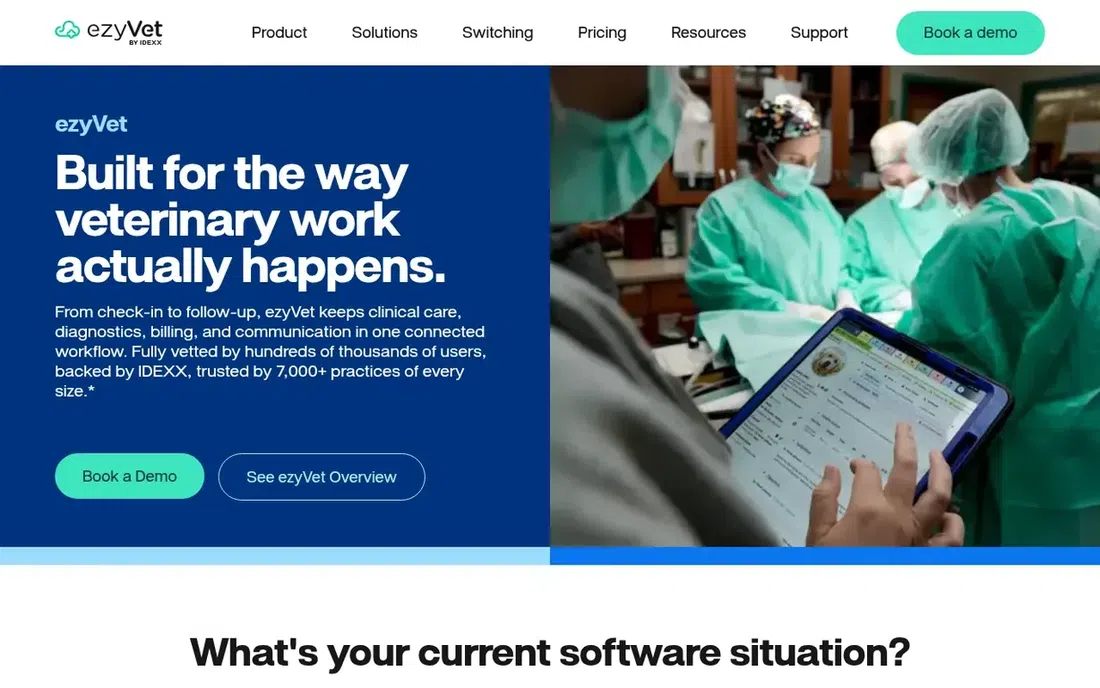
ezyVet is aimed squarely at cloud-based all-in-one practice management. As a cloud-based system, ezyVet relies on dependable internet access, which may be a limitation for practices in areas with poor connectivity. It may also need time to learn its full range of features.
More specifically, the system is positioned as simple to use, making it a good match for clinics seeking a modern, integrated product without several separate systems. More specifically, practices needing on-premise software or very straightforward scheduling might consider other choices. ezyVet starts at: $260.50 per month. Trial and free access: Not stated.
Where it falls short: Needs internet connection.
- Cloud-based access
- Approachable interface
- May have ramp-up time for advanced features
AVImark
Best for: Appointment scheduling and workflow automation
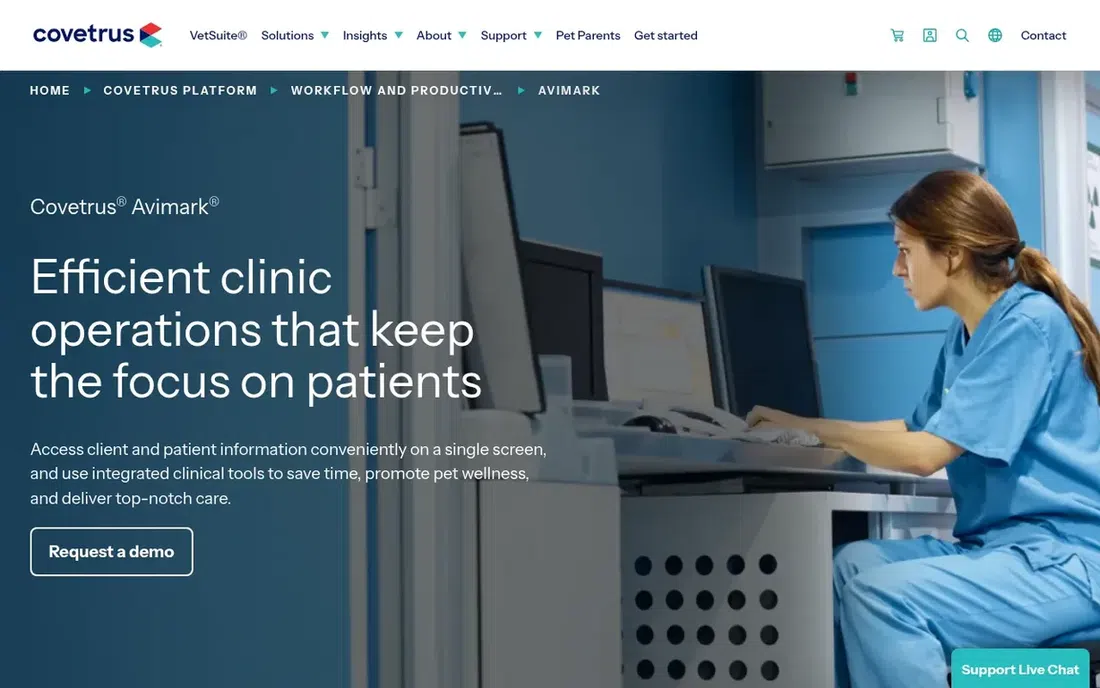
Where AVImark fits: appointment scheduling and workflow automation. AVImark, by Covetrus, is veterinary appointment scheduling software that centralizes patient records and automates workflows to boost team productivity.
In daily use, practices needing deep remote access or AI features might look elsewhere. Pricing for AVImark is not stated here, so ask the vendor for current figures. Free access: Not stated.
Where it falls short: May lack advanced cloud features.
- Automatic workflows
- Centralized patient records
- Could need setup time
Vetspire
Best for: AI-powered medical records
Choose Vetspire for AI-powered medical records. For everyday use, consider other options if AI is not a priority.
The AI features, whereas innovative, may need some training to use effectively, and the cloud-based nature means dependence on internet access. Practices that prefer traditional record systems or have restricted tech comfort might have to evaluate carefully. Check the vendor site for Vetspire pricing; none is listed in this comparison. On free options: Not stated.
Where it is weaker: Cloud dependency.
- Medical record at its heart
- Fast team adoption
- AI features may need training
How the list was put together
Selection started from tools commonly considered for veterinary practice software, then narrowed to 5 that have clear pricing information or a clear quote process. Where a price is missing, the vendor does not list one publicly or ties it to a quote. Always confirm before budgeting. The order reflects how well each tool fits the most common buying scenario for veterinary practice software, then price clarity, then free plan access. It is a starting point, not a verdict.
Pre-purchase checklist
- Ask AVImark and Vetspire for a written quote, since no starting price is shown.
- Look at the free plan from NaVetor closely: its caps decide whether it is usable for real work.
- Read the limits listed for NaVetor first: subscription cost may apply.
- Involve the people who will use Shepherd daily; a short pilot beats a long feature checklist.
- Get the contract term, renewal terms and any onboarding fees from ezyVet in writing.
FAQ
Do these tools publish their prices?
Not all of them. AVImark and Vetspire publish no starting price, so expect a quote request for those. The rest, NaVetor included, show a starting price, though seats and billing terms still change the final cost.
How are the tools for veterinary practice software ordered?
The order follows typical fit for veterinary practice software, with NaVetor first and Vetspire last, then price clarity and free access. It is editorial judgement, not a score, so another team could rank the tools differently.
Which options for veterinary practice software have a free plan?
NaVetor is the only tool in this list with a free plan. Free plans usually cap users, projects or features, so check the limits on the vendor page. For the full picture, the cards above cover all 5 entries of this Veterinary practice software list, including price, free plan and limits.
How do I switch from one veterinary software to another?
Switching involves planning, data migration, and training. Start by identifying your must-have features and shortlisting vendors. Then, coordinate with the new provider to transfer records and train your team. Allow ample time for a smooth transition and consider running systems in parallel temporarily.
Is cloud-based veterinary software secure?
That said, you should review each vendor's security policies and ensure they comply with relevant regulations. Always confirm data protection details straight with the vendor.
Can I try these options before paying?
Often, yes. NaVetor has a free plan. Use your own data and a real task during the test, and check what the free tier or trial limits before you rely on it. Prices, free plan details and limits for all 5 tools in this Veterinary practice software roundup sit on the individual cards above.
Sources
- https://www.navetor.com
- https://www.shepherd.vet
- https://www.ezyvet.com
- https://www.avimark.net
- https://www.vetspire.com