Best Dental Practice Management Software in 2026: 8 Tools Compared
We compared the best dental practice management software for scheduling, charting, billing, imaging, and patient communication in US practices in 2026.
- Editor's choice
 Dentrix
Established mid-size and large practices
Starts atSee websiteVisit dentrix.comFull review - Great alternative
 Dentrix Ascend
Dentrix users moving to cloud
Starts atSee websiteVisit dentrixascend.comFull review - Also consider
 Eaglesoft
Patterson ecosystem practices
Starts atSee websiteVisit eaglesoft.netFull review
TL;DR:
- Cloud tools suit new and multi-location practices, while desktop tools suit established practices with local servers and imaging setups.
- Scheduling, charting, billing, and claims are the core to test first, since patient communication tools can be added later.
- Many leading vendors price by quote, so get a written total that includes support, imaging, and patient communication modules.
- Imaging integration matters more than it first appears, since a weak bridge slows charting every day.
- Migration planning, including charts and payment history, decides whether a switch feels smooth or painful.
Quick comparison
| Tool | Best for | Starts at | Free plan? | |
|---|---|---|---|---|
| Dentrix | Established mid-size and large practices | See website | No | Visit |
| Dentrix Ascend | Dentrix users moving to cloud | See website | No | Visit |
| Eaglesoft | Patterson ecosystem practices | See website | No | Visit |
 Open Dental | Cost-conscious and tech-savvy practices | $199 per month | No | Visit |
 Curve Dental | Modern cloud practices | See website | No | Visit |
 Denticon | DSOs and group practices | $795 per month | No | Visit |
 CareStack | Growing group practices | $829 per month | No | Visit |
 tab32 | Startups and cost-sensitive practices | $99 per month | No | Visit |
The best dental practice management software
Dental practice management software runs the daily work of a practice, from scheduling and charting to billing, claims, and patient reminders. The right system depends on practice size, cloud preference, imaging setup, and budget. We compared official product pages, pricing reports, and feature lists to build this list. This article covers practice software, not clinical advice, and software choice does not replace professional judgment on patient care.
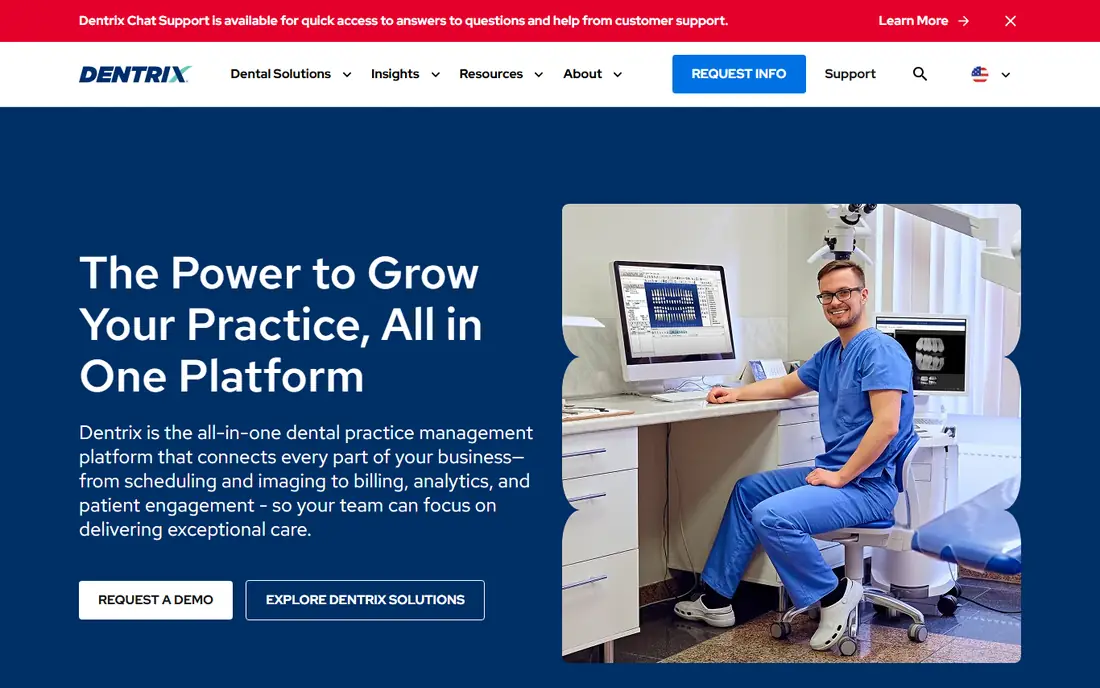
Dentrix from Henry Schein One is the most widely installed dental practice management system in North America, and its depth shows in daily use. Scheduling, charting, treatment planning, billing, and insurance claims sit in one desktop application, with a large ecosystem of add-ons and trained staff available. Practices with several operatories or locations benefit most from that breadth.
The drawbacks are cost clarity and setup effort. Pricing is by quote, modules add cost, and new staff face a learning curve on the older interface. Practices that want browser-based access should look at Dentrix Ascend instead. For an established practice that wants proven depth, Dentrix remains the benchmark.
- Deep scheduling, charting, and billing features
- Large add-on ecosystem
- Multi-location support
- Quote-based pricing
- Windows desktop focus with a learning curve
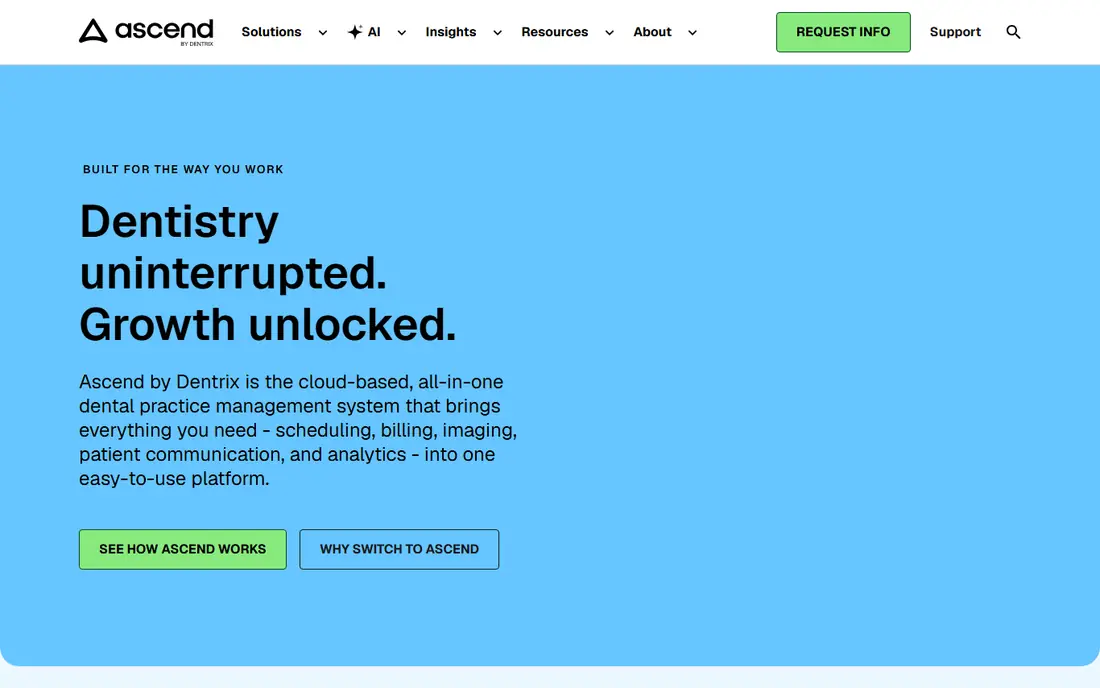
Dentrix Ascend is the cloud successor to Dentrix, built for practices that want browser access without local servers. Scheduling, charting, and billing work from any location, which helps multi-location practices and owners who check the practice remotely. The Henry Schein ecosystem, including imaging bridges, carries over in spirit if not in every detail.
Modular pricing means eligibility, billing, and analytics can be priced separately, so the total needs a careful quote. Practices should confirm which modules are included before comparing Ascend with all-in-one cloud rivals. For a Dentrix practice ready for the cloud, Ascend offers the gentlest migration path.
- Cloud access from any browser
- Dentrix familiarity
- Built-in patient communication options
- Quote-based modular pricing
- Claims and analytics priced as separate modules
Eaglesoft from Patterson Dental suits established practices that want solid core tools and already work with Patterson equipment and supplies. Scheduling stands out, with drag-and-drop booking, quick-fill tools, and reminders that front-desk staff find easy to use day to day. Charting and imaging links cover the clinical basics well.
The system is server-based with an older interface, and pricing requires a quote through a Patterson representative. Support wait times and occasional slowness are common complaints in user reviews. For a practice in the Patterson ecosystem that values scheduling ease, Eaglesoft is still a serious option.
- Intuitive drag-and-drop scheduling
- Solid charting and imaging links
- Patterson support network
- Quote-based pricing
- Older interface and server-based deployment
Open Dental appeals to solo and small-group practices that want capable software without a large monthly bill. The core system covers scheduling, charting, billing, and claims, with bridges to more than 200 imaging products. Month-to-month terms and a lower starting price than many rivals make it easy to try without a long contract.
The trade-off is effort. Hosting, setup, and customization need more technical skill than a fully managed cloud tool, and patient communication tools come as a paid add-on bundle. Tech-savvy practices that like control and low cost will appreciate Open Dental, while practices that want a hands-off cloud setup should look elsewhere.
- Low monthly cost with month-to-month terms
- Broad imaging bridges
- Highly customizable
- Needs IT skill for hosting and setup
- Patient communication is an add-on bundle
Curve Dental, also known as Curve Hero, is a cloud practice system for modern single and multi-location practices. Native cloud imaging, built-in patient communication, and browser access remove the server burden that desktop systems carry. Month-to-month options in some plans also give practices flexibility that annual-only rivals lack.
Pricing is by quote, so budgeting requires a sales conversation and a clear list of included features. Practices with strict local-server requirements will also prefer a desktop option. For a practice that wants a clean cloud system with imaging and communication built in, Curve is a strong modern pick.
- Cloud-native design
- Native cloud imaging
- Built-in patient communication
- Quote-based pricing
- Less suited to practices wanting local server control
Denticon from Planet DDS is built for dental service organizations and group practices managing many locations. Central reporting, native imaging, and built-in patient communication through Legwork and related tools support a group that needs consistent data across offices. That group focus is why DSOs choose it over tools built for single practices.
The $795 per month published starting price and group-oriented design make it poor value for a solo practice. Smaller practices will find cheaper tools with the same core features. For a growing group or DSO that needs centralized control, Denticon scale and reporting justify the price.
- Purpose-built for DSOs
- Native imaging through Apteryx
- Multi-location reporting
- Higher starting price
- More than a solo practice needs
CareStack is a cloud dental platform for growing group practices that want scheduling, charting, billing, imaging, and patient communication in one system. Native imaging plus AI-assisted features on higher plans, built-in SMS and patient forms, and multi-location support cover the full practice workflow. Multi-specialty support also helps groups with varied clinical needs.
The Essentials plan starts at $829 per month, which puts it above budget tools and closer to DSO pricing. Implementation deserves planning, since moving charts, schedules, and billing data takes coordination. For a group practice ready to standardize on one cloud platform, CareStack breadth is compelling.
- Cloud system with native imaging
- Built-in messaging and portal
- Multi-specialty support
- Higher starting price
- Implementation needs planning
tab32 suits startups and cost-sensitive practices that need a cloud system without a large monthly bill. The first-year price starts at $99 to $125 per month, with native digital imaging and appointment reminders included in year one. That combination gives a new practice core clinical and communication tools at a price that fits a startup budget.
Full features sit on higher tiers, so practices should check what the Summit tier adds before committing long term. The ecosystem is also smaller than Dentrix or Eaglesoft, which can matter for niche integrations. For a new practice watching costs closely, tab32 offers a practical cloud starting point.
- Low first-year price
- Native digital imaging
- Appointment reminders included in year one
- Higher tiers needed for full features
- Smaller ecosystem than Dentrix
How we picked these
We compared official product pages, published pricing, and feature lists for dental practice systems used in the United States. We favored systems with scheduling, charting, billing and claims, and imaging support, and we included desktop, cloud, and group-focused options. Where vendors price by quote, we wrote See website rather than repeating third-party estimates as official prices.
How to choose for your practice
Start with deployment. Cloud systems remove server work and suit new or multi-location practices, while desktop systems suit practices with existing servers, imaging hardware, and staff trained on a local tool. Check imaging compatibility first, since a weak bridge between your sensors and the chart will slow every appointment.
Next, test the daily workflow with real staff. Book, reschedule, and check in a patient, chart a procedure, submit a claim, and send a reminder, then ask front-desk and clinical staff what felt slow. Pricing should be compared as a total, including support, imaging, patient communication, and payment processing, since module pricing hides the real monthly cost.
Also plan migration carefully. Ask each vendor how charts, images, treatment plans, payment history, and insurance data move, and how long the practice should expect reduced speed during the switch. A vendor with a clear migration plan and training schedule is worth more than a slightly lower price.
FAQ
What does dental practice management software do?
It manages scheduling, patient records, charting, treatment planning, billing, insurance claims, and patient communication for a dental practice. Some systems also include imaging, reporting, and multi-location management.
Is cloud or desktop dental software better?
Cloud software suits new and multi-location practices that want browser access and no local servers. Desktop software suits established practices with local servers and imaging setups, though it needs more IT upkeep.
How much does dental practice management software cost?
Prices range from about $99 per month for budget cloud tools to $795 or more per month for group platforms, with leading systems such as Dentrix and Eaglesoft priced by quote. Always get a written total including support and add-on modules.
Do these tools handle insurance claims?
Yes, most systems on this list handle eligibility checks, claim submission, and payment posting, though depth varies. Confirm claim features, clearinghouse links, and ERA posting for your main payers before choosing.
Can a small practice use Dentrix or Eaglesoft?
Yes, but both are built for established practices and priced by quote, so small practices should compare total cost and setup effort with budget options such as Open Dental or tab32. A trial with real staff helps judge whether the depth is worth the price.
How hard is it to switch dental software?
Switching takes planning, since charts, images, schedules, and payment history must move cleanly. Ask vendors about migration help, training, and how long dual running or reduced speed should be expected during the change.