Best VAT Software (2026): 6 Picks Checked on Vendor Pages
Searching for the best VAT software? Here are 6 options with prices and free plans. Each tool is judged on the same checks. Current for November 2026.
- Editor's choice
 QuickBooks Online
Small business accounting with tax support
Starts at$11.40 a monthVisit quickbooks.intuit.comFull review - Great alternative
 SAP S/4HANA
Large organizations running cloud ERP
Starts atSee websiteVisit sap.comFull review - Also consider
 Xero
Small firms connecting books and advisors
Starts at$7 a monthVisit xero.comFull review
Direct answer
For small business accounting with tax support, QuickBooks Online is where this list starts. Listed starting prices: QuickBooks Online from $11.40 a month, Xero from $7 a month and Avalara AvaTax from $69 per state per month. SAP S/4HANA is better for large organizations running cloud ERP, and Xero is better for small firms connecting books and advisors. Details, prices and limits for the rest of the 6 tools are below.
TL;DR:
- QuickBooks Online is the opening pick, best for small business accounting with tax support.
- A permanent free plan is missing from all 6 tools, QuickBooks Online and NetSuite included; plan for a trial or a premium start.
- Xero is the lowest-priced starter here at $7 per month.
- Check the limits for QuickBooks Online before you commit: VAT depth relies on configuration.
- NetSuite fits cloud ERP with accounting and tax workflows.
Last checked November 2026. Prices and plan details were read from the vendors' own pages in November 2026; vendors change plans often, so confirm the current price on the vendor site before you buy.
Quick comparison
| Tool | Best for | Starts at | Free plan? | |
|---|---|---|---|---|
| QuickBooks Online | Small business accounting with tax support | $11.40 a month | Free trial | Visit |
| SAP S/4HANA | Large organizations running cloud ERP | See website | Not stated | Visit |
| Xero | Small firms connecting books and advisors | $7 a month | Free trial | Visit |
 Avalara AvaTax | Automatic sales tax and VAT compliance | $69 per state per month | Not stated | Visit |
 Vertex | Enterprise indirect tax determination to defense | See website | Not stated | Visit |
 NetSuite | Cloud ERP with accounting and tax workflows | See website | Not stated | Visit |
6 options for VAT software in detail
Choosing VAT software usually comes down to price, fit and limits. This LinkVetted guide sets 6 tools side by side on those three points, with the facts kept short and checkable.
QuickBooks Online targets small business accounting with tax support. QuickBooks Online is accounting software for organizing and managing a business, with the vendor emphasizing smart tools and quick, simple setup. It is a practical starting point for owners who prefer a single tool over separate compliance software.
Bigger or multinational operations should look at enterprise choices. Beyond that, feature depth varies by edition and setup, so check that your VAT reporting needs are covered. The starting price for QuickBooks Online: $11.40 per month. Free plan details: Free trial.
Points against: VAT depth relies on configuration.
- Simple setup per the vendor
- Quick
- Not a dedicated tax compliance engine
SAP S/4HANA is built with large organizations running cloud ERP in mind. For VAT, it fits bigger organizations that want tax handled within an integrated ERP including finance and operations.
Where it is weaker: Not a focused VAT point option.
Worth adding: smaller firms will likely find it disproportionate to their needs. This comparison lists no price for SAP S/4HANA; ask the vendor. Trial and free access: Not stated.
- Core business processes in one product
- Aimed at fast-growth businesses
- Enterprise-scale complexity
Xero makes the most sense for small companies connecting books and advisors. Xero is accounting software for small firms that links you to your bank, accountant, bookkeeper and other business apps. Also, choose a dedicated compliance product if automatic determination across plenty of jurisdictions is the priority.
Where it falls short: VAT automation is not its core focus.
For everyday use, reporting capability depends on how the account is configured. Xero centers on accounting and connections instead of deep tax determination, so companies with complicated VAT obligations may need extra tools. On cost, Xero starts like this: $7 per month. Free plan details: Free trial.
- Built for small business accounting
- Accountant and apps
- Complicated tax rules may need extras
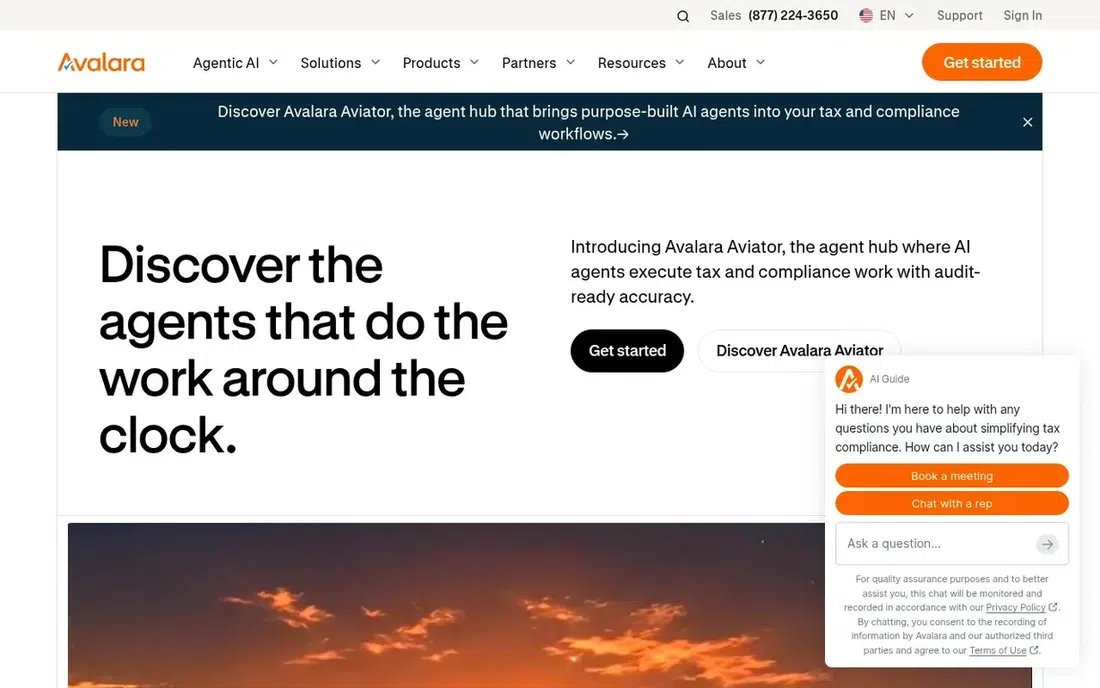
Avalara AvaTax is built with automatic sales tax and VAT compliance in mind. Avalara AvaTax is a tax compliance system built to automate sales tax and VAT work.
Points against: Concentrated on tax instead of full accounting.
On top of that, integration effort and configuration rely on your systems and transaction flows. Since AvaTax centers on tax compliance, it is not a replacement for a full accounting or ERP system, so most teams pair it with existing financial software. On cost, Avalara AvaTax starts like this: $69 per state per month. Trial and free access: Not stated.
- Supports reporting and filing workflows
- Automates tax determination on transactions
- Setup relies on your systems
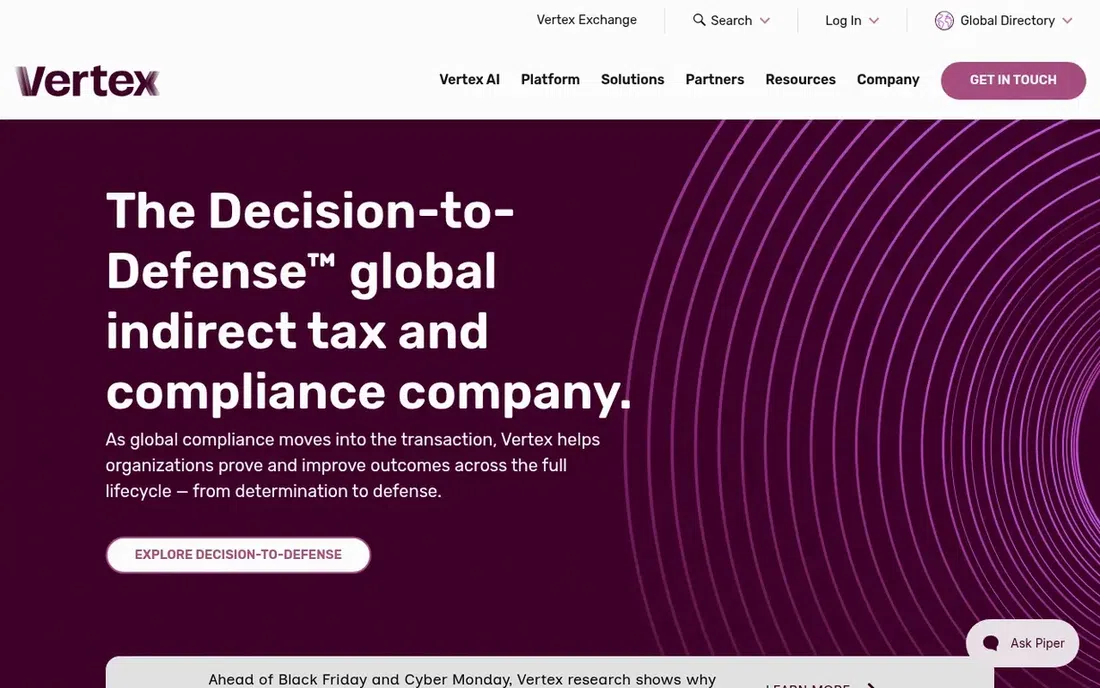
Choose Vertex for enterprise indirect tax determination to defense. That framing points to organizations that require rigorous indirect tax determination plus support for audits and disputes. More specifically, Vertex is oriented toward enterprise indirect tax work, so smaller firms may find it heavier than needed and should weigh more straightforward accounting tools with built-in tax features.
Implementation and continuing administration generally need dedicated tax resources. Also, pick something else if you chiefly need bookkeeping with entry-level VAT handling. No starting price is listed for Vertex here; confirm pricing on the vendor site. On free options: Not stated.
Drawbacks to consider: Enterprise-oriented complexity.
- Global indirect tax focus
- Targeted at enterprise compliance needs
- Not a small business accounting tool
NetSuite targets cloud ERP with accounting and tax workflows. NetSuite is a cloud ERP combining financials, CRM, accounting, inventory management and more, with built-in AI to ease work. As for the details, organizations outgrowing standalone accounting tools commonly look here to unify records and reporting.
For VAT, it suits expanding businesses that want tax handled inside a single system spanning finance and operations. NetSuite is a full ERP, so it is more than a VAT tool and the scope can be heavy for firms that only need tax compliance. Pricing for NetSuite is not stated here, so ask the vendor for current figures. Trial and free access: Not stated.
What to check first: Wide ERP scope may exceed tax-only needs.
- Cloud ERP with built-in AI
- CRM and inventory
- Implementation is a significant project
How the list was put together
The comparison looks at four things: starting price, free access, how well the feature set matches VAT software, and the main limit of each tool. Figures are shown as the vendors publish them. Billing terms, seat minimums and add-ons can change the real cost. Order on the page follows fit for the typical buyer first, then price transparency and free access. Your own requirements should decide the final pick.
What to confirm before you sign up
- Ask SAP S/4HANA, Vertex and NetSuite for a written quote, since no starting price is shown.
- Use real work to test the free trial from QuickBooks Online and Xero, rather than a demo project.
- Before choosing QuickBooks Online, weigh its main limit: VAT depth relies on configuration.
- Total up the real monthly cost of QuickBooks Online, including add-ons, extra users and usage-based fees.
- Ask whether Vertex integrates with your current software, and whether that comes standard or as an add-on.
FAQ
Do these tools publish their prices?
Not all of them. SAP S/4HANA, Vertex and NetSuite publish no starting price, so expect a quote request for those. The rest, QuickBooks Online included, show a starting price, though seats and billing terms still change the final cost.
Can I try these options before paying?
Often, yes. QuickBooks Online and Xero offer a free trial. Use your own data and a real task during the test, and check what the free tier or trial limits before you rely on it. All 6 picks in this VAT software comparison list a starting price, free plan details and the main limits on their cards above.
What is the cheapest option for VAT software in this list?
On published monthly entry prices, Xero is the lowest here at $7 per month. Entry price is only part of the cost, because seats, add-ons and billing terms can change the total. For the full picture, the cards above cover all 6 entries of this VAT software list, including price, free plan and limits.
How are the tools for VAT software ordered?
QuickBooks Online sits first and NetSuite last because the order follows typical fit for VAT software, then price clarity and free access. It is a judgement call, so read each profile for fit and limits.
When should a company choose an ERP for VAT?
ERP choices like NetSuite and SAP S/4HANA make sense when you want tax handled inside a single system spanning finance, operations and reporting. In practice, for tax alone, a focused compliance system is typically more straightforward.
How should I evaluate VAT software before buying?
Confirm jurisdiction coverage, integration with your existing systems, and the reports and filings you need. Ask how regulatory updates are delivered and what onboarding needs.
Sources
- https://quickbooks.intuit.com
- https://www.sap.com/products/erp/s4hana.html
- https://www.xero.com
- https://www.avalara.com
- https://www.vertexinc.com
- https://www.netsuite.com