6 Utility Pole Inspection Software Worth Shortlisting in 2026
Shortlisting the best utility pole inspection software? 6 products compared on cost, free access and ideal buyer. Real limits included. Updated November 2026.

- Editor's choice
 Fieldwire
Jobsite tasks and drawing tracking
Starts at$39 per user a monthVisit fieldwire.comFull review - Great alternativeMicrosoft Dynamics 365 Field Service
AI-assisted scheduling and service reminders
Starts atSee websiteVisit microsoft.comFull review - Also consider
 ServiceTitan
Home and commercial trade contractors
Starts atSee websiteVisit servicetitan.comFull review
Direct answer
If you need Jobsite tasks and drawing tracking, Fieldwire is the first tool to look at here. Listed starting prices: Fieldwire from $39 per user a month. If your case is different, Microsoft Dynamics 365 Field Service suits AI-assisted scheduling and service reminders and ServiceTitan suits home and commercial trade contractors. The remaining 3 options are covered below with prices and limits.
TL;DR:
- This list starts with Fieldwire, which is built for Jobsite tasks and drawing tracking.
- Fieldwire is the lowest-priced starter here at $39 per user per month.
- Jobber is the one to check for small service businesses organizing jobs.
- The main caution on ServiceNow Field Service Management: configuration can be complicated.
- Fieldwire stands alone as the one tool in this list with a free plan.
Last checked November 2026. Prices and plan details were read from the vendors' own pages in November 2026; vendors change plans often, so confirm the current price on the vendor site before you buy.
Quick comparison
| Tool | Best for | Starts at | Free plan? | |
|---|---|---|---|---|
| Fieldwire | Jobsite tasks and drawing tracking | $39 per user a month | Yes | Visit |
| Microsoft Dynamics 365 Field Service | AI-assisted scheduling and service reminders | See website | Not stated | Visit |
| ServiceTitan | Home and commercial trade contractors | See website | Free trial | Visit |
| ServiceNow Field Service Management | Workflow-driven field service at scale | See website | Not stated | Visit |
| Zoho FSM | End-to-end field operations automation | See website | Free trial | Visit |
 Jobber | Small service firms organizing jobs | See website | Not stated | Visit |
Tool-by-tool breakdown
Choosing utility pole inspection software usually comes down to price, fit and limits. This LinkVetted guide sets 6 tools side by side on those three points, with the facts kept short and checkable.
Fieldwire is aimed squarely at Jobsite tasks and drawing tracking. Fieldwire is built around construction jobsite management, so utility pole inspection programs needing condition assessment forms and asset histories may need a different or extra tool.
For pole work tied to construction or replacement projects, it can keep field teams aligned on tasks and current drawings. Worth adding: teams focused purely on inspection data capture should weigh map-based or field service choices. On cost, Fieldwire starts like this: $39 per user per month. You can start on Fieldwire without paying.
Limits to weigh: Construction-oriented instead of utility inspection.
- GCs and subcontractors
- Track tasks and update drawings
- Not a dedicated pole asset system
Microsoft Dynamics 365 Field Service
Best for: AI-assisted scheduling and service reminders
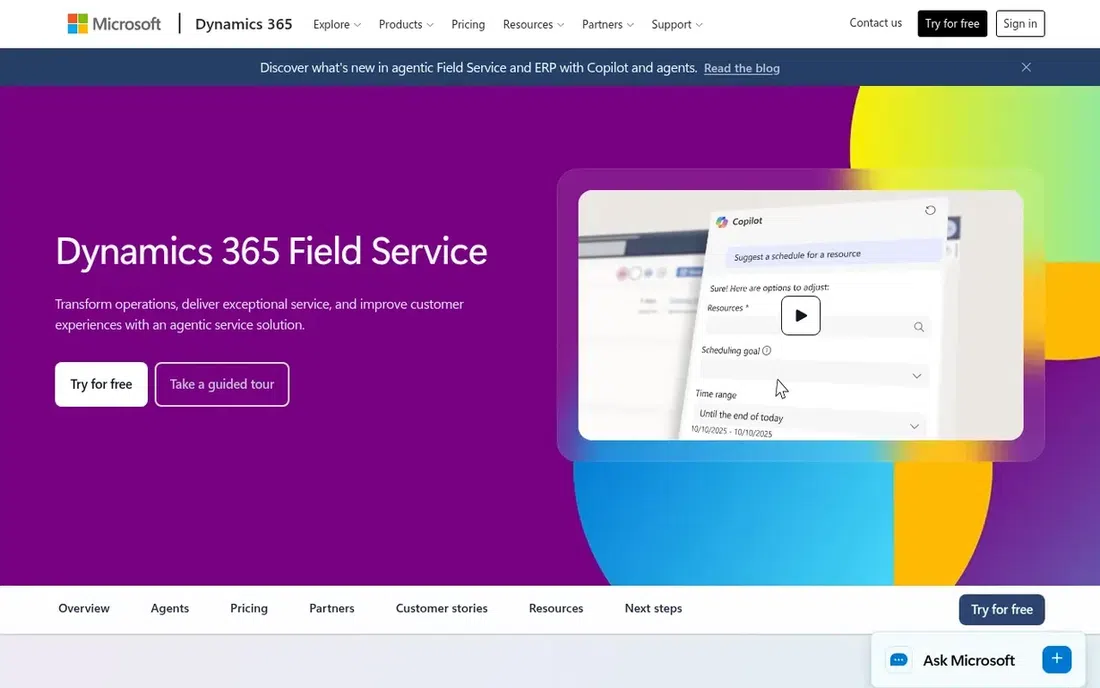
Microsoft Dynamics 365 Field Service was built for AI-assisted scheduling and service reminders. Deployment and configuration need planning, and the product is most comfortable for teams invested in Microsoft tooling.
Where it falls short: Full setup takes planning.
It fits organizations already using Microsoft business applications and wanting inspection activity to sit alongside other service operations. Microsoft Dynamics 365 Field Service shows no starting price here, so confirm the cost on the vendor site. Free access: Not stated.
- Self-service scheduling capabilities
- Automatic service reminders
- Best value within the Microsoft ecosystem
ServiceTitan is built with home and commercial trade contractors in mind. It suits established contracting companies that want operational coverage across service and construction work instead of a narrow inspection tool.
Also, the system's focus is trade contracting operations, so utilities needing formal pole inspection records, condition coding or compliance reporting may need extra tools. ServiceTitan does not show a starting price in this comparison, so check the vendor site for current pricing. On free options: Free trial.
Limits to weigh: Inspection-specific features are not the emphasis.
- Keeps operations running smoothly
- Spans service visits and projects
- Centred on trade contracting
ServiceNow Field Service Management
Best for: Workflow-driven field service at scale
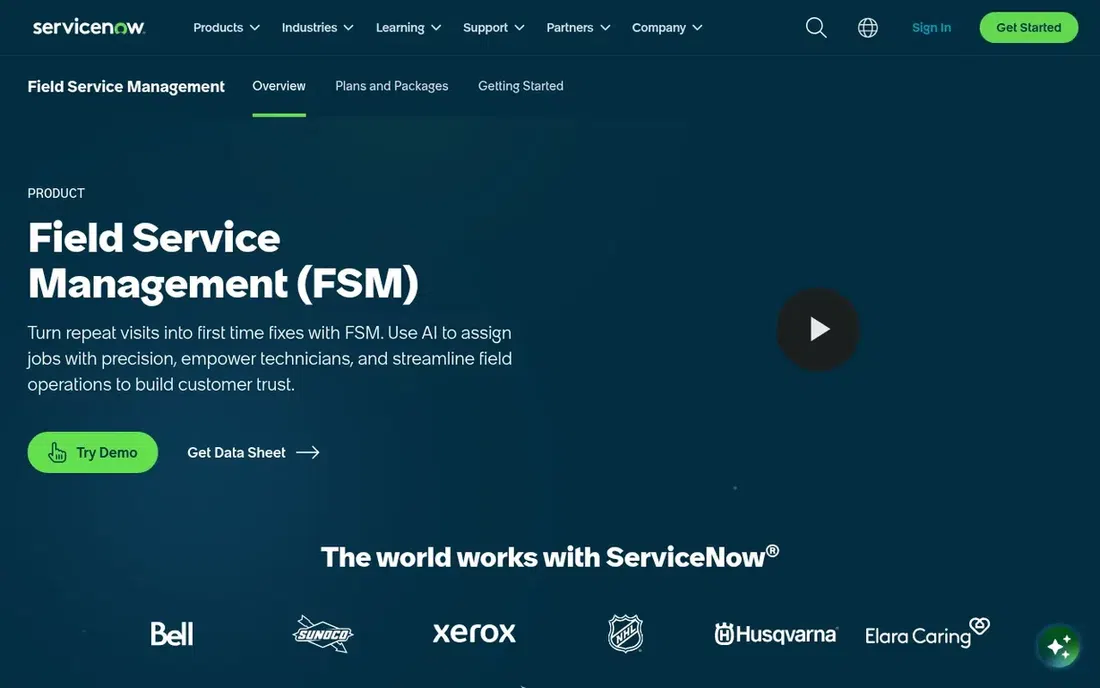
ServiceNow Field Service Management serves workflow-driven field service at scale. For utility pole inspection, that means inspection tasks, follow-up repairs and customer communication can flow through connected processes. Beyond that, smaller inspection teams or those wanting a fast start may find a lighter, purpose-focused tool simpler to adopt.
For everyday use, the system's strength in customization also means setup and administration demand time and internal expertise. More specifically, consider ServiceNow when workflow depth and cross-team integration matter more than simplicity. ServiceNow Field Service Management shows no starting price here, so confirm the cost on the vendor site. On free options: Not stated.
Where ServiceNow Field Service Management stands out: Suits large.
Where it falls short: Heavier than small crews need.
- Structured operations
- Digital workflows link field work to other teams
- Configuration can be complicated
Zoho FSM
Best for: End-to-end field operations automation
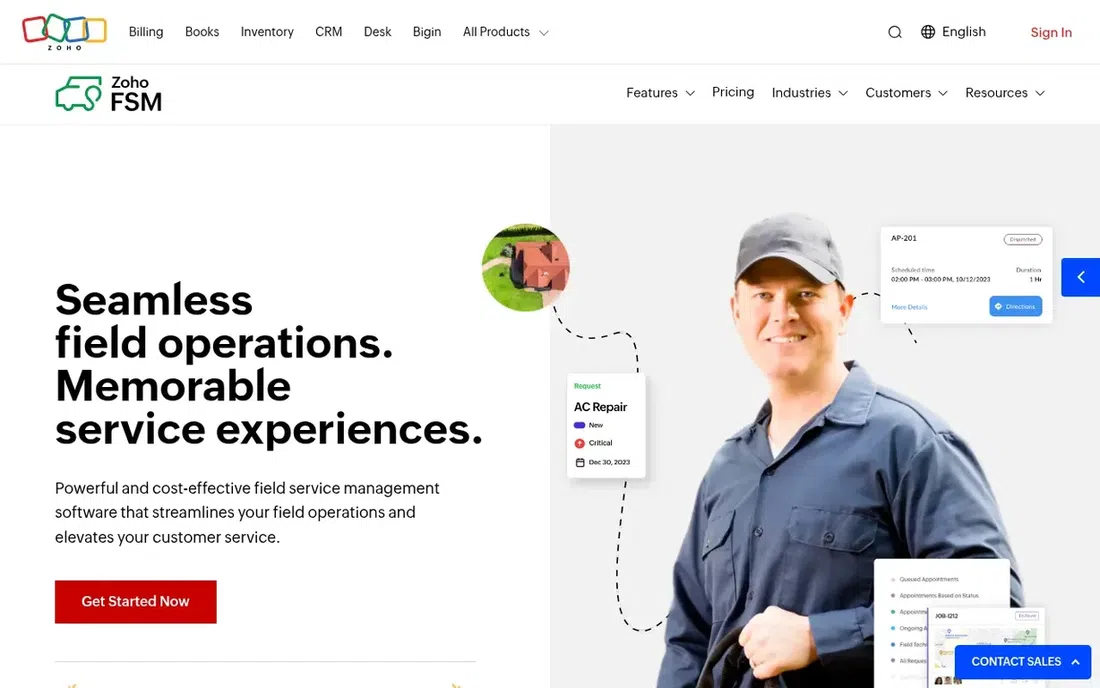
Pick Zoho FSM if this describes you: end-to-end field operations automation. For utility pole inspection, that breadth can include job creation, scheduling, technician activity and reporting in one place.
Trade-offs to know: May exceed needs of very small teams.
From a buyer's view, choose Zoho FSM when you want consolidated field operations automation and are prepared to configure it around your inspection routine. No starting price is listed for Zoho FSM here; confirm pricing on the vendor site. As for free access: Free trial.
- Automation across field processes
- Includes the full field operations spectrum
- Wide scope needs careful configuration
Choose Jobber for small service firms organizing jobs. For smaller contractors handling pole-related service work, it can keep visits and billing organized.
Watch-outs: Less suited to complex inspection data models.
Choose Jobber when straightforward scheduling and invoicing drive the decision. No starting price is listed for Jobber here; confirm pricing on the vendor site. As for free access: Not stated.
- Quote
- Schedule and invoice in one place
- Made for service firms, not asset-heavy programs
How these tools were picked
LinkVetted looked at what each vendor publishes: pricing, plan limits, feature coverage for utility pole inspection software and stated drawbacks. No hands-on testing is claimed. Where a vendor does not publish a price, the entry says quote. Where a price depends on seats or billing term, the entry says so. The ranking is editorial: typical fit first, then clear pricing, then free access. If your needs are unusual, read the profiles rather than relying on position.
Before you commit
- Confirm the entry price on the vendor page. For Microsoft Dynamics 365 Field Service, ServiceTitan, ServiceNow Field Service Management and others that means a quote rather than a fixed price.
- Look at the free plan from Fieldwire closely: its caps decide whether it is usable for real work.
- Use real work to test the free trial from ServiceTitan and Zoho FSM, rather than a demo project.
- Read the limits listed for Fieldwire first: construction-oriented instead of utility inspection.
- Let daily users try Jobber on real work; their feedback beats any feature checklist.
- Ask whether ServiceNow Field Service Management integrates with your current software, and whether that comes standard or as an add-on.
FAQ
Is Fieldwire the right pick for everyone comparing utility pole inspection software?
No single tool suits every team. Fieldwire comes first because it fits Jobsite tasks and drawing tracking, while Microsoft Dynamics 365 Field Service suits AI-assisted scheduling and service reminders and ServiceTitan suits home and commercial trade contractors. Match the tool to your own size, budget and workflow before deciding.
What should utility pole inspection software do first?
It should capture consistent inspection records tied to each pole and location, then make those records simple to schedule, review and report on. Scheduling and follow-up repair tracking are the next priorities for most programs.
What is the cheapest option for utility pole inspection software in this list?
On published monthly entry prices, Fieldwire is the lowest here at $39 per user per month. Entry price is only part of the cost, because seats, add-ons and billing terms can change the total. All 6 picks in this utility Pole inspection software comparison list a starting price, free plan details and the main limits on their cards above.
Do these tools publish their prices?
Not all of them. Microsoft Dynamics 365 Field Service, ServiceTitan, ServiceNow Field Service Management and others publish no starting price, so expect a quote request for those. The rest, Fieldwire included, show a starting price, though seats and billing terms still change the final cost.
Can I try these options before paying?
Often, yes. Fieldwire has a free plan and ServiceTitan and Zoho FSM offer a free trial. Use your own data and a real task during the test, and check what the free tier or trial limits before you rely on it.
Sources
- https://www.fieldwire.com
- https://www.microsoft.com/en-us/dynamics-365/products/field-service
- https://www.servicetitan.com
- https://www.servicenow.com/products/field-service-management.html
- https://www.zoho.com/fsm
- https://getjobber.com