Best Fire Sprinkler Inspection Software (2026): 6 Picks Checked on Vendor Pages
6 products for the best fire sprinkler inspection software, ranked by fit, with starting costs and free tiers. Verdicts stay brief and factual. Choose faster.
- Editor's choice
 ServiceTitan
Home and commercial trades operations at scale
Starts atSee websiteVisit servicetitan.comFull review - Great alternative
 Housecall Pro
Home service firms wanting an all-in-one app
Starts at$59 per monthVisit housecallpro.comFull review - Also consider
 FieldEdge
Tracking customers, dispatches and service history
Starts atSee websiteVisit fieldedge.comFull review
Direct answer
ServiceTitan leads the list, best for home and commercial trades operations at scale. Listed starting prices: Housecall Pro from $59 per month. Alternatives: Housecall Pro for home service businesses wanting an all-in-one app, and FieldEdge for tracking customers, dispatches and service history. The remaining 3 options are covered below with prices and limits.
TL;DR:
- ServiceTitan is the opening pick, best for home and commercial trades operations at scale.
- Check the limits for FieldEdge before you commit: less emphasis on compliance reporting.
- BuildOps is the one to check for commercial contractors running service and projects.
- ServiceTitan, BuildOps and the 4 others all need a premium plan or a trial, since no free plan is listed.
Last checked November 2026. Prices and plan details were read from the vendors' own pages in November 2026; vendors change plans often, so confirm the current price on the vendor site before you buy.
Quick comparison
| Tool | Best for | Starts at | Free plan? | |
|---|---|---|---|---|
| ServiceTitan | Home and commercial trades operations at scale | See website | Free trial | Visit |
| Housecall Pro | Home service firms wanting an all-in-one app | $59 per month | Free trial | Visit |
| FieldEdge | Tracking customers, dispatches and service history | See website | No | Visit |
| Inspect Point | Fire protection contractors needing compliance | See website | Not stated | Visit |
 Simpro | Job costing and asset management in the field | See website | Not stated | Visit |
 BuildOps | Commercial contractors running service and projects | See website | Not stated | Visit |
The 6 tools in detail
If you are comparing fire sprinkler inspection software, this page covers 6 tools in one place: what each is best for, what it costs to start, whether it has a free plan, and the main limit to know about.
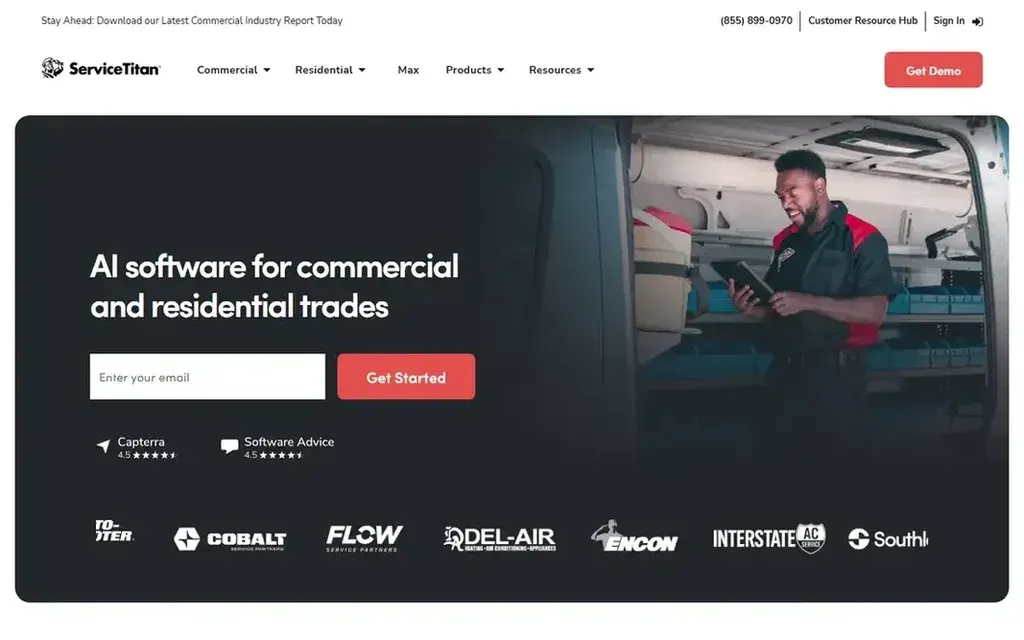
ServiceTitan is built with home and commercial trades operations at scale in mind. ServiceTitan supplies all-in-one software for home and commercial contractors, built to keep service visits and construction projects running smoothly. Also, if you only need scheduling and invoicing, a more straightforward tool will likely be quicker to adopt.
Pricing and implementation details are best confirmed with the vendor. The breadth of the product means configuration takes real effort, and smaller crews may not use most of it. This comparison lists no price for ServiceTitan; ask the vendor. Trial and free access: Free trial.
Upsides: Keeps visits and projects running together.
The main drawbacks: Wide system can be complicated to configure.
- Aimed at home and commercial contractors
- All-in-one for service and construction
- Overkill for very small crews
Think of Housecall Pro for home service companies wanting an all-in-one app. Contractors whose work is dominated by code-driven documentation should compare a dedicated fire inspection tool. Housecall Pro is home services business management software targeted at home service companies, handling the scheduling, customer communication and job management that field teams depend on.
The product is oriented toward general home services instead of fire protection compliance, so in-depth inspection reporting may need workarounds. Confirm reporting capabilities with the vendor first. Housecall Pro pricing: $59 per month. Trial and free access: Free trial.
- Spans scheduling and customer service
- Made for home service companies
- Fire-specific compliance is not the focus
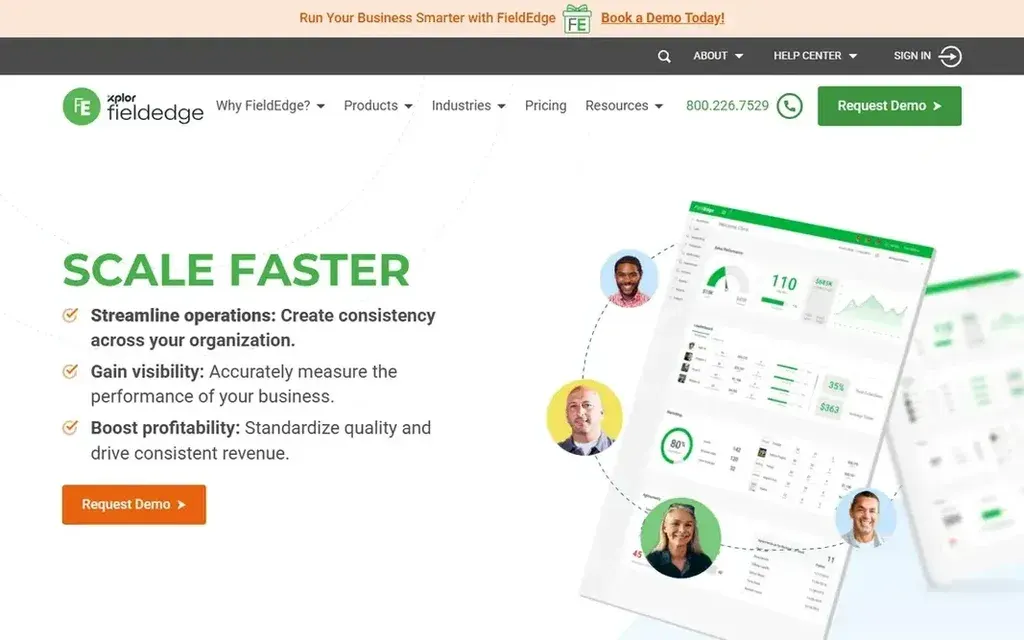
For tracking customers, dispatches and service history, FieldEdge is a natural candidate. The homepage emphasizes service management instead of inspection compliance, so verify how well it manages fire-specific reporting before committing.
What to check first: May need extras for specialty workflows.
Confirm integration and reporting details straight with the vendor. On top of that, for sprinkler inspection teams that schedule recurring visits, the dispatch and history functions help keep technicians and office staff aligned on what was done and what comes next. Check the vendor site for FieldEdge pricing; none is listed in this comparison. FieldEdge has no free plan.
- Field service app included
- Dispatch management
- Less emphasis on compliance reporting
Inspect Point
Best for: Fire protection contractors needing compliance
Inspect Point is designed for fire protection contractors needing compliance. For sprinkler inspection work specifically, that focus means the workflow is organized around the reports and records inspectors actually produce.
Points against: Narrower scope than general field service suites.
Businesses running plenty of service lines outside fire may need another system alongside it. This comparison lists no price for Inspect Point; ask the vendor. Free plan details: Not stated.
- Inspections
- Made for fire protection contractors
- Less suited to non-fire trades
Simpro is a good fit for job costing and asset management in the field. Getting the system configured around your workflows takes planning.
Watch-outs: Setup can be involved for new users.
In daily use, Simpro is field service management software that links the field to the office, simplifying job management, project management, asset management and job costing. Simpro does not show a starting price in this comparison, so check the vendor site for current pricing. On free options: Not stated.
- Connects field to office
- Asset management and job costing
- Fire inspection specifics need verification
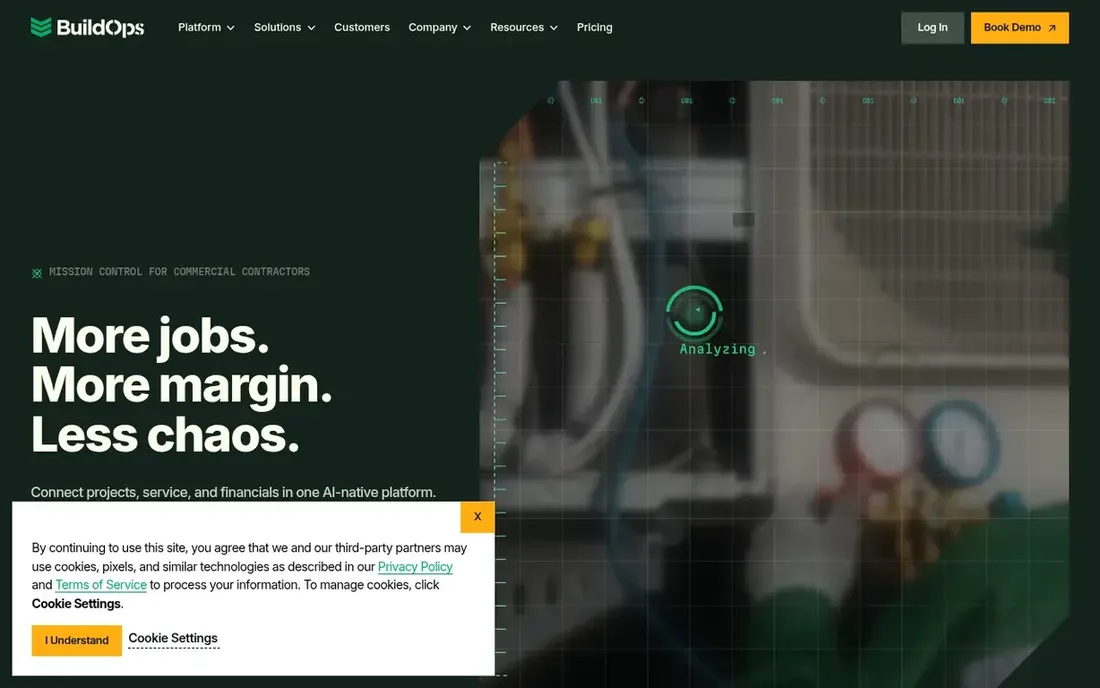
BuildOps is aimed squarely at commercial contractors running service and projects. BuildOps is commercial contractor management software that puts service and projects in one place, with AI built in instead of added later. For fire sprinkler contractors handling both inspections and installation projects, that combination can cut the number of separate systems a team juggles.
In daily use, the system leans toward commercial contractors, so a small residential-focused shop may find more capability than it needs. More specifically, if your work is largely straightforward recurring inspections with light project tracking, a lighter tool may be simpler to run. No starting price is listed for BuildOps here; confirm pricing on the vendor site. Trial and free access: Not stated.
What to check first: Feature depth needs setup time.
- AI built into the system
- Aimed at commercial contractors
- Commercial focus may exceed small shop needs
What went into this list
We compared the tools on published pricing, free plan or trial availability, feature coverage for fire sprinkler inspection software, and the limits each vendor documents. Prices and plan limits come from vendor pages and can change, so confirm them on the vendor site before you buy. Tools are placed by general fit for fire sprinkler inspection software, with price clarity and free access as tie-breakers. A different team can reasonably rank them differently.
A buyer's checklist
- Confirm the entry price on the vendor page. For ServiceTitan, FieldEdge, Inspect Point and others that means a quote rather than a fixed price.
- Run a trial of ServiceTitan and Housecall Pro with real work before paying for a year; your own workflow is the best test.
- Read the limits listed for ServiceTitan first: wide system can be complicated to configure.
- A short pilot of FieldEdge with your real workflow tells you more than a feature table.
- Map your must-have features to a specific BuildOps plan before you compare prices.
FAQ
Can I try these options before paying?
Often, yes. ServiceTitan and Housecall Pro offer a free trial. Use your own data and a real task during the test, and check what the free tier or trial limits before you rely on it. Prices, free plan details and limits for all 6 tools in this Fire Sprinkler inspection software roundup sit on the individual cards above.
What is the cheapest option for fire sprinkler inspection software in this list?
On published monthly entry prices, Housecall Pro is the lowest here at $59 per month. Entry price is only part of the cost, because seats, add-ons and billing terms can change the total. Each of the 6 options in this Fire Sprinkler inspection software guide has its own card above with the price, free plan and limits.
Is ServiceTitan the right pick for everyone comparing fire sprinkler inspection software?
No single tool suits every team. ServiceTitan comes first because it fits home and commercial trades operations at scale, while Housecall Pro suits home service businesses wanting an all-in-one app and FieldEdge suits tracking customers, dispatches and service history. Match the tool to your own size, budget and workflow before deciding.
Do these tools publish their prices?
Not all of them. ServiceTitan, FieldEdge, Inspect Point and others publish no starting price, so expect a quote request for those. The rest, Housecall Pro included, show a starting price, though seats and billing terms still change the final cost.
What should fire sprinkler contractors look for in inspection software?
Prioritize how inspection reports are created and stored, whether recurring schedules are automatic, and how records are shared with building owners. General field service features matter, but inspection recordkeeping is the core need.
Sources
- https://www.servicetitan.com
- https://www.housecallpro.com
- https://www.fieldedge.com
- https://www.inspectpoint.com
- https://www.simprogroup.com
- https://www.buildops.com