Choosing Uptime Monitoring Tool for Web Hosting in 2026: 5 Options Compared
Searching for the best uptime monitoring tool for web hosting? Here are 5 options with prices and free plans. Verdicts stay brief and factual. Decide faster.
- Editor's choice
 Site24x7
Monitoring entire hosting infrastructure
Starts atSee websiteVisit site24x7.comFull review - Great alternative
 StatusCake
Uptime plus speed and domain checks
Starts at$20.41 a monthVisit statuscake.comFull review - Also consider
 UptimeRobot
Quick, straightforward uptime checks
Starts at$9 per monthVisit uptimerobot.comFull review
Direct answer
Site24x7 comes first here, mainly for Monitoring entire hosting infrastructure. Listed starting prices: StatusCake from $20.41 a month, UptimeRobot from $9 per month and New Relic from $10 per user a month. Look at StatusCake for uptime plus speed and domain checks, and at UptimeRobot for quick, straightforward uptime checks. The remaining 2 options are covered below with prices and limits.
TL;DR:
- Top of the list is Site24x7, which targets Monitoring whole hosting infrastructure.
- Before buying Site24x7, weigh this: wide scope takes time to configure.
- StatusCake, UptimeRobot, New Relic, Checkly: these are the 4 tools out of 5 that offer a free plan.
- The cheapest monthly starting price in the list is $9 per month, offered by UptimeRobot.
Last checked November 2026. Prices and plan details were read from the vendors' own pages in November 2026; vendors change plans often, so confirm the current price on the vendor site before you buy.
Quick comparison
| Tool | Best for | Starts at | Free plan? | |
|---|---|---|---|---|
| Site24x7 | Monitoring entire hosting infrastructure | See website | Not stated | Visit |
| StatusCake | Uptime plus speed and domain checks | $20.41 a month | Yes | Visit |
| UptimeRobot | Quick, straightforward uptime checks | $9 per month | Yes | Visit |
 New Relic | Correlating uptime with full-stack telemetry | $10 per user a month | Yes | Visit |
 Checkly | Developer-run synthetic monitoring | $24 per month | Yes | Visit |
Tool-by-tool breakdown
LinkVetted put together this guide to uptime monitoring tool for web hosting for readers who want a clear shortlist without reading every vendor page. It compares 5 tools on starting price, free plans, who each one suits and where each one falls short.
Site24x7 was built for Monitoring entire hosting infrastructure. Hosting providers commonly have to watch the site plus the server and network beneath it, and this tool addresses that span.
Honest limits: More than a straightforward uptime need.
It suits teams that want one console for infrastructure health rather than separate checks for each layer. Pricing for Site24x7 is not stated here, so ask the vendor for current figures. On free options: Not stated.
Strengths: Comes with cloud product monitoring.
- Includes websites
- Servers and networks
- Wide scope takes time to configure
StatusCake makes the most sense for uptime plus speed and domain checks. For hosting customers, combining availability with certificate and domain expiry checks addresses typical causes of avoidable downtime.
From a buyer's view, if the priority is synthetic browser journeys or full observability, another choice suits better. The starting price for StatusCake: $20.41 per month. StatusCake includes a free tier.
Points against: Concentrated on external checks.
- Tracks uptime and page speed
- Pitched at keeping sites online
- Less depth for application tracing
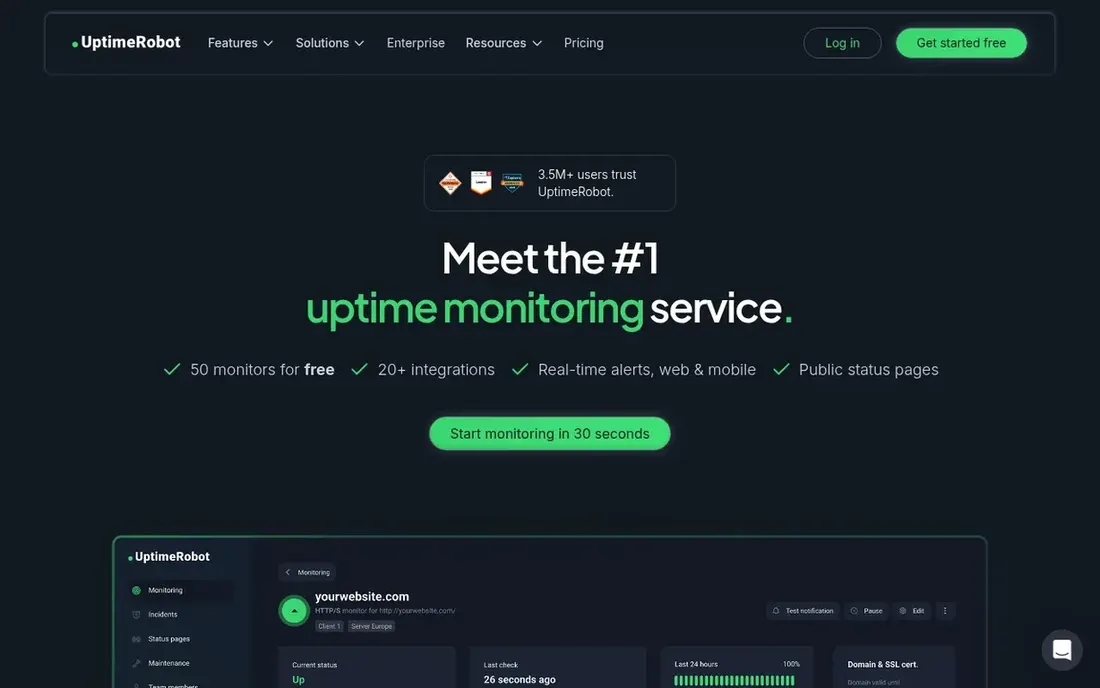
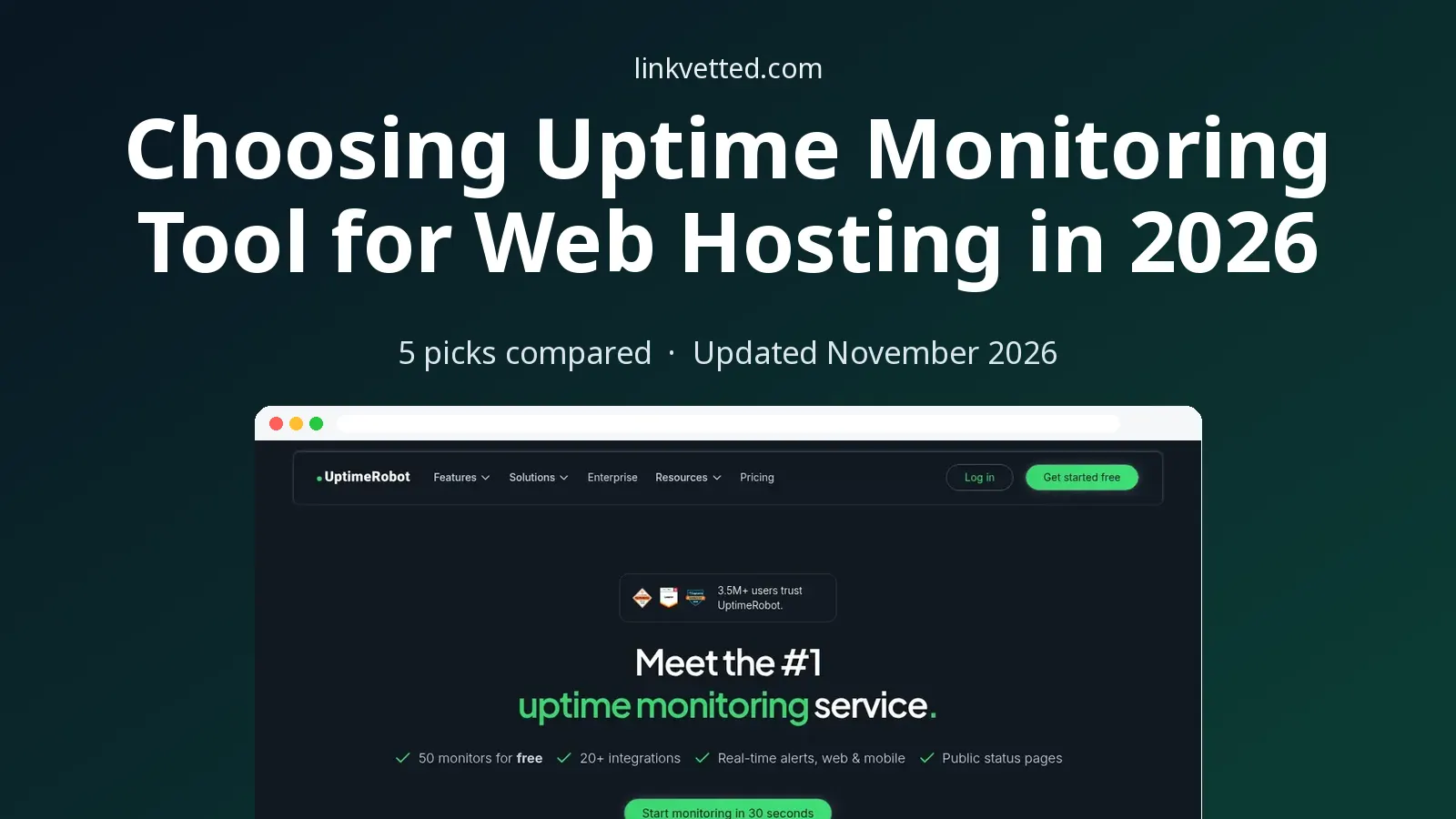
Choose UptimeRobot for quick, straightforward uptime checks. UptimeRobot is a website monitoring service built around getting checks running in seconds. It supports SSL, keyword, and cron monitoring and sends notifications through email, SMS, Slack, and other channels.
For hosting customers who want a clear signal when a site or certificate fails, it spans the essentials without additional configuration, making it a sensible starting point for small teams and single-site owners. It is not a full observability product, so root-cause analysis of application errors is out of scope. Teams that require deep traces, logs, or synthetic browser journeys should look at a broader system instead. Price to start with UptimeRobot: $9 per month. Free access exists with UptimeRobot.
Trade-offs to know: Advanced testing is restricted.
- SMS and Slack
- Fast setup for HTTP and SSL checks
- Deeper diagnostics need other tools
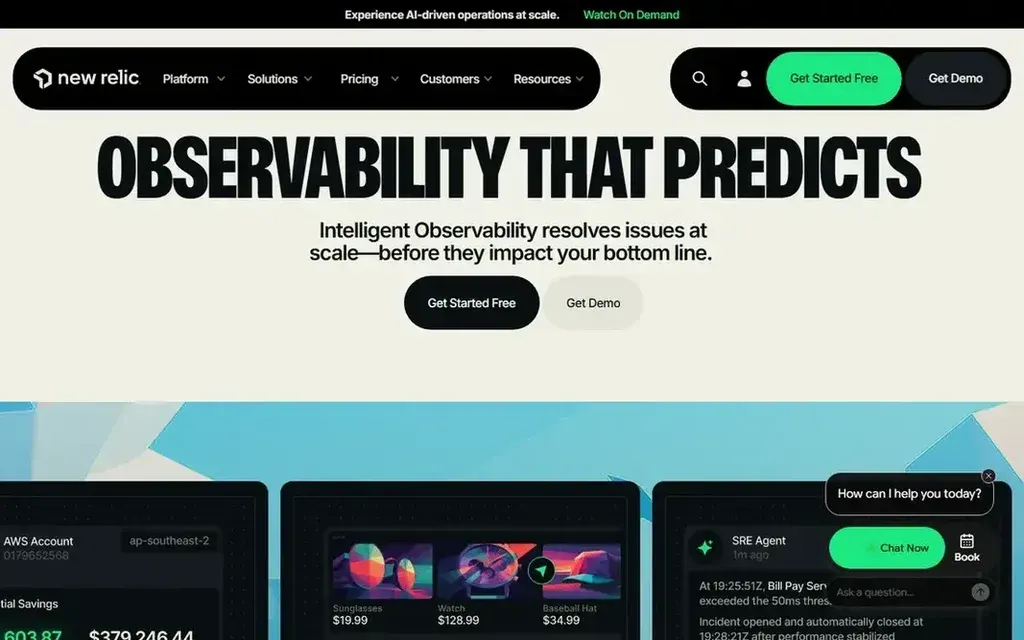
For correlating uptime with full-stack telemetry, New Relic is a natural candidate. New Relic is an AI-powered observability platform that correlates telemetry across a whole stack so teams can isolate root cause and cut mean time to repair.
Since it is a full observability system, it asks more of the people who configure and read it. Price to start with New Relic: $10 per user per month. Free access exists with New Relic.
Honest limits: Overkill for entry-level availability checks.
- Supports reducing mean time to repair
- Aims to isolate root cause rapidly
- Wide system needs onboarding effort
Checkly targets developer-run synthetic monitoring. Checkly describes itself as an active reliability layer for developers and agents, built from the ground up to be operated by developers and to provide teams a clear signal of application health. The developer-first orientation means it assumes comfort with code and automation, which can be a barrier for non-technical site owners.
A simpler checker may serve a single hosting customer better. As for the details, hosting teams with engineering resources can treat checks as part of their delivery workflow. Pick Checkly when monitoring is owned by engineering and should align with how the application is built and deployed. What you pay to start with Checkly: $24 per month. You can start on Checkly without paying.
Downsides: Less suited to non-technical owners.
- Clear signal on application health
- Made for developer operation
- Assumes a developer workflow
How the list was put together
Before you commit
- Confirm the entry price on the vendor page. For Site24x7 that means a quote rather than a fixed price.
- Check what the free option really includes: StatusCake, UptimeRobot, New Relic and Checkly offer a free plan, and usage caps differ.
- Read the limits listed for Site24x7 first: wide scope takes time to configure.
- Get the contract term, renewal terms and any onboarding fees from Checkly in writing.
- Involve the people who will use UptimeRobot daily; a short pilot beats a long feature checklist.
FAQ
Is Site24x7 the right pick for everyone comparing uptime monitoring tool for web hosting?
No single tool suits every team. Site24x7 comes first because it fits Monitoring whole hosting infrastructure, while StatusCake suits uptime plus speed and domain checks and UptimeRobot suits fast, simple uptime checks. Match the tool to your own size, budget and workflow before deciding.
Which options for uptime monitoring tool for web hosting have a free plan?
StatusCake, UptimeRobot, New Relic and Checkly offer a free plan in this list. Free plans usually cap users, projects or features, so check the limits on the vendor page.
Can I try these tools before paying?
Often, yes. StatusCake, UptimeRobot, New Relic and Checkly have a free plan. Use your own data and a real task during the test, and check what the free tier or trial limits before you rely on it.
Should uptime monitoring contain incident management and on-call?
For a single owner receiving email alerts, a focused monitor is enough. Decide based on how plenty of people respond to outages and how incidents are recorded.
Do these tools publish their prices?
Not all of them. Site24x7 publishes no starting price, so expect a quote request for it. The rest, StatusCake included, show a starting price, though seats and billing terms still change the final cost.
Sources
- https://www.site24x7.com
- https://www.statuscake.com
- https://uptimerobot.com
- https://newrelic.com
- https://www.checklyhq.com