Best Tool Tracking Software for Enterprise for 2026: Our 5 Vetted Picks
Best tool tracking software for enterprise: 5 contenders ranked by fit, with entry costs and free tiers. Short, factual notes on every option. Prices checked.
- Editor's choice
 SolarWinds Service Desk
Employee service management
Starts atPricing on requestVisit solarwinds.comFull review - Great alternative
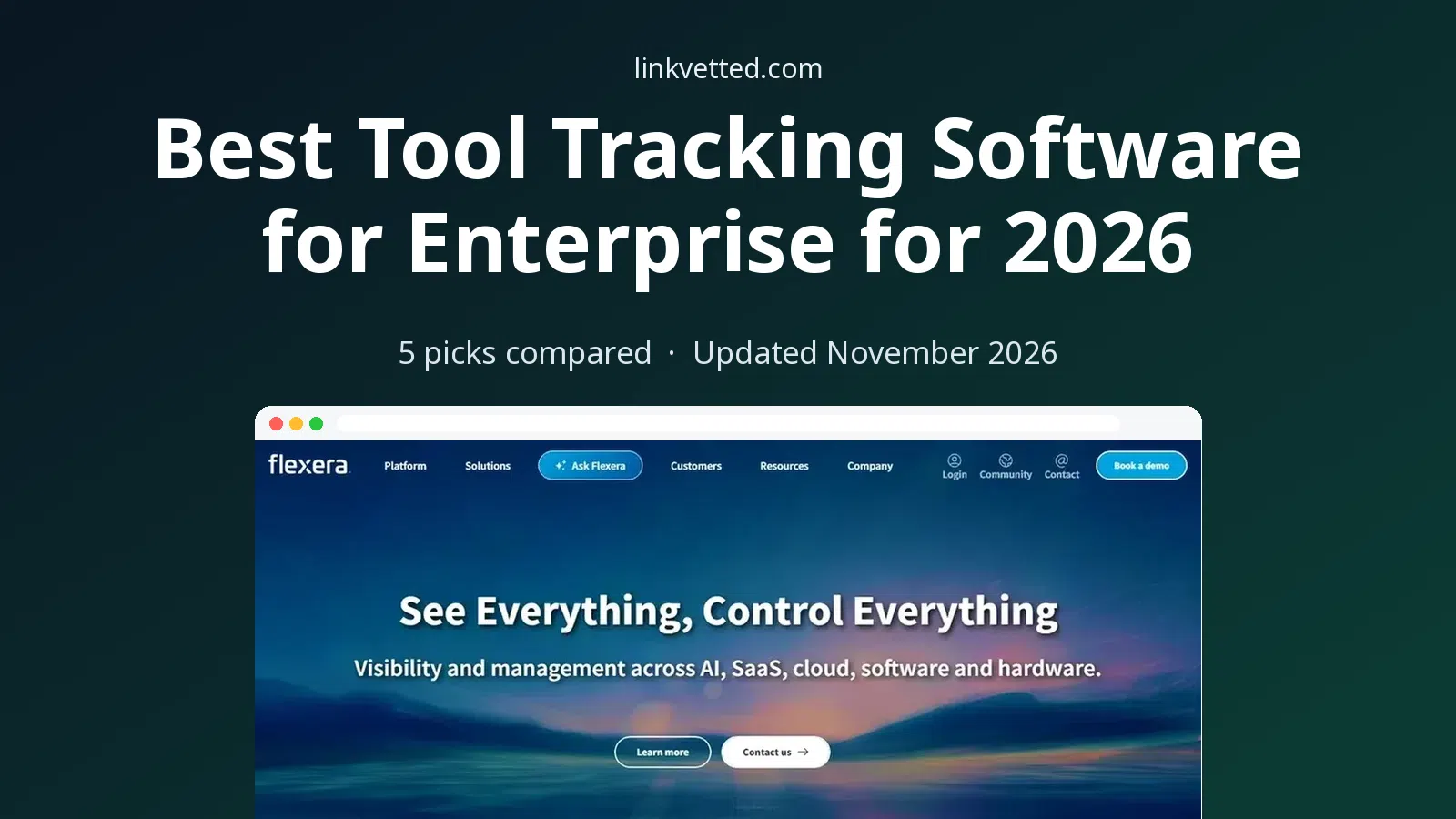
 Flexera One
Hybrid IT spend and license compliance
Starts atPricing on requestVisit flexera.comFull review - Also consider
 Lansweeper
Cyber asset intelligence and discovery
Starts atPricing on requestVisit lansweeper.comFull review
Direct answer
SolarWinds Service Desk leads the list, best for employee service management. Flexera One is the stronger choice for hybrid IT spend and license compliance, while Lansweeper suits cyber asset intelligence and discovery. The other 2 tools in the list cover narrower or pricier cases. None of these vendors publish plan prices, so pricing is on request for every option.
TL;DR:
- SolarWinds Service Desk is the opening pick, best for employee service management.
- What to know about Flexera One first: focus is on cost and compliance.
- Lansweeper stands alone as the one tool in this list with a free plan.
- Pricing across the list, from SolarWinds Service Desk to ServiceNow IT Service Management, is by quote only.
- For ITIL-aligned service and access management, ServiceNow IT Service Management is worth a look.
Last checked November 2026. Pricing on request: vendors did not publish plan prices when this guide was last checked (November 2026), so ask each vendor for a written quote.
Quick comparison
| Tool | Best for | Starts at | Free plan? | |
|---|---|---|---|---|
| SolarWinds Service Desk | Employee service management | Pricing on request | Not stated | Visit |
| Flexera One | Hybrid IT spend and license compliance | Pricing on request | Not stated | Visit |
| Lansweeper | Cyber asset intelligence and discovery | Pricing on request | Yes | Visit |
 ManageEngine AssetExplorer | Full IT asset management | Pricing on request | Not stated | Visit |
 ServiceNow IT Service Management | ITIL-aligned service and access management | Pricing on request | Not stated | Visit |
Our 5 picks for tool tracking software for enterprise
Choosing tool tracking software for enterprise usually comes down to price, fit and limits. This LinkVetted guide sets 5 tools side by side on those three points, with the facts kept short and checkable.
SolarWinds Service Desk serves employee service management. Enterprises with complicated software license compliance needs should evaluate whether it integrates well with their existing asset management investments.
Limits to weigh: Asset tracking may be lighter.
- Concentrated on service delivery
- ITSM for employee services
- Best with other SolarWinds tools

Choose Flexera One for hybrid IT spend and license compliance. Organizations seeking a single system for both ITSM and asset management may have to pair it with a dedicated service management tool.
Flexera One is an AI, ITAM, FinOps, and SaaS cost system that optimizes hybrid IT spend through unified asset management, cloud cost control, and license compliance. No starting price is listed for Flexera One here; confirm pricing on the vendor site. Free access: Not stated.
Where it falls short: May overlap with ITSM suites.
- License compliance insights
- Unified asset management
- Focus is on cost and compliance
Choose Lansweeper for cyber asset intelligence and discovery. Lansweeper is a cyber asset intelligence product that discovers managed and unmanaged assets across IT, OT, and cloud, including AI.
Trade-offs to know: Not a full ITSM suite.
Teams needing an integrated service desk should consider pairing it with an ITSM product or choosing a broader suite. Pricing for Lansweeper is not stated here, so ask the vendor for current figures. Free access exists with Lansweeper.
- Discovers managed and unmanaged assets
- Spans IT, OT, cloud
- Depends on network scanning
For full IT asset management, ManageEngine AssetExplorer is a natural candidate. ManageEngine AssetExplorer is IT asset management software made for thorough asset management, offering full visibility and control over IT assets.
No starting price is listed for ManageEngine AssetExplorer here; confirm pricing on the vendor site. Free plan details: Not stated.
Limits to weigh: May need other ManageEngine tools.
- Control over asset lifecycle
- Designed for ITAM
- Restricted native service desk depth
ServiceNow IT Service Management
Best for: ITIL-aligned service and access management
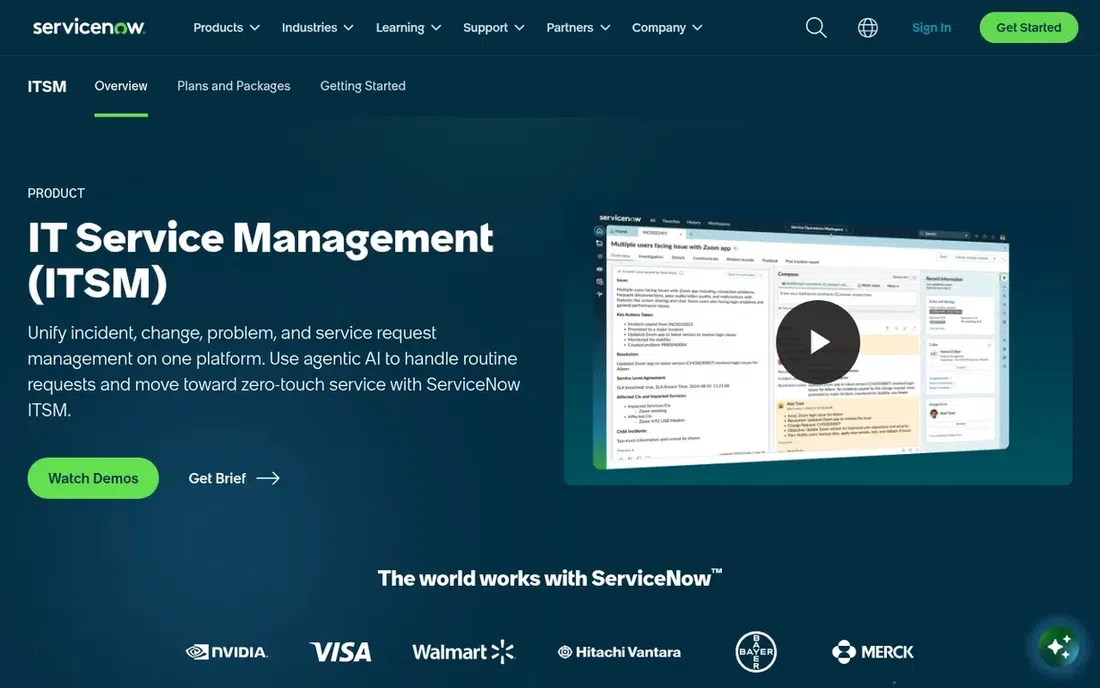
ServiceNow IT Service Management was built for ITIL-aligned service and access management. The platform's depth can translate into a steeper setup and continuing administration effort.
More specifically, organizations without dedicated ITSM administrators may find lighter alternatives easier to adopt, whereas those needing deep customization will appreciate its process orientation. Pricing for ServiceNow IT Service Management is not stated here, so ask the vendor for current figures. Free plan details: Not stated.
Honest limits: Can be complicated to configure.
- Simplifies service requests
- Aligns with ITIL standards
- Needs dedicated administration
What went into this list
LinkVetted looked at what each vendor publishes: pricing, plan limits, feature coverage for tool tracking software for enterprise and stated drawbacks. No hands-on testing is claimed. Treat prices as a snapshot: vendors change plans often, so check the vendor site for the figure that applies today. The sequence is a judgement call: typical use case first, then pricing transparency, then free access. Use the profiles to check fit.
Before you commit
- Confirm the entry price with every vendor: no tool from SolarWinds Service Desk to ServiceNow IT Service Management shows a fixed starting price.
- Test the free plan from Lansweeper against your real workload before relying on it.
- Read the limits listed for SolarWinds Service Desk first: asset tracking may be lighter.
- Ask the daily users to test SolarWinds Service Desk on a live task before you roll it out to everyone.
- Check the integration list for Lansweeper against the tools you run today, and note which ones need a higher plan.
FAQ
Which options for tool tracking software for enterprise have a free plan?
Lansweeper is the only tool in this list with a free plan. Free plans usually cap users, projects or features, so check the limits on the vendor page. For the full picture, the cards above cover all 5 entries of this tool tracking software for enterprise list, including price, free plan and limits.
Is SolarWinds Service Desk the right pick for everyone comparing tool tracking software for enterprise?
No single tool suits every team. SolarWinds Service Desk comes first because it fits employee service management, while Flexera One suits hybrid IT spend and license compliance and Lansweeper suits cyber asset intelligence and discovery. Match the tool to your own size, budget and workflow before deciding.
How are the tools for tool tracking software for enterprise ordered?
The order follows typical fit for tool tracking software for enterprise, with SolarWinds Service Desk first and ServiceNow IT Service Management last, then price clarity and free access. It is editorial judgement, not a score, so another team could rank the tools differently.
Do these tools publish their prices?
No. None of the tools, from SolarWinds Service Desk to ServiceNow IT Service Management, shows a fixed starting price here, so budget time for quotes.
What is tool tracking software for enterprise?
Tool tracking software for enterprise helps organizations discover, run, and monitor IT assets and software usage across large environments. It commonly bundles service management, asset inventory, and license compliance features to support IT operations and security.
Sources
- https://www.solarwinds.com/service-desk
- https://www.flexera.com/products/flexera-one
- https://www.lansweeper.com
- https://www.manageengine.com/products/asset-explorer
- https://www.servicenow.com/products/itsm.html