Best Tool to Request an E-Signatures in 2026: Prices, Free Plans and 5 Picks
Weighing the best tool to request an e-signatures? We lined up 5 products by cost, free access and fit. Weak spots flagged for every entry. Easy to scan.
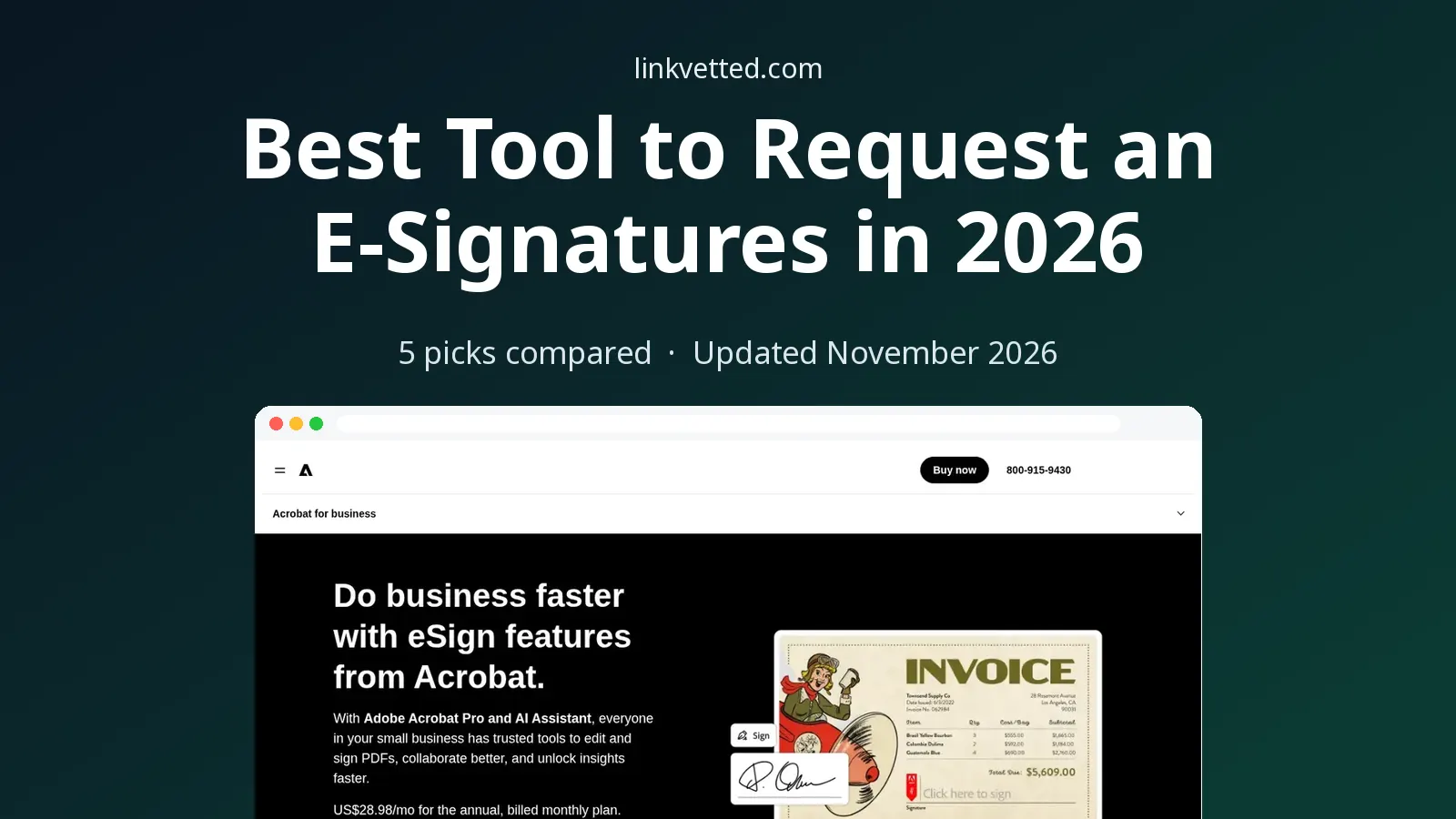
- Editor's choice
 OneSpan Sign
Secure agreements with identity assurance
Starts atSee websiteVisit onespan.comFull review - Great alternative
 Adobe Acrobat Sign
PDF-centric document workflows
Starts atSee websiteVisit adobe.comFull review - Also consider
 SignNow
Custom eSignature workflows on any device
Starts atSee websiteVisit signnow.comFull review
Direct answer
For secure agreements with identity assurance, OneSpan Sign is where this list starts. Listed starting prices: DocuSign from $45 per user a month. For a different need, Adobe Acrobat Sign covers PDF-centric document workflows and SignNow covers custom eSignature workflows on any device. All 5 tools are compared below on price, free plan and limits.
TL;DR:
- This list starts with OneSpan Sign, which is built for secure agreements with identity assurance.
- None of the 5 tools, from OneSpan Sign to Zoho Sign, has a free plan, so budget for a subscription or use a trial.
- What to know about DocuSign first: feature depth can feel complicated for straightforward needs.
- For the cheapest start, look at DocuSign: $45 per user per month.
Last checked November 2026. Prices and plan details were read from the vendors' own pages in November 2026; vendors change plans often, so confirm the current price on the vendor site before you buy.
Quick comparison
| Tool | Best for | Starts at | Free plan? | |
|---|---|---|---|---|
| OneSpan Sign | Secure agreements with identity assurance | See website | Not stated | Visit |
| Adobe Acrobat Sign | PDF-centric document workflows | See website | Not stated | Visit |
| SignNow | Custom eSignature workflows on any device | See website | Not stated | Visit |
 DocuSign | Wide agreement management and signing | $45 per user a month | Not stated | Visit |
 Zoho Sign | Firms already in the Zoho ecosystem | See website | Not stated | Visit |
Every option for tool to request an e-signatures explained
Choosing tool to request an e-signatures usually comes down to price, fit and limits. This LinkVetted guide sets 5 tools side by side on those three points, with the facts kept short and checkable.
OneSpan Sign was built for secure agreements with identity assurance. OneSpan Sign is an eSignature system for customer agreements that simplifies digital agreement workflows with secure eSignatures, identity assurance, automation, smart forms and integrations.
Watch-outs: Security focus may exceed straightforward needs.
For everyday use, teams seeking the simplest possible request flow may prefer a lighter tool. In daily use, consider OneSpan Sign when identity assurance and controlled agreement workflows are central requirements. Check the vendor site for OneSpan Sign pricing; none is listed in this comparison. Trial and free access: Not stated.
- Wide integration choices
- Identity assurance features
- Feature breadth can feel heavy for small teams
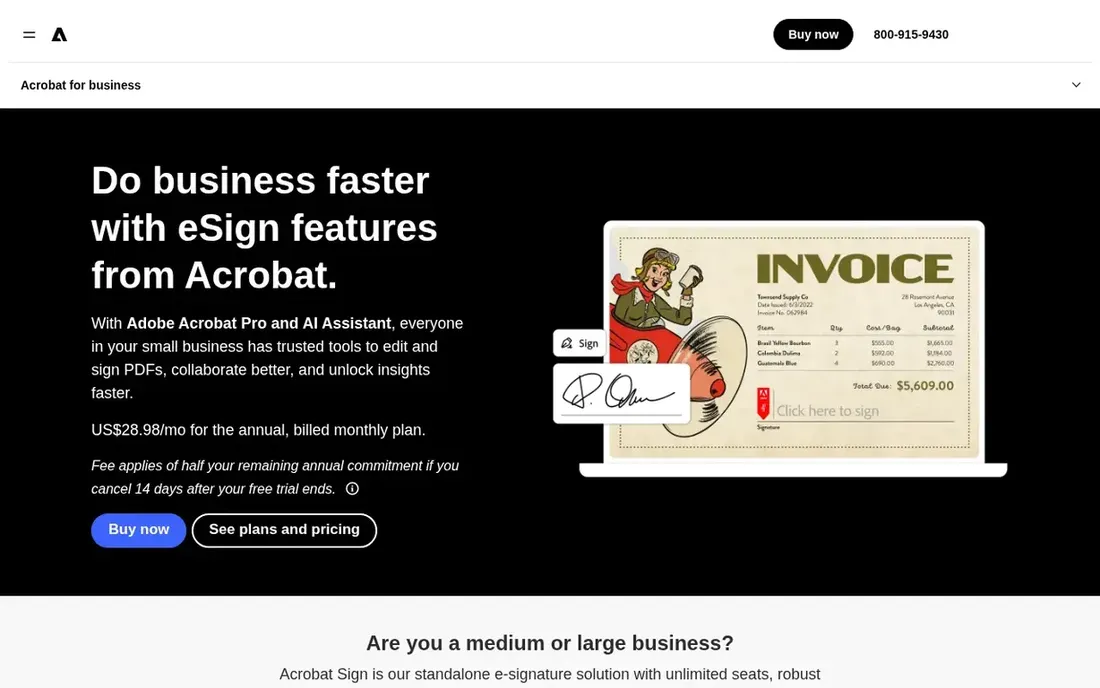
Think of Adobe Acrobat Sign for PDF-centric document workflows. Adobe Acrobat Sign is Adobe's e-signature offering for business, letting you sign documents, collect digital payments and accept electronic signatures on your website. Worth adding: consider it when PDF editing and e-signatures belong in the same workflow.
Watch-outs: Best value for teams already in Adobe tools.
Teams not using Adobe document tools may see less benefit from the connection. Also, the product is oriented toward business use, so individuals with occasional signing needs may find it more than required. Also, organizations that require to embed signature collection into a website may also find it relevant. Pricing for Adobe Acrobat Sign is not stated here, so ask the vendor for current figures. On free options: Not stated.
- Suits existing PDF workflows
- Supports collecting signatures on websites
- Some features geared toward business use
SignNow is built with custom eSignature workflows on any device in mind. SignNow, also presented as airSlate SignNow, supplies legally binding eSignatures with custom eSignature workflows. It emphasizes a smooth online signing experience anytime, anywhere and on any device.
Where it falls short: Wide product features can take time to learn.
Beyond that, custom workflow choices can need planning before rollout, and the wider product may take time to learn. Beyond that, choose SignNow when repeatable, tailored signing flows matter. No starting price is listed for SignNow here; confirm pricing on the vendor site. Trial and free access: Not stated.
- Custom eSignature workflows
- Legally binding signatures
- Workflow setup may need planning
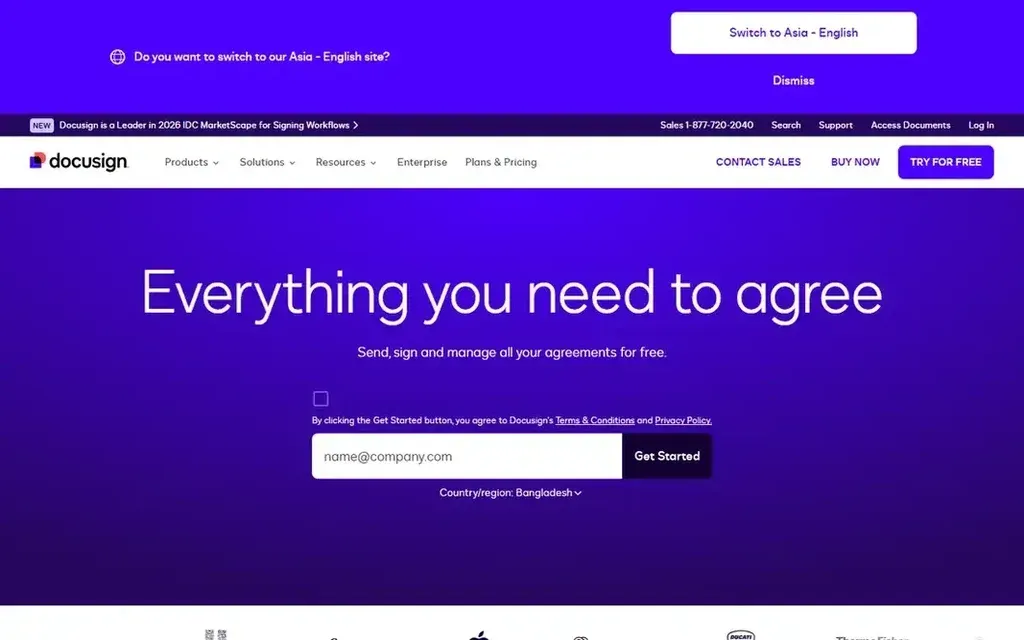
DocuSign was built for wide agreement management and signing. It lets you produce, commit to and run agreements in one place, and it supports electronically signing documents.
The main drawbacks: Feature depth can feel complicated for straightforward needs.
From a buyer's view, if your priority is a light way to collect a handful of signatures, a more straightforward tool may be simpler to adopt. DocuSign starts at: $45 per user per month. Free options: Not stated.
- Merges signing with agreement management
- Supports sending and tracking requests
- Some capabilities sit outside basic signing
Zoho Sign is built with firms already in the Zoho ecosystem in mind. Its most solid fit is within the Zoho ecosystem, so teams using unrelated software may see less advantage.
Pick Zoho Sign when you want secure signature collection and automatic document processes in one place. Pricing for Zoho Sign is not stated here, so ask the vendor for current figures. As for free access: Not stated.
Drawbacks to consider: Most natural for Zoho users.
- Secure signature collection
- Automates paperwork collection
- Workflow automation may need setup time
Our selection method
Selection started from tools commonly considered for tool to request an e-signatures, then narrowed to 5 that have clear pricing information or a clear quote process. Plan names, prices and limits change often. Treat the figures here as a starting point and verify them with the vendor. The order reflects how well each tool fits the most common buying scenario for tool to request an e-signatures, then price clarity, then free plan access. It is a starting point, not a verdict.
Things to verify first
- Confirm the entry price on the vendor page. For OneSpan Sign, Adobe Acrobat Sign, SignNow and Zoho Sign that means a quote rather than a fixed price.
- Read the limits listed for OneSpan Sign first: security focus may exceed straightforward needs.
- Confirm that DocuSign connects to the apps your team already uses, on the plan you would actually buy.
- Make sure Zoho Sign lets you export your data in a format another tool can read.
- The entry price of SignNow is only the starting point; model the full cost with seats and extras.
FAQ
Can I try these tools before paying?
Not by default. None of the tools, from OneSpan Sign to Zoho Sign, lists a free plan or a free trial here, so ask each vendor for a demo before committing.
Does any tool for tool to request an e-signatures here have a free plan?
A permanent free plan is not offered by OneSpan Sign, Zoho Sign or the other tools here. Plan a short evaluation period instead.
Can I request signatures from several people at once?
Most e-signature systems support sending a document to multiple recipients and tracking each person's status. The exact choices, like signing order, vary by tool.
How are the tools for tool to request an e-signatures ordered?
The order follows typical fit for tool to request an e-signatures, with OneSpan Sign first and Zoho Sign last, then price clarity and free access. It is editorial judgement, not a score, so another team could rank the tools differently.
Are e-signatures legally binding?
The tools here describe their signatures as legally binding, and electronic signatures are widely recognized in plenty of jurisdictions. Requirements can differ by country and document type.
What is the cheapest option for tool to request an e-signatures in this list?
On published monthly entry prices, DocuSign is the lowest here at $45 per user per month. Entry price is only part of the cost, because seats, add-ons and billing terms can change the total. For the full picture, the cards above cover all 5 entries of this tool to request an E-Signatures list, including price, free plan and limits.
Sources
- https://www.onespan.com/products/esignature
- https://www.adobe.com/sign.html
- https://www.signnow.com
- https://www.docusign.com
- https://www.zoho.com/sign