5 Best Tool to Develop Mobile Analytics for 2026, Vetted and Compared
5 best tool to develop mobile analytics, with entry costs, free tiers and the buyer each one serves. Short, factual notes on every option. Choose faster.
- Editor's choice
 Countly
Private, self-hosted product intelligence
Starts at$175 per monthVisit countly.comFull review - Great alternative
 Braze
Live customer engagement
Starts atSee websiteVisit braze.comFull review - Also consider
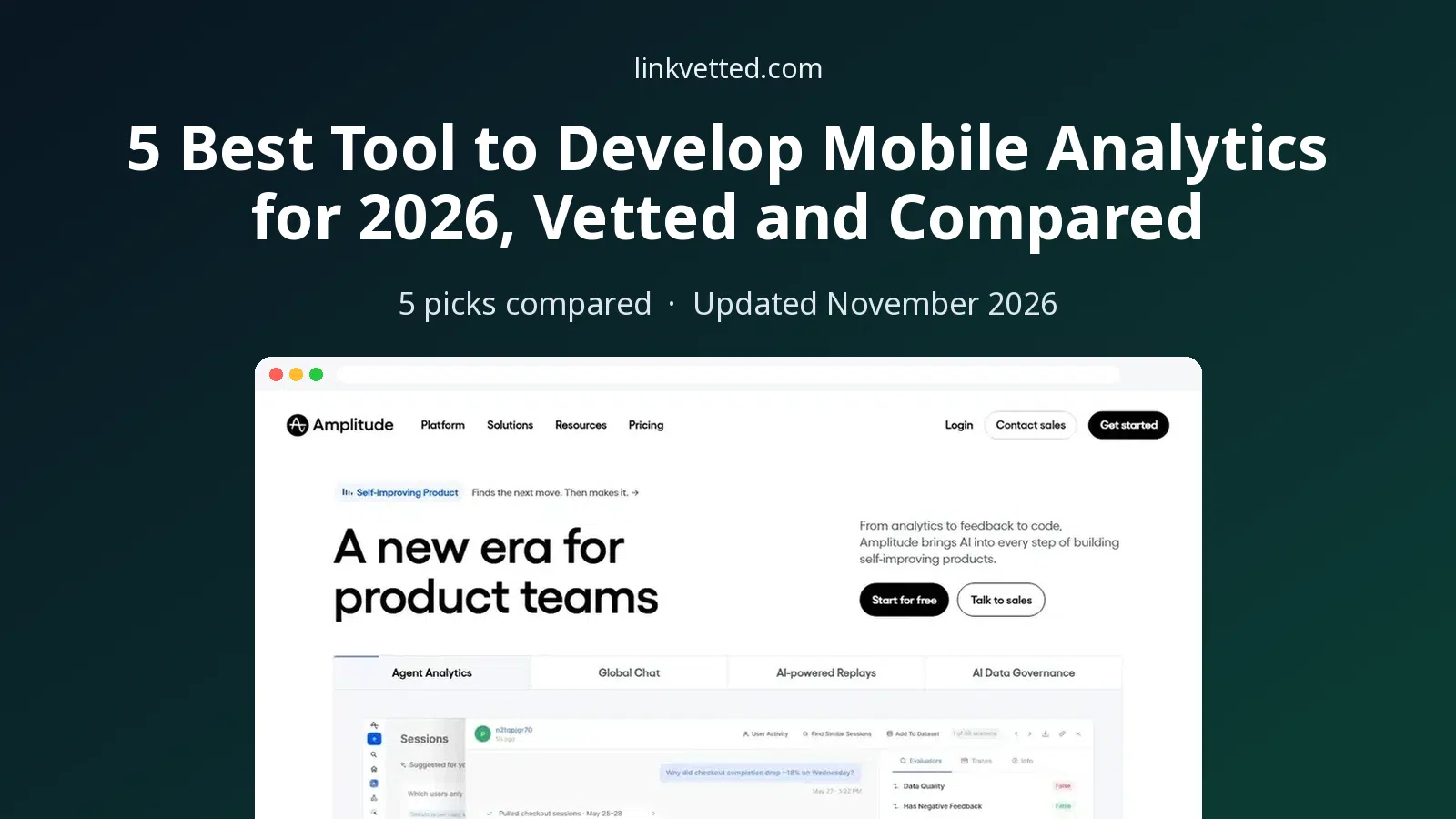
 Amplitude
AI-driven product analytics and feedback
Starts atSee websiteVisit amplitude.comFull review
Direct answer
Countly is the first pick on this list for private, self-hosted product intelligence. Listed starting prices: Countly from $175 per month, Mixpanel from $100 a month and Firebase Analytics from $9.37 a month. Alternatives: Braze for live customer engagement, and Amplitude for AI-driven product analytics and feedback. Details, prices and limits for the rest of the 5 tools are below.
TL;DR:
- This list starts with Countly, which is built for private, self-hosted product intelligence.
- 2 of 5 tools offer a free plan: Mixpanel, Firebase Analytics.
- Firebase Analytics suits no-charge app measurement and engagement.
- One limit worth knowing about Countly: self-hosting needs technical resources.
Last checked November 2026. Prices and plan details were read from the vendors' own pages in November 2026; vendors change plans often, so confirm the current price on the vendor site before you buy.
Quick comparison
| Tool | Best for | Starts at | Free plan? | |
|---|---|---|---|---|
| Countly | Private, self-hosted product intelligence | $175 per month | Free trial | Visit |
| Braze | Live customer engagement | See website | Free trial | Visit |
| Amplitude | AI-driven product analytics and feedback | See website | Not stated | Visit |
 Mixpanel | Product intelligence with session replay | $100 a month | Yes | Visit |
 Firebase Analytics | No-charge app measurement and engagement | $9.37 a month | Yes | Visit |
The 5 tools in detail
Choosing tool to develop mobile analytics usually comes down to price, fit and limits. This LinkVetted guide sets 5 tools side by side on those three points, with the facts kept short and checkable.
Countly is a good fit for private, self-hosted product intelligence. Self-hosting means you are responsible for setup, maintenance, and scaling, which may not suit teams without infrastructure resources.
It is geared toward organizations that prioritize data privacy and control. Countly pricing: $175 per month. On free options: Free trial.
Points against: May need setup and maintenance. Where it shines: Self-hosted on your infrastructure.
- Analytics, engagement
- Private product intelligence
- Self-hosting needs technical resources
Braze works best for live customer engagement. Braze is a customer engagement product that powers customer-centric interactions between consumers and brands in live.
It is built for teams that want to act on user data through messaging and engagement campaigns. Check the vendor site for Braze pricing; none is listed in this comparison. Free plan details: Free trial.
What to check first: May need integration with analytics.
- Live interactions
- Customer-centric engagement
- Engagement focus, not deep analytics
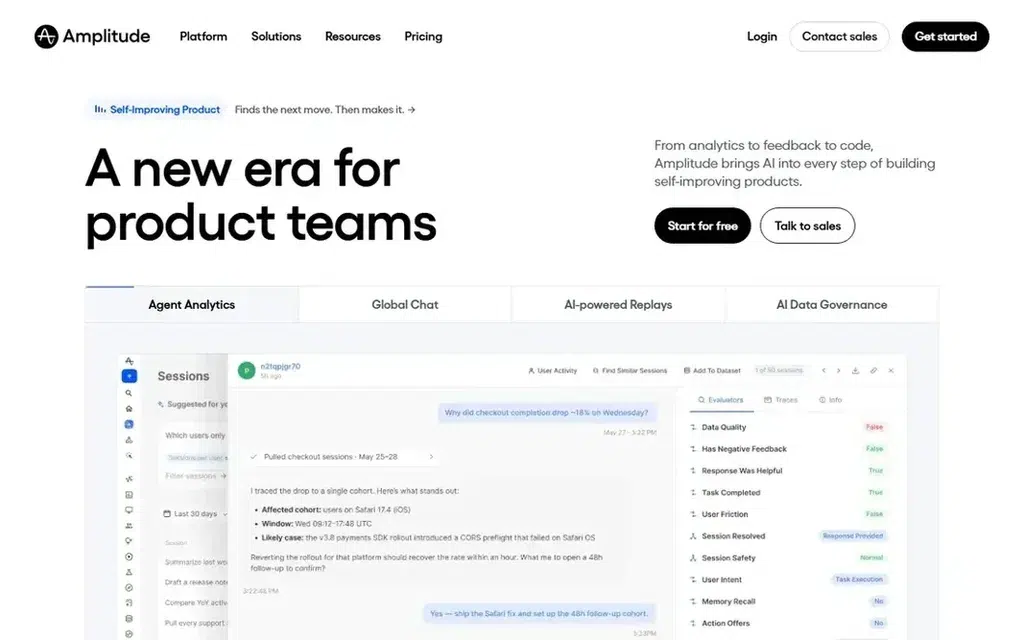
Amplitude works best for AI-driven product analytics and feedback. It is geared toward product teams that want to use data to inform decisions and boost user experiences continuously.
For straightforward app measurement, Firebase Analytics may be a lighter starting point. No starting price is listed for Amplitude here; confirm pricing on the vendor site. Free access: Not stated.
Where it is weaker: Setup needs data planning.
- Supports self-improving products
- Integrates analytics with code
- Feature depth may overwhelm beginners
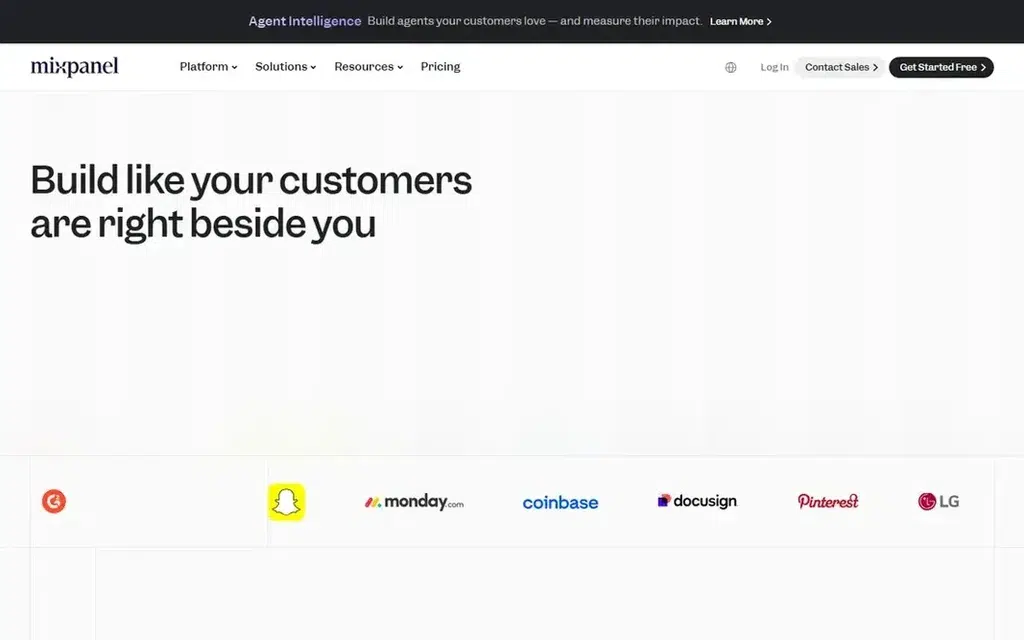
Mixpanel is aimed squarely at product intelligence with session replay. It is built for product teams that want to understand user behavior in depth and iterate rapidly. On top of that, if you only need core usage metrics, a simpler option like Firebase Analytics could be sufficient.
Limits to weigh: Needs implementation planning.
In practice, the product fits organizations that require to link analytics with experimentation and feature management in one place. Mixpanel may be more than an entry-level app measurement setup requires, and getting full value depends on thoughtful event tracking. Starting cost for Mixpanel: $100 per month. A free plan is available with Mixpanel.
- Merges analytics and session replay
- AI-powered insights
- Can be complex for straightforward needs
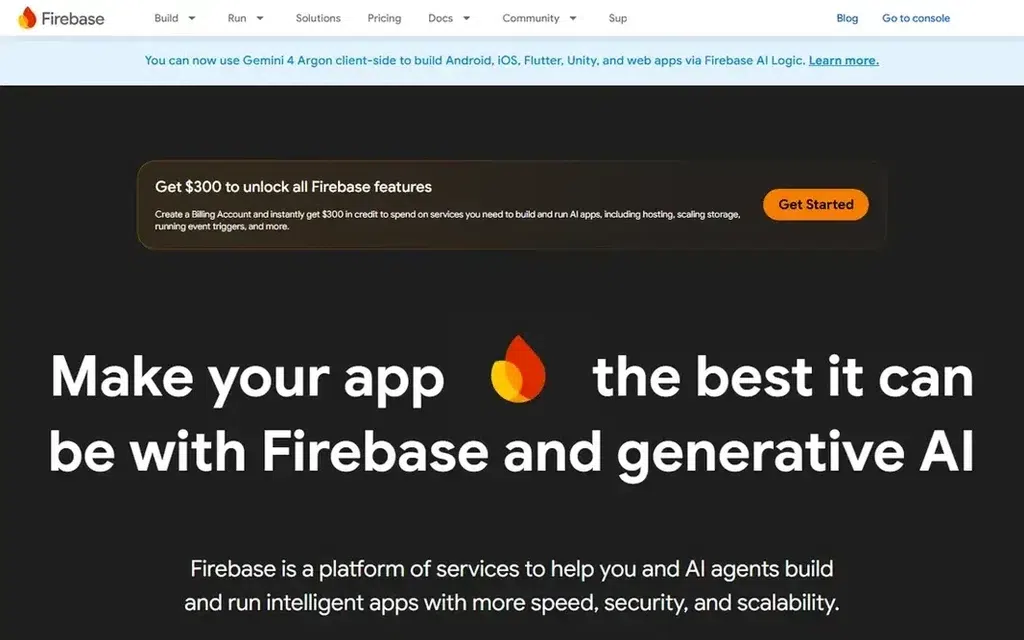
Firebase Analytics targets no-charge app measurement and engagement. It is available at no charge and provides unlimited app analytics, making it a typical starting point for mobile teams that require core measurement without added cost.
As for the details, consider Mixpanel or Amplitude if you need richer product intelligence features beyond basic analytics. Entry price for Firebase Analytics: $9.37 per month. Free access exists with Firebase Analytics.
Downsides: Restricted advanced product analytics.
- Insights on usage and engagement
- Unlimited app analytics
- Tied to Google ecosystem
Our selection method
Selection started from tools commonly considered for tool to develop mobile analytics, then narrowed to 5 that have clear pricing information or a clear quote process. Seat minimums, billing terms and add-ons can move the real cost, so the starting prices here are a guide and not a quote. Tools are placed by general fit for tool to develop mobile analytics, with price clarity and free access as tie-breakers. A different team can reasonably rank them differently.
What to check before you buy
- Confirm the entry price on the vendor page. For Braze and Amplitude that means a quote rather than a fixed price.
- Check what the free option really includes: Mixpanel and Firebase Analytics offer a free plan, and usage caps differ.
- Use real work to test the free trial from Countly and Braze, rather than a demo project.
- Read the limits listed for Countly first: self-hosting needs technical resources.
- Add up seats, add-ons and usage charges for Countly before comparing it with cheaper entries.
- Make sure Mixpanel lets you export your data in a format another tool can read.
FAQ
Can I try these tools before paying?
Often, yes. Mixpanel and Firebase Analytics have a free plan and Countly and Braze offer a free trial. Use your own data and a real task during the test, and check what the free tier or trial limits before you rely on it.
Can I self-host my mobile analytics?
Countly supplies self-hosting on your own infrastructure, offering private product intelligence. This fits organizations with strict data control requirements. Keep in mind that self-hosting needs technical resources for setup and maintenance.
Do these tools publish their prices?
Not all of them. Braze and Amplitude publish no starting price, so expect a quote request for those. The rest, Countly included, show a starting price, though seats and billing terms still change the final cost.
How are the tool to develop mobile analytics ordered?
The order follows typical fit for tool to develop mobile analytics, with Countly first and Firebase Analytics last, then price clarity and free access. It is editorial judgement, not a score, so another team could rank the tools differently.
Is Countly the right pick for everyone comparing tool to develop mobile analytics?
No single tool suits every team. Countly comes first because it fits private, self-hosted product intelligence, while Braze suits real-time customer engagement and Amplitude suits AI-driven product analytics and feedback. Match the tool to your own size, budget and workflow before deciding.
Sources
- https://countly.com
- https://www.braze.com
- https://amplitude.com
- https://mixpanel.com
- https://firebase.google.com/products/analytics