The 5 Best Text to Speech App for Visually Impaired in 2026, Ranked
Searching for the best text to speech app for visually impaired? Here are 5 options with prices and free plans. Each tool gets a one-line verdict. No hype.
- Editor's choiceRead&Write
Students needing literacy support
Starts at$2.75 per seatVisit texthelp.comFull review - Great alternative
 NaturalReader
Users wanting text to speech with AI voices
Starts atSee websiteVisit naturalreaders.comFull review - Also considerVoiceOver
Apple device users wanting built-in accessibility
Starts atSee websiteVisit apple.comFull review
Direct answer
Read&Write leads the list, best for students needing literacy support. Listed starting prices: Read&Write from $2.75 per seat and Speechify from $29 per month. NaturalReader is better for users wanting text to speech with AI voices, and VoiceOver is better for Apple device users wanting built-in accessibility. Details, prices and limits for the rest of the 5 tools are below.
TL;DR:
- Top of the list is Read&Write, which targets students needing literacy support.
- The main caution on Speechify: subscription required for full features.
- Speechify stands alone as the one tool in this list with a free plan.
- The lowest published monthly entry price here is $2.75 per seat, from Read&Write.
Last checked November 2026. Prices and plan details were read from the vendors' own pages in November 2026; vendors change plans often, so confirm the current price on the vendor site before you buy.
Quick comparison
| Tool | Best for | Starts at | Free plan? | |
|---|---|---|---|---|
| Read&Write | Students needing literacy support | $2.75 per seat | Not stated | Visit |
| NaturalReader | Users wanting text to speech with AI voices | See website | Not stated | Visit |
| VoiceOver | Apple device users wanting built-in accessibility | See website | Not stated | Visit |
 Speechify | Listening to books, PDFs, and web pages | $29 per month | Yes | Visit |
| JAWS | Windows users needing advanced screen reading | See website | Not stated | Visit |
The best text to speech app for visually impaired
Choosing text to speech app for visually impaired usually comes down to price, fit and limits. This LinkVetted guide sets 5 tools side by side on those three points, with the facts kept short and checkable.
Read&Write
Best for: Students needing literacy support
Pick Read&Write if this describes you: students needing literacy support. The tool connects with typical learning systems.
On top of that, read&Write is a literacy support tool aimed at students of all abilities to help with reading, writing, and expression. Read&Write starts at: $2.75 per seat. As for free access: Not stated.
Trade-offs to know: Education-focused.
- Supports reading and writing
- Made for education
- Needs subscription for full features
Think of NaturalReader for users wanting text to speech with AI voices. The tool supplies both personal and commercial use choices. NaturalReader is a text to speech tool that converts text into spoken audio using AI voices.
Downsides: Needs text input.
It is right for users who want to listen to documents, web pages, or other text on several systems. Worth adding: NaturalReader is not a screen reader, so it does not supply navigation or control of your device. Check the vendor site for NaturalReader pricing; none is listed in this comparison. Free plan details: Not stated.
- Commercial and education licenses available
- AI-powered natural voices
- Not a full screen reader
VoiceOver
Best for: Apple device users wanting built-in accessibility
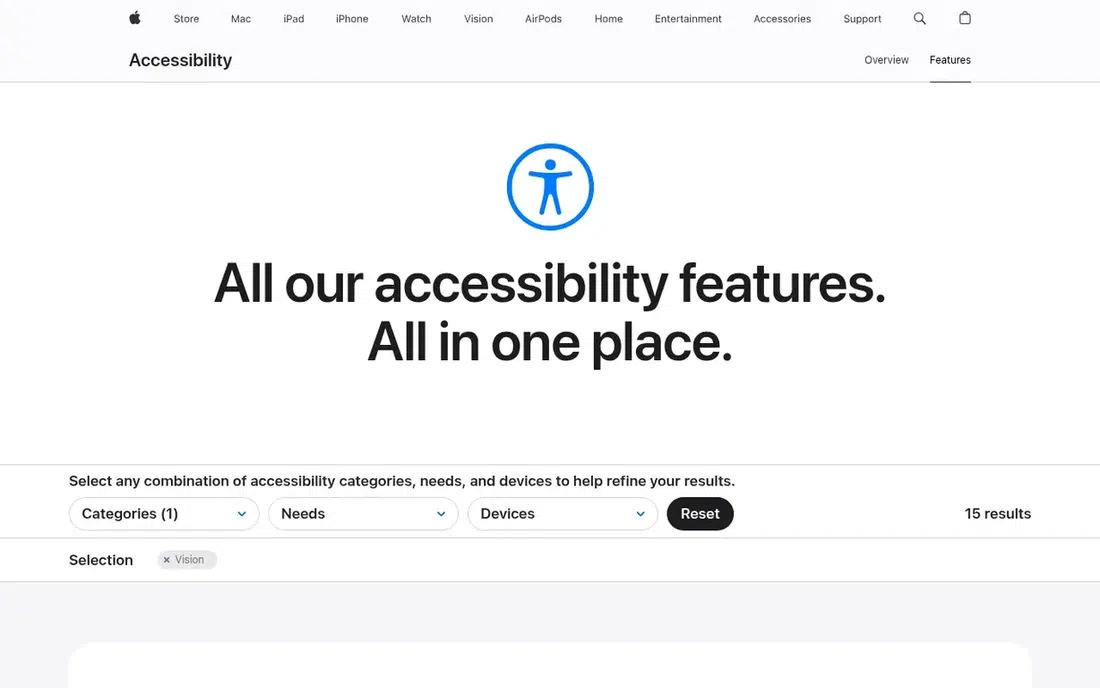
Choose VoiceOver for Apple device users wanting built-in accessibility. VoiceOver is Apple's built-in screen reader available on macOS, iOS, and other Apple systems. It supplies eyes-free control and is designed to help users produce, link, and do what they love.
It is a very good choice for those already using Apple devices. VoiceOver is not available on Windows or Android, so it is not a good match for cross-platform users. VoiceOver does not show a starting price in this comparison, so check the vendor site for current pricing. Free plan details: Not stated.
Where it is weaker: Restricted to Apple ecosystem.
- Smooth integration with macOS and iOS
- No extra cost
- Gesture-based ramp-up time
Where Speechify fits: listening to books, PDFs, and web pages. Some features may need a subscription. In practice, Speechify is a text to speech app that reads books, PDFs, and web pages aloud with natural voices.
Downsides: Not a dedicated screen reader.
It is well suited to users who want to listen to content on the go or multitask. Beyond that, Speechify concentrates on reading content instead of device navigation, so it is not a replacement for a screen reader. Entry price for Speechify: $29 per month. Free access exists with Speechify.
- Available on several systems
- Reads a variety of content
- Subscription required for full features
JAWS
Best for: Windows users needing advanced screen reading
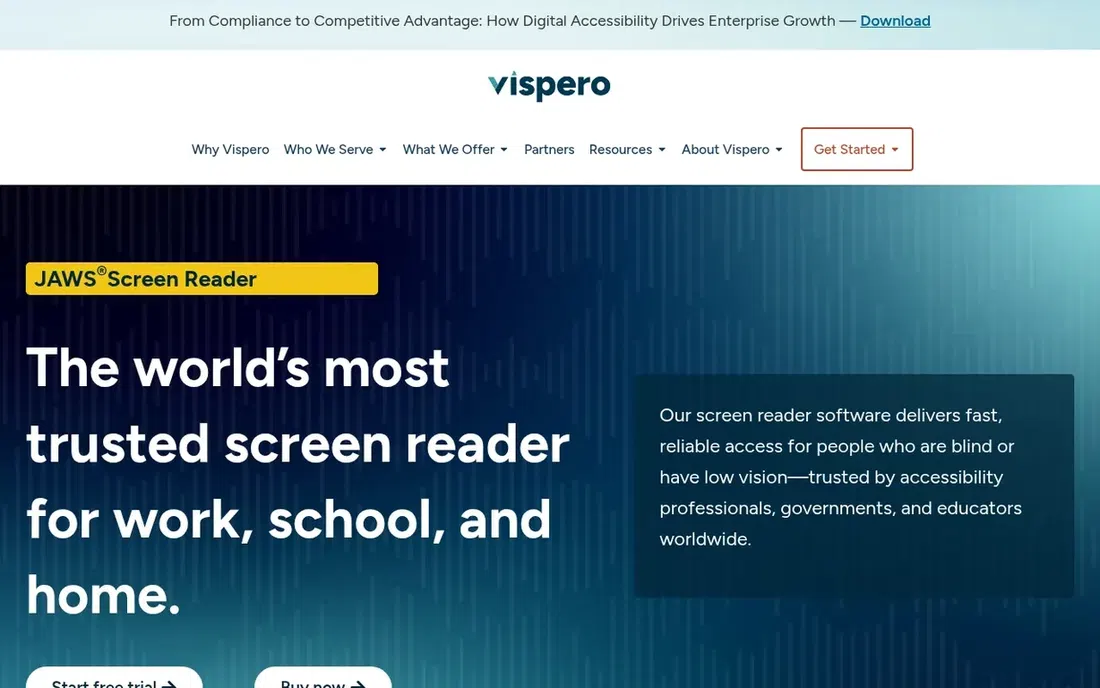
JAWS was built for Windows users needing advanced screen reading. JAWS is a screen reader for Windows aimed at blind users, offering quick and steady access to digital content. It is well-suited for individuals who require comprehensive screen reading at work, school, or home.
Trade-offs to know: Can be complicated for beginners.
The software is recognised for its solid feature set and customization choices. It may also have a steeper ramp-up time for new users. This comparison lists no price for JAWS; ask the vendor. Free options: Not stated.
- Steady access to digital content
- Works across work, school, home
- Restricted to Windows system
How the list was put together
LinkVetted used vendor pricing pages and product documentation as the base, then compared plans, free access and documented limits for 5 tools. Treat prices as a snapshot: vendors change plans often, so check the vendor site for the figure that applies today. The order reflects how well each tool fits the most common buying scenario for text to speech app for visually impaired, then price clarity, then free plan access. It is a starting point, not a verdict.
Things to verify first
- Confirm the entry price on the vendor page. For NaturalReader, VoiceOver and JAWS that means a quote rather than a fixed price.
- Look at the free plan from Speechify closely: its caps decide whether it is usable for real work.
- Read the limits listed for Read&Write first: education-focused, may not suit all.
- The entry price of Read&Write is only the starting point; model the full cost with seats and extras.
- Look at which plan of Speechify unlocks the features you need; entry tiers are often cut down.
FAQ
Is Read&Write the right pick for everyone comparing text to speech app for visually impaired?
No single tool suits every team. Read&Write comes first because it fits students needing literacy support, while NaturalReader suits users wanting text to speech with AI voices and VoiceOver suits Apple device users wanting built-in accessibility. Match the tool to your own size, budget and workflow before deciding.
Which options for text to speech app for visually impaired have a free plan?
Speechify is the only tool in this list with a free plan. Free plans usually cap users, projects or features, so check the limits on the vendor page.
Do these tools publish their prices?
Not all of them. NaturalReader, VoiceOver and JAWS publish no starting price, so expect a quote request for those. The rest, Read&Write included, show a starting price, though seats and billing terms still change the final cost.
How are the tools for text to speech app for visually impaired ordered?
Read&Write sits first and JAWS last because the order follows typical fit for text to speech app for visually impaired, then price clarity and free access. It is a judgement call, so read each profile for fit and limits.
Sources
- https://www.texthelp.com/products/read-and-write-education
- https://www.naturalreaders.com
- https://www.apple.com/accessibility/vision
- https://speechify.com
- https://www.freedomscientific.com/products/software/jaws