6 Best Team Chat Software for Financial Advisors for 2026, Vetted and Compared
Best team chat software for financial advisors in 2026: 6 tools with starting prices, free plans and limits. Each entry gets a plain verdict. Pick by budget.
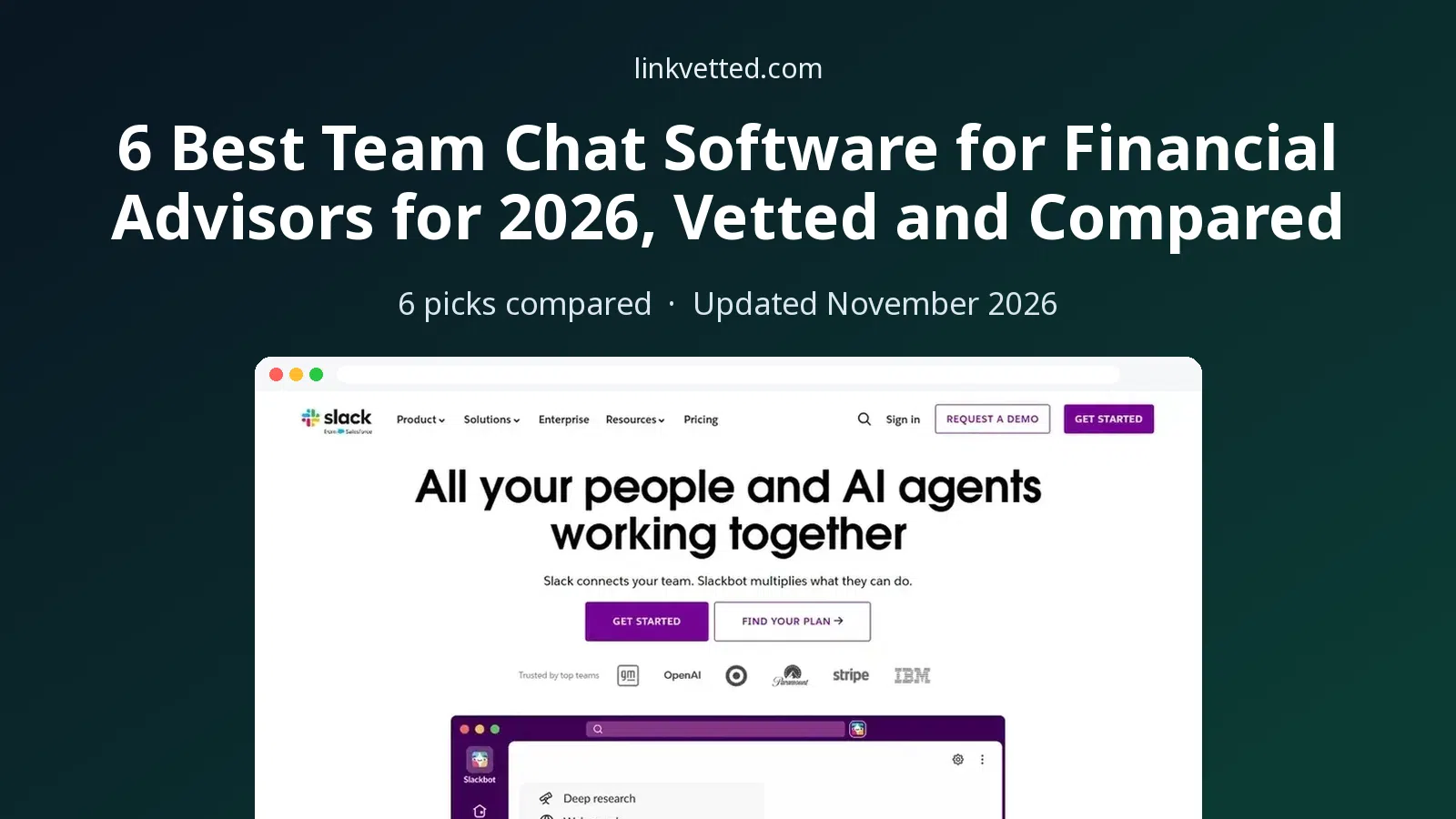
- Editor's choice
 Slack
Quick internal collaboration and workflow automation
Starts at$4.38 per user a monthVisit slack.comFull review - Great alternativeRingCentral MVP
Voice-first advisory practices
Starts at$52 a monthVisit ringcentral.comFull review - Also consider
 Google Chat
Google Workspace organizations
Starts atSee websiteVisit workspace.google.comFull review
Direct answer
Slack comes first here, mainly for quick internal collaboration and workflow automation. Listed starting prices: Slack from $4.38 per user a month and RingCentral MVP from $52 a month. RingCentral MVP fits voice-first advisory practices; Google Chat fits Google Workspace organizations. The remaining 3 options are covered below with prices and limits.
TL;DR:
- The list opens with Slack, aimed at quick internal collaboration and workflow automation.
- Microsoft Teams suits firms already inside the Microsoft ecosystem.
- Starting prices begin at $4.38 per user per month with Slack.
- Slack, Cisco Webex App: these are the 2 tools out of 6 that offer a free plan.
- Slack comes with a trade-off: can become noisy without channel discipline.
Last checked November 2026. Prices and plan details were read from the vendors' own pages in November 2026; vendors change plans often, so confirm the current price on the vendor site before you buy.
Quick comparison
| Tool | Best for | Starts at | Free plan? | |
|---|---|---|---|---|
| Slack | Quick internal collaboration and workflow automation | $4.38 per user a month | Yes | Visit |
| RingCentral MVP | Voice-first advisory practices | $52 a month | Free trial | Visit |
| Google Chat | Google Workspace organizations | See website | Not stated | Visit |
 Mattermost | Regulated businesses needing self-hosted control | See website | Not stated | Visit |
| Cisco Webex App | Enterprises wanting AI-assisted collaboration and devices | See website | Yes | Visit |
 Microsoft Teams | Businesses already inside the Microsoft ecosystem | See website | Not stated | Visit |
The full team chat software for financial advisors list
LinkVetted put together this guide to team chat software for financial advisors for readers who want a clear shortlist without reading every vendor page. It compares 6 tools on starting price, free plans, who each one suits and where each one falls short.
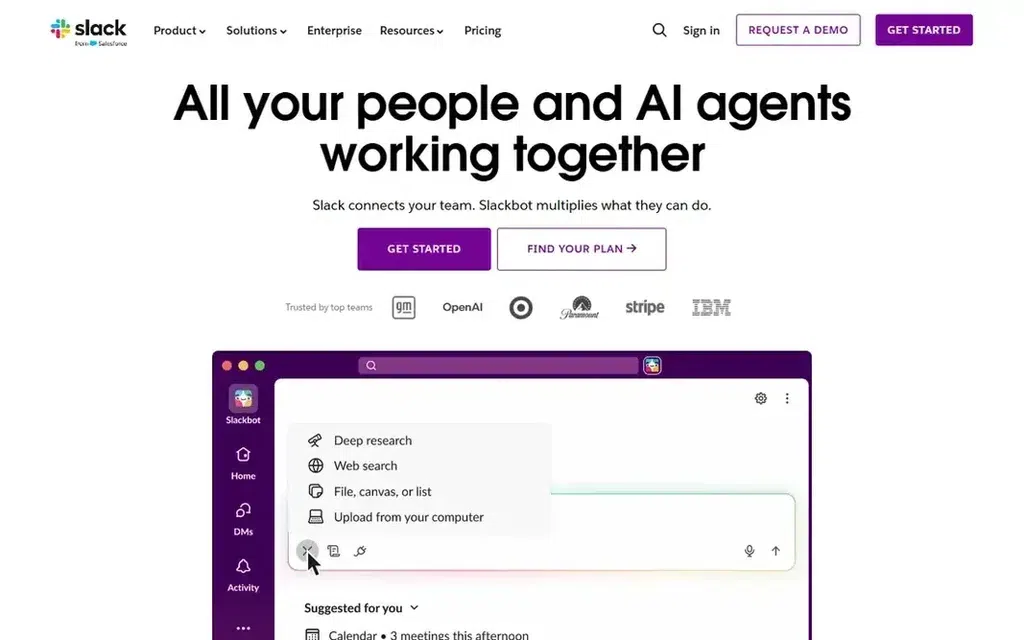
Slack targets quick internal collaboration and workflow automation. Slack presents itself as an AI work system for managing projects, automating workflows and connecting teams securely. Its automation and app connections can move routine requests, for example document approvals or meeting prep, through a consistent path rather than scattered email threads.
The main drawbacks: Less natural as a full calling and meeting suite.
More specifically, heavy channel use can also fragment decisions if naming and retention rules are not set. In daily use, Slack is chat-first, so businesses that require calling, meetings and file storage in one governed suite commonly pair it with other tools. Slack starts at: $4.38 per user per month. A free plan is available with Slack.
- Strong ecosystem of connected workplace apps
- AI work platform positioning with automation tools
- Can become noisy without channel discipline
RingCentral MVP
Best for: Voice-first advisory practices
RingCentral MVP is built with voice-first advisory practices in mind. Advisory practices that manage a high volume of client phone calls can benefit from messaging that sits alongside a voice-first communications product.
Beyond that, Team chat is not the headline capability here, so businesses seeking rich channel organization and workflow automation may find it less capable than Slack or Teams. The starting price for RingCentral MVP: $52 per month. Free plan details: Free trial.
What to check first: Messaging is secondary to the voice offering.
- Merges calling with team messaging
- Suited to client-facing phone workflows
- Feature set oriented toward business communications
Pick Google Chat if this describes you: Google Workspace organizations. Teams needing deep calling features may also prefer a unified communications system. Organizations standardized on Microsoft tools will find less benefit, and Google Chat provides fewer elaborate automation choices than Slack.
The main drawbacks: Fewer advanced workflow choices than Slack.
For everyday use, Google Chat helps individuals, groups and companies link and collaborate with secure messaging and features from Google Workspace, including Gemini assistance. Select Google Chat when Workspace is the core productivity environment and messaging should stay close to documents and email. This comparison lists no price for Google Chat; ask the vendor. Trial and free access: Not stated.
- Works for individuals
- Gemini assistance for messaging and collaboration
- Most useful only within the Google ecosystem
Mattermost is a good fit for regulated businesses needing self-hosted control. For advisory businesses with strict data residency or control requirements, this deployment adaptability is the primary draw.
The main drawbacks: Less plug-and-play for small practices.
More specifically, businesses that prefer a managed service may be better served by Teams or Google Chat. In practice, Mattermost concentrates on operational and AI sovereignty for critical infrastructure and national security, offering zero-trust collaboration, automation and AI in private cloud, self-hosted and air-gapped environments. Mattermost does not show a starting price in this comparison, so check the vendor site for current pricing. Free access: Not stated.
- Air-gapped deployment choices
- Designed for regulated and critical infrastructure environments
- Needs more technical administration
Cisco Webex App
Best for: Enterprises wanting AI-assisted collaboration and devices
Think of Cisco Webex App for enterprises wanting AI-assisted collaboration and devices. Webex by Cisco describes AI-powered collaboration, customer experience, devices and system options.
Watch-outs: Wide suite can be complicated to administer.
It is positioned toward organizations that value an integrated collaboration and customer experience product from an established networking vendor. This comparison lists no price for Cisco Webex App; ask the vendor. You can start on Cisco Webex App without paying.
- Device choices for meeting rooms and desks
- AI-powered collaboration and customer experience tools
- Best fit for bigger, established IT environments
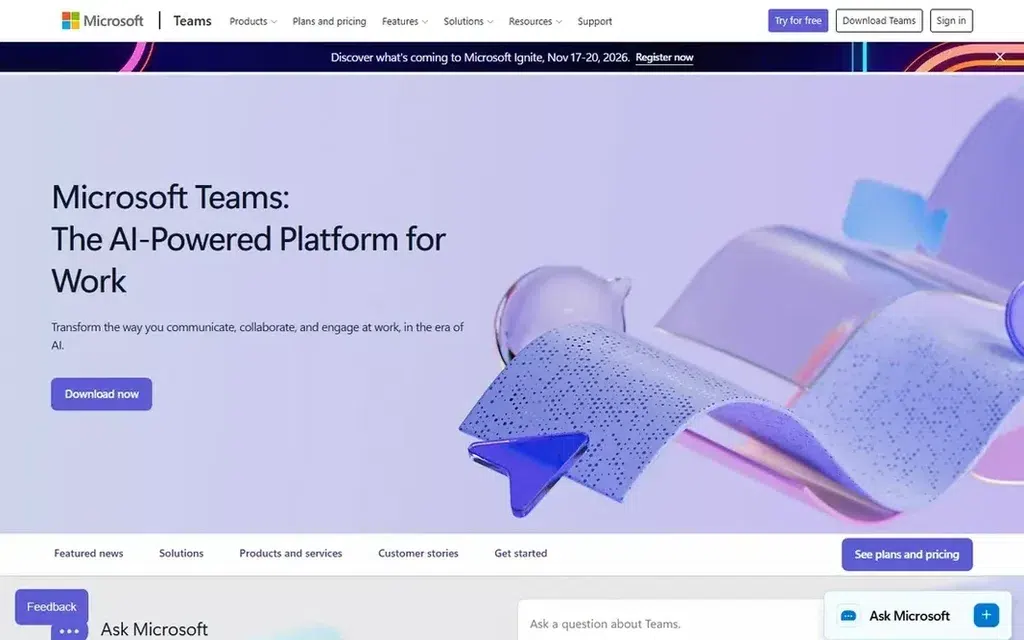
Microsoft Teams targets firms already inside the Microsoft ecosystem. Microsoft Teams is a collaboration hub that brings chat, video meetings, calling and shared files into a single workspace. Its homepage emphasizes keeping tools and files available in one place so teams can link naturally and stay organized.
Where it is weaker: Admin settings need deliberate configuration.
In practice, choose Teams when integrated meetings, calling and document collaboration matter more than a minimal interface. The breadth of features can feel heavy for small teams that primarily want fast messaging, and channel sprawl is a typical complaint without clear naming conventions. Also, for advisory practices that already run on Microsoft productivity tools, Teams cuts the number of separate applications staff must learn and hands compliance-minded administrators one environment to govern. Microsoft Teams does not show a starting price in this comparison, so check the vendor site for current pricing. As for free access: Not stated.
- Calling and files in one place
- Suits organizations standardized on Microsoft tools
- Feature depth can overwhelm casual users
How we compared the tools
For each of the 6 tools we noted price, free plan or trial, fit for team chat software for financial advisors and the main limit, using vendor pages and documentation. Treat prices as a snapshot: vendors change plans often, so check the vendor site for the figure that applies today. We ordered the tools by general fit, then by how clearly pricing is shown, then by free access. A buyer with unusual needs may reorder them.
Before you commit
- Confirm the entry price on the vendor page. For Google Chat, Mattermost, Cisco Webex App and Microsoft Teams that means a quote rather than a fixed price.
- Check what the free option really includes: Slack and Cisco Webex App offer a free plan, and usage caps differ.
- Take the trial from RingCentral MVP and push a live task through it before you pay.
- Read the limits listed for Slack first: can become noisy without channel discipline.
- Test the integrations you rely on with RingCentral MVP before committing; some connectors sit on upper tiers.
- Run a one or two week pilot of Slack with the people who will use it every day.
FAQ
Can team chat replace email for client communication?
Plenty of businesses keep client conversations in governed channels whereas reserving email for formal correspondence, based on policy. Tools for example Teams, Slack and Webex support external collaboration, but access rules and retention should be configured deliberately.
Which options for team chat software for financial advisors have a free plan?
On this list, Slack and Cisco Webex App include a free plan. Caps on seats, usage or features are common, so test the free plan against your real workload. One other tool offers a trial instead.
Is Slack the right pick for everyone comparing team chat software for financial advisors?
No single tool suits every team. Slack comes first because it fits fast internal collaboration and workflow automation, while RingCentral MVP suits voice-first advisory practices and Google Chat suits Google Workspace organizations. Match the tool to your own size, budget and workflow before deciding.
What is the cheapest option for team chat software for financial advisors in this list?
On published monthly entry prices, Slack is the lowest here at $4.38 per user per month. Entry price is only part of the cost, because seats, add-ons and billing terms can change the total. Each of the 6 options in this team chat software for financial Advisors guide has its own card above with the price, free plan and limits.
How do financial advisors handle compliance with team chat?
Advisors should confirm retention, archiving and export capabilities before rollout, since recordkeeping rules commonly apply to electronic communications. Self-hosted choices like Mattermost provide more control over where data resides.
Do these tools publish their prices?
Not all of them. Google Chat, Mattermost, Cisco Webex App and Microsoft Teams publish no starting price, so expect a quote request for those. The rest, Slack included, show a starting price, though seats and billing terms still change the final cost.
Sources
- https://slack.com
- https://www.ringcentral.com
- https://workspace.google.com/products/chat
- https://mattermost.com
- https://www.webex.com
- https://www.microsoft.com/en-us/microsoft-teams/group-chat-software