Team Building Software in 2026: The 5 Best Options Side by Side
Weighing the best team building software? We lined up 5 products by cost, free access and fit. Each tool gets a one-line verdict. Quick comparison inside.
- Editor's choiceKona
Project-driven team coordination
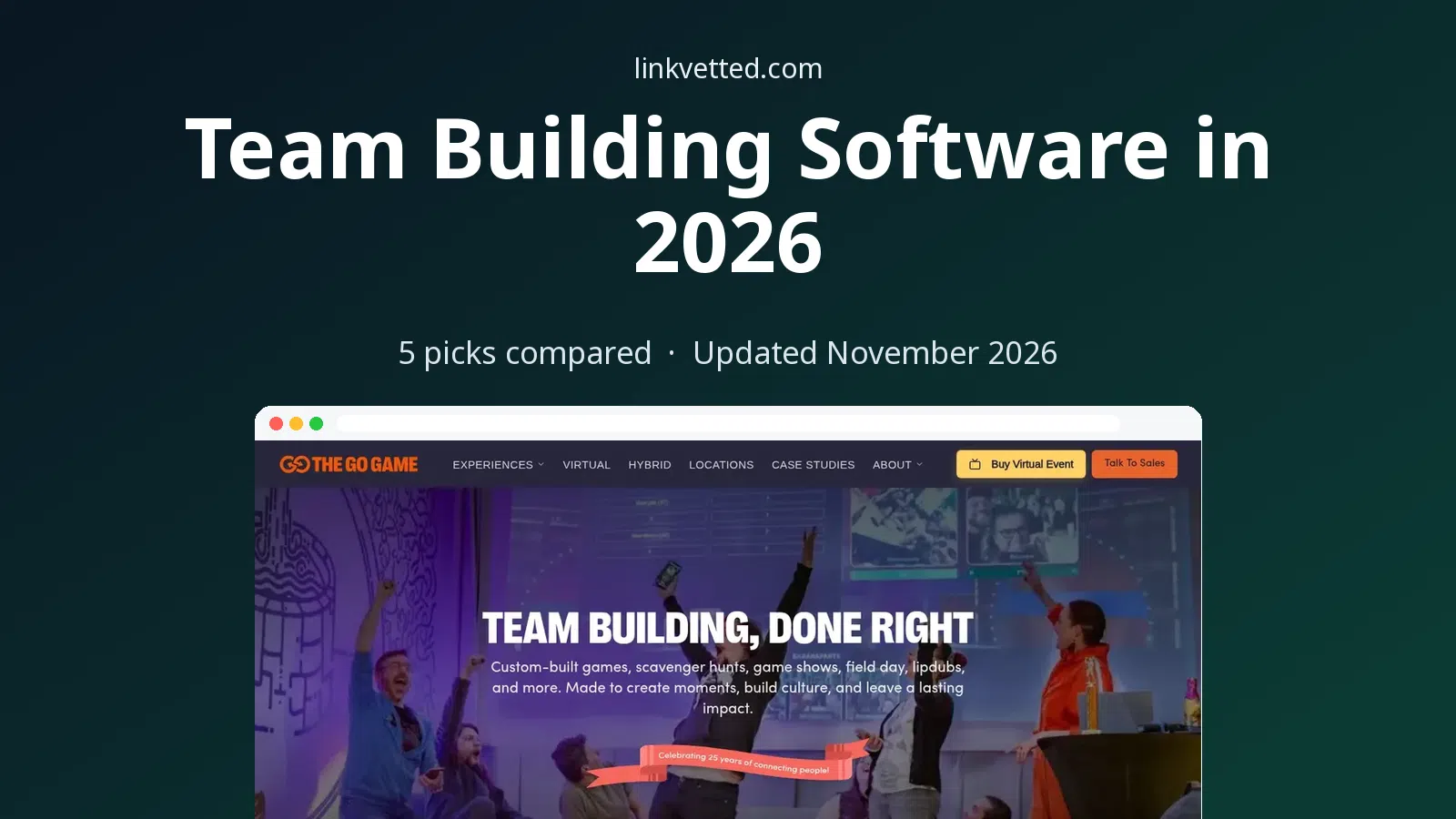
Starts atSee websiteVisit kona.comFull review - Great alternativeThe Go Game
Hosted games for large groups
Starts at$39 per playerVisit thegogame.comFull review - Also considerTeamBuilding
Booking in-person team activities
Starts atSee websiteVisit teambuilding.comFull review
Direct answer
Kona comes first here, mainly for project-driven team coordination. Listed starting prices: The Go Game from $39 per player, Water Cooler Trivia from $10 per month and QuizBreaker from $39 per month. The Go Game is the stronger choice for hosted games for large groups, while TeamBuilding suits booking in-person team activities. All 5 tools are compared below on price, free plan and limits.
TL;DR:
- This list starts with Kona, which is built for project-driven team coordination.
- QuizBreaker suits Icebreakers and team profiles.
- What to know about Kona first: not a dedicated team building tool.
- Kona, QuizBreaker and the 3 others all need a premium plan or a trial, since no free plan is listed.
- Water Cooler Trivia has the lowest monthly starting price in this list: $10 per month.
Last checked November 2026. Prices and plan details were read from the vendors' own pages in November 2026; vendors change plans often, so confirm the current price on the vendor site before you buy.
Quick comparison
| Tool | Best for | Starts at | Free plan? | |
|---|---|---|---|---|
| Kona | Project-driven team coordination | See website | Not stated | Visit |
| The Go Game | Hosted games for large groups | $39 per player | No | Visit |
| TeamBuilding | Booking in-person team activities | See website | Not stated | Visit |
| Water Cooler Trivia | Recurring virtual trivia contests | $10 per month | Free trial | Visit |
| QuizBreaker | Icebreakers and team profiles | $39 per month | Free trial | Visit |
Tool-by-tool breakdown
This LinkVetted guide covers 5 options for team building software. Each profile lists a starting price, free plan details, strengths and drawbacks, so you can drop poor fits quickly.
Kona
Best for: Project-driven team coordination
Think of Kona for project-driven team coordination. For teams whose version of team building is shared clarity around goals and tasks, it can support that structure.
The main drawbacks: Not a dedicated team building tool.
On top of that, Kona is described as an intelligent system for project-driven work, now part of Deltek. It centres on bringing speed, clarity, and control to each stage of the project lifecycle. Kona shows no starting price here, so confirm the cost on the vendor site. Free options: Not stated.
- Focus on project lifecycle
- Targeted at high-stakes work
- Oriented toward project management
The Go Game
Best for: Hosted games for large groups
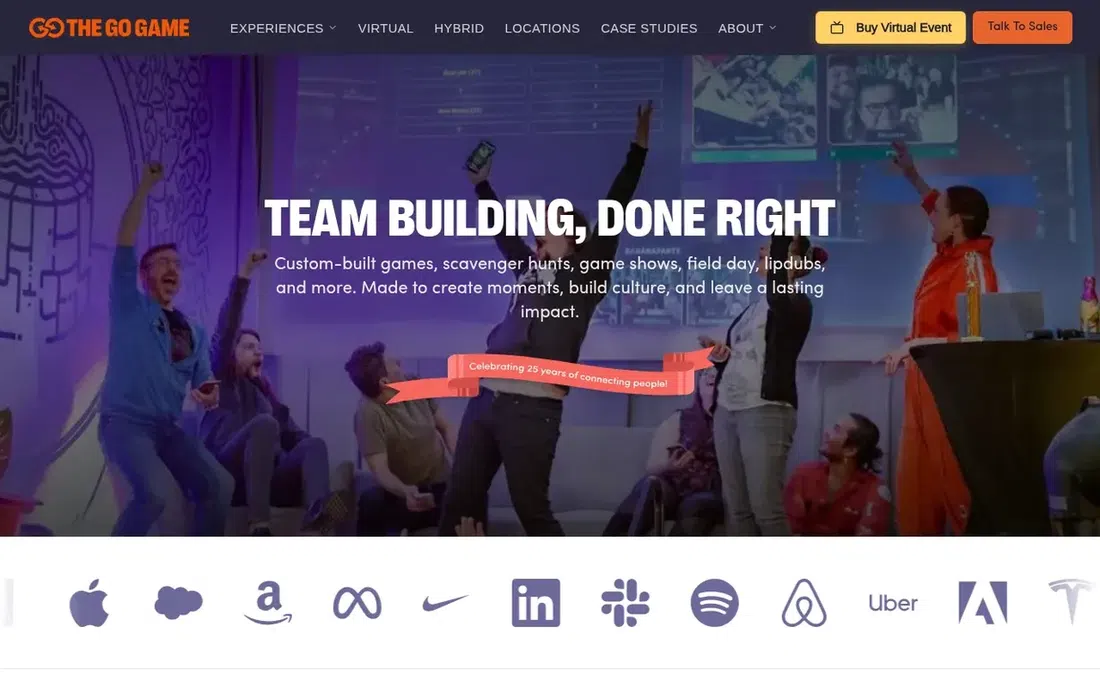
In short, The Go Game is for hosted games for large groups. The vendor states support for groups up to two thousand per room or ten thousand total across several locations.
Points against: Primarily event-based.
As for the details, choose The Go Game when you need a produced game event for a large or distributed group and can plan around a scheduled session. The starting price for The Go Game: $39 per player. There is no free plan with The Go Game.
- Scalable to large rooms
- Facilitated game experiences
- Needs scheduling with a host
TeamBuilding
Best for: Booking in-person team activities
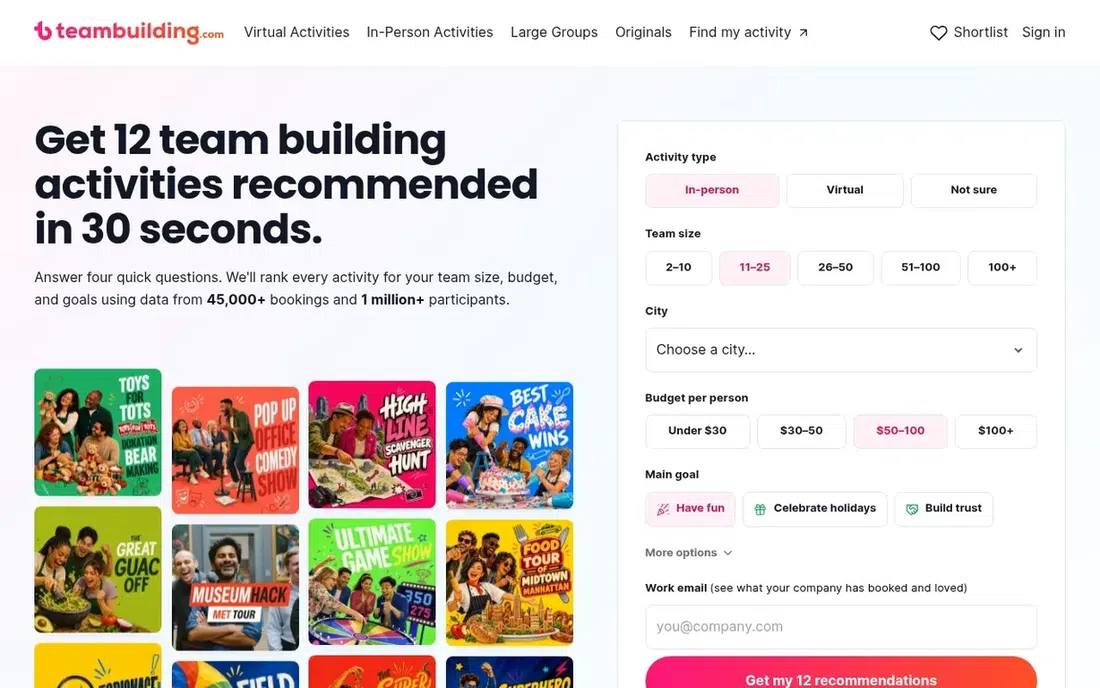
TeamBuilding is a good fit for booking in-person team activities. For everyday use, since it centers on booking activities, TeamBuilding is less suited to continuing engagement or daily culture building.
Choose TeamBuilding when your central need is a memorable group event instead of a software for continuous connection. In daily use, the platform is pitched at organizers who require to plan a one-off or occasional activity rapidly. Check the vendor site for TeamBuilding pricing; none is listed in this comparison. As for free access: Not stated.
Points against: Availability varies by location.
- Verified reviews on listings
- Price comparison available
- Focus on booking, not continuing engagement
Water Cooler Trivia
Best for: Recurring virtual trivia contests
Choose Water Cooler Trivia for recurring virtual trivia contests. Water Cooler Trivia gives you virtual team building through recurring trivia contests meant to spark conversations among coworkers. From a buyer's view, the product is built around trivia.
So teams seeking a broad variety of activities or deep analytics may find it narrow. It is less suited to organizations that require integrated people-program automation. Beyond that, the format is straightforward to run and encourages casual interaction, making it a solid fit for teams that meet on a regular basis and want a shared ritual without heavy setup. Starting cost for Water Cooler Trivia: $10 per month. Trial and free access: Free trial.
Downsides: Less focus on broader people programs.
- Works for remote and in-person teams
- Spurs conversation and connection
- Trivia-centric format
QuizBreaker
Best for: Icebreakers and team profiles
QuizBreaker is aimed squarely at Icebreakers and team profiles. QuizBreaker is an all-in-one team engagement product that bundles icebreaker quizzes, team building activities and games, workstyle profiles, personality tests, and pulse surveys with analytics. Success relies on consistent participation, so it may not suit groups that prefer one-off events.
Beyond that, since it bundles numerous features, teams that only need occasional games may find it more than necessary. The mix of social and feedback features makes it handy for managers building habits around engagement. What you pay to start with QuizBreaker: $39 per month. Free options: Free trial.
Where it falls short: Feature set may feel wide.
- Pulse surveys with analytics
- Workstyle and personality profiles
- Needs continuing participation
Selection criteria
We compared the tools on published pricing, free plan or trial availability, feature coverage for team building software, and the limits each vendor documents. Plan names, prices and limits change often. Treat the figures here as a starting point and verify them with the vendor. The order reflects how well each tool fits the most common buying scenario for team building software, then price clarity, then free plan access. It is a starting point, not a verdict.
What to check before you buy
- Confirm the entry price on the vendor page. For Kona and TeamBuilding that means a quote rather than a fixed price.
- Run a trial of Water Cooler Trivia and QuizBreaker with real work before paying for a year; your own workflow is the best test.
- Read the limits listed for Kona first: not a dedicated team building tool.
- Ask Water Cooler Trivia which support channels and response times come with the plan you would buy.
- Let daily users try TeamBuilding on real work; their feedback beats any feature checklist.
FAQ
What is the cheapest option for team building software in this list?
On published monthly entry prices, Water Cooler Trivia is the lowest here at $10 per month. Entry price is only part of the cost, because seats, add-ons and billing terms can change the total.
Does any tool for team building software here have a free plan?
No tool in this list, Kona and QuizBreaker included, has a permanent free plan. Water Cooler Trivia, QuizBreaker offer a trial. Trials and quotes are the usual route, so plan a short evaluation period.
How are the tools for team building software ordered?
Kona sits first and QuizBreaker last because the order follows typical fit for team building software, then price clarity and free access. It is a judgement call, so read each profile for fit and limits.
Is Kona the right pick for everyone comparing team building software?
No single tool suits every team. Kona comes first because it fits project-driven team coordination, while The Go Game suits hosted games for large groups and TeamBuilding suits booking in-person team activities. Match the tool to your own size, budget and workflow before deciding.
How do I choose between activity booking and ongoing engagement tools?
If you are planning a single event, a booking marketplace like TeamBuilding or a hosted game service like The Go Game may fit best. Plenty of teams combine a periodic event with a light recurring tool.
Sources
- https://www.kona.com
- https://www.thegogame.com
- https://teambuilding.com
- https://www.watercoolertrivia.com
- https://www.quizbreaker.com