Best Team App with Software in 2026: 5 Tools Compared
Shortlisting the best team app with software? 5 products compared on cost, free access and ideal buyer. Honest caveats for every entry. Quick to scan.

- Editor's choice
 Slack
Organized team messaging and workflow automation
Starts at$4.38 per user a monthVisit slack.comFull review - Great alternative
 Zoom Workplace
Video-first collaboration with chat and phone
Starts atSee websiteVisit zoom.comFull review - Also consider
 Microsoft Teams
All-in-one chat, meetings, and file sharing
Starts atSee websiteVisit microsoft.comFull review
Direct answer
Slack comes first here, mainly for organized team messaging and workflow automation. Listed starting prices: Slack from $4.38 per user a month, Trello from $5 per user a month and Asana from $10.99 per user a month. Zoom Workplace fits video-first collaboration with chat and phone; Microsoft Teams fits all-in-one chat, meetings, and file sharing. The remaining 2 options are covered below with prices and limits.
TL;DR:
- Top of the list is Slack, which targets organized team messaging and workflow automation.
- The main caution on Trello: restricted for complicated project workflows.
- Only 3 of the 5 tools have a free plan (Slack, Trello, Asana), so check the caps.
- The cheapest monthly starting price in the list is $4.38 per user per month, offered by Slack.
- Asana suits work and project management for teams.
Last checked November 2026. Prices and plan details were read from the vendors' own pages in November 2026; vendors change plans often, so confirm the current price on the vendor site before you buy.
Quick comparison
| Tool | Best for | Starts at | Free plan? | |
|---|---|---|---|---|
| Slack | Organized team messaging and workflow automation | $4.38 per user a month | Yes | Visit |
| Zoom Workplace | Video-first collaboration with chat and phone | See website | Not stated | Visit |
| Microsoft Teams | All-in-one chat, meetings, and file sharing | See website | Not stated | Visit |
 Trello | Visual task and to-do organization | $5 per user a month | Yes | Visit |
 Asana | Work and project management for teams | $10.99 per user a month | Yes | Visit |
Every option for team app with software explained
Short on time? The summary and table above give the quick view of 5 tools for team app with software, and the profiles that follow give the detail behind each entry.
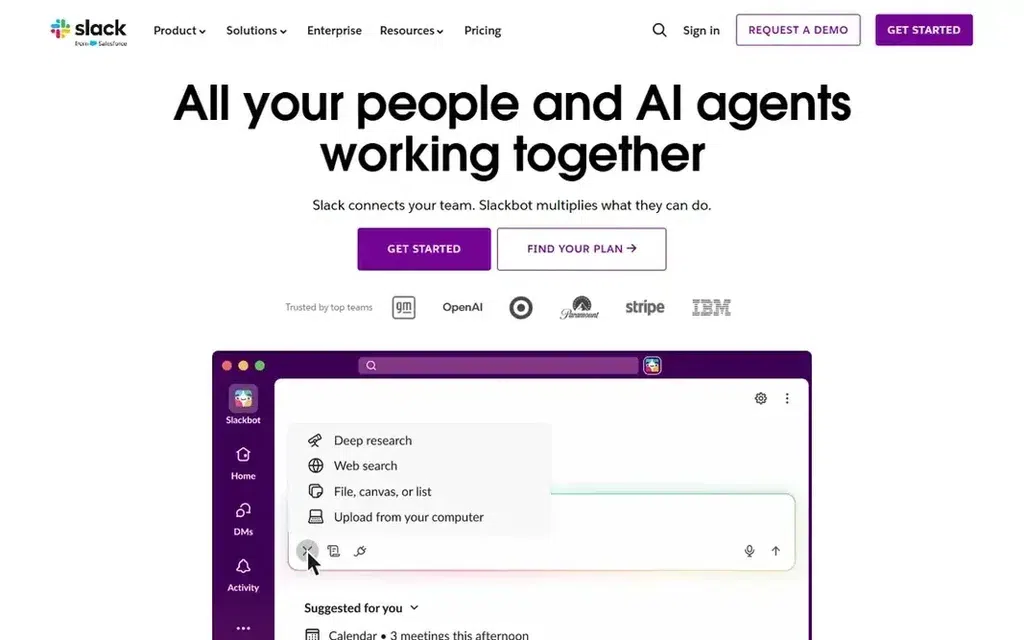
Where Slack fits: organized team messaging and workflow automation. Slack describes itself as an AI work product and productivity tool for managing projects, automating workflows, and connecting teams securely. Worth adding: without clear channel guidelines, conversations can sprawl.
In daily use, Slack is primarily a messaging and automation product. So teams needing deep native video meeting or calling features may pair it with another tool. Pick Slack when messaging, integrations, and workflow automation are the core of how your team operates. Price to start with Slack: $4.38 per user per month. Slack has a free plan.
Where it is weaker: Video and calling are less central than chat.
- Automates workflows and links teams securely
- Channels keep projects organized
- Can become noisy without channel discipline

Zoom Workplace was built for video-first collaboration with chat and phone. It suits teams that already depend on Zoom for meetings and want to extend that foundation into chat, calling, and broader communication without switching systems.
Drawbacks to consider: Chat may feel secondary to meetings.
Since Zoom is known first for video meetings, its chat and project collaboration may not feel as deep as dedicated messaging or work management apps. Pricing for Zoom Workplace is not stated here, so ask the vendor for current figures. As for free access: Not stated.
- Layers on chat, phone, webinars, whiteboard
- Trusted video meeting foundation
- Feature set can be wide for straightforward needs
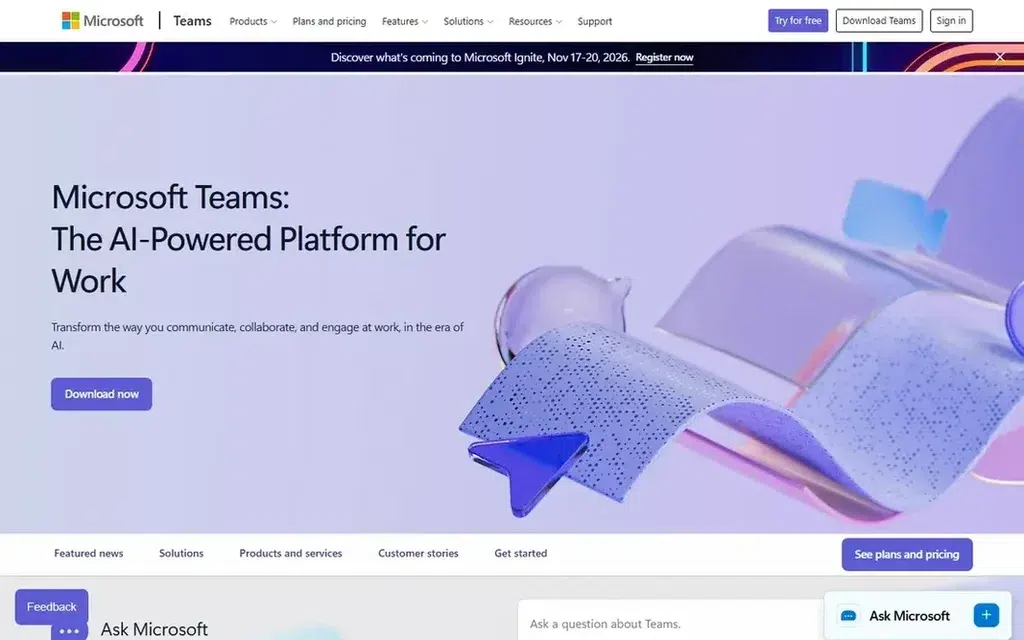
Pick Microsoft Teams if this describes you: all-in-one chat, meetings, and file sharing. Microsoft Teams is a collaboration hub that brings together video conferencing, meetings, and calling with group chat.
Trade-offs to know: Interface can feel dense for new users.
Choose Teams when you need meetings, calling, and file access woven into everyday team communication. Check the vendor site for Microsoft Teams pricing; none is listed in this comparison. Free options: Not stated.
- Merges chat, meetings, calling
- Keeps tools and files in one place
- Feature depth may overwhelm small teams
Trello is a good fit for visual task and to-do organization. Trello is described as a tool to capture, organize, and tackle to-dos from anywhere, using Inbox, Boards, and Planner even on mobile. In practice, Trello is not aimed at live chat, video meetings, or complicated workflow automation.
Honest limits: Not a chat or meeting product.
So it complements rather than replaces a communication app. Also, choose Trello when straightforward, visual task organization is the primary requirement. Trello does well for light planning and personal or small-team task management. On cost, Trello starts like this: $5 per user per month. Trello includes a free tier.
- Boards, Inbox
- Straightforward visual organization
- Restricted for complicated project workflows
Choose Asana for work and project management for teams. Pick Asana when project and workflow management is the core need, not general team chat.
Strengths: execute workflows.
The main drawbacks: Not a primary chat or video tool.
It suits teams that require structure around projects, tasks, and processes instead of just conversation. Asana cost at the entry level: $10.99 per user per month. You can start on Asana without paying.
- Supports human and AI agent teams
- Focus on critical work management
- Needs setup to reflect team processes
How we built this list
We compared the tools on published pricing, free plan or trial availability, feature coverage for team app with software, and the limits each vendor documents. Treat prices as a snapshot: vendors change plans often, so check the vendor site for the figure that applies today. We ordered the tools by general fit, then by how clearly pricing is shown, then by free access. A buyer with unusual needs may reorder them.
Questions to settle before buying
- Get a written quote from Zoom Workplace and Microsoft Teams; the list shows no starting price for them.
- Read the fine print on the free plans from Slack, Trello and Asana; seat, project and feature caps differ.
- Read the limits listed for Slack first: can become noisy without channel discipline.
- Ask Zoom Workplace whether prices are locked for the first term and what happens at renewal.
- Find out whether the entry plan of Asana covers your must-haves or only a trimmed-down version.
FAQ
How are the tools for team app with software ordered?
The order follows typical fit for team app with software, with Slack first and Asana last, then price clarity and free access. It is editorial judgement, not a score, so another team could rank the tools differently.
What should a team app with software contain?
A team app with software usually merges messaging with collaboration features like file sharing, meetings, or task management. Compare tools by the core workflow you want to centralize.
Can Asana or Trello replace a chat app?
No, Asana and Trello focus on work and task management instead of live chat or video meetings. Choose them when project structure and task visibility are the primary needs.
Which options for team app with software have a free plan?
On this list, Slack, Trello and Asana include a free plan. Caps on seats, usage or features are common, so test the free plan against your real workload.
Is Slack the right pick for everyone comparing team app with software?
No single tool suits every team. Slack comes first because it fits organized team messaging and workflow automation, while Zoom Workplace suits video-first collaboration with chat and phone and Microsoft Teams suits all-in-one chat, meetings, and file sharing. Match the tool to your own size, budget and workflow before deciding.
Do these tools publish their prices?
Not all of them. Zoom Workplace and Microsoft Teams publish no starting price, so expect a quote request for those. The rest, Slack included, show a starting price, though seats and billing terms still change the final cost. All 5 picks in this team app with software comparison list a starting price, free plan details and the main limits on their cards above.
Sources
- https://slack.com
- https://www.zoom.com
- https://www.microsoft.com/en-us/microsoft-teams/group-chat-software
- https://trello.com
- https://asana.com