The 5 Best Systems Engineering & MBSE Tools in 2026, Ranked
5 best systems engineering & MBSE tools, compared on pricing, free plans and best-fit use. Fit and flaws are laid out for each entry. Current for November 2026.
- Editor's choiceDassault Systèmes CATIA Magic
Multi-domain modeling and systems design
Starts atPricing on requestVisit 3ds.comFull review - Great alternativeSiemens Polarion
Application lifecycle management
Starts atPricing on requestVisit polarion.plm.automation.siemens.comFull review - Also considerMathWorks Simulink
Simulation and model-based design
Starts atPricing on requestVisit mathworks.comFull review
Direct answer
If you need multi-domain modeling and systems design, Dassault Systèmes CATIA Magic is the first tool to look at here. Alternatives: Siemens Polarion for application lifecycle management, and MathWorks Simulink for simulation and model-based design. Details and limits for the rest of the 5 tools are below. None of these vendors publish plan prices, so pricing is on request for every option.
TL;DR:
- This list starts with Dassault Systèmes CATIA Magic, which is built for multi-domain modeling and systems design.
- What to know about IBM Engineering Systems Design Rhapsody first: may need training to use effectively.
- A permanent free plan is missing from all 5 tools, Dassault Systèmes CATIA Magic and Siemens Teamcenter included; plan for a trial or a premium start.
- Siemens Teamcenter fits product lifecycle data management.
Last checked November 2026. Pricing on request: vendors did not publish plan prices when this guide was last checked (November 2026), so ask each vendor for a written quote.
Quick comparison
| Tool | Best for | Starts at | Free plan? | |
|---|---|---|---|---|
| Dassault Systèmes CATIA Magic | Multi-domain modeling and systems design | Pricing on request | Not stated | Visit |
| Siemens Polarion | Application lifecycle management | Pricing on request | Not stated | Visit |
| MathWorks Simulink | Simulation and model-based design | Pricing on request | Free trial | Visit |
| IBM Engineering Systems Design Rhapsody | Model-based systems engineering with simulation | Pricing on request | Not stated | Visit |
 Siemens Teamcenter | Product lifecycle data management | Pricing on request | Not stated | Visit |
Systems Engineering & MBSE Tools, one by one
If you are comparing systems engineering & MBSE tools, this page covers 5 tools in one place: what each is best for, what it costs to start, whether it has a free plan, and the main limit to know about.
Dassault Systèmes CATIA Magic
Best for: Multi-domain modeling and systems design
Dassault Systèmes CATIA Magic is aimed squarely at multi-domain modeling and systems design. Dassault Systèmes CATIA Magic is a model-based systems engineering option that helps optimize complicated systems design and integrate multi-domain modeling for innovative products.
Downsides: Can be complicated to set up.
On top of that, organizations already using Dassault tools may find integration smoother. If your focus is primarily on software requirements and test traceability, an ALM tool like Polarion or Helix ALM could be more direct. Dassault Systèmes CATIA Magic does not show a starting price in this comparison, so check the vendor site for current pricing. As for free access: Not stated.
- Integrates multi-domain modeling
- Part of the CATIA portfolio
- May need familiarity with Dassault tools
Siemens Polarion
Best for: Application lifecycle management
Siemens Polarion is designed for application lifecycle management. Siemens Polarion is application lifecycle management software that helps teams define, build, test, and handle complicated software systems in a unified, browser-based option.
Where it is weaker: Centred on software systems.
From a buyer's view, Polarion is a solid fit for software-intensive systems where ALM discipline is important. Choose Polarion when software lifecycle traceability is the central requirement. Siemens Polarion does not show a starting price in this comparison, so check the vendor site for current pricing. Free plan details: Not stated.
- Supports complicated software systems
- Unified browser-based option
- May need configuration for workflows
MathWorks Simulink
Best for: Simulation and model-based design
MathWorks Simulink targets simulation and model-based design. MathWorks Simulink is a block diagram environment for model-based design. It is widely used in control engineering and signal processing contexts.
Trade-offs to know: May need MATLAB integration.
In daily use, Simulink is oriented toward embedded systems and model-based design instead of enterprise-wide systems engineering. It may not offer the full lifecycle traceability that PLM or ALM tools offer. If you need requirements management and test traceability across large projects, pair Simulink with an ALM tool like Polarion or Helix ALM. This comparison lists no price for MathWorks Simulink; ask the vendor. Free options: Free trial.
- Automatic code generation
- Continuous testing support
- Focus on embedded systems
IBM Engineering Systems Design Rhapsody
Best for: Model-based systems engineering with simulation
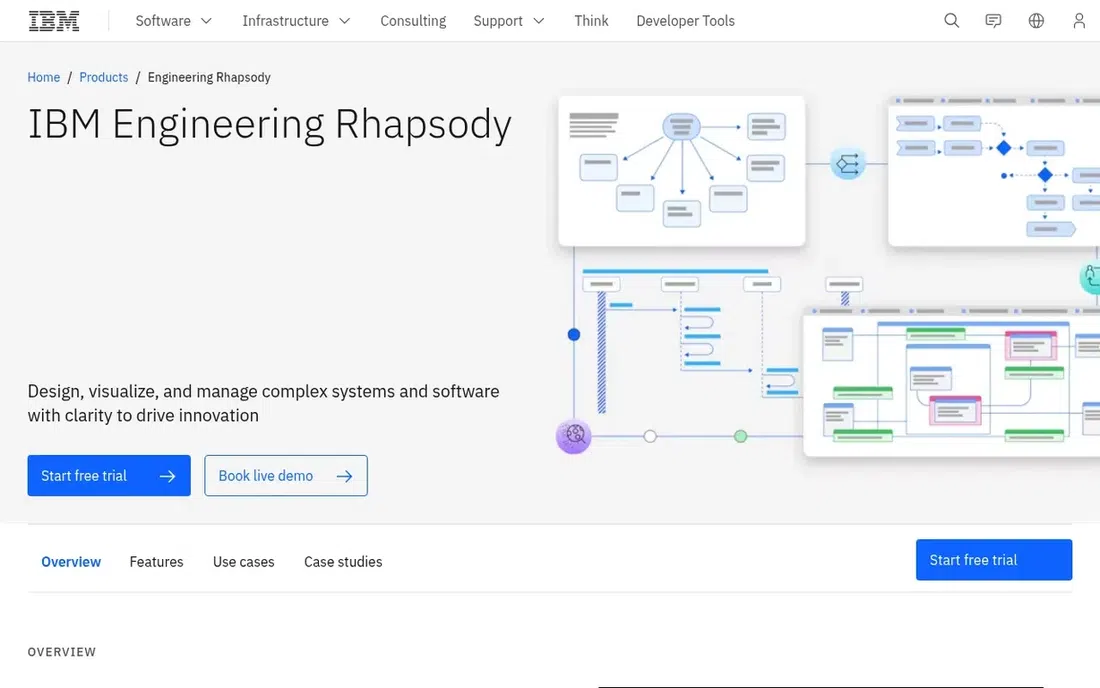
IBM Engineering Systems Design Rhapsody serves model-based systems engineering with simulation. It helps teams design and handle complicated systems, making it a fit for organizations that require to verify system behavior early in development.
As for the details, consider Rhapsody when modeling and simulation are the core requirements. IBM Engineering Systems Design Rhapsody shows no starting price here, so confirm the cost on the vendor site. Free access: Not stated.
Drawbacks to consider: May need training to use effectively.
- Supports simulation and validation
- Aimed at complicated systems
- Concentrated on systems modeling, not full PLM
Think of Siemens Teamcenter for product lifecycle data management. If you need light modeling without full PLM overhead, a dedicated MBSE tool like Rhapsody or CATIA Magic may be more appropriate.
Drawbacks to consider: Implementation can be complicated.
Teams looking for a central backbone for product data across disciplines will find Teamcenter a capable candidate. Check the vendor site for Siemens Teamcenter pricing; none is listed in this comparison. On free options: Not stated.
- Wide PLM scope
- Connects people and processes
- May be heavy for small teams
How the list was put together
Selection started from tools commonly considered for systems engineering & MBSE tools, then narrowed to 5 that have clear pricing information or a clear quote process. Where a vendor does not publish a price, the entry says quote. Where a price depends on seats or billing term, the entry says so. The ranking is editorial: typical fit first, then clear pricing, then free access. If your needs are unusual, read the profiles rather than relying on position.
Before you commit
- Request quotes from Dassault Systèmes CATIA Magic, Siemens Teamcenter and the others; the list shows no fixed prices.
- Run a trial of MathWorks Simulink with real work before paying for a year; your own workflow is the best test.
- Read the limits listed for Dassault Systèmes CATIA Magic first: may need familiarity with Dassault tools.
- See whether Dassault Systèmes CATIA Magic offers onboarding or training, and whether it is included in the price.
- Price Siemens Teamcenter for your actual team size; headline prices rarely include add-ons or overage.
FAQ
What is the difference between MBSE and ALM tools?
MBSE tools focus on modeling system architecture and behavior, commonly with simulation. ALM tools focus on managing requirements, tests, and issues across the development lifecycle. Some organizations use both together for full coverage.
How are the tools for systems engineering & MBSE tools ordered?
The order follows typical fit for systems engineering & MBSE tools, with Dassault Systèmes CATIA Magic first and Siemens Teamcenter last, then price clarity and free access. It is editorial judgement, not a score, so another team could rank the tools differently.
Do these tools publish their prices?
No. None of the tools, from Dassault Systèmes CATIA Magic to Siemens Teamcenter, shows a fixed starting price here, so budget time for quotes.
Does any tool for systems engineering & MBSE tools here have a free plan?
No tool in this list, Dassault Systèmes CATIA Magic and Siemens Teamcenter included, has a permanent free plan. MathWorks Simulink offer a trial. Trials and quotes are the usual route, so plan a short evaluation period.
Is Dassault Systèmes CATIA Magic the right pick for everyone comparing systems engineering & MBSE tools?
No single tool suits every team. Dassault Systèmes CATIA Magic comes first because it fits multi-domain modeling and systems design, while Siemens Polarion suits application lifecycle management and MathWorks Simulink suits simulation and model-based design. Match the tool to your own size, budget and workflow before deciding.
Sources
- https://www.3ds.com/products/catia/catia-magic
- https://polarion.plm.automation.siemens.com
- https://www.mathworks.com/products/simulink.html
- https://www.ibm.com/products/systems-design-rhapsody
- https://plm.sw.siemens.com/en-US/teamcenter