Best Synthetic Monitoring Tools for Checkout Flows (2026): 6 Picks Checked on Vendor Pages
Searching for the best Synthetic monitoring tools for checkout flows? Here are 6 options with prices and free plans. Details on cost, catches and fit.
- Editor's choiceDynatrace Synthetic Monitoring
Service-level and business transaction insight
Starts atSee websiteVisit dynatrace.comFull review - Great alternativeUptrends
Outside-in monitoring from plenty of locations
Starts at$42 per monthVisit uptrends.comFull review - Also consider
 Checkly
Developer-operated active reliability
Starts at$24 a monthVisit checklyhq.comFull review
Direct answer
Dynatrace Synthetic Monitoring comes first here, mainly for service-level and business transaction insight. Listed starting prices: Uptrends from $42 per month, Checkly from $24 a month and UptimeRobot from $9 a month. Alternatives: Uptrends for outside-in monitoring from many locations, and Checkly for developer-operated active reliability. The remaining 3 options are covered below with prices and limits.
TL;DR:
- Dynatrace Synthetic Monitoring is the opening pick, best for service-level and business transaction insight.
- UptimeRobot is the lowest-priced starter here at $9 per month.
- Datadog Synthetic Monitoring suits all-in-one journey discovery and debugging.
- Checkly, UptimeRobot: these are the 2 tools out of 6 that offer a free plan.
Last checked November 2026. Prices and plan details were read from the vendors' own pages in November 2026; vendors change plans often, so confirm the current price on the vendor site before you buy.
Quick comparison
| Tool | Best for | Starts at | Free plan? | |
|---|---|---|---|---|
| Dynatrace Synthetic Monitoring | Service-level and business transaction insight | See website | Not stated | Visit |
| Uptrends | Outside-in monitoring from plenty of locations | $42 per month | Free trial | Visit |
| Checkly | Developer-operated active reliability | $24 a month | Yes | Visit |
 UptimeRobot | Straightforward, quick-start website monitoring | $9 a month | Yes | Visit |
 Site24x7 | Wide IT and digital experience monitoring | See website | Not stated | Visit |
| Datadog Synthetic Monitoring | All-in-one journey discovery and debugging | See website | Not stated | Visit |
6 Synthetic monitoring tools for checkout flows in detail
Short on time? The summary and table above give the quick view of 6 Synthetic monitoring tools for checkout flows, and the profiles that follow give the detail behind each entry.
Dynatrace Synthetic Monitoring
Best for: Service-level and business transaction insight
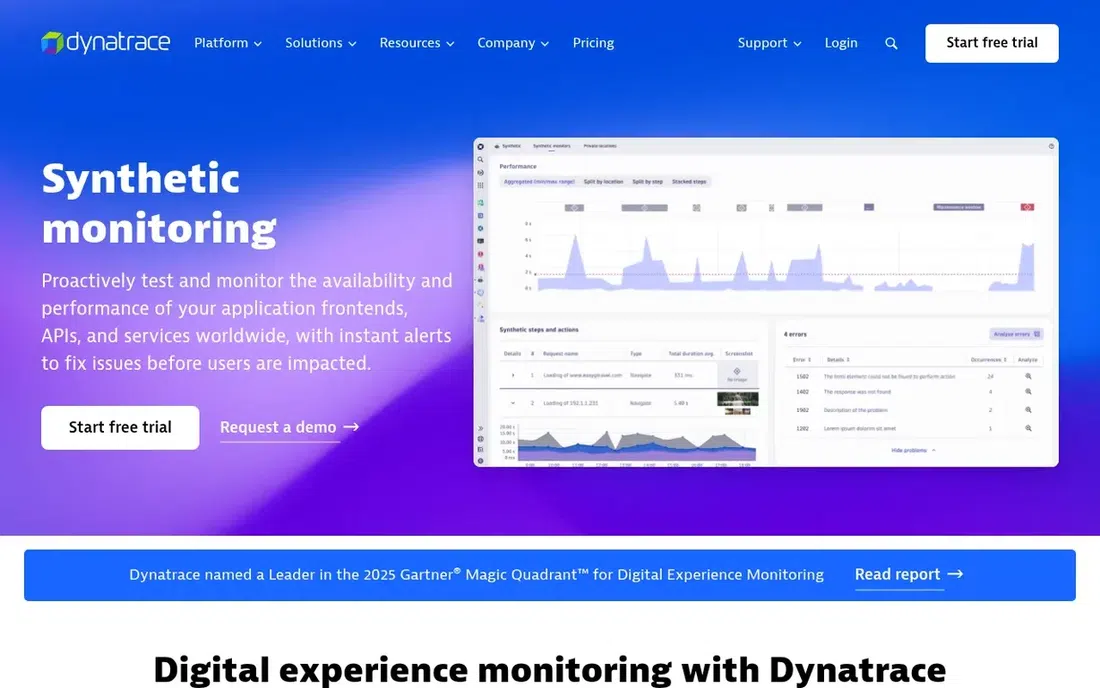
Dynatrace Synthetic Monitoring makes the most sense for service-level and business transaction insight. Dynatrace Synthetic Monitoring gives you the information needed to understand service levels, system availability, and key business transactions.
The tool is aimed at teams that require a structured view of availability across critical transactions. No starting price is listed for Dynatrace Synthetic Monitoring here; confirm pricing on the vendor site. On free options: Not stated.
Trade-offs to know: Can be heavy for small teams.
- Focus on service levels and availability
- Tracks key business transactions
- Needs planning to align with business metrics
Uptrends
Best for: Outside-in monitoring from plenty of locations
Uptrends is designed for outside-in monitoring from plenty of locations. The service is built for organizations that value wide location coverage. Advanced journey monitoring may need initial setup effort.
Uptrends supplies digital experience monitoring for web and API user journeys from numerous locations worldwide and feeds outside-in synthetic insights into your open observability system. On top of that, teams without an observability product may not completely use the integration benefits. The starting price for Uptrends: $42 per month. On free options: Free trial.
Trade-offs to know: May need setup for advanced journeys.
- Wide location coverage
- Watches web and API user journeys
- Most useful for teams with observability stacks
Where Checkly fits: developer-operated active reliability. Non-developer teams may find it less approachable.
From a buyer's view, choose Checkly when developer ownership and clear health signals are more important than wide business dashboards. Starting cost for Checkly: $24 per month. Checkly includes a free tier.
Where it falls short: Less concentrated on business-level reporting.
- Made for developer operation
- Fits agent-assisted workflows
- May need developer involvement
UptimeRobot makes the most sense for straightforward, quick-start website monitoring. In practice, the tool is less suited to complicated multi-step checkout journey scripting.
Points against: May not suit advanced checkout scripting.
The service is built for simplicity and quick onboarding. On top of that, pick UptimeRobot when you want straightforward uptime and keyword checks for checkout pages instead of full journey simulation. Entry price for UptimeRobot: $9 per month. You can start on UptimeRobot without paying.
- Cron checks
- Quick setup
- Less depth for complicated journeys
In short, Site24x7 is for wide IT and digital experience monitoring. The product is aimed at organizations that require visibility across plenty of systems. Beyond that, Site24x7 supplies digital experience management and observability for your whole IT environment, monitoring the health and performance of websites, servers, networks, applications, and cloud systems with instant alerts.
The breadth of monitoring can make initial configuration complicated. More specifically, consider Site24x7 when you want checkout monitoring integrated with wider infrastructure and application oversight. No starting price is listed for Site24x7 here; confirm pricing on the vendor site. As for free access: Not stated.
Where it is weaker: May contain features beyond checkout needs.
- Includes websites, servers, cloud
- Instant alerts via several channels
- Can be complicated to configure completely
Datadog Synthetic Monitoring
Best for: All-in-one journey discovery and debugging
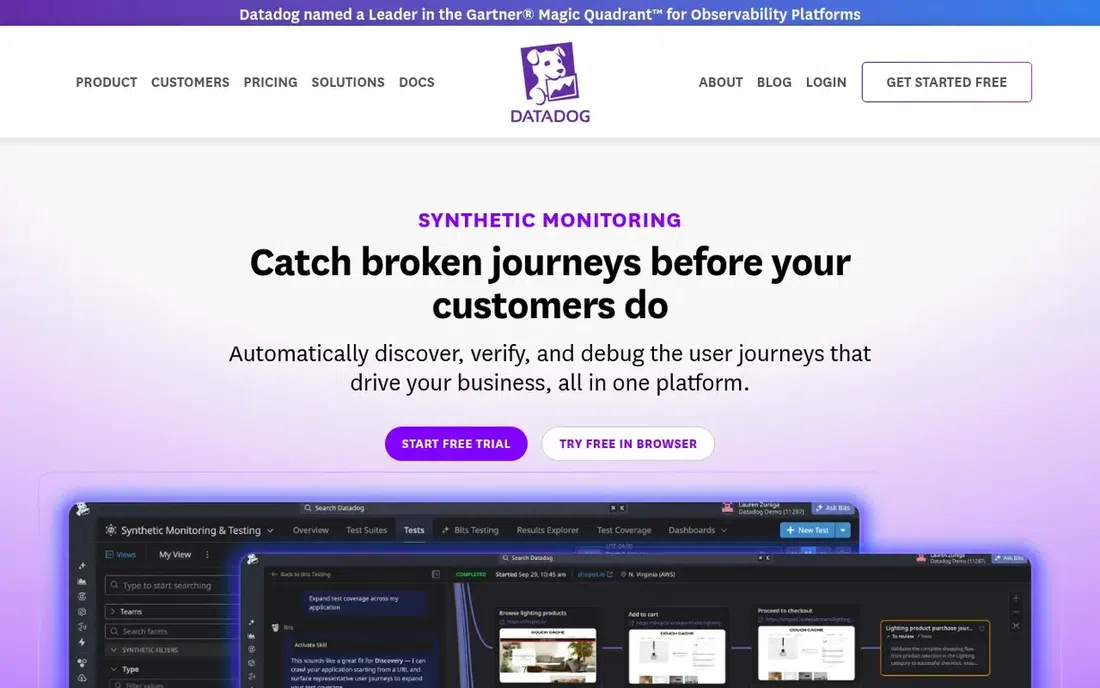
Datadog Synthetic Monitoring is designed for all-in-one journey discovery and debugging. The system is meant to help you catch issues before they affect customers. More specifically, the system may be more than small teams need if they only need entry-level uptime checks.
Its full value emerges when paired with other Datadog products, so teams outside that ecosystem should weigh integration benefits. Consider a more straightforward tool if you only need light checkout monitoring without deep debugging. Pricing for Datadog Synthetic Monitoring is not stated here, so ask the vendor for current figures. On free options: Not stated.
Downsides: May be complicated for straightforward needs.
- Automatic discovery of user journeys
- Verification and debugging in one product
- Best value within the Datadog ecosystem
How we built this list
LinkVetted used vendor pricing pages and product documentation as the base, then compared plans, free access and documented limits for 6 tools. Plan names, prices and limits change often. Treat the figures here as a starting point and verify them with the vendor. Tools are placed by general fit for Synthetic monitoring tools for checkout flows, with price clarity and free access as tie-breakers. A different team can reasonably rank them differently.
What to check before you buy
- Ask Dynatrace Synthetic Monitoring, Site24x7 and Datadog Synthetic Monitoring for a written quote, since no starting price is shown.
- Check what the free option really includes: Checkly and UptimeRobot offer a free plan, and usage caps differ.
- Use real work to test the free trial from Uptrends, rather than a demo project.
- Before choosing Dynatrace Synthetic Monitoring, weigh its main limit: can be heavy for small teams.
- Ask the daily users to test UptimeRobot on a live task before you roll it out to everyone.
- Test how quickly Dynatrace Synthetic Monitoring answers a pre-sales question; it hints at how support will feel later.
FAQ
Is a developer-focused tool like Checkly right for checkout monitoring?
It can suit checkout monitoring if your team wants checks managed as code and integrated into development workflows. It is less oriented toward business-level reporting.
Can I try these tools before paying?
Often, yes. Checkly and UptimeRobot have a free plan and Uptrends offers a free trial. Use your own data and a real task during the test, and check what the free tier or trial limits before you rely on it.
Can straightforward tools like UptimeRobot monitor checkout flows effectively?
UptimeRobot supports keyword and SSL monitoring with quick setup, which can handle entry-level checkout availability checks. For complicated multi-step checkout journeys, a more advanced synthetic monitoring tool is typically a better fit.
How do Datadog and Dynatrace differ for checkout monitoring?
The better fit relies on whether you prioritize automatic journey coverage or service-level reporting.
Which options for Synthetic monitoring tools for checkout flows have a free plan?
Checkly and UptimeRobot offer a free plan in this list. Free plans usually cap users, projects or features, so check the limits on the vendor page. One other tool offers a trial instead.
Is Dynatrace Synthetic Monitoring the right pick for everyone comparing Synthetic monitoring tools for checkout flows?
No single tool suits every team. Dynatrace Synthetic Monitoring comes first because it fits service-level and business transaction insight, while Uptrends suits outside-in monitoring from many locations and Checkly suits developer-operated active reliability. Match the tool to your own size, budget and workflow before deciding.
Sources
- https://www.dynatrace.com/platform/synthetic-monitoring
- https://www.uptrends.com
- https://www.checklyhq.com
- https://uptimerobot.com
- https://www.site24x7.com
- https://www.datadoghq.com/product/synthetic-monitoring