Choosing Survey Tools for Digital PR Data in 2026: 6 Options Compared
A practical look at the best survey tools for digital PR data in 2026, compared from vendor documentation, with fit, limits and what to check first.
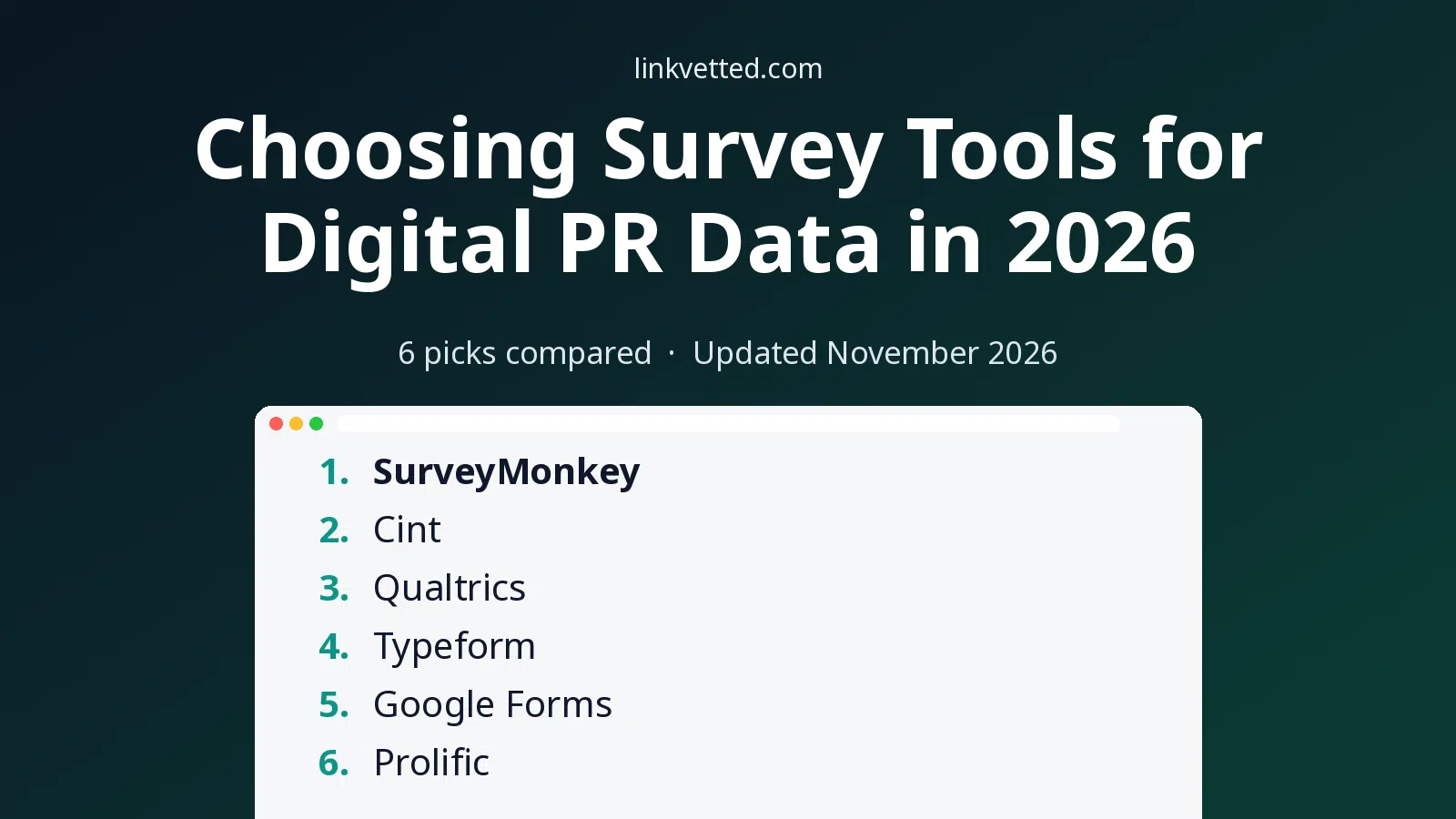
- Editor's choice
 SurveyMonkey
All-round survey building and export
Starts atSee websiteVisit surveymonkey.comFull review - Great alternativeCint
Panel and audience sourcing with quotas
Starts atSee websiteVisit cint.comFull review - Also consider
 Qualtrics
Deep analysis and research programmes
Starts atSee websiteVisit qualtrics.comFull review
Direct answer
My first pick is SurveyMonkey, because it covers the whole path from writing questions to exporting clean crosstabs that a digital PR campaign can cite. For teams that want tighter panel sourcing and quota control, I point people to Cint. For agencies that already live inside a research suite and need advanced analysis, Qualtrics is the third name I mention. Each fits a different workflow, so the right choice depends on how you source respondents and how you publish the data.
TL;DR:
- Digital PR data usually needs a defensible sample, so panel sourcing matters as much as question design.
- SurveyMonkey is the easiest starting point for most small agencies that need to field and export a study quickly.
- Cint is built around audience and panel access, which helps when you need specific quotas rather than a general sample.
- Qualtrics suits teams that want deeper analysis and a research platform rather than a simple form builder.
- Always check export formats and crosstab options before you commit, because that is where PR data work often breaks down.
Last checked November 2026. Plan prices are not quoted in this guide because they change often; see each vendor's own pricing page for current figures before you buy.
Quick comparison
| Tool | Best for | Starts at | Free plan? | |
|---|---|---|---|---|
| SurveyMonkey | All-round survey building and export | See website | Free plan | Visit |
| Cint | Panel and audience sourcing with quotas | See website | Not stated | Visit |
| Qualtrics | Deep analysis and research programmes | See website | Not stated | Visit |
 Typeform | Respondent-friendly survey design | See website | Free plan | Visit |
 Google Forms | Quick, low-cost internal polls | See website | Free plan | Visit |
 Prolific | Sourcing research participants | See website | Not stated | Visit |
The best survey tools for digital pr data compared
I put this list together by reading vendor documentation and public sources, not by running hands-on tests. I looked at how each tool handles question design, respondent sourcing, quotas, exports and crosstabs, because those are the parts that decide whether a digital PR study holds up. Where a tool is strong in one area and weak in another, I say so plainly.
SurveyMonkey is the tool most small agencies reach for first. It is a general survey platform with a straightforward builder, templates and reporting, and it fits teams that need to write a study, field it and pull results without a research department. For digital PR, that usually means a short consumer survey on a topical angle, then a clean data set to base a story on.
In a digital PR workflow, the useful parts are the question logic, the ability to run a study across a defined audience and the export options that let you move results into a spreadsheet for crosstabs. If your story depends on a split by age, region or habit, you can build that into the survey and check the numbers before you pitch. The reporting views also help when you need a simple chart for a draft.
The limit is depth. If you need complex quota management or heavy statistical work, the platform can feel like it stops short, and you may end up exporting to another tool. Teams that only run one or two studies a year will likely find it more than enough, while research-heavy teams may outgrow it.
- Clear question builder
- Good export and reporting options
- Widely recognised by clients
- Advanced analysis needs higher tiers
- Panel sourcing is a separate consideration
Cint
Best for: Panel and audience sourcing with quotas
Cint is an audience and panel platform rather than a basic survey builder. It connects research buyers with respondents and gives control over who takes part, which is the part that matters most when a digital PR story rests on a claim about a specific group. It fits agencies and in-house teams that need a defined sample rather than whoever happens to answer a link.
For digital PR data, Cint helps at the sampling stage. You can set the profile of respondents you want and manage quotas so the final data reflects the audience you plan to talk about. That reduces the risk of a story built on a skewed group. The platform is usually paired with a survey tool for the questionnaire itself, so think of it as the sourcing layer.
The drawback is that it is not a quick self-serve form builder. If your need is a simple poll for a blog post, this is more infrastructure than you need. It suits teams that already run research projects and want the audience side handled properly, not someone fielding a one-off survey for the first time.
- Large audience access
- Quota and targeting controls
- Built for research buyers
- Not a simple form builder
- Onboarding is aimed at research workflows
Qualtrics is a research platform used by larger organisations for surveys, experience management and analysis. For digital PR, it fits teams that want to run a study with proper structure, complex question types and analysis beyond simple percentages. It is the option I mention when someone says they need crosstabs, weighting or a research-grade workflow.
The strength is in the depth. You can build branching questionnaires, manage samples and analyse results in more detail than a basic builder allows. That helps when a story depends on a subgroup and you need to be confident the numbers are sound before you publish. It also suits agencies that run studies regularly and want one place for the data.
The trade-off is weight. A small PR team fielding one survey will find it more than they need, and the setup takes more planning than a simple form. It is best for teams with a research mindset or an analyst who will use the deeper features. If you just need a quick poll, look elsewhere.
- Strong analysis features
- Good for complex questionnaires
- Widely used in research teams
- More platform than small PR teams need
- Setup takes more planning
Typeform is known for a one-question-at-a-time survey format that feels lighter to respondents. That matters for digital PR because completion rates affect how usable your data is, and a survey that people finish gives you a more complete set of answers. It fits teams that want a polished front end for a short consumer study.
In practice, you would use Typeform to field a compact survey on a topical question, then export the results to a spreadsheet for the analysis behind your story. The design helps with engagement, and sharing a link is simple. For a campaign built on a short, punchy survey, that combination is often enough.
The limits show up when the study gets complex. Quota management and deep crosstabs are not its main strength, so a large segmented study will push you into exports and manual work. Teams running short, design-led surveys will be happy; teams running research-grade studies should pair it with something stronger.
- Clean respondent experience
- Good for short studies
- Simple to share
- Weaker for complex quotas
- Heavy crosstabs need exports
Google Forms is the simplest option on this list. It is a free form builder that puts responses into a spreadsheet, which makes it useful for internal polls, quick checks and early question testing before you commit to a bigger study. For digital PR, it is best seen as a scratchpad rather than the main fielding tool.
The workflow is basic: write questions, share a link, collect answers and analyse them in Sheets. That is fine for testing whether a question makes sense or for a small internal survey. It is not built for controlled sampling, so any claim based on a public link needs care, because you cannot easily say who answered.
The drawback is exactly that lack of control. There is little in the way of quota management, and the analysis is basic, so a story that depends on a representative sample should not rest on it. Use it for early drafts and internal work, then move the real study to a tool built for sampling.
- Simple to start
- Results flow into Sheets
- Easy to share internally
- Limited sampling control
- Basic analysis only
Prolific is a participant recruitment platform used mainly for research studies. It connects researchers with people who opt in to take part, and it offers screening so you can target a profile. For digital PR, it is useful when you want a structured sample for a study and are prepared to build the questionnaire in a separate survey tool.
The value is in the sourcing. You define who you want, recruit participants and then send them to your survey. That suits teams that care about the composition of the sample and are willing to plan the fieldwork. It is a different model from a general consumer panel, so it fits research-style projects more than broad opinion polls.
The limit is that it is not a survey builder and not a general population panel. If your story needs a broad consumer sample, this is the wrong tool. It suits teams running structured studies with a clear participant profile, and it works best when paired with a survey platform you already trust.
- Participants recruited for research
- Screening options
- Suited to structured studies
- Not a general consumer panel
- Questionnaire built elsewhere
How I chose
I built this list from vendor documentation and public sources, and I did not run hands-on tests. That means I looked at what each vendor says about question design, sampling, quotas, exports and analysis, then matched those features to the jobs a digital PR team actually does. I also looked at where each tool stops, because the limits usually decide whether a tool fits a small agency or a research team.
The second filter was fit rather than feature count. A tool with every feature is not helpful if a two-person PR team cannot field a study with it. I kept the list to tools that are real, currently operating and clearly documented, and I left out anything I could not confirm from public sources. Where a tool is strong in one area and weak in another, I say so, so you can judge it against your own workflow rather than a generic score.
What to check before you buy
- Confirm the export formats, because you will likely move data into a spreadsheet for crosstabs before you write the story.
- Check how sampling works and whether you can define and control the audience you plan to talk about.
- Ask whether quota management is included, since a segmented story depends on balanced groups.
- Look at the analysis features you actually need, such as filtering by subgroup, rather than the full feature list.
- Check how the tool handles question logic and screening, which affect data quality more than design does.
- Confirm the terms for publishing results and how the vendor describes respondent sourcing, so your claims are defensible.
FAQ
What makes a survey tool good for digital PR data?
The main things are controlled sampling, quota management and clean exports. A digital PR story usually makes a claim about a group, so you need to know who answered and be able to split the data. A tool that only collects public link responses is fine for a poll but weak for a claim that needs a defined sample.
Do I need a panel provider as well as a survey tool?
Often, yes. Many survey tools handle the questionnaire, while a panel or participant platform handles who takes part. Some tools bundle audience access, but it is worth checking how the sample is sourced before you rely on it. Pairing a builder with a sourcing platform is a common setup for research-led campaigns.
Can I run a digital PR study with a free plan?
A free plan is usually enough to draft questions and test the flow, but not to field a controlled study. Free tiers often limit responses, question logic or exports, which matters when you need crosstabs. Use the free tier to build and test, then move to a paid tier or a dedicated platform for the real fieldwork.
How do I keep survey data usable for a story?
Keep the questionnaire short, screen out people who do not fit the audience, and check the subgroup sizes before you write anything. Export the raw data and build your own crosstabs so you can see what sits behind each percentage. If a subgroup is too small, do not build a claim on it.
Which tool should a small agency start with?
Most small agencies will find SurveyMonkey the easiest starting point, because it covers building, fielding and exporting in one place. If the study needs a tightly defined sample, add a sourcing platform such as Cint or Prolific. Teams that run research regularly and need deeper analysis should look at Qualtrics.
Sources
- https://www.surveymonkey.com
- https://www.cint.com
- https://www.qualtrics.com
- https://www.typeform.com
- https://workspace.google.com/products/forms/
- https://www.prolific.com