Top 6 Online Survey Software for Data Analysis for 2026 (Prices and Free Plans)
Searching for the best online Survey software for data analysis? Here are 6 options with prices and free plans. Short verdicts, no fluff. Compare quickly.
- Editor's choice
 Formstack
Secure forms with document generation and e-signatures
Starts at$83 per monthVisit formstack.comFull review - Great alternative
 QuestionPro
Adaptable surveys with numerous question types
Starts at$83 per user per monthVisit questionpro.comFull review - Also consider
 Typeform
Engaging forms with automatic follow-up workflows
Starts atSee websiteVisit typeform.comFull review
Direct answer
Our first pick is Formstack, best for secure forms with document generation and e-signatures. Listed starting prices: Formstack from $83 per month, QuestionPro from $83 per user per month and SurveyMonkey from $25 per user a month. Alternatives: QuestionPro for adaptable surveys with numerous question types, and Typeform for engaging forms with automatic follow-up workflows. All 6 tools are compared below on price, free plan and limits.
TL;DR:
- Formstack is the opening pick, best for secure forms with document generation and e-signatures.
- For fast, accessible surveys with AI assistance, SurveyMonkey is worth a look.
- SurveyMonkey is the only tool of the 6 with a free plan.
- Before buying Typeform, weigh this: analysis features are entry-level.
Last checked November 2026. Prices and plan details were read from the vendors' own pages in November 2026; vendors change plans often, so confirm the current price on the vendor site before you buy.
Quick comparison
| Tool | Best for | Starts at | Free plan? | |
|---|---|---|---|---|
| Formstack | Secure forms with document generation and e-signatures | $83 per month | Free trial | Visit |
| QuestionPro | Adaptable surveys with numerous question types | $83 per user per month | Free trial | Visit |
| Typeform | Engaging forms with automatic follow-up workflows | See website | Not stated | Visit |
 Qualtrics XM | Advanced experience management and predictive analytics | See website | Not stated | Visit |
 Zoho Survey | Low-cost surveys within the Zoho ecosystem | See website | Not stated | Visit |
 SurveyMonkey | Fast, accessible surveys with AI assistance | $25 per user a month | Yes | Visit |
The best online Survey software for data analysis
This LinkVetted guide covers 6 options for online Survey software for data analysis. Each profile lists a starting price, free plan details, strengths and drawbacks, so you can drop poor fits quickly.
Formstack makes the most sense for secure forms with document generation and e-signatures. Formstack gives you secure forms, document generation, and e-signature tools to simplify workflows.
It helps organizations collect data and automate processes, with a focus on security and simplicity. Worth adding: Formstack's survey and analysis capabilities are not as developed as dedicated survey products. On cost, Formstack starts like this: $83 per month. Trial and free access: Free trial.
Where it is weaker: Survey analysis is secondary.
- Document generation
- ESignature integration
- Focus is on forms and workflows
QuestionPro is a good fit for adaptable surveys with numerous question types. If you prefer a simpler start, SurveyMonkey or Zoho Survey might be simpler, whereas Qualtrics XM gives you more predictive capabilities. The breadth of choices can make the interface feel crowded for new users.
The main drawbacks: Interface can feel dense.
It supports market research, customer feedback, and employee surveys. The product is made for researchers and companies that require adaptability in question design and analysis. QuestionPro starts at: $83 per user per month. Free options: Free trial.
- Ready-made templates
- Supports diverse research needs
- Advanced features may need training
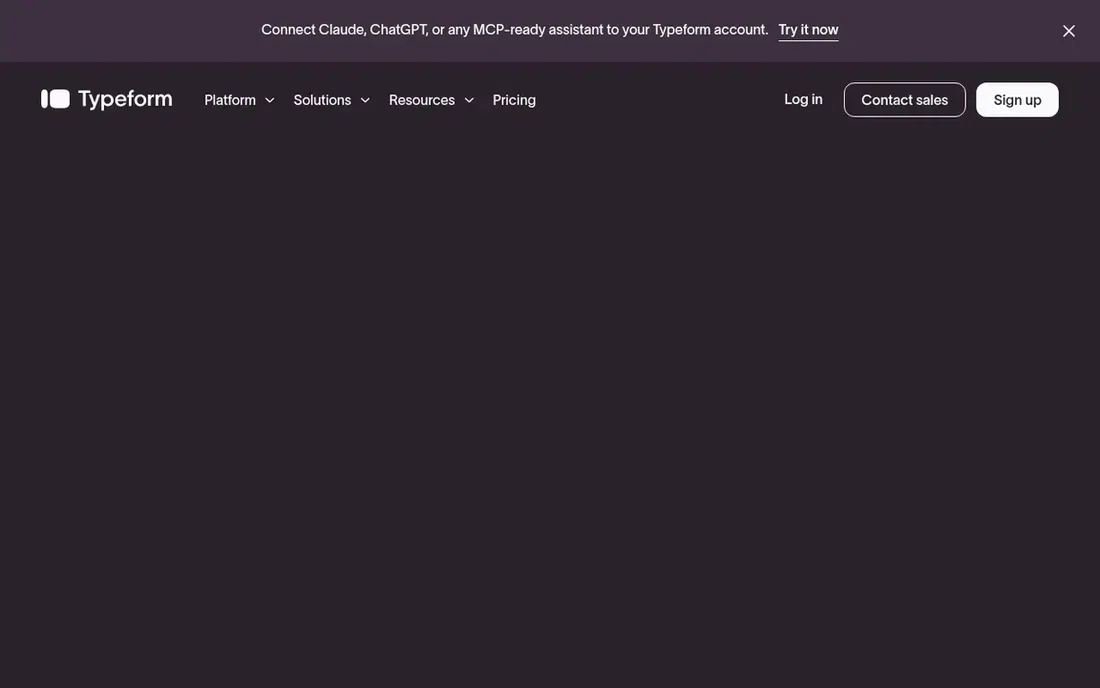
Typeform targets engaging forms with automatic follow-up workflows. The system is noted for its engaging, one-question-at-a-time interface, which can boost completion rates.
Points against: Analysis features are entry-level.
Teams needing complicated cross-tabulation or predictive modeling may find its reporting restricted. For everyday use, for research-heavy projects, consider Qualtrics XM or QuestionPro instead. No starting price is listed for Typeform here; confirm pricing on the vendor site. Free options: Not stated.
- AI-powered automation
- No-code workflow triggers
- Best for lead capture, not deep research
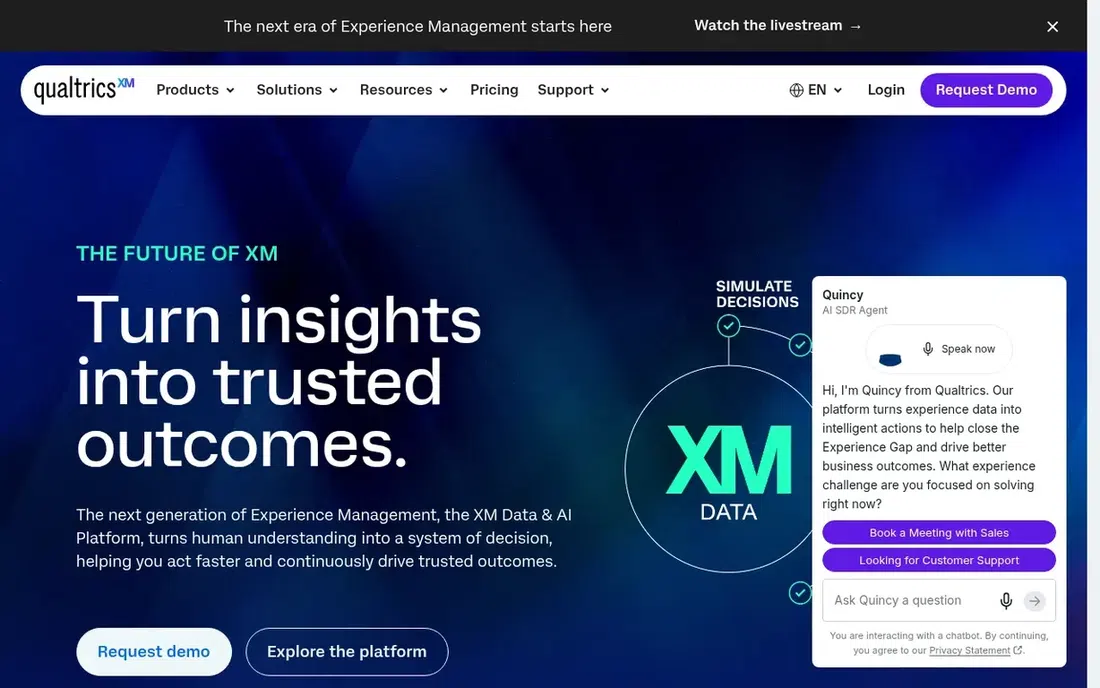
Qualtrics XM is a good fit for advanced experience management and predictive analytics. Qualtrics XM is an experience management product that goes beyond entry-level surveys.
Points against: May need training to use completely.
If you need fast polls or light forms, a more straightforward tool like SurveyMonkey or Zoho Survey may be more appropriate. No starting price is listed for Qualtrics XM here; confirm pricing on the vendor site. On free options: Not stated.
- AI-driven action recommendations
- Predictive experience simulation
- Complicated for straightforward surveys
Zoho Survey is aimed squarely at low-cost surveys within the Zoho ecosystem. Zoho Survey is an online survey maker for market research, feedback questionnaires, and customer satisfaction measurement. It supplies configurable forms and connects with the broader Zoho suite of business applications.
If you need predictive analytics or complicated modeling, Qualtrics XM or QuestionPro are more solid choices. More specifically, for straightforward surveys, it remains a practical choice. No starting price is listed for Zoho Survey here; confirm pricing on the vendor site. Free options: Not stated.
Watch-outs: Best value if already using Zoho.
- Configurable survey forms
- A decent match for market research
- Analysis depth is moderate
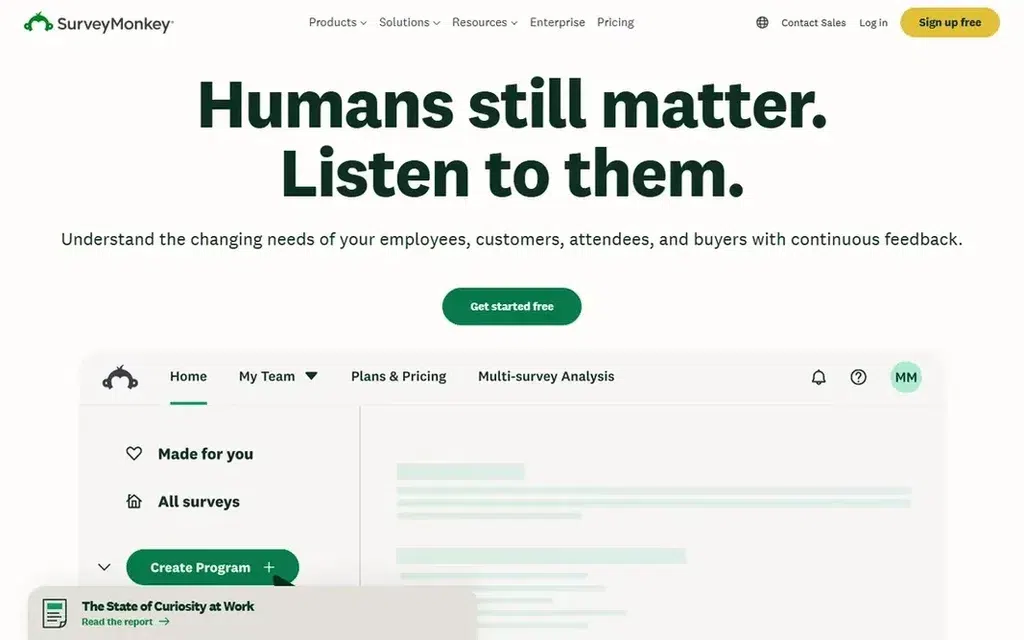
SurveyMonkey makes the most sense for fast, accessible surveys with AI assistance. The system is less suited to complicated experience management programs. Worth adding: the interface is approachable, so teams can launch surveys rapidly without technical skills.
Watch-outs: Restricted predictive features.
From a buyer's view, Whereas SurveyMonkey spans typical analysis needs, advanced statistical work or predictive simulation may need extra tools or integrations. Beyond that, SurveyMonkey is a widely used survey system that makes it simple to build surveys and forms with AI and templates. It supports employee and customer feedback, market research, event registrations, and more. SurveyMonkey starts at: $25 per user per month. SurveyMonkey includes a free tier.
- AI-assisted survey creation
- Large template library
- Advanced analysis may need extras
How the list was put together
We compared the tools on published pricing, free plan or trial availability, feature coverage for online Survey software for data analysis, and the limits each vendor documents. Figures are shown as the vendors publish them. Billing terms, seat minimums and add-ons can change the real cost. Order on the page follows fit for the typical buyer first, then price transparency and free access. Your own requirements should decide the final pick.
What to confirm before you sign up
- Get a written quote from Typeform, Qualtrics XM and Zoho Survey; the list shows no starting price for them.
- Look at the free plan from SurveyMonkey closely: its caps decide whether it is usable for real work.
- Use real work to test the free trial from Formstack and QuestionPro, rather than a demo project.
- Read the limits listed for Formstack first: Survey analysis is secondary.
- Total up the real monthly cost of QuestionPro, including add-ons, extra users and usage-based fees.
- Test the integrations you rely on with Qualtrics XM before committing; some connectors sit on upper tiers.
FAQ
Can I use SurveyMonkey for in-depth research analysis?
For complicated research, products like Qualtrics XM or QuestionPro may be more suitable. SurveyMonkey remains a solid choice for typical feedback needs.
Do these tools publish their prices?
Not all of them. Typeform, Qualtrics XM and Zoho Survey publish no starting price, so expect a quote request for those. The rest, Formstack included, show a starting price, though seats and billing terms still change the final cost.
Can I try these tools before paying?
Often, yes. SurveyMonkey has a free plan and Formstack and QuestionPro offer a free trial. Use your own data and a real task during the test, and check what the free tier or trial limits before you rely on it. For the full picture, the cards above cover all 6 entries of this online Survey software for data analysis list, including price, free plan and limits.
What is the cheapest option for online Survey software for data analysis in this list?
On published monthly entry prices, SurveyMonkey is the lowest here at $25 per user per month. Entry price is only part of the cost, because seats, add-ons and billing terms can change the total. Prices, free plan details and limits for all 6 tools in this online Survey software for data analysis roundup sit on the individual cards above.
Which options for online Survey software for data analysis have a free plan?
SurveyMonkey is the only tool in this list with a free plan. Free plans usually cap users, projects or features, so check the limits on the vendor page. Several others offer a trial instead. Each of the 6 options in this online Survey software for data analysis guide has its own card above with the price, free plan and limits.
Sources
- https://www.formstack.com
- https://www.questionpro.com
- https://www.typeform.com
- https://www.qualtrics.com
- https://www.zoho.com/survey
- https://www.surveymonkey.com