Best Data Pipeline Software in 2026: 8 Tools Compared
Compare the best data pipeline software reviews for 2026, with pricing, connectors, orchestration and fit for small teams and large data teams in full.
- Editor's choice
 Fivetran
Managed connectors for growing teams
Starts atSee websiteVisit fivetran.comFull review - Great alternative
 Airbyte
Open source and flexible ELT
Starts at$20 per monthVisit airbyte.comFull review - Also consider
 Apache Airflow
Custom orchestration and scheduling
Starts atFreeVisit airflow.apache.orgFull review
TL;DR:
- Fivetran and Airbyte suit teams that want managed connectors and less pipeline code to maintain.
- Apache Airflow suits teams that need full control over scheduling, dependencies and custom logic.
- AWS Glue and Azure Data Factory make most sense inside their own cloud ecosystems.
- Usage based pricing means a small pilot with real data is the best way to compare total cost.
- Stitch and Talend sit at opposite ends of the range, with simple loading on one side and broad enterprise integration on the other.
Quick comparison
| Tool | Best for | Starts at | Free plan? | |
|---|---|---|---|---|
| Fivetran | Managed connectors for growing teams | See website | Yes | Visit |
| Airbyte | Open source and flexible ELT | $20 per month | Yes | Visit |
| Apache Airflow | Custom orchestration and scheduling | Free | Yes | Visit |
 Talend | Enterprise integration and data quality | See website | No | Visit |
 Informatica Cloud | Large enterprise data integration | See website | Free trial | Visit |
 AWS Glue | Serverless ETL inside AWS | See website | No | Visit |
 Azure Data Factory | Pipelines inside Microsoft Azure | See website | No | Visit |
 Stitch | Simple loading for small teams | $100 per month | Free trial | Visit |
The best data pipeline software
These tools move data from apps, databases and files into a warehouse or lake where analysts can use it. We compared connector coverage, orchestration, pricing shape and how much engineering work each one demands.
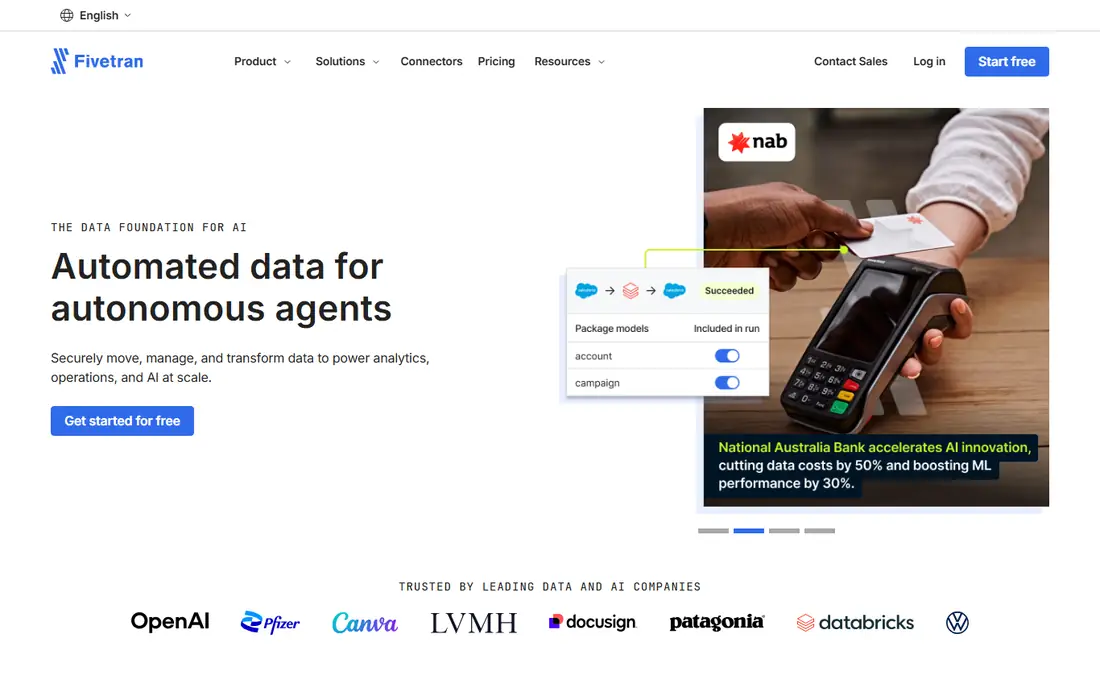
Fivetran is a managed extract, load and transform service that keeps connectors running without a dedicated pipeline team. It handles schema changes, retries and incremental loads, which is why many analytics teams choose it when reporting depends on data arriving on time. The catalog covers common databases, SaaS apps and files, and new sources can be added without writing a custom connector for each one.
The catch is cost control. Pricing is based on monthly active rows, so tables with frequent updates can cost more than a first estimate suggests. Teams should measure row churn before committing, and use the free tier to test the sources that matter most. For teams that value reliability over lowest price, Fivetran remains a strong default choice.
- Large managed connector catalog
- Automated schema changes
- Strong reliability features
- Usage based cost can rise fast
- Less control over custom logic
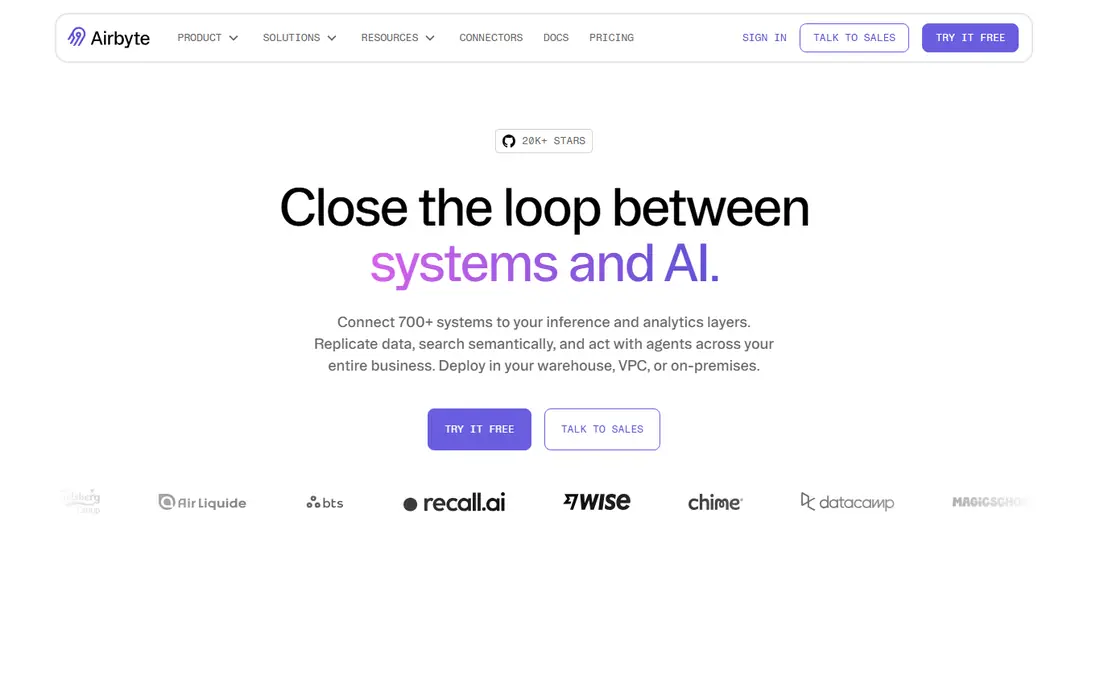
Airbyte offers both an open source edition and a managed cloud service, which gives teams a path from a free start to a supported deployment. Its connector builder and community connectors help with sources that are not in the main catalog. For teams that want to avoid being tied to one vendor, the open source option is a real advantage.
The cloud plans start at a low monthly price, but usage is measured in credits, so a busy pipeline can move past the entry tier. Self hosting removes the vendor bill but adds infrastructure, monitoring and upgrade work. Airbyte fits best for teams that have some engineering capacity and want control over where data runs.
- Open source edition to self host
- Large connector catalog
- Cloud and hybrid options
- Self hosting needs engineering time
- Cloud credits need careful tracking

Apache Airflow is an orchestration platform rather than a ready made connector service. Teams define directed acyclic graphs in Python, schedule them, retry failed tasks and watch runs in a web interface. That flexibility makes it popular for complex workflows that mix data loading, transformation, quality checks and alerts in one place.
Airflow does not, by itself, provide hundreds of managed connectors. Teams often pair it with Airbyte, Fivetran, dbt or custom code. That combination can be powerful, but it also means the team owns deployment, scaling and upgrades. It is the right pick when control and custom logic matter more than a fully managed service.
- Free and open source
- Large community
- Flexible Python based workflows
- Needs setup and maintenance
- Not a connector library by itself
Talend, now part of Qlik, covers data integration, transformation and quality in one platform. It suits organizations that need to connect many systems, clean data before it reaches analysts and enforce rules across teams. Visual design tools help data engineers build jobs without writing every step by hand, while code level options remain for complex work.
The trade off is complexity and price opacity. Pricing is quote based, so budgeting requires a sales conversation and a clear picture of volume and users. Smaller teams may find the platform more than they need. Larger organizations with governance needs will get more value from its breadth.
- Broad integration and transformation tools
- Data quality features
- Governance options
- Quote based pricing
- Learning curve for new users
Informatica Cloud Data Integration serves large companies that move data across cloud apps, on premises systems and warehouses. It includes mapping, transformation and governance features that help central data teams keep definitions consistent. That depth is useful when many departments depend on the same data and when compliance rules shape how data can move.
For a small team, Informatica can feel large and costly. Pricing is quote based and implementation often needs planning. The fit improves when the organization already uses Informatica for governance or master data, or when it needs enterprise controls that lighter tools do not provide.
- Deep enterprise integration
- Data governance
- Broad source support
- Quote based pricing
- Can be heavy for small teams
AWS Glue is a serverless data integration service for teams already running on Amazon Web Services. It can discover schemas, run Spark or Python jobs and move data between S3, Redshift, RDS and other AWS services. Because there are no servers to manage, teams can focus on jobs rather than clusters, and costs follow actual compute use.
The limitation is ecosystem fit. Glue is natural inside AWS and less convenient as a neutral tool across clouds. Pricing based on data processing units can be hard to predict without a pilot, especially for wide tables or frequent jobs. For AWS centered teams, it is a practical and scalable choice.
- Serverless Spark based ETL
- Tight AWS integration
- Visual and code options
- AWS only by design
- Cost depends on compute units used
Azure Data Factory is Microsoft's cloud data integration service for building pipelines that copy, transform and orchestrate data. It works well with Azure Synapse, Azure SQL, Blob Storage and Microsoft 365 sources, and it offers a visual designer alongside code based options. Teams in a Microsoft environment can often connect sources with less custom work.
Pricing depends on pipeline activities, data movement and integration runtime use, so a simple price list does not capture total cost. Teams outside Azure can use it, but they will not get the same integration benefit. Inside Azure, it is a solid, well supported option for scheduled and event driven pipelines.
- Strong Azure and Microsoft 365 integration
- Visual pipeline design
- Data flows
- Best value inside Azure
- Pricing varies by activity and compute
Stitch focuses on getting data from common sources into a warehouse quickly, with less setup than a full integration platform. Small teams that need reliable loading for a handful of SaaS apps and databases often find it enough. The interface is straightforward, and row based tiers make it easy to see which plan fits current volume.
The limit is depth. Stitch is not the best choice for complex transformations, streaming logic or highly custom sources. Teams that outgrow simple loading may need to add dbt for modeling or move to a broader platform. As a first pipeline tool, however, its simplicity is a genuine strength.
- Simple setup
- Clear row based tiers
- Useful for standard sources
- Fewer advanced transformation options
- Limited for complex logic
How we picked these
We compared official feature pages, pricing pages and documentation for each tool, and checked which products are actively maintained and available in October 2026. We favored tools with a clear connector or orchestration story, published pricing or a clear quote path, and a track record in production use. We did not claim hands-on testing. Instead, we weighed fit for different team sizes, cloud ecosystems and levels of engineering capacity, and we left out tools that no longer fit the data pipeline category.
What to check before you choose a data pipeline tool
Start with your sources and your destination. List every system you must pull from, how often data must refresh, and where analysts will query it. A tool with a managed connector for each source will save weeks compared with building custom connectors, even if its monthly price looks higher at first.
Next, model total cost on real volume. Count rows that change, not just rows that exist, because many vendors charge on changed rows or compute used. Run a pilot on your busiest source for two weeks, watch the bill, and test failure handling by pausing and restarting a sync. Check how schema changes are handled, how far back you can re-sync, and whether support responds when a connector breaks.
Orchestration versus loading
Loading tools move data. Orchestration tools schedule and coordinate work. Many teams need both, so a common pattern is a loading tool plus Airflow or dbt for transformation. If your team is small, start with one managed tool that covers both loading and basic transformation, then add orchestration only when jobs depend on each other in ways that need scheduling logic.
Governance and reliability
Ask how each vendor handles credentials, encryption, access logs and data residency. Check whether you can set alerts for failed runs, late data and schema drift. For regulated data, confirm which compliance programs the vendor publishes and whether you can run parts of the pipeline inside your own cloud account. Reliability features matter more than a long feature list when a morning report depends on overnight data.
FAQ
What is the best data pipeline software?
The best choice depends on team size and cloud setup. Fivetran and Airbyte suit teams that want managed connectors, while Airflow suits teams that need custom orchestration. AWS Glue and Azure Data Factory suit teams already committed to those clouds. Start with a pilot on your main sources before choosing.
What are the best data pipeline tools for a small team?
Small teams usually do best with a managed loading tool such as Stitch or Airbyte Cloud, paired with a warehouse and a simple modeling step. That setup avoids running servers and keeps maintenance low. Add orchestration only when you have several dependent jobs that must run in order.
Which data pipeline software platforms are best for enterprises?
Enterprises often choose Informatica, Talend, Fivetran or a cloud native service, depending on governance needs and existing systems. The deciding factors are connector coverage, security controls, support and total cost at scale. A shortlist should include at least one managed option and one option inside your main cloud.
How much does data pipeline software cost?
Cost varies widely, from free open source tools where you pay only for infrastructure, to usage based cloud services that can reach thousands of dollars a month at scale. Row churn, sync frequency and compute use drive the bill more than seat count. Always test with real data and ask for a cost estimate based on your actual sources.
Do I need Airflow if I use Fivetran or Airbyte?
Not always. Managed loading tools handle scheduling for simple syncs. Airflow becomes useful when you need to coordinate loading, transformation, quality checks and alerts across many jobs. Many teams start without it and add it later when workflows grow more complex.