5 Best Speech to Text Transcription Software for 2026, Vetted and Compared
Need the best speech to text transcription software? We compare 5 tools on cost, free access and who each suits. Short, factual notes on every option.
- Editor's choice
 Sonix
Multilingual transcription with summaries
Starts at$10 per hourVisit sonix.aiFull review - Great alternative
 AssemblyAI
Developers building speech features
Starts at$0.02 per hourVisit assemblyai.comFull review - Also consider
 Otter.ai
Live meeting notes and summaries
Starts at$8.33 per user per monthVisit otter.aiFull review
Direct answer
For multilingual transcription with summaries, Sonix is where this list starts. Listed starting prices: Sonix from $10 per hour, AssemblyAI from $0.02 per hour and Otter.ai from $8.33 per user per month. AssemblyAI is the stronger choice for developers building speech features, while Otter.ai suits live meeting notes and summaries. Details, prices and limits for the rest of the 5 tools are below.
TL;DR:
- Sonix is the opening pick, best for multilingual transcription with summaries.
- Descript suits text-based audio and video editing.
- A free plan is available from 3 of the 5 tools: AssemblyAI, Otter.ai, Descript.
- Otter.ai has the lowest monthly starting price in this list: $8.33 per user per month.
- Before buying Sonix, weigh this: accuracy claims should be tested on your audio.
Last checked November 2026. Prices and plan details were read from the vendors' own pages in November 2026; vendors change plans often, so confirm the current price on the vendor site before you buy.
Quick comparison
| Tool | Best for | Starts at | Free plan? | |
|---|---|---|---|---|
| Sonix | Multilingual transcription with summaries | $10 per hour | Free trial | Visit |
| AssemblyAI | Developers building speech features | $0.02 per hour | Yes | Visit |
| Otter.ai | Live meeting notes and summaries | $8.33 per user per month | Yes | Visit |
 Rev | Legal and investigative transcription | $25.49 per seat per month | Not stated | Visit |
 Descript | Text-based audio and video editing | $16 per person a month | Yes | Visit |
5 options for speech to text transcription software in detail
Short on time? The summary and table above give the quick view of 5 tools for speech to text transcription software, and the profiles that follow give the detail behind each entry.
Sonix was built for multilingual transcription with summaries. Sonix is AI transcription software that converts audio and video to text, with AI summaries, speaker detection and support for plenty of languages.
Watch-outs: Not concentrated on live meeting capture.
The homepage emphasizes speed and accuracy for uploaded recordings instead of live meeting assistance. Worth adding: test a sample of your own audio to judge accuracy for accents and technical vocabulary. Sonix cost at the entry level: $10 per hour. Free access: Free trial.
- Supports numerous languages
- Speaker detection and AI summaries
- Accuracy claims should be tested on your audio
AssemblyAI was built for developers building speech features. Instead of a ready-made notetaker, it gives you building blocks for speech-to-text and speech understanding.
For everyday use, AssemblyAI needs technical integration, so non-developers wanting immediate transcripts should look at Otter.ai or Sonix. Price to start with AssemblyAI: $0.02 per hour. A free plan is available with AssemblyAI.
Points against: Not an end-user note-taking app.
- Suited to custom integrations
- AI models to transcribe and understand speech
- Needs development work
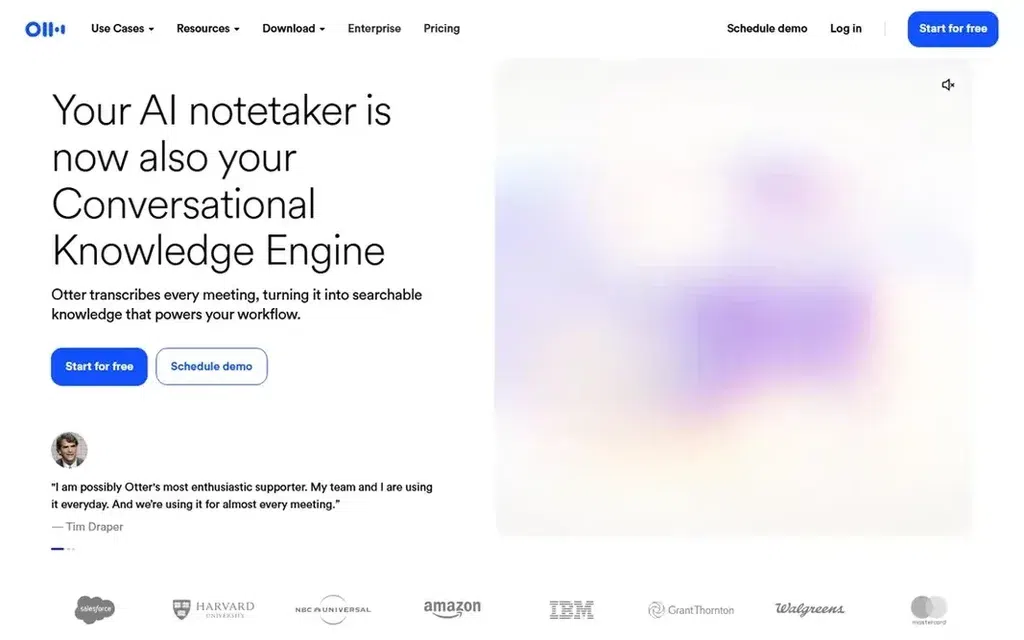
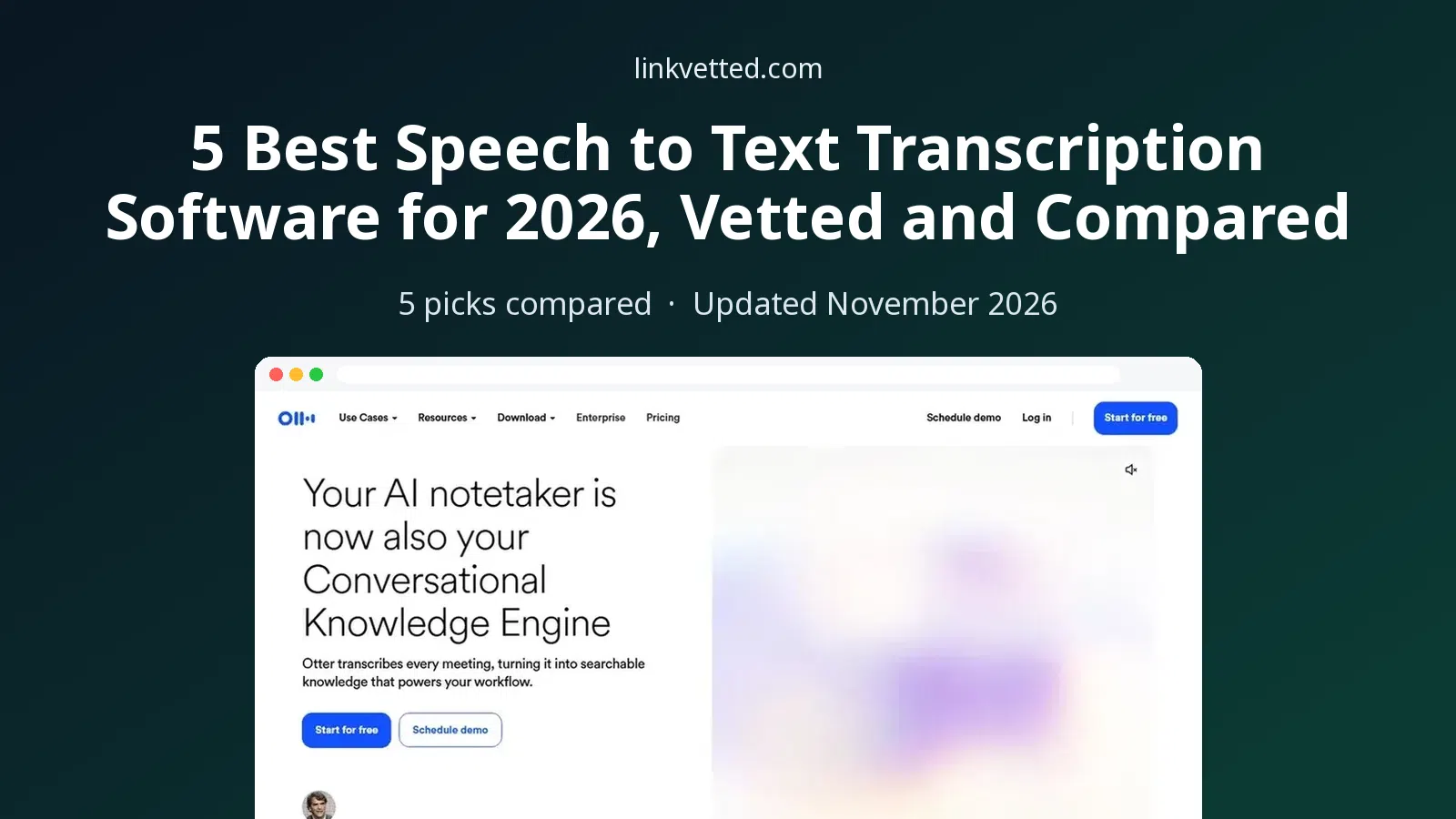
For real-time meeting notes and summaries, Otter.ai is a natural candidate. If you need text-based audio editing or court-ready verification, look at Descript or Rev instead.
Trade-offs to know: May need review for specialized terminology.
It suits teams that want meeting notes generated as the conversation happens, and users who prefer a light assistant over a full editing suite. Otter.ai starts at: $8.33 per user per month. Otter.ai has a free plan.
- Insights from conversations
- Live transcription during meetings
- Concentrated on meetings instead of media editing
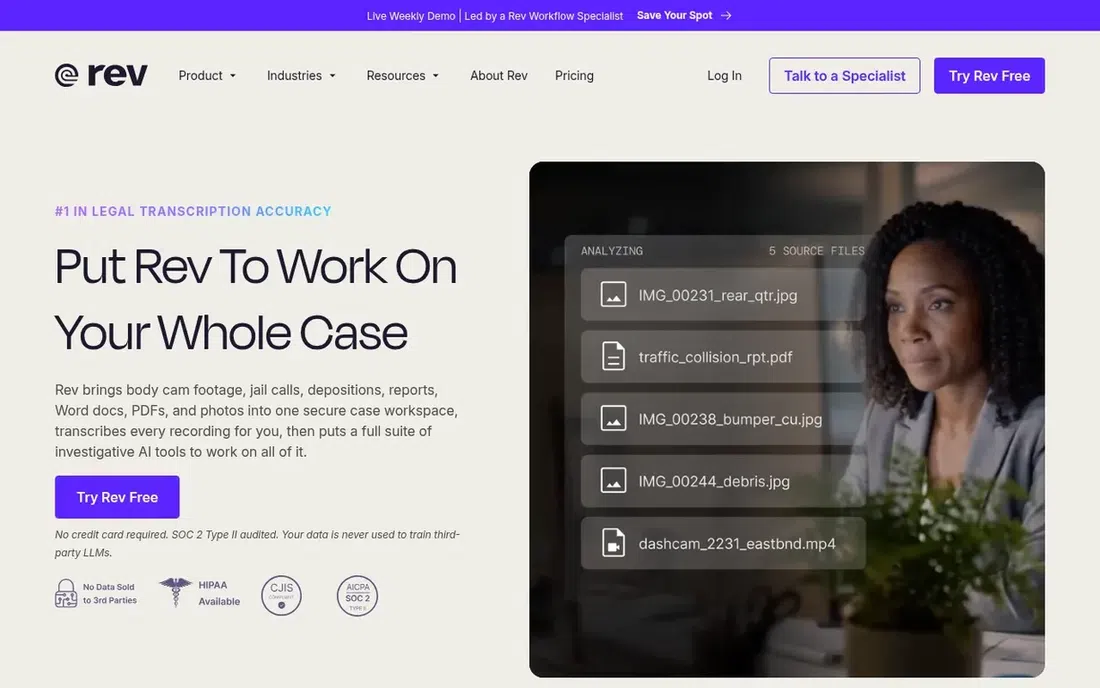
Think of Rev for legal and investigative transcription. Rev presents itself as an investigative intelligence and legal transcription product. Its homepage describes turning digital evidence into verified, citable findings to help handle a case.
Where Rev stands out: Turns digital evidence into text; citable findings.
What to check first: Legal focus may not suit casual users.
That makes it a capable candidate for legal teams, investigators and anyone who needs transcripts that hold up under scrutiny instead of fast meeting notes. Beyond that, check the vendor site for supported evidence formats and workflow details before committing. On top of that, the legal orientation means Rev is less oriented toward everyday meeting capture or media editing. Rev cost at the entry level: $25.49 per seat per month. Free plan details: Not stated.
- Designed for investigative and legal work
- Verified
- Narrower fit for general meeting notes
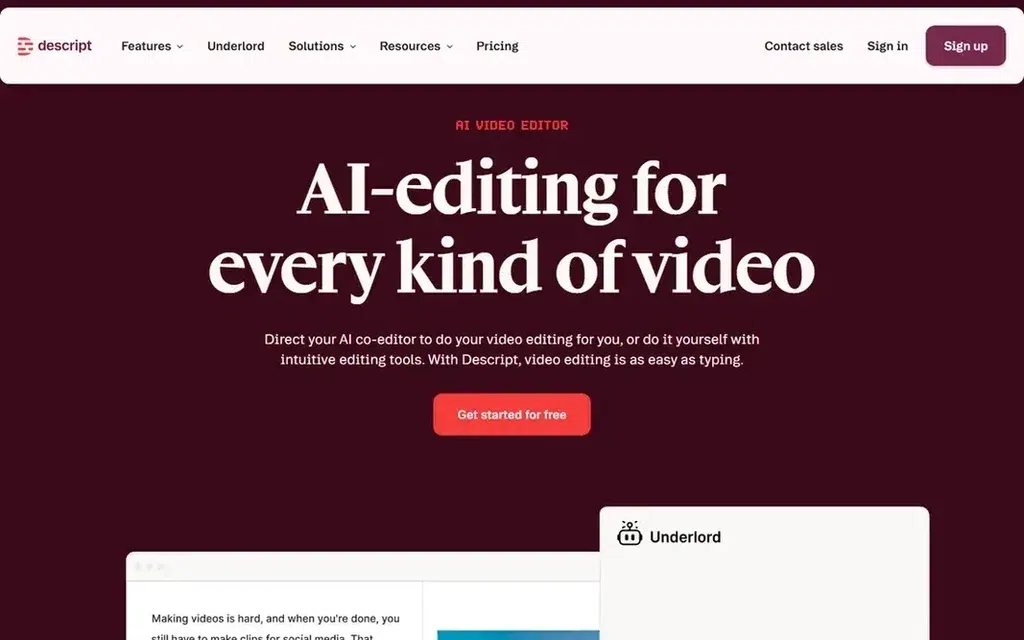
Descript was built for text-based audio and video editing. Descript is an AI video and audio editor that makes editing as simple as editing text. Also, for legal-grade transcripts or developer APIs, Rev and AssemblyAI are better aligned.
Limits to weigh: Editing focus may overwhelm note-taking users.
Strengths: Record.
In practice, the homepage frames transcription as part of a broader editing workflow instead of a standalone service. Confirm supported export formats and collaboration features on the vendor site. Descript cost at the entry level: $16 per person per month. A free plan is available with Descript.
- Edit media by editing text
- Fits podcast and video workflows
- Not positioned for legal verification
Our selection method
The comparison looks at four things: starting price, free access, how well the feature set matches speech to text transcription software, and the main limit of each tool. Prices and plan limits come from vendor pages and can change, so confirm them on the vendor site before you buy. The ranking is editorial: typical fit first, then clear pricing, then free access. If your needs are unusual, read the profiles rather than relying on position.
Questions to settle before buying
- Confirm the entry price on the vendor page: Otter.ai starts at $8.33 per user per month, but seat counts and billing terms change the total.
- Read the fine print on the free plans from AssemblyAI, Otter.ai and Descript; seat, project and feature caps differ.
- Run a trial of Sonix with real work before paying for a year; your own workflow is the best test.
- Before choosing Sonix, weigh its main limit: accuracy claims should be tested on your audio.
- Total up the real monthly cost of Descript, including add-ons, extra users and usage-based fees.
- Look at the renewal terms for Sonix: auto-renewal, notice periods and price changes can matter more than the first-year price.
FAQ
Can I try these options before paying?
Often, yes. AssemblyAI, Otter.ai and Descript have a free plan and Sonix offers a free trial. Use your own data and a real task during the test, and check what the free tier or trial limits before you rely on it.
Which speech to text tool is a good match for live meetings?
Start with Sonix if you need multilingual transcription with summaries. AssemblyAI is the better match for developers building speech features, and Otter.ai for live meeting notes and summaries. The best choice depends on budget, team size and workflow.
Do these tools publish their prices?
Yes. Every tool from Sonix to Descript shows a starting price, though seats, add-ons and billing terms still change the final cost.
What is the cheapest option for speech to text transcription software in this list?
On published monthly entry prices, Otter.ai is the lowest here at $8.33 per user per month. Entry price is only part of the cost, because seats, add-ons and billing terms can change the total. For the full picture, the cards above cover all 5 entries of this Speech to text transcription software list, including price, free plan and limits.
Is Sonix the right pick for everyone comparing speech to text transcription software?
No single tool suits every team. Sonix comes first because it fits multilingual transcription with summaries, while AssemblyAI suits developers building speech features and Otter.ai suits real-time meeting notes and summaries. Match the tool to your own size, budget and workflow before deciding.
Sources
- https://sonix.ai
- https://www.assemblyai.com
- https://otter.ai
- https://www.rev.com
- https://www.descript.com