6 Best Spam Score Checker Tools for 2026, Vetted and Compared
Compare the best spam score checker tools in 2026. I look at Moz Link Explorer, Semrush, Ahrefs and more, based on vendor docs and public sources.
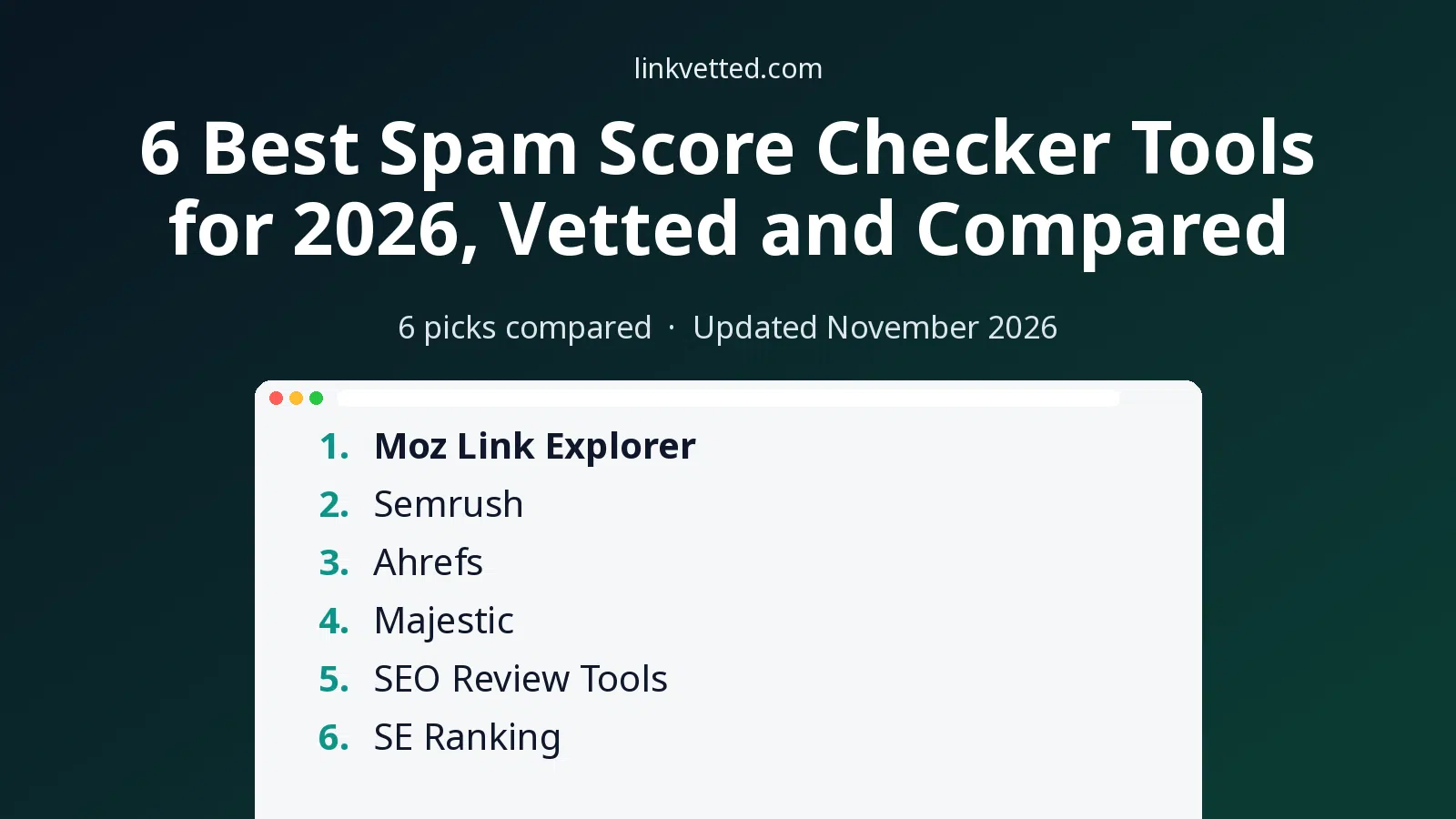
- Editor's choice
 Moz Link Explorer
Checking the original Moz spam score
Starts atSee websiteVisit moz.comFull review - Great alternative
 Semrush
All-in-one SEO teams
Starts atSee websiteVisit semrush.comFull review - Also consider
 Ahrefs
Large-scale backlink profile review
Starts atSee websiteVisit ahrefs.comFull review
Direct answer
My top pick is Moz Link Explorer, because the spam score metric comes from Moz itself and the tool is built around link data. For teams already paying for a broad SEO suite, Semrush and Ahrefs make more sense since they bundle link checks with audits and competitor research. Majestic fits people who want a dedicated backlink index, and SEO Review Tools works for quick one-off lookups.
TL;DR:
- Spam score is a vendor-specific metric, so a number from one tool does not translate directly to another.
- Moz Link Explorer is the natural first stop because Moz defines and publishes its own spam score.
- Suite tools like Semrush and Ahrefs are worth it only if you also use their other features.
- A high spam score is a prompt to review the linking domain, not proof that a link is harmful.
- Always check how a vendor describes its metric before you make decisions from the number.
Last checked November 2026. Plan prices are not quoted in this guide because they change often; see each vendor's own pricing page for current figures before you buy.
Quick comparison
| Tool | Best for | Starts at | Free plan? | |
|---|---|---|---|---|
| Moz Link Explorer | Checking the original Moz spam score | See website | Free plan | Visit |
| Semrush | All-in-one SEO teams | See website | Free plan | Visit |
| Ahrefs | Large-scale backlink profile review | See website | Free trial | Visit |
 Majestic | Dedicated backlink index analysis | See website | No free plan | Visit |
| SEO Review Tools | Quick free single-URL checks | See website | Free plan | Visit |
 SE Ranking | Agencies wanting one SEO dashboard | See website | Free trial | Visit |
The best spam score checker tools compared
I compared these tools from vendor documentation and public sources, and I did not run hands-on tests. What follows is a fit-based view: which tool suits which job, and where each one stops being useful. Spam score means different things to different vendors, so I treated each metric on its own terms rather than pretending the numbers are interchangeable.
Moz Link Explorer is the place to start because Moz is the company behind the widely cited spam score. If you have ever seen a percentage next to a backlink in an SEO report, it likely came from Moz. The tool shows link data for a domain or URL and pairs it with the spam score, so you can see the number in context rather than on its own.
In practice, I use it to look at a domain before deciding whether to pursue a link or reply to an outreach email. The workflow is simple: enter the domain, read the spam score, then look at the linking pages behind it. Moz publishes guidance on what the score means, which helps you avoid overreacting to a single high number. It is a reference point, not a final judgment.
The limits are mostly about access. The free tier caps how much you can look up, and the score only reflects Moz's own signals. If you need bulk checks or a different vendor's metric, you will want a suite or an API. Skip it if you want one dashboard for everything.
- Defines the spam score metric itself
- clear documentation on how the score is built
- useful link profile data alongside the score
- Free tier is limited
- the score is Moz-specific and not a universal verdict
Semrush is a broad SEO platform, and its backlink tools include toxicity-related signals rather than a single Moz-style spam score. For agencies that already run audits, track keywords and check competitors in Semrush, having link quality data in the same place saves time and avoids exporting between tools.
The practical workflow is to open the backlink analytics section, review referring domains and look for markers that suggest low-quality links. You can then cross-check suspicious domains elsewhere if you want a second opinion. Because Semrush documents its own metrics, it is worth reading those pages before you treat any label as absolute.
The drawback is focus. If all you want is a spam score lookup, a full suite is more than you need, and the free plan will not carry regular work. Skip it if you are not going to use the other features.
- Backlink analytics sit next to audits and keyword data
- toxic link markers help triage
- one subscription covers many tasks
- Spam-related checks are a small feature inside a big product
- the free tier is narrow
Ahrefs is known for its backlink data, and it is a common choice when you need to review many referring domains rather than check one URL. It does not present a Moz-style spam score, so the job is more about reading the profile: which domains link, how relevant they look, and whether anything stands out as unusual.
I would reach for Ahrefs when a site has a large or messy backlink profile and I need to sort and filter it. The interface supports that kind of review, and the data sits next to audit and ranking features if you already use them. It rewards users who know what they are looking for.
The limit is that it is not a one-click spam score checker. If that is your only need, the subscription is hard to justify. Skip it if you want a single labeled number and nothing else.
- Strong backlink index
- filtering and sorting make triage faster
- useful alongside site audit and rank tracking
- No Moz-style spam score label
- plans are built for regular, heavier use
Majestic has focused on backlinks for a long time, and its metrics are built around link trust and citation rather than a spam score label. For people who want to dig into a link profile and judge domains on their own terms, that focus is the appeal.
The workflow is to pull a domain's backlink report and review the distribution of linking sites. Majestic's own documentation explains how its metrics are calculated, which matters because these numbers are not the same as Moz's. I treat them as one input among several when assessing a domain.
There is no free plan, so it suits people who do link work regularly. If you only need an occasional spam score check, the cost and learning curve are hard to justify. Skip it if you want a simple, single-number answer.
- Long-standing focus on link data
- trust and citation-style metrics
- useful for historical link review
- No free plan
- interface and terminology take getting used to
SEO Review Tools
Best for: Quick free single-URL checks
SEO Review Tools is a collection of free utilities, including backlink and domain checks. It is the kind of site I open when I want a fast look at a single URL without logging into a paid platform. The interface is plain and the checks are quick.
For spam score work, it is a first-pass tool. You get a quick read on a domain, then decide whether it deserves a deeper look in Moz or a backlink index. It is not built for bulk review or for teams that need consistent reporting.
The limit is depth. Free tools vary in how much data they expose, and you should not base a link decision on one quick check. Skip it if you need repeatable, documented metrics for client work.
- Simple interface for quick lookups
- several free SEO checks in one place
- no setup needed
- Less depth than paid platforms
- results are best treated as a starting point
SE Ranking is an SEO platform aimed at agencies, and its backlink module includes monitoring and quality-related signals. If you already manage client sites in one dashboard, having link checks there keeps reporting consistent and reduces tool switching.
My use case would be ongoing monitoring: watch a client's backlink profile, flag domains that look questionable, and review them in context. SE Ranking documents its features, so check how its link metrics are defined before relying on them. As with any suite, the value depends on how much of it you use.
The drawback is that it is a suite, not a specialist. If you only want spam score lookups, the subscription is overkill. Skip it if you are a solo user with occasional needs.
- Backlink monitoring alongside audits and rank tracking
- built with agency workflows in mind
- white-label reporting options
- Spam checks are part of a paid suite
- not a dedicated spam score tool
How I chose
I built this list from vendor documentation and public sources, not from hands-on testing. I started with the metric itself: Moz defines a spam score, so Moz Link Explorer had to be included. Then I looked at platforms that SEOs commonly use for backlink review, checking each vendor's own pages to see what link-quality signals they actually offer and how they describe them. Where a vendor does not publish a spam score, I said so rather than implying equivalence.
The second filter was fit. A tool earns a place if it solves a real job: a direct score check, a large-profile review, a dedicated link index, a quick free lookup, or an agency dashboard. I also noted limits, because most of these are suites and a suite is the wrong purchase for a single lookup. I did not rank by price, review scores or user numbers, and I did not claim testing I did not do. Treat this as a starting map and verify current features on each vendor's site.
What to check before you buy
- Confirm which vendor's spam score the tool shows, since Moz, Majestic and others use different metrics.
- Read the vendor's own explanation of how the score is calculated and what it does and does not mean.
- Check whether you need single-URL lookups or bulk exports, because free tiers rarely cover bulk work.
- Look at whether link data comes with the score, so you can review the linking pages rather than trust a number.
- Check export and reporting options if you need to share findings with clients or teammates.
- Verify current plan details and limits on the vendor's site, since features change.
FAQ
What is a spam score?
A spam score is a vendor-specific estimate of how spammy a domain or backlink looks, based on signals that vendor chooses to weigh. Moz's version is the most widely cited, but other platforms use their own trust or toxicity metrics. The number is a prompt for review, not a definitive verdict on a link.
Is a high spam score always bad?
No. A high score means the domain shares traits with sites the vendor associates with spam, but it does not prove a link is harmful. Context matters: relevance, traffic and how the link was acquired all count. Use the score to decide what to inspect, then judge the linking page yourself.
Can I check spam score for free?
Yes, in a limited way. Moz Link Explorer has a free tier, and free utility sites like SEO Review Tools offer quick checks. Free access is usually capped, so it suits occasional lookups rather than regular client reporting. For ongoing work, a paid plan is the realistic option.
Do I need a paid SEO suite for this?
Only if you will use the other features. A suite like Semrush, Ahrefs or SE Ranking makes sense when you also need audits, rank tracking or competitor research. If spam score checks are your only task, a focused tool or the Moz free tier is a better fit.
Which tool should I start with?
Start with Moz Link Explorer, because Moz defines the spam score most people mean. If you already pay for a suite, check its backlink module first to avoid duplicate spend. If you need deep link analysis, look at Majestic or Ahrefs. Match the tool to the job rather than the other way around.
Sources
- https://moz.com/link-explorer
- https://www.semrush.com
- https://ahrefs.com
- https://majestic.com
- https://www.seoreviewtools.com
- https://seranking.com