Best Sound Engineering Software in 2026: Prices, Free Plans and 5 Picks
Best sound engineering software: 5 contenders ranked by fit, with entry costs and free tiers. Price notes and drawbacks come with each one. Start here.
- Editor's choice
 Reaper
Adaptable, customizable audio production
Starts atPricing on requestVisit reaper.fmFull review - Great alternativeDigital Performer
Film scoring and immersive mixing
Starts atPricing on requestVisit motu.comFull review - Also considerAbleton Live
Experimental sound design and live work
Starts atPricing on requestVisit ableton.comFull review
Direct answer
Our first pick is Reaper, best for adaptable, customizable audio production. Digital Performer is better for film scoring and immersive mixing, and Ableton Live is better for experimental sound design and live work. All 5 tools are compared below on fit, free plan and limits. None of these vendors publish plan prices, so pricing is on request for every option.
TL;DR:
- Reaper sits first on this list: adaptable, customizable audio production.
- One limit worth knowing about Reaper: defaults need setup time.
- For audio cleanup and post production, Adobe Audition is worth a look.
- No starting price is shown for any of the 5 tools, Reaper and Adobe Audition included, so plan time for sales calls.
Last checked November 2026. Pricing on request: vendors did not publish plan prices when this guide was last checked (November 2026), so ask each vendor for a written quote.
Quick comparison
| Tool | Best for | Starts at | Free plan? | |
|---|---|---|---|---|
| Reaper | Adaptable, customizable audio production | Pricing on request | Not stated | Visit |
| Digital Performer | Film scoring and immersive mixing | Pricing on request | Not stated | Visit |
| Ableton Live | Experimental sound design and live work | Pricing on request | Not stated | Visit |
 Logic Pro | Mac and iPad music creation | Pricing on request | Not stated | Visit |
 Adobe Audition | Audio cleanup and post production | Pricing on request | Not stated | Visit |
Tool-by-tool breakdown
Short on time? The summary and table above give the quick view of 5 tools for sound engineering software, and the profiles that follow give the detail behind each entry.
Where Reaper fits: adaptable, customizable audio production. Reaper is an audio production application from Cockos, widely known for a light footprint and deep customization. Users can adjust layouts, actions and routing to match how they work instead of adapting to a fixed design.
Drawbacks to consider: Less bundled content than some DAWs.
It ships with fewer bundled instruments than some all-in-one DAWs. In daily use, choose Reaper if you value control and efficiency, and look elsewhere if you want a guided, content-rich starting point. No starting price is listed for Reaper here; confirm pricing on the vendor site. Free access: Not stated.
- Highly customizable workflow
- Light and efficient
- Defaults need setup time
Digital Performer
Best for: Film scoring and immersive mixing
For film scoring and immersive mixing, Digital Performer is a natural candidate. Digital Performer from MOTU gives features for example immersive mixing in Dolby Atmos, AI-powered stem separation and the Arrangement Strip, along with workflow enhancements requested by users.
Its feature depth can take time to master, and documentation is worth reading before committing. Consider Digital Performer when immersive mixing and scoring are central to your work, and choose a more straightforward tool for entry-level recording. No starting price is listed for Digital Performer here; confirm pricing on the vendor site. Trial and free access: Not stated.
Downsides: Deep feature set takes time to learn.
- Arrangement Strip workflow
- Immersive Dolby Atmos mixing
- Smaller user community than some DAWs
Ableton Live
Best for: Experimental sound design and live work
Ableton Live targets experimental sound design and live work. Ableton Live is a digital audio workstation known for experimental sound design tools, precision mixing effects and workflow improvements targeted at bringing ideas into focus.
Consider another DAW if you prefer a straightforward tape-style arrangement view from the start. No starting price is listed for Ableton Live here; confirm pricing on the vendor site. Trial and free access: Not stated.
Where it is weaker: Dense interface for new users.
- Session view for idea sketching
- Solid sound design and mixing effects
- Arrangement workflow differs from linear DAWs
Where Logic Pro fits: Mac and iPad music creation. Logic Pro is Apple's music creation application for Mac and iPad, with features for songwriting, beat-making, editing and mixing. Beyond that, the depth of bundled content can feel overwhelming at first.
Limits to weigh: Large built-in content can overwhelm beginners.
The workflow supports both fast ideas and in-depth arrangements. It is restricted to Apple hardware, so Windows users need a different choice. Logic Pro does not show a starting price in this comparison, so check the vendor site for current pricing. Free plan details: Not stated.
- Integrated songwriting and beat tools
- Runs on Mac and iPad
- Apple systems only
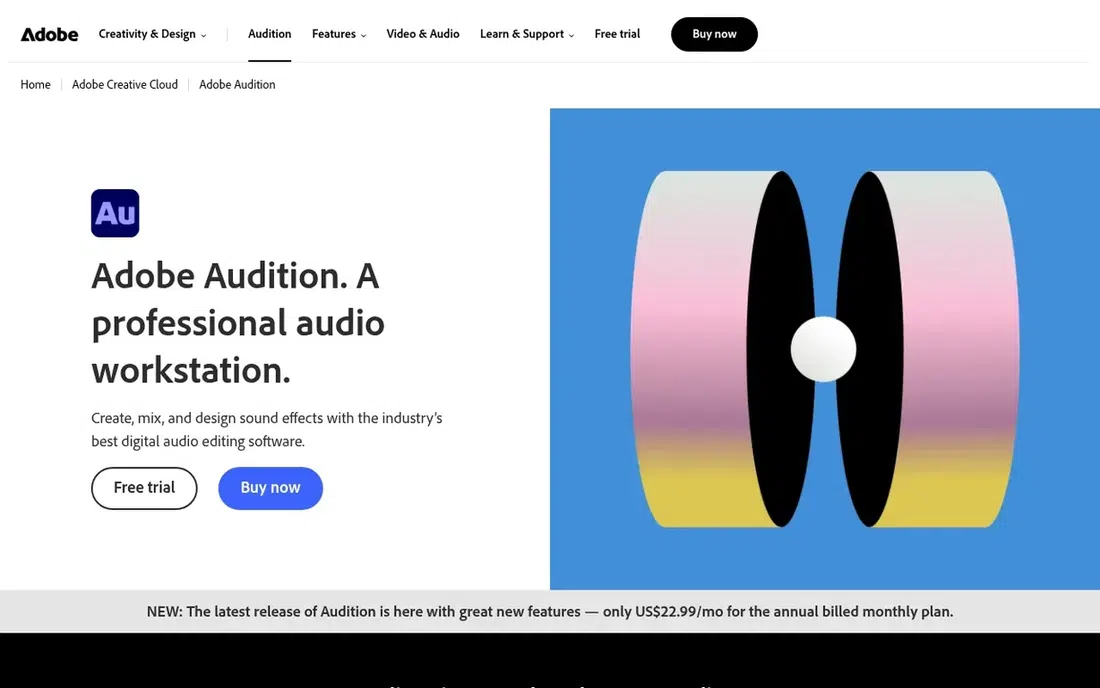
Pick Adobe Audition if this describes you: audio cleanup and post production. Adobe Audition is an audio recording and editing application built around multitrack, waveform and spectral display. On top of that, the spectral view is notably handy for removing unwanted noises and shaping dialogue, whereas multitrack sessions deal with layered projects.
Choose it when audio repair and integration with video projects matter more than beat-making. As for the details, Audition is not a full music production environment in the way dedicated DAWs are, so composers relying on virtual instruments may prefer another tool. Its editing strengths shine most in spoken-word and post production work. No starting price is listed for Adobe Audition here; confirm pricing on the vendor site. As for free access: Not stated.
Trade-offs to know: Subscription-based access.
- Waveform and spectral views
- Multitrack
- Less suited to heavy MIDI composition
What went into this list
The comparison looks at four things: starting price, free access, how well the feature set matches sound engineering software, and the main limit of each tool. Figures are shown as the vendors publish them. Billing terms, seat minimums and add-ons can change the real cost. The ranking is editorial: typical fit first, then clear pricing, then free access. If your needs are unusual, read the profiles rather than relying on position.
A buyer's checklist
- Ask each vendor, from Reaper to Adobe Audition, for a written quote; none of them publishes a starting price.
- Before choosing Reaper, weigh its main limit: defaults require setup time.
- Read the plan comparison for Reaper carefully; key features often start on a higher tier.
- Total up the real monthly cost of Adobe Audition, including add-ons, extra users and usage-based fees.
- Check how data leaves Ableton Live: formats, limits and whether exports are available on every plan.
FAQ
Do these tools publish their prices?
No. None of the tools, from Reaper to Adobe Audition, shows a fixed starting price here, so budget time for quotes.
Can I try these options before paying?
Not by default. None of the tools, from Reaper to Adobe Audition, lists a free plan or a free trial here, so ask each vendor for a demo before committing.
How are the tools for sound engineering software ordered?
Reaper sits first and Adobe Audition last because the order follows typical fit for sound engineering software, then price clarity and free access. It is a judgement call, so read each profile for fit and limits.
Which sound engineering software is a good match for beginners?
Reaper comes first here and is built for adaptable, customizable audio production. Buyers with other needs may prefer Digital Performer (for film scoring and immersive mixing) or Ableton Live (for experimental sound design and live work). Compare costs and limits first.
Does any tool for sound engineering software here have a free plan?
A permanent free plan is not offered by Reaper, Adobe Audition or the other tools here. Plan a short evaluation period instead.
Sources
- https://www.reaper.fm
- https://motu.com/en-us/products/software/dp
- https://www.ableton.com/en/live
- https://www.apple.com/logic-pro
- https://www.adobe.com/products/audition.html