Software to Manage B2B Sales Pipelines in 2026: The 5 Best Options Side by Side
5 best software to manage B2B sales pipelines, with entry costs, free tiers and the buyer each one serves. Each pick lists its main limit. Full profiles inside.
- Editor's choice
 Copper
Pipeline management inside Google Workspace
Starts at$23 per seat a monthVisit copper.comFull review - Great alternative
 Pipedrive
Straightforward visual pipeline tracking for smaller teams
Starts atSee websiteVisit pipedrive.comFull review - Also consider
 Freshsales
AI-assisted lead capture and deal closing
Starts atSee websiteVisit freshworks.comFull review
Direct answer
Start with Copper if you need pipeline management inside Google Workspace. Listed starting prices: Copper from $23 per seat a month. If your case is different, Pipedrive suits straightforward visual pipeline tracking for smaller teams and Freshsales suits AI-assisted lead capture and deal closing. The remaining 2 options are covered below with prices and limits.
TL;DR:
- Copper takes the first slot, best suited to pipeline management inside Google Workspace.
- Check the limits for Pipedrive before you commit: lighter customization at scale.
- None of the 5 tools, from Copper to HubSpot Sales Hub, has a free plan, so budget for a subscription or use a trial.
- HubSpot Sales Hub suits pipeline building on a connected CRM.
- Copper is the lowest-priced starter here at $23 per seat per month.
Last checked November 2026. Prices and plan details were read from the vendors' own pages in November 2026; vendors change plans often, so confirm the current price on the vendor site before you buy.
Quick comparison
| Tool | Best for | Starts at | Free plan? | |
|---|---|---|---|---|
| Copper | Pipeline management inside Google Workspace | $23 per seat a month | Free trial | Visit |
| Pipedrive | Straightforward visual pipeline tracking for smaller teams | See website | Not stated | Visit |
| Freshsales | AI-assisted lead capture and deal closing | See website | Not stated | Visit |
 Salesforce Sales Cloud | Deeply customizable enterprise pipeline management | See website | Not stated | Visit |
 HubSpot Sales Hub | Pipeline building on a connected CRM | See website | Not stated | Visit |
The 5 tools in detail
If you are comparing software to manage B2B sales pipelines, this page covers 5 tools in one place: what each is best for, what it costs to start, whether it has a free plan, and the main limit to know about.
For pipeline management inside Google Workspace, Copper is a natural candidate. Compare HubSpot Sales Hub if you want a broader connected system.
Downsides: Narrower outside Google Workspace.
It suits service-oriented and B2B companies that already work in Gmail and Google apps and want pipeline tracking without switching tools. Copper pricing: $23 per seat per month. As for free access: Free trial.
- Leads
- Built into Google Workspace
- Fewer deep enterprise choices
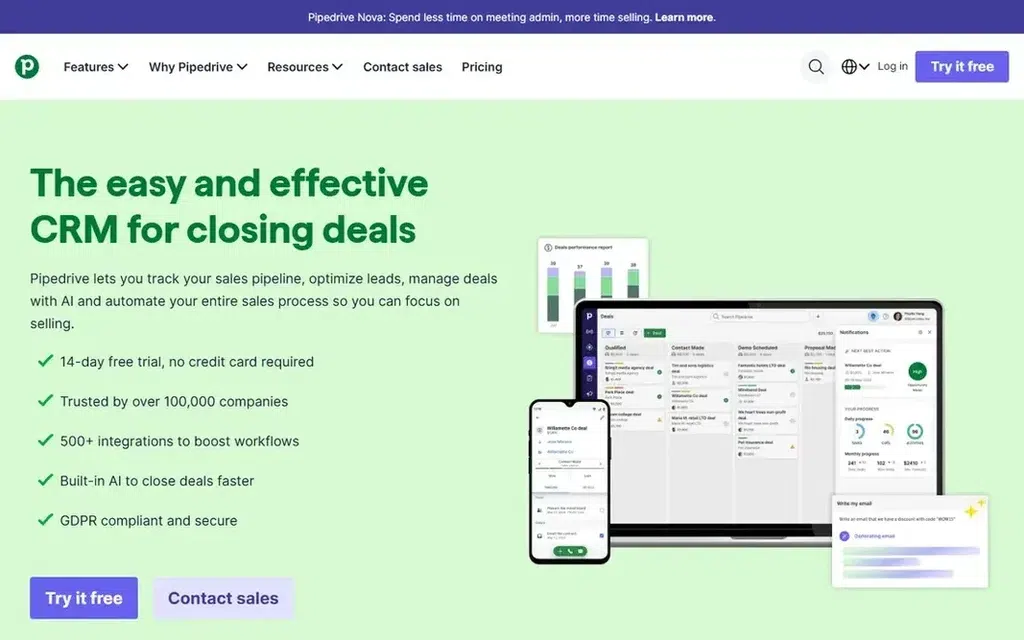
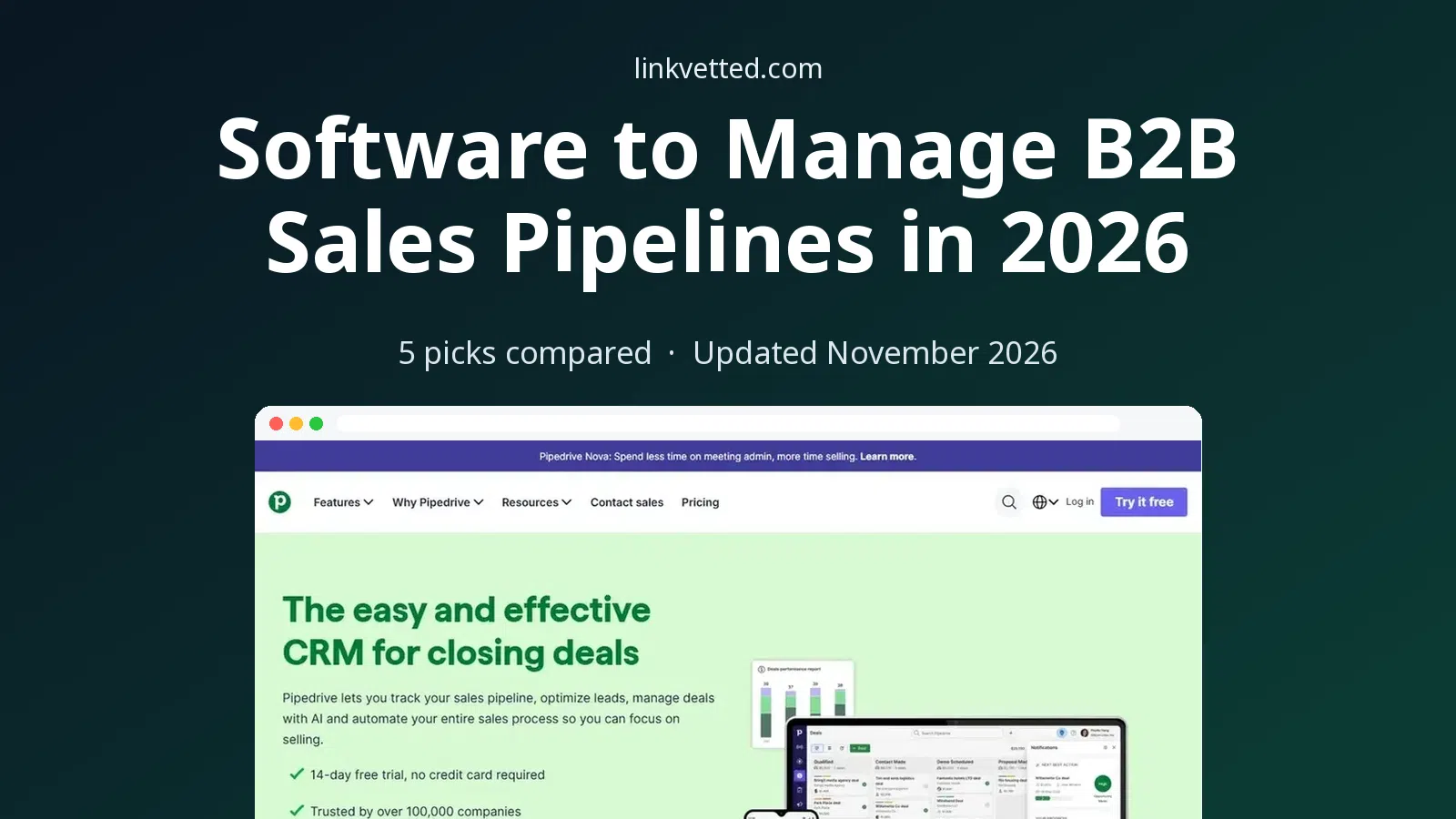
Pipedrive makes the most sense for straightforward visual pipeline tracking for smaller teams. Pipedrive is a sales CRM centered on pipeline management, presented as straightforward to use and geared toward helping teams get more qualified leads and grow.
Points against: Lighter customization at scale.
It suits small and mid-size B2B sales teams that want reps to see deal stages plainly without a long implementation. No starting price is listed for Pipedrive here; confirm pricing on the vendor site. Free access: Not stated.
- Easy-to-use pipeline management
- Visual deal stages
- Fewer adjacent modules
Freshsales works best for AI-assisted lead capture and deal closing. Freshsales is an AI-powered CRM built to boost sales efficiency, capture leads and close deals quicker.
Confirm that your reporting and integration needs are covered before adopting. This comparison lists no price for Freshsales; ask the vendor. On free options: Not stated.
The main drawbacks: Deeper reporting may need extras.
- AI-powered CRM
- Easy lead capture
- Less suited to highly custom pipelines
Salesforce Sales Cloud
Best for: Deeply customizable enterprise pipeline management
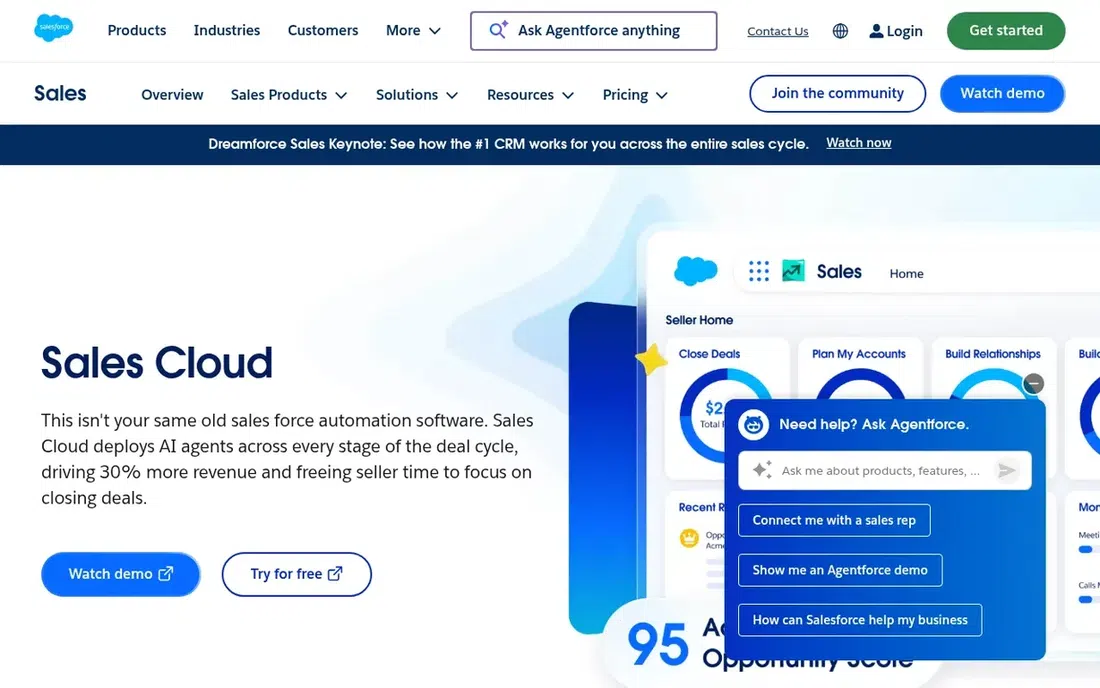
Salesforce Sales Cloud is designed for deeply customizable enterprise pipeline management. Salesforce Sales Cloud is a sales force automation product built to help teams grow accounts, find new customers and close deals quicker from anywhere.
The breadth that makes it adaptable also makes initial setup heavier, and smaller teams may find the configuration effort hard to justify. Teams wanting a more straightforward pipeline from day one should look at Pipedrive or Freshsales instead. Check the vendor site for Salesforce Sales Cloud pricing; none is listed in this comparison. Free plan details: Not stated.
Downsides: May need admin support.
- Run accounts and deals from anywhere
- Large ecosystem of extensions
- Setup can be complicated

HubSpot Sales Hub is aimed squarely at pipeline building on a connected CRM. HubSpot Sales Hub is an AI sales platform that turns prospects into pipeline and conversations into closed deals. In practice, since it runs on complete CRM data, it fits teams that want marketing, sales and service activity visible in one connected place instead of stitching tools together.
Its strengths are most solid when the rest of the CRM is used alongside it. So teams with an existing CRM elsewhere may face migration work. Consider Salesforce Sales Cloud if you need deeper customization of pipeline stages and objects. This comparison lists no price for HubSpot Sales Hub; ask the vendor. Free access: Not stated.
The main drawbacks: Advanced needs may need more setup.
- AI-assisted product
- Turns prospects into pipeline
- Best value within its own ecosystem
How we compared the tools
We compared the tools on published pricing, free plan or trial availability, feature coverage for software to manage B2B sales pipelines, and the limits each vendor documents. Where a vendor does not publish a price, the entry says quote. Where a price depends on seats or billing term, the entry says so. Order on the page follows fit for the typical buyer first, then price transparency and free access. Your own requirements should decide the final pick.
Before you commit
- Get a written quote from Pipedrive, Freshsales, Salesforce Sales Cloud and HubSpot Sales Hub; the list shows no starting price for them.
- Run a trial of Copper with real work before paying for a year; your own workflow is the best test.
- Read the limits listed for Copper first: narrower outside Google Workspace.
- Confirm that Salesforce Sales Cloud connects to the apps your team already uses, on the plan you would actually buy.
- The entry price of Copper is only the starting point; model the full cost with seats and extras.
FAQ
Can I try these tools before paying?
Often, yes. Copper offers a free trial. Use your own data and a real task during the test, and check what the free tier or trial limits before you rely on it. Prices, free plan details and limits for all 5 tools in this software to manage B2B sales pipelines roundup sit on the individual cards above.
Does it matter if my CRM links to my existing workspace?
Yes, since pipeline data is only handy when it reflects real activity. Copper, for instance, is built into Google Workspace, whereas Dynamics 365 Sales suits teams already using Microsoft tools.
When is a straightforward pipeline tool better than a large platform?
Smaller teams with a straightforward sales process commonly benefit from a focused tool for example Pipedrive, since adoption is quicker. Bigger products like Salesforce Sales Cloud pay off when you need deep customization and numerous connected processes.
How are the tools for software to manage B2B sales pipelines ordered?
Copper sits first and HubSpot Sales Hub last because the order follows typical fit for software to manage B2B sales pipelines, then price clarity and free access. It is a judgement call, so read each profile for fit and limits.
Do these tools publish their prices?
Not all of them. Pipedrive, Freshsales, Salesforce Sales Cloud and HubSpot Sales Hub publish no starting price, so expect a quote request for those. The rest, Copper included, show a starting price, though seats and billing terms still change the final cost.
Does any tool for software to manage B2B sales pipelines here have a free plan?
No tool in this list, Copper and HubSpot Sales Hub included, has a permanent free plan. Copper offer a trial. Trials and quotes are the usual route, so plan a short evaluation period.
Sources
- https://www.copper.com
- https://www.pipedrive.com
- https://www.freshworks.com/crm/sales
- https://www.salesforce.com/sales/cloud
- https://www.hubspot.com/products/sales