6 Software for Working Remotely Worth Shortlisting in 2026
Best software for working remotely in 2026: 6 contenders with entry costs and free tiers. Strengths and gaps are listed per tool. Read before you buy.

- Editor's choice
 Slack
AI-powered chat and workflow automation
Starts at$4.38 per user per monthVisit slack.comFull review - Great alternative
 Google Workspace
Integrated productivity and collaboration suite
Starts atSee websiteVisit workspace.google.comFull review - Also consider
 Zoom Workplace
All-in-one video meetings and collaboration
Starts atSee websiteVisit zoom.comFull review
Direct answer
This list puts Slack first for AI-powered chat and workflow automation. Listed starting prices: Slack from $4.38 per user per month, Notion from $10 per member a month and Asana from $10.99 per user a month. Look at Google Workspace for integrated productivity and collaboration suite, and at Zoom Workplace for all-in-one video meetings and collaboration. Prices, free plans and limits for all 6 tools follow.
TL;DR:
- Number one here is Slack, a fit for AI-powered chat and workflow automation.
- The lowest published monthly entry price here is $4.38 per user per month, from Slack.
- Asana is the one to check for project and work management.
- A fair warning about Notion: can be overwhelming to set up.
Last checked November 2026. Prices and plan details were read from the vendors' own pages in November 2026; vendors change plans often, so confirm the current price on the vendor site before you buy.
Quick comparison
| Tool | Best for | Starts at | Free plan? | |
|---|---|---|---|---|
| Slack | AI-powered chat and workflow automation | $4.38 per user per month | Yes | Visit |
| Google Workspace | Integrated productivity and collaboration suite | See website | Not stated | Visit |
| Zoom Workplace | All-in-one video meetings and collaboration | See website | Not stated | Visit |
 Notion | Configurable workspace and knowledge management | $10 per member a month | Yes | Visit |
 Microsoft Teams | Microsoft 365 integration and team collaboration | See website | Not stated | Visit |
 Asana | Project and work management | $10.99 per user a month | Yes | Visit |
Software for Working Remotely, one by one
This LinkVetted guide covers 6 options for software for working remotely. Each profile lists a starting price, free plan details, strengths and drawbacks, so you can drop poor fits quickly.
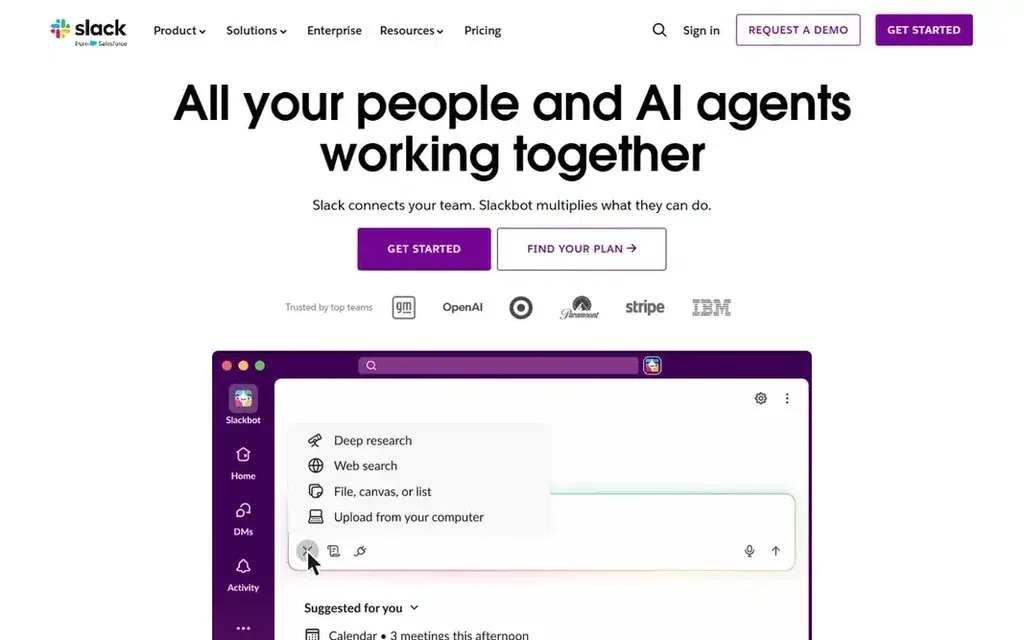
Slack was built for AI-powered chat and workflow automation. Slack is an AI work system that concentrates on chat-based collaboration, project management, and workflow automation. It helps teams boost productivity by connecting conversations, files, and external apps in a searchable workspace.
Slack's strength in chat means it may not completely replace dedicated video conferencing or project management suites. From a buyer's view, costs can rise with broad app usage. Slack pricing: $4.38 per user per month. A free plan is available with Slack.
Where it is weaker: Can become noisy with numerous channels.
- AI work system for productivity
- Secure team communication
- Video features less solid than dedicated tools
Google Workspace
Best for: Integrated productivity and collaboration suite
Google Workspace was built for integrated productivity and collaboration suite. It enables teams of all sizes to do their best work from anywhere, with live co-editing and simple file sharing. From a buyer's view, remote teams that value smooth integration across email, documents, and video meetings will find it a natural fit.
Trade-offs to know: Needs Google account for full access.
It also may not suit organizations that prefer Microsoft-based tools. Choose Google Workspace for a cohesive, cloud-first productivity suite, but consider adding dedicated project management software for complicated workflows. Google Workspace does not show a starting price in this comparison, so check the vendor site for current pricing. Free options: Not stated.
- Live collaboration
- Secure online tools
- Restricted project management features

Where Zoom Workplace fits: all-in-one video meetings and collaboration. Teams seeking deep work management or integrated office suites might have to pair it with other software.
Where it is weaker: Advanced features may need add-ons.
Check the vendor site for Zoom Workplace pricing; none is listed in this comparison. Free access: Not stated.
- Dependable meeting experience
- Supports large events and contact center
- Less centred on project management
Choose Notion for configurable workspace and knowledge management. Notion is an AI workspace that lets teams build custom agents, search across apps, and automate busywork. It merges notes, databases, wikis, and project management in a highly configurable environment.
Limits to weigh: Needs discipline to maintain structure.
In daily use, remote teams that require a central hub for documentation, knowledge sharing, and light project tracking will appreciate Notion's adaptability. Pick Notion for an adaptable knowledge base, but pair it with other tools for meetings and live chat. Notion's open-ended nature means teams must invest time in structuring their workspace. It may lack the specialized features of dedicated project management or communication tools. It also does not bundle native video conferencing. Notion cost at the entry level: $10 per member per month. A free plan is available with Notion.
- AI agents and automation
- All-in-one workspace
- Can be overwhelming to set up
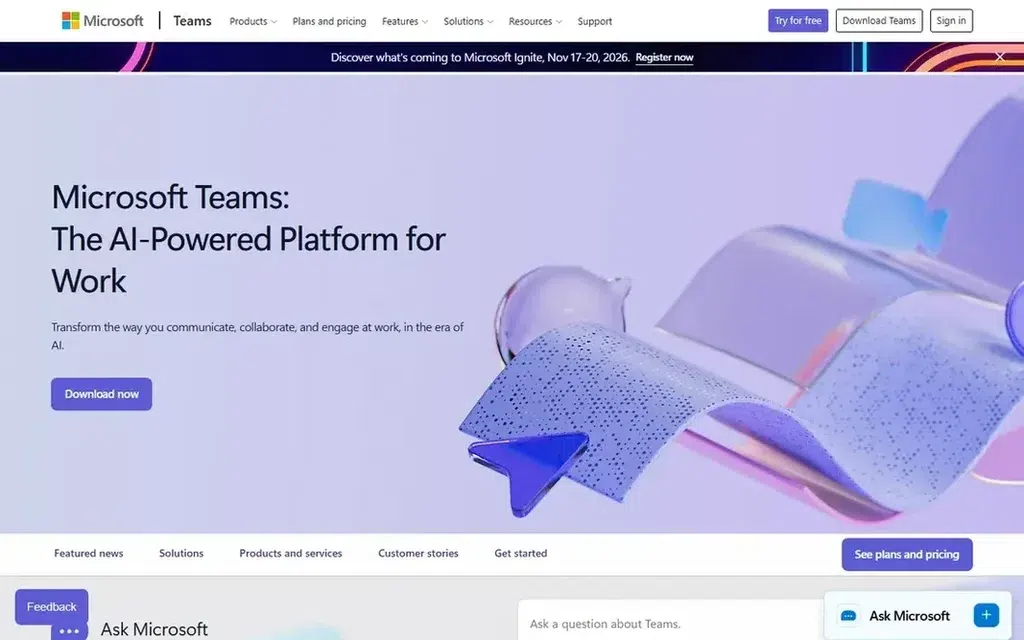
Microsoft Teams serves Microsoft 365 integration and team collaboration. Remote teams can connect naturally, stay organized, and bring ideas to life without switching between several applications. Teams may be overwhelming for small teams or those not invested in the Microsoft ecosystem.
Its feature richness can result in a steeper ramp-up time. Also, Microsoft Teams is a collaboration hub that brings together chat, meetings, calling, and files in one place. It is built for organizations that use Microsoft 365, as it integrates deeply with Office apps and SharePoint. Microsoft Teams shows no starting price here, so confirm the cost on the vendor site. Free options: Not stated.
Where it is weaker: Can be resource-intensive.
- Natural connection and organization
- Centralized files and tools
- Interface may feel complicated for new users
Asana is aimed squarely at project and work management. Choose Asana when project visibility and workflow automation are top priorities.
Limits to weigh: May need training for advanced features.
In daily use, Asana is work management software aimed at teams and AI agents to plan, automate, and execute critical workflows together. What you pay to start with Asana: $10.99 per user per month. Asana includes a free tier.
- Supports human and AI agent collaboration
- Clear task and project tracking
- Restricted native chat and video
How these tools were picked
Selection started from tools commonly considered for software for working remotely, then narrowed to 6 that have clear pricing information or a clear quote process. Treat prices as a snapshot: vendors change plans often, so check the vendor site for the figure that applies today. The order reflects how well each tool fits the most common buying scenario for software for working remotely, then price clarity, then free plan access. It is a starting point, not a verdict.
A buyer's checklist
- Confirm the entry price on the vendor page. For Google Workspace, Zoom Workplace and Microsoft Teams that means a quote rather than a fixed price.
- Look at free plan limits closely: Slack, Notion and Asana have one, and the caps decide whether it is usable for real work.
- Before choosing Slack, weigh its main limit: can become noisy with numerous channels.
- Confirm you can export your data from Microsoft Teams, so leaving later does not mean losing records.
- Total up the real monthly cost of Zoom Workplace, including add-ons, extra users and usage-based fees.
FAQ
How are the tools for software for working remotely ordered?
The order follows typical fit for software for working remotely, with Slack first and Asana last, then price clarity and free access. It is editorial judgement, not a score, so another team could rank the tools differently.
Can I use Google Workspace for remote work?
Yes, Google Workspace comes with Gmail, Meet, Docs, and Drive, which are well-suited for remote collaboration. Even so, it may lack advanced project management features, so you might pair it with a dedicated tool like Asana.
Do these tools publish their prices?
Not all of them. Google Workspace, Zoom Workplace and Microsoft Teams publish no starting price, so expect a quote request for those. The rest, Slack included, show a starting price, though seats and billing terms still change the final cost.
What is the best software for remote team communication?
Slack comes first here and is built for AI-powered chat and workflow automation. Buyers with other needs may prefer Google Workspace (for integrated productivity and collaboration suite) or Zoom Workplace (for all-in-one video meetings and collaboration). Compare costs and limits first.
Can I try these tools before paying?
Often, yes. Slack, Notion and Asana have a free plan. Use your own data and a real task during the test, and check what the free tier or trial limits before you rely on it.
Which options for software for working remotely have a free plan?
Slack, Notion and Asana offer a free plan in this list. Free plans usually cap users, projects or features, so check the limits on the vendor page.
Sources
- https://slack.com
- https://workspace.google.com
- https://www.zoom.com
- https://www.notion.com
- https://www.microsoft.com/en-us/microsoft-teams/group-chat-software
- https://asana.com