Top 5 Software for Video Editing and Streaming for 2026 (Prices and Free Plans)
Best software for video editing and streaming in 2026: 5 tools with starting prices, free plans and limits. Short, factual notes on every option. Numbers first.
- Editor's choice
 OBS Studio
Free recording and live streaming
Starts atSee websiteVisit obsproject.comFull review - Great alternative
 Wirecast
Cross-platform live streaming and guests
Starts at$34 per monthVisit telestream.netFull review - Also consider
 Adobe After Effects
Motion graphics and visual effects
Starts atSee websiteVisit adobe.comFull review
Direct answer
Start with OBS Studio if you need free recording and live streaming. Listed starting prices: Wirecast from $34 per month. Wirecast is better for cross-platform live streaming and guests, and Adobe After Effects is better for motion graphics and visual effects. The full list of 5 tools follows, with prices and free plan facts.
TL;DR:
- Number one here is OBS Studio, a fit for free recording and live streaming.
- The lowest published monthly entry price here is $34 per month, from Wirecast.
- Adobe Premiere Pro suits professional editing and postproduction.
- OBS Studio, Adobe Premiere Pro and the 3 others all need a premium plan or a trial, since no free plan is listed.
- The main caution on Adobe After Effects: not designed for cutting long footage.
Last checked November 2026. Prices and plan details were read from the vendors' own pages in November 2026; vendors change plans often, so confirm the current price on the vendor site before you buy.
Quick comparison
| Tool | Best for | Starts at | Free plan? | |
|---|---|---|---|---|
| OBS Studio | Free recording and live streaming | See website | Not stated | Visit |
| Wirecast | Cross-platform live streaming and guests | $34 per month | Free trial | Visit |
| Adobe After Effects | Motion graphics and visual effects | See website | Not stated | Visit |
 DaVinci Resolve | Editing, color and audio in one app | See website | Not stated | Visit |
 Adobe Premiere Pro | Professional editing and postproduction | See website | Not stated | Visit |
Software for Video Editing and Streaming, one by one
If you are comparing software for video editing and streaming, this page covers 5 tools in one place: what each is best for, what it costs to start, whether it has a free plan, and the main limit to know about.
OBS Studio is built with free recording and live streaming in mind. The project documents streaming to Twitch, YouTube and plenty of other providers, plus recording your own videos with high quality H264 and AAC encoding.
What works well: Free and open source.
Trade-offs to know: Setup needs some technical comfort.
No starting price is listed for OBS Studio here; confirm pricing on the vendor site. As for free access: Not stated.
- Streams to Twitch
- High quality H264 and AAC encoding
- Not a full video editing suite
Wirecast is built with cross-platform live streaming and guests in mind. Like other live production tools, it manages live output instead of in-depth editing, so recorded material still needs an editor.
Beyond that, Wirecast from Telestream is live video streaming and broadcast software for Mac and Windows. From a buyer's view, the vendor documents switching cameras, adding remote guests and multistreaming to systems. What you pay to start with Wirecast: $34 per month. Trial and free access: Free trial.
Where it falls short: Feature depth takes time to learn.
- Switch cameras and add remote guests
- Runs on Mac and Windows
- Live broadcast focus, not editing
Adobe After Effects was built for motion graphics and visual effects. If your work is largely editing and finishing, Premiere Pro or DaVinci Resolve are the better starting points.
Adobe After Effects does not show a starting price in this comparison, so check the vendor site for current pricing. On free options: Not stated.
Watch-outs: Subscription-based access.
- Motion graphics for film, TV
- Complements editing workflows
- Not designed for cutting long footage
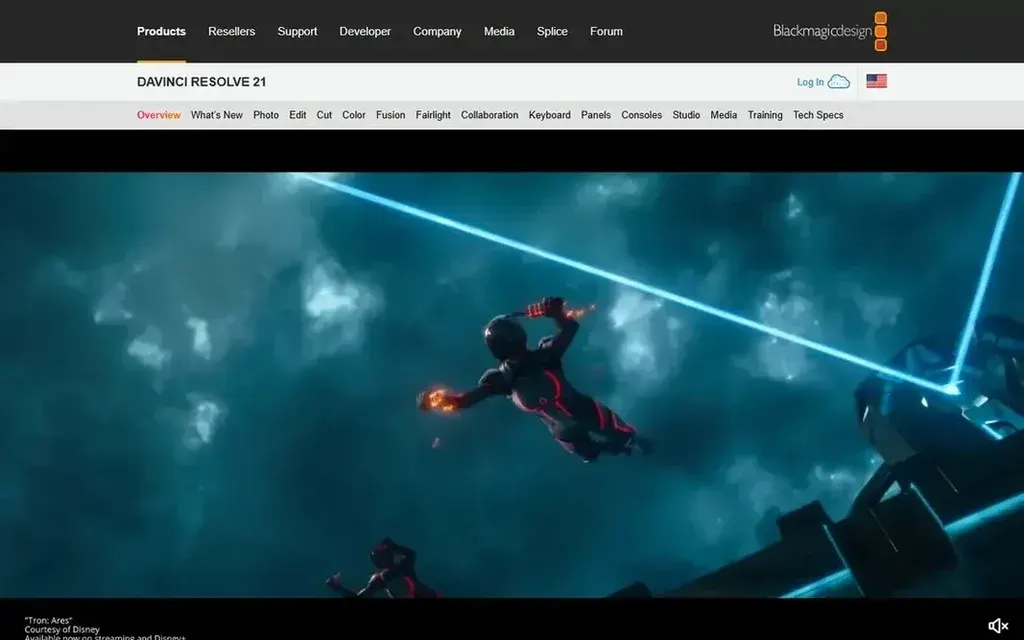
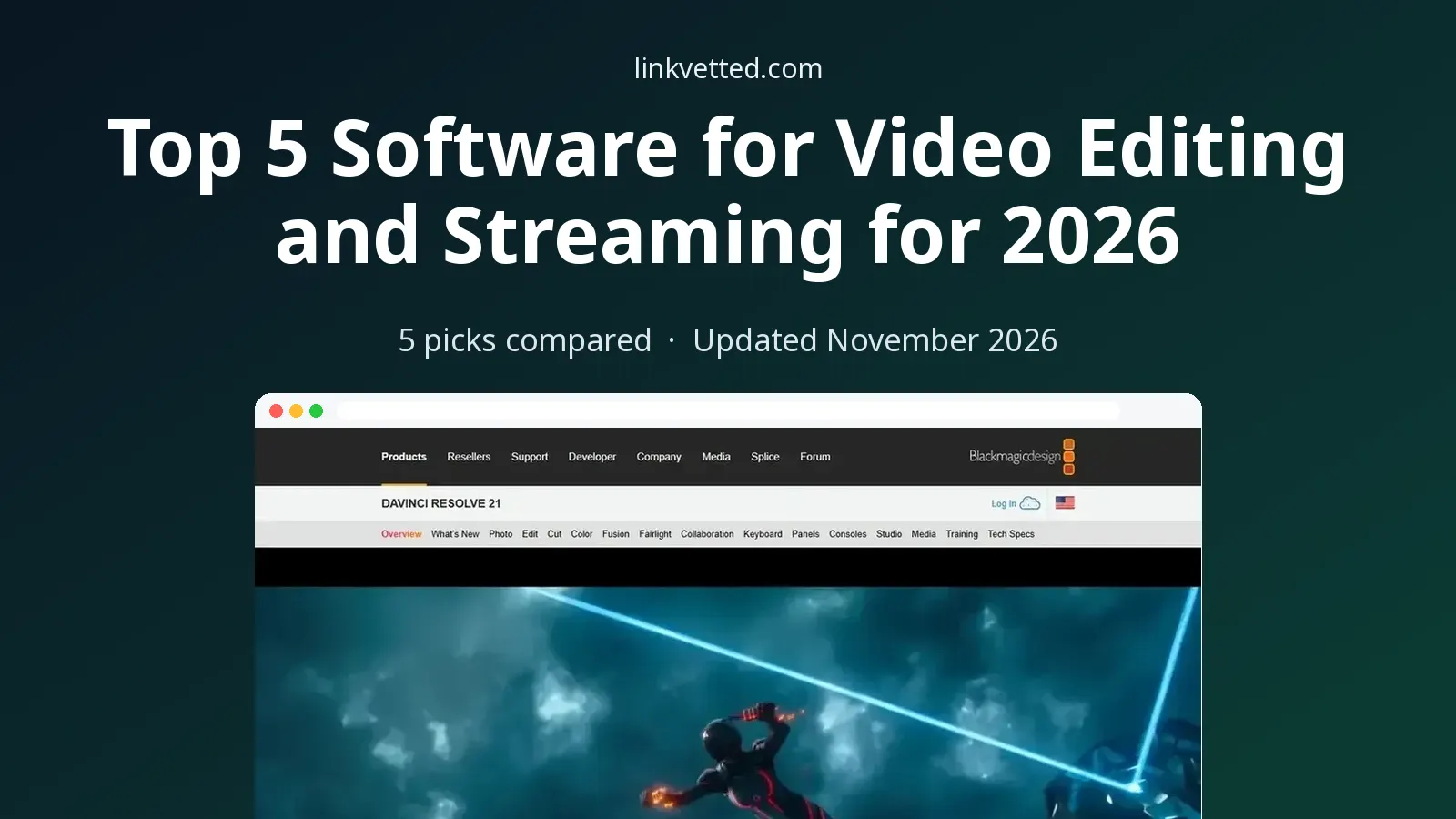
DaVinci Resolve works best for editing, color and audio in one app. DaVinci Resolve from Blackmagic Design brings professional video editing, color correction, visual effects and audio post production into a single application.
Strengths: Available for Mac.
This comparison lists no price for DaVinci Resolve; ask the vendor. Free options: Not stated.
Points against: Deep feature set takes time to learn.
- Audio post production included
- Windows and Linux
- Heavier hardware demands for complicated work
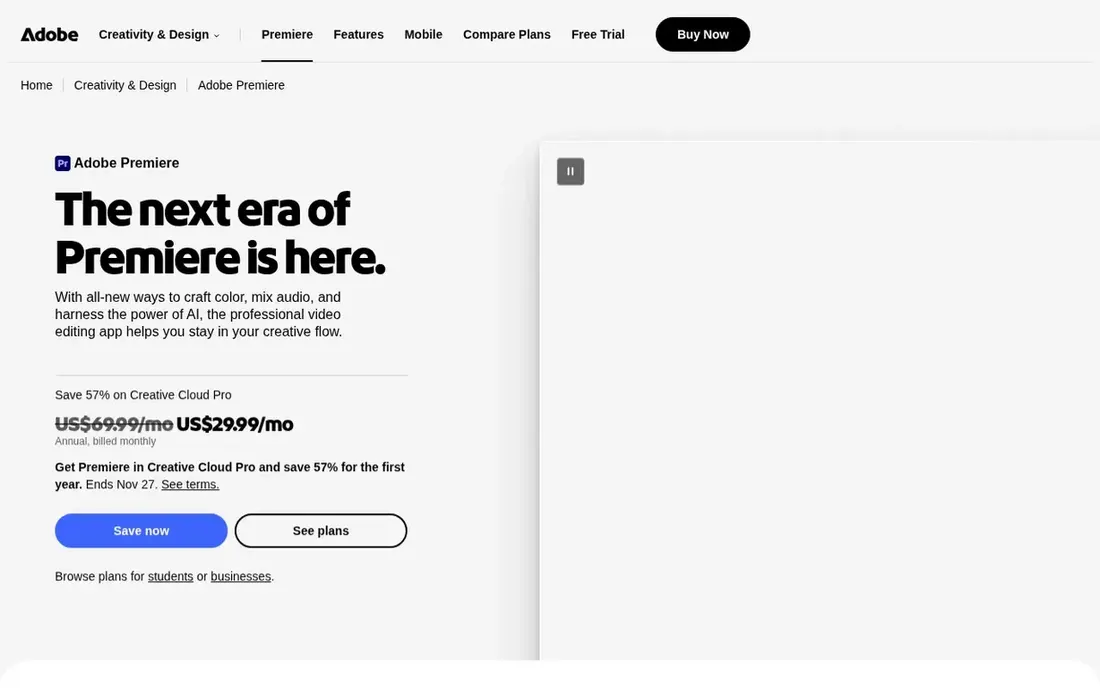
For professional editing and postproduction, Adobe Premiere Pro is a natural candidate. It suits editors who want a single application for assembling and finishing footage, and it fits teams already working inside Adobe's broader creative ecosystem.
Strengths: Editing.
Watch-outs: Subscription-based access.
Also, if you primarily need color grading and finishing in one place, DaVinci Resolve is the closer match. This comparison lists no price for Adobe Premiere Pro; ask the vendor. Free access: Not stated.
- TV and web workflows
- Trimming and effects in one application
- Demanding on hardware
How these tools were picked
Things to verify first
- Ask OBS Studio, Adobe After Effects, DaVinci Resolve and Adobe Premiere Pro for a written quote, since no starting price is shown.
- Use real work to test the free trial from Wirecast, rather than a demo project.
- Before choosing OBS Studio, weigh its main limit: setup needs some technical comfort.
- Look at the renewal terms for Adobe Premiere Pro: auto-renewal, notice periods and price changes can matter more than the first-year price.
- Ask DaVinci Resolve how an export works before you move any records in; an easy exit lowers the risk.
FAQ
Do these tools publish their prices?
Not all of them. OBS Studio, Adobe After Effects, DaVinci Resolve and Adobe Premiere Pro publish no starting price, so expect a quote request for those. The rest, Wirecast included, show a starting price, though seats and billing terms still change the final cost.
What is the cheapest option for software for video editing and streaming in this list?
On published monthly entry prices, Wirecast is the lowest here at $34 per month. Entry price is only part of the cost, because seats, add-ons and billing terms can change the total.
Does any tool for software for video editing and streaming here have a free plan?
A permanent free plan is not offered by OBS Studio, Adobe Premiere Pro or the other tools here. Wirecast offer a trial. Plan a short evaluation period instead.
Can I try these tools before paying?
Often, yes. Wirecast offers a free trial. Use your own data and a real task during the test, and check what the free tier or trial limits before you rely on it.
Sources
- https://obsproject.com
- https://www.telestream.net/wirecast
- https://www.adobe.com/products/aftereffects.html
- https://www.blackmagicdesign.com/products/davinciresolve
- https://www.adobe.com/products/premiere.html