Best Software for Training Videos Feedback (2026): 5 Picks Checked on Vendor Pages
Searching for the best software for training videos feedback? Here are 5 options with prices and free plans. Each pick comes with its main catch. No filler.
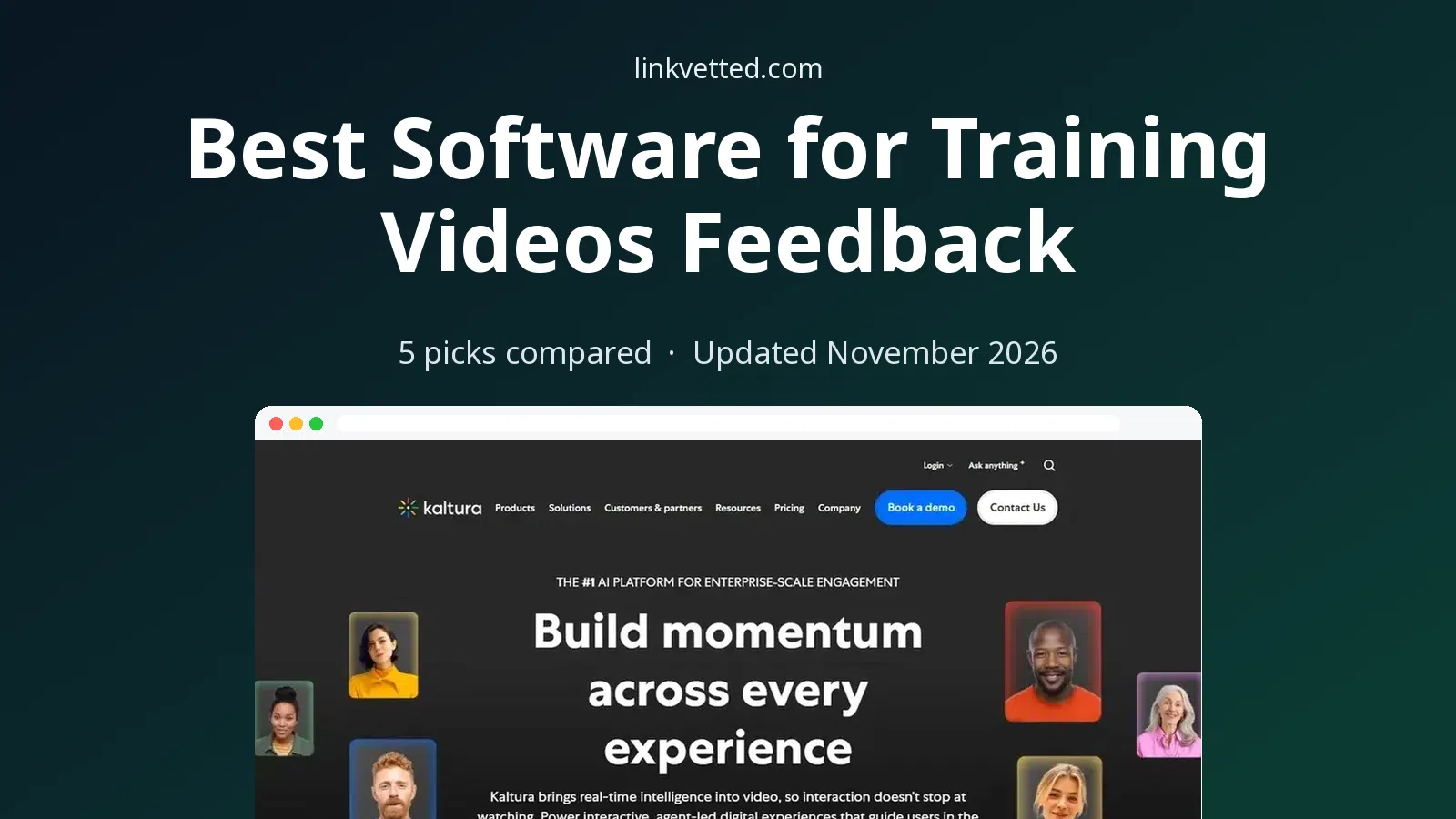
- Editor's choiceKaltura Video Platform
Enterprise video management and feedback
Starts atSee websiteVisit corp.kaltura.comFull review - Great alternative
 Panopto
Structured training and lecture capture
Starts atSee websiteVisit panopto.comFull review - Also consider
 ScreenPal
Fast screen recording and sharing
Starts atSee websiteVisit screenpal.comFull review
Direct answer
For enterprise video management and feedback, Kaltura Video Platform is where this list starts. Listed starting prices: Articulate Review from $1,749 per seat per year. For a different need, Panopto covers structured training and lecture capture and ScreenPal covers quick screen recording and sharing. Details, prices and limits for the rest of the 5 tools are below.
TL;DR:
- The list opens with Kaltura Video Platform, aimed at enterprise video management and feedback.
- Before buying Panopto, weigh this: may be complicated for straightforward feedback.
- For collaborative feedback on e-learning, Articulate Review is worth a look.
- Vimeo is the only tool of the 5 with a free plan.
Last checked November 2026. Prices and plan details were read from the vendors' own pages in November 2026; vendors change plans often, so confirm the current price on the vendor site before you buy.
Quick comparison
| Tool | Best for | Starts at | Free plan? | |
|---|---|---|---|---|
| Kaltura Video Platform | Enterprise video management and feedback | See website | Free trial | Visit |
| Panopto | Structured training and lecture capture | See website | Free trial | Visit |
| ScreenPal | Fast screen recording and sharing | See website | Not stated | Visit |
 Vimeo | Hosting and reviewing training videos | See website | Yes | Visit |
| Articulate Review | Collaborative feedback on e-learning | $1,749 per seat per year | Free trial | Visit |
Software for Training Videos Feedback, one by one
LinkVetted put together this guide to software for training videos feedback for readers who want a clear shortlist without reading every vendor page. It compares 5 tools on starting price, free plans, who each one suits and where each one falls short.
Kaltura Video Platform
Best for: Enterprise video management and feedback

Think of Kaltura Video Platform for enterprise video management and feedback. It can deal with broad video libraries and plug into learning systems.
Kaltura's wide capabilities may need technical resources to implement and use effectively. This comparison lists no price for Kaltura Video Platform; ask the vendor. Free options: Free trial.
The main drawbacks: Setup may require technical support.
- Full video system
- Scalable for organizations
- Feature set can be overwhelming
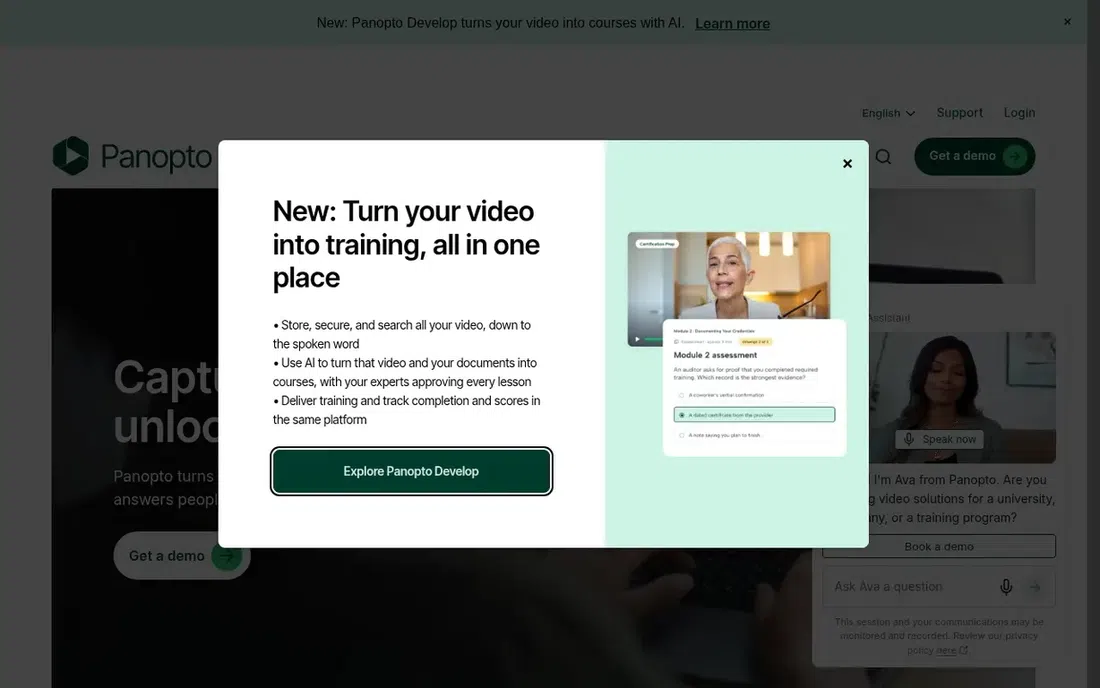
Choose Panopto for structured training and lecture capture. Panopto is a video knowledge system aimed at training, onboarding, and lecture capture. More specifically, smaller teams might prefer more straightforward tools for feedback.
Limits to weigh: May be complicated for straightforward feedback.
Panopto's thorough features may be more than needed for entry-level feedback on training videos. It is geared toward knowledge management instead of fast review cycles. No starting price is listed for Panopto here; confirm pricing on the vendor site. Free access: Free trial.
- Supports training and onboarding
- Integrated recording
- Concentrated on knowledge sharing
ScreenPal is aimed squarely at fast screen recording and sharing. The platform emphasizes simplicity and accessibility. On top of that, ScreenPal's editing and feedback capabilities are more entry-level compared with dedicated review products.
Trade-offs to know: Feedback tools are restricted.
It does well for short recordings but may not deal with complicated training productions. More specifically, ScreenPal offers easy-to-learn tools for screen recording and video editing, making it simple to capture and share training videos for feedback. ScreenPal shows no starting price here, so confirm the cost on the vendor site. On free options: Not stated.
- Supports visual communication
- Easy-to-learn recording and editing
- Entry-level editing features
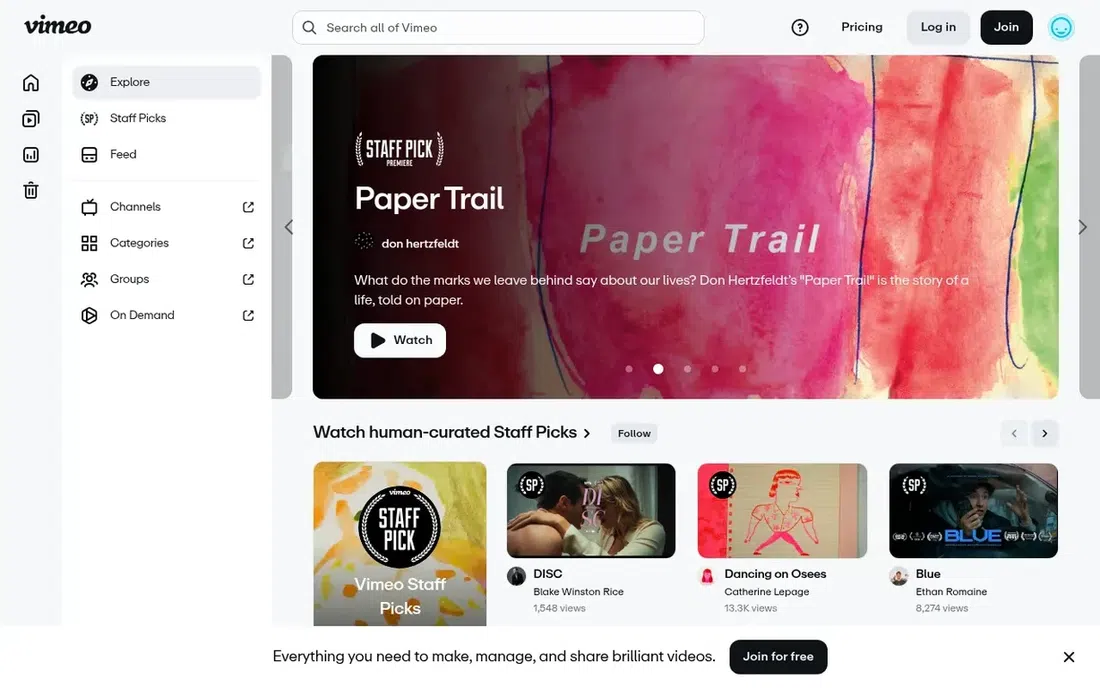
Choose Vimeo for hosting and reviewing training videos. Organizations that require a central place to collect input on training content may find it handy. Vimeo is a video system that permits teams to host, share, and review training videos.
What to check first: Restricted built-in editing.
It supports feedback through comments and annotations, making it a good match for collaborative review processes. Worth adding: Vimeo centres on hosting and review instead of advanced editing or screen recording. Vimeo shows no starting price here, so confirm the cost on the vendor site. You can start on Vimeo without paying.
- Supports feedback and collaboration
- High-definition streaming
- Feedback features may need specific settings
Articulate Review
Best for: Collaborative feedback on e-learning
For collaborative feedback on e-learning, Articulate Review is a natural candidate. Organizations not using Articulate might find other tools more suitable. Beyond that, Articulate Review is most effective when used within its ecosystem, so standalone use may be restricted.
It is centred on e-learning review instead of general video feedback. It lets stakeholders to comment and track changes, which can be valuable for training video review. On cost, Articulate Review starts like this: $1,749 per seat per year. Free options: Free trial.
Downsides: Restricted standalone use.
- Commenting and tracking
- Simplified review process
- Tied to Articulate ecosystem
Selection criteria
We compared the tools on published pricing, free plan or trial availability, feature coverage for software for training videos feedback, and the limits each vendor documents. Prices and plan limits come from vendor pages and can change, so confirm them on the vendor site before you buy. The sequence is a judgement call: typical use case first, then pricing transparency, then free access. Use the profiles to check fit.
Pre-purchase checklist
- Get a written quote from Kaltura Video Platform, Panopto, ScreenPal and Vimeo; the list shows no starting price for them.
- Test the free plan from Vimeo against your real workload before relying on it.
- Run a trial of Kaltura Video Platform, Panopto and Articulate Review with real work before paying for a year; your own workflow is the best test.
- Before choosing Kaltura Video Platform, weigh its main limit: setup may need technical support.
- Pick one real project and run it in Vimeo first; a small pilot shows fit faster than a checklist.
- Find out whether the entry plan of Kaltura Video Platform covers your must-haves or only a trimmed-down version.
FAQ
How do I choose between a video product and a learning product for feedback?
Video products like Vimeo focus on hosting and review, whereas learning systems like Panopto offer structured training and searchable content. Choose based on whether you need general video feedback or integrated learning management.
How are the tools for software for training videos feedback ordered?
Kaltura Video Platform sits first and Articulate Review last because the order follows typical fit for software for training videos feedback, then price clarity and free access. It is a judgement call, so read each profile for fit and limits.
Do these tools publish their prices?
Not all of them. Kaltura Video Platform, Panopto, ScreenPal and Vimeo publish no starting price, so expect a quote request for those. The rest, Articulate Review included, show a starting price, though seats and billing terms still change the final cost.
What features should I look for in training video feedback software?
Look for tools that offer commenting, annotation, and version tracking. Integration with video hosting and editing tools is also important. Consider whether the feedback is for internal review or learner interaction.
Can I try these tools before paying?
Often, yes. Vimeo has a free plan and Kaltura Video Platform, Panopto and Articulate Review offer a free trial. Use your own data and a real task during the test, and check what the free tier or trial limits before you rely on it.
Is screen recording software enough for training video feedback?
Screen recording tools like ScreenPal are well suited to creating fast videos and sharing for feedback, but they may have restricted review features. From a buyer's view, for in-depth feedback workflows, consider pairing with a dedicated review tool.
Sources
- https://corp.kaltura.com
- https://www.panopto.com
- https://screenpal.com
- https://vimeo.com
- https://articulate.com