Best Software for Profit and Loss Statement in 2026: 6 Tools Compared
Best software for profit and loss statement in 2026: 6 tools with starting prices, free plans and limits. Each pick comes with its main catch. Choose faster.
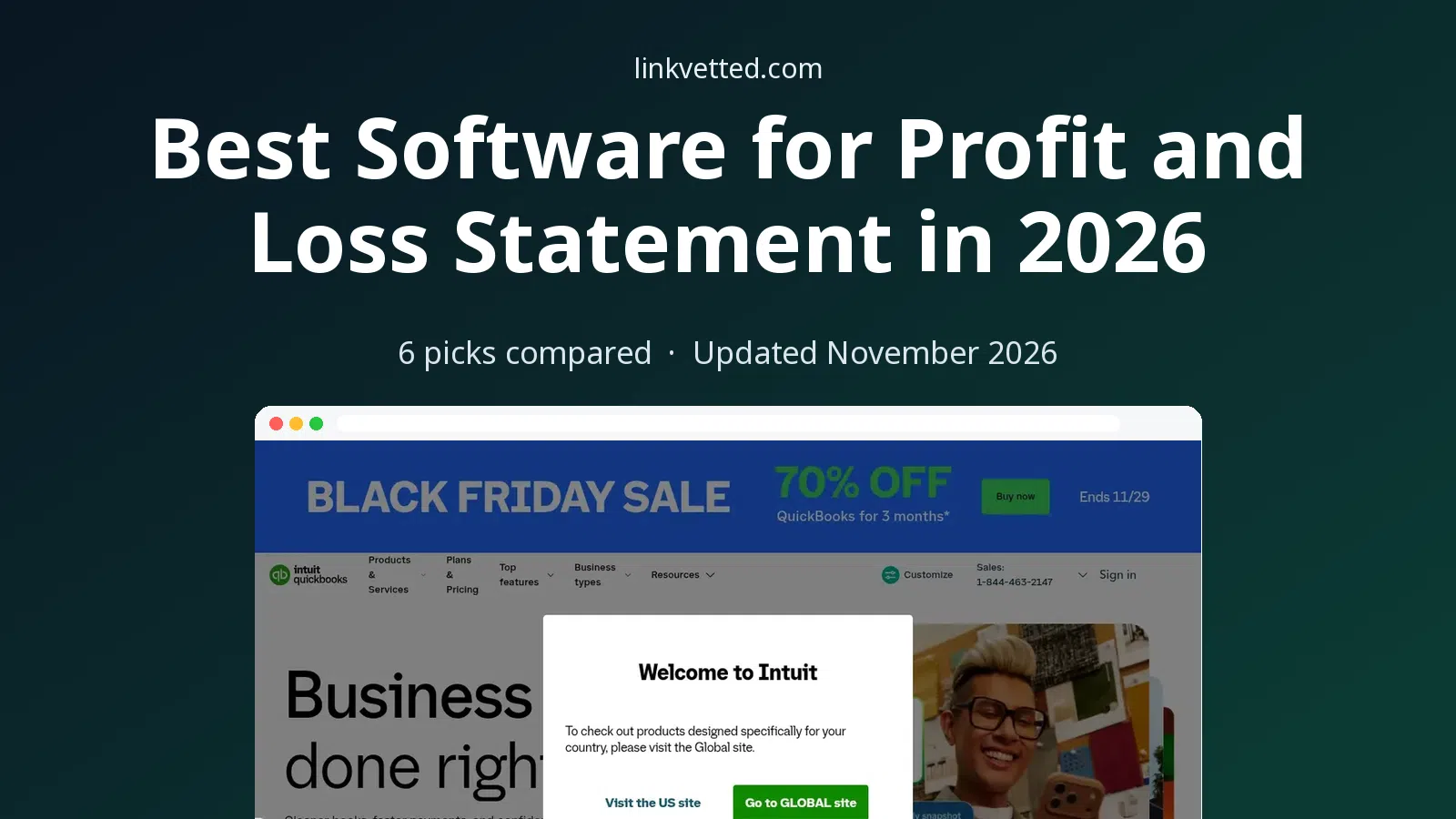
- Editor's choice
 NetSuite
Expanding firms needing ERP-level financials
Starts atSee websiteVisit netsuite.comFull review - Great alternative
 Wave
Very small firms needing straightforward accounting
Starts at$19 per monthVisit waveapps.comFull review - Also consider
 QuickBooks Online
Small companies needing familiar P&L reporting
Starts at$11.40 a monthVisit quickbooks.intuit.comFull review
Direct answer
If you need expanding firms needing ERP-level financials, NetSuite is the first tool to look at here. Listed starting prices: Wave from $19 per month, QuickBooks Online from $11.40 a month and Xero from $7 per month. If your case is different, Wave suits very small companies needing straightforward accounting and QuickBooks Online suits small companies needing familiar P&L reporting. The full list of 6 tools follows, with prices and free plan facts.
TL;DR:
- The list opens with NetSuite, aimed at expanding businesses needing ERP-level financials.
- Only Wave offers a free plan among these 6 tools.
- Xero has the lowest monthly starting price in this list: $7 per month.
- One limit worth knowing about Wave: limited advanced reporting features.
Last checked November 2026. Prices and plan details were read from the vendors' own pages in November 2026; vendors change plans often, so confirm the current price on the vendor site before you buy.
Quick comparison
| Tool | Best for | Starts at | Free plan? | |
|---|---|---|---|---|
| NetSuite | Expanding firms needing ERP-level financials | See website | Not stated | Visit |
| Wave | Very small firms needing straightforward accounting | $19 per month | Yes | Visit |
| QuickBooks Online | Small companies needing familiar P&L reporting | $11.40 a month | Free trial | Visit |
 Acumatica | Cloud ERP with live business visibility | See website | Not stated | Visit |
 Xero | Bank-connected bookkeeping and accountant collaboration | $7 per month | Free trial | Visit |
 FreshBooks | Service companies concentrated on invoicing and expenses | $23.00 per month | Free trial | Visit |
The full software for profit and loss statement list
Short on time? The summary and table above give the quick view of 6 tools for software for profit and loss statement, and the profiles that follow give the detail behind each entry.
NetSuite serves expanding businesses needing ERP-level financials. NetSuite is a cloud ERP system that merges financials, CRM, accounting, inventory management, and more, with built-in AI.
Worth adding: NetSuite can be more complicated and expensive to implement than small business accounting tools, and very small firms may find it excessive. No starting price is listed for NetSuite here; confirm pricing on the vendor site. Free options: Not stated.
What to check first: Implementation can be involved.
- Scales with complicated operations
- Merges financials, CRM, inventory
- May be more than small businesses need
Wave was built for very small companies needing straightforward accounting. Wave is small business software that centres on creating invoices, accepting online payments, and making accounting simple through a suite of money management tools.
Those businesses frequently consider QuickBooks Online, Xero, or ERP platforms. What you pay to start with Wave: $19 per month. Wave has a free plan.
Downsides: May not scale to complicated operations.
- Straightforward money management tools
- Approachable for solo owners
- Restricted advanced reporting features
QuickBooks Online
Best for: Small companies needing familiar P&L reporting

QuickBooks Online works best for small firms needing familiar P&L reporting. QuickBooks Online is a cloud accounting platform made for small and midsize companies.
Watch-outs: Complicated multi-entity needs may outgrow it.
Choose QuickBooks Online when you want a proven small business accounting tool with clear P&L reporting. More specifically, firms with international consolidation needs or advanced inventory requirements frequently look at ERP systems instead. Entry price for QuickBooks Online: $11.40 per month. Free access: Free trial.
- Simple setup and bank connections
- Widely used small business accounting
- Advanced features may need higher levels
Where Acumatica fits: cloud ERP with live business visibility. Acumatica is a cloud ERP business management system that supplies cloud and mobile technology with a customer-centric licensing model.
It aims to provide a complete, live view of the business, which supports financial reporting like profit and loss statements. From a buyer's view, Acumatica is an ERP system, so implementation and configuration take more effort than straightforward accounting software. This comparison lists no price for Acumatica; ask the vendor. Free plan details: Not stated.
Where it falls short: ERP setup needs planning.
- Live view of business
- Customer-centric licensing model
- May be heavy for very small companies

Xero targets bank-connected bookkeeping and accountant collaboration. Xero is cloud accounting software for small companies that emphasizes connections to banks, accountants, bookkeepers, and other business apps. It supports core bookkeeping and financial reporting, including profit and loss statements, and is commonly chosen by firms that want a connected ecosystem.
Also, Xero may not be the best fit for organizations needing deep ERP functions like complicated inventory or multi-entity consolidation. Also, firms with those needs commonly consider NetSuite or Acumatica. Starting cost for Xero: $7 per month. Free access: Free trial.
Watch-outs: May not suit large enterprise consolidation.
- Collaborative accountant access
- Capable bank and app connections
- Some advanced features are extras
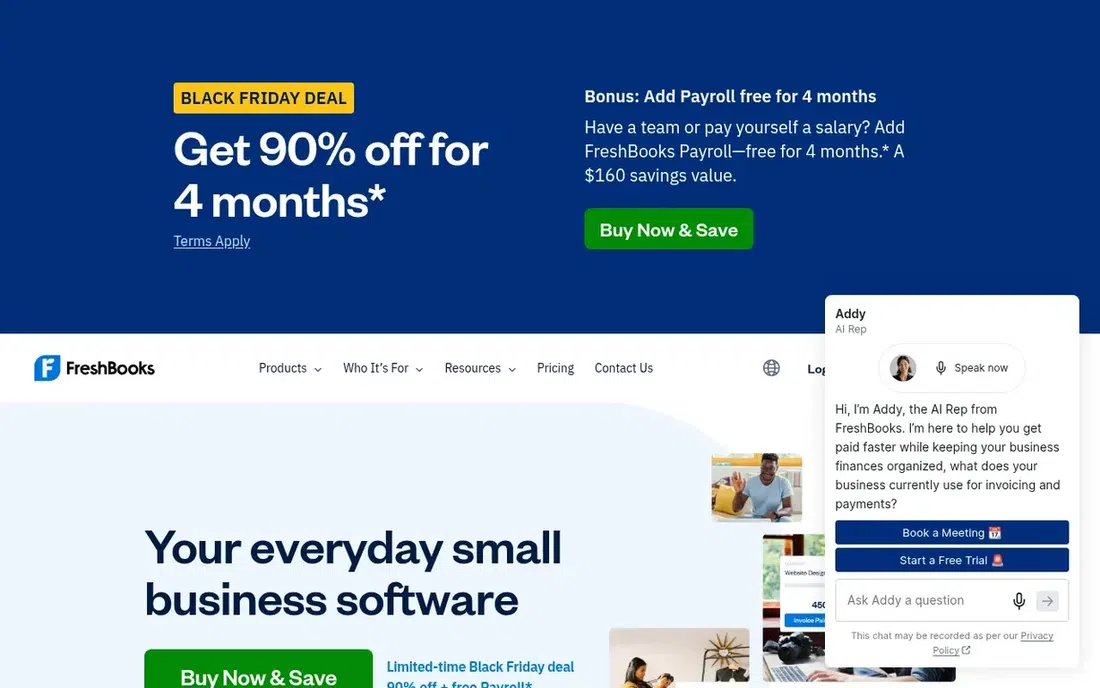
Think of FreshBooks for service companies centred on invoicing and expenses. FreshBooks is invoice and accounting software geared toward small firms, particularly service-oriented businesses. It manages invoicing, time tracking, receipts, expenses, and card payments, and it supplies financial reporting that contains profit and loss statements.
In practice, FreshBooks is less suited to firms with complicated inventory, multi-entity accounting, or advanced ERP requirements. Expanding firms with those needs frequently move to products like NetSuite or Acumatica. On cost, FreshBooks starts like this: $23.00 per month. Free options: Free trial.
Honest limits: Restricted for complicated inventory or ERP needs.
- Straightforward reporting
- Straightforward invoicing and expense tracking
- May suit smaller teams best
Selection criteria
We compared the tools on published pricing, free plan or trial availability, feature coverage for software for profit and loss statement, and the limits each vendor documents. Treat prices as a snapshot: vendors change plans often, so check the vendor site for the figure that applies today. Position on the page reflects fit for a typical buyer first, with price clarity and free access breaking ties. Treat it as a guide, not a ruling.
A buyer's checklist
- Get a written quote from NetSuite and Acumatica; the list shows no starting price for them.
- Test the free plan from Wave against your real workload before relying on it.
- Run a trial of QuickBooks Online, Xero and FreshBooks with real work before paying for a year; your own workflow is the best test.
- Read the limits listed for NetSuite first: implementation can be involved.
- Make sure QuickBooks Online lets you export your data in a format another tool can read.
- Test the integrations you rely on with Acumatica before committing; some connectors sit on upper tiers.
FAQ
How do cloud accounting tools help with profit and loss accuracy?
Cloud tools link to bank feeds and centralize transactions, which cuts manual entry and helps keep income and expense categories consistent. Numerous also support accountant collaboration and regular reconciliation.
Is NetSuite the right pick for everyone comparing software for profit and loss statement?
No single tool suits every team. NetSuite comes first because it fits growing companies needing ERP-level financials, while Wave suits very small businesses needing simple accounting and QuickBooks Online suits small businesses needing familiar P&L reporting. Match the tool to your own size, budget and workflow before deciding.
What should I look for in software for profit and loss statements?
Focus on accurate financial reporting, ease of categorizing income and expenses, and the capacity to export or share P&L reports. Also consider bank connections, accountant collaboration, and whether the tool scales with your business.
Can I try these tools before paying?
Often, yes. Wave has a free plan and QuickBooks Online, Xero and FreshBooks offer a free trial. Use your own data and a real task during the test, and check what the free tier or trial limits before you rely on it.
When should I move from small business accounting to an ERP for P&L reporting?
Consider an ERP when you need multi-entity consolidation, advanced inventory accounting, or integrated operations and financials across departments. Small firms with straightforward reporting typically find dedicated accounting software sufficient.
How are the tools for software for profit and loss statement ordered?
NetSuite sits first and FreshBooks last because the order follows typical fit for software for profit and loss statement, then price clarity and free access. It is a judgement call, so read each profile for fit and limits.
Sources
- https://www.netsuite.com
- https://www.waveapps.com
- https://quickbooks.intuit.com
- https://www.acumatica.com
- https://www.xero.com
- https://www.freshbooks.com